This site uses cookies to enhance your user experience. By clicking any link on this site you are giving your consent to our cookie policy. Read more
Reject
Accept All

Advertiser and Editorial Disclosures

OBD Fusion (Car Diagnostics)

OBD Fusion (Car Diagnostics)

verified Verified App

Developer: OCTech, LLC

  • category

    Category: Communication

  • price

    Price: $5.99

  • age rating

    Age Rating: Everyone

  • rating

    Rating: 4.7

  • download

    Downloads: 100,000+

  • version

    Version: 6.14.0

Screenshot 1
Screenshot 2
Screenshot 3
Screenshot 4
Screenshot 5
Screenshot 6
Screenshot 7
Screenshot 8
Screenshot 9
Screenshot 10
Screenshot 11
Screenshot 12
Screenshot 13
Screenshot 14
Screenshot 15
Screenshot 16
Screenshot 17
Screenshot 18
Screenshot 19
Screenshot 20
Screenshot 21
Screenshot 22
Screenshot 23
Screenshot 24

Features & Highlights

Comprehensive Diagnostic Scans

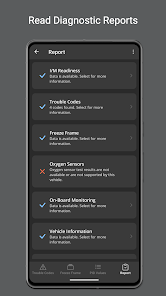
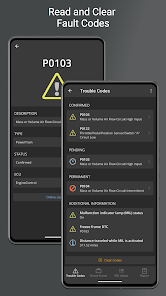
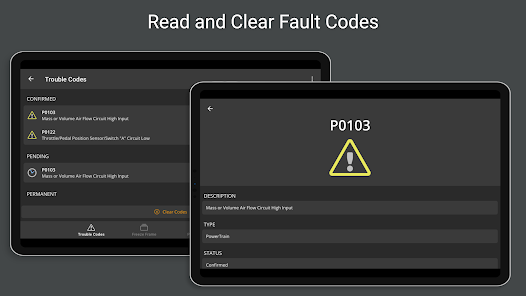
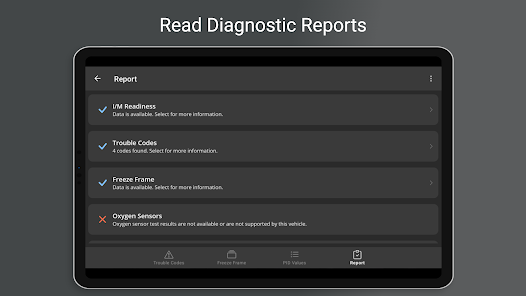
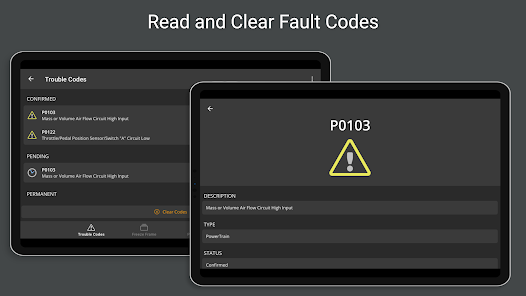
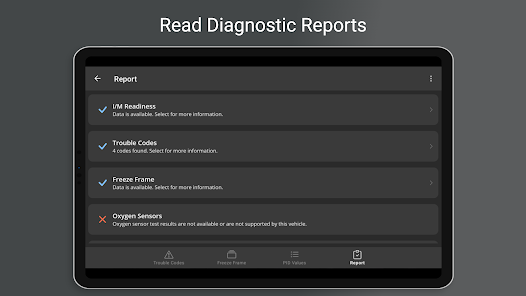
With OBD Fusion, users can perform full vehicle diagnostic scans to identify trouble codes and issues. The app decodes these codes in clear language, making it easier for users to understand what might be wrong and how urgent the repairs may be.

Customizable Dashboard

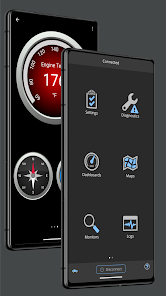
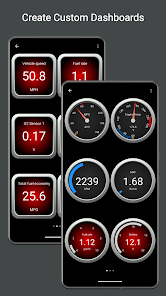
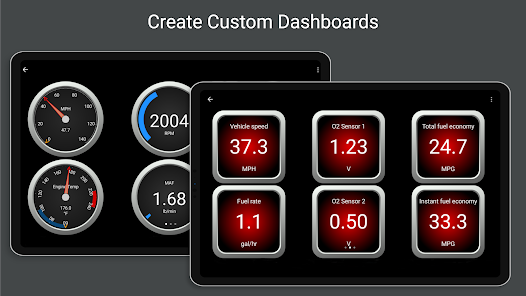
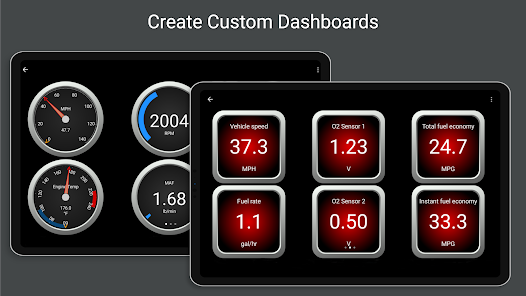
The app features a customizable dashboard that lets users arrange gauges and data displays according to their preferences. This personalization makes it easier to access the information that matters most, enhancing the overall user experience while driving or troubleshooting.

Historical Data Logging

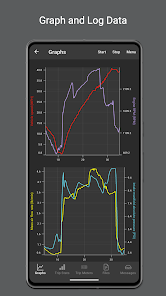
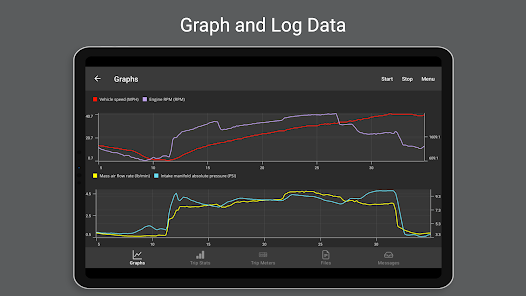
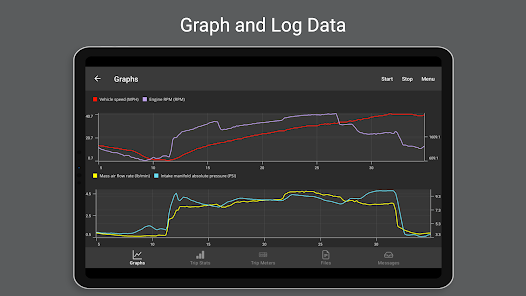
OBD Fusion offers a historical data logging feature that stores past performance metrics and diagnostic trouble codes. Users can review this data over time to identify trends, making it easier to spot recurring issues and maintain their vehicle's health more effectively.

Real-Time Data Monitoring

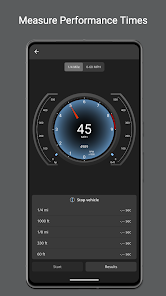
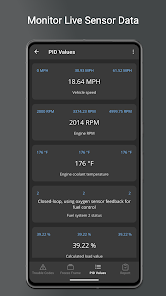
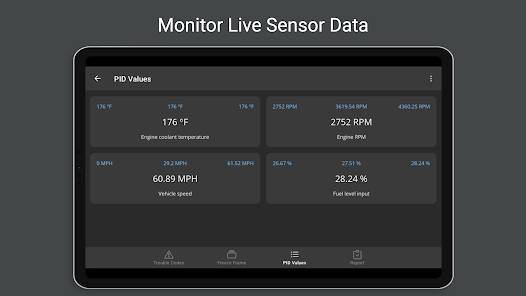
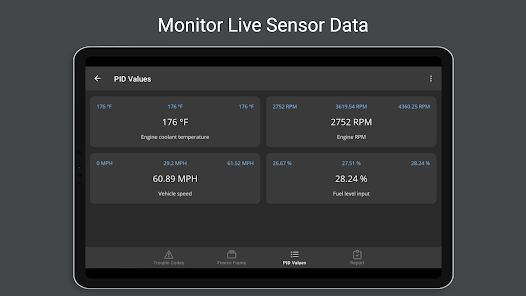
OBD Fusion allows users to monitor real-time data from their vehicle's engine and systems. This feature provides insights into parameters like speed, RPM, fuel consumption, and more, helping users stay informed about their car's performance and health while on the road.

Pros & Cons

Pros
  • Access real-time data from your vehicle's engine and systems.
  • Easily read and clear diagnostic trouble codes.
  • Monitor fuel efficiency and other performance metrics for better driving habits.
  • User-friendly interface makes diagnostics straightforward for everyone.
  • Compatible with a wide range of vehicles and OBD-II adapters.
Cons
  • Limited compatibility with some older vehicle models may restrict usage.
  • User interface can be complex for beginners, leading to confusion.
  • Frequent updates required for optimal performance may be inconvenient for users.

Real Experience Using OBD Fusion (Car Diagnostics)

Real Experience Application Scenarios

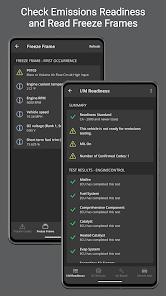
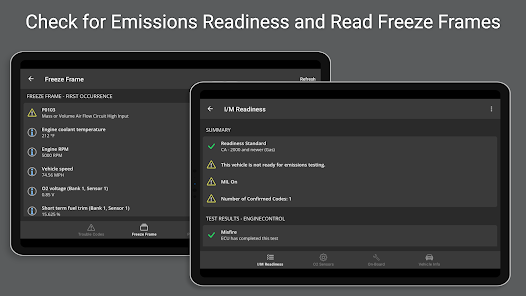
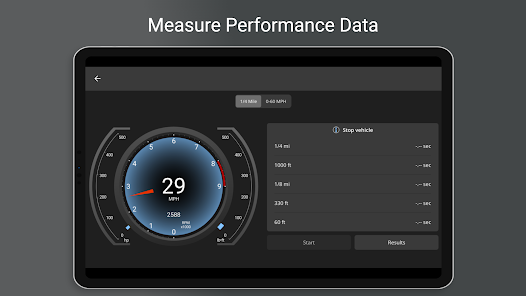
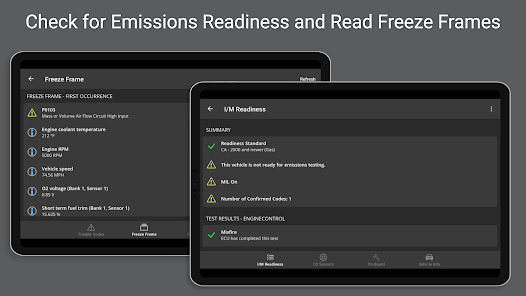
OBD Fusion is a versatile vehicle diagnostic tool used primarily for real-time engine monitoring and troubleshooting. In daily driving, users often utilize the app’s customizable dashboards to display critical data not found on standard instrument clusters, such as transmission temperature or precise fuel economy. For DIY mechanics, the application is indispensable for reading and clearing "Check Engine" lights, conducting emissions readiness tests before state inspections, and performing deep-system scans. It is also a popular companion for off-roading and overlanding enthusiasts who need to monitor vehicle health in remote environments where traditional mechanical support is unavailable.

User Experience

The app offers a professional-grade interface that prioritizes data density and customization. Users can create multiple dashboard layouts with various gauge styles, including digital readouts and analog dials, though newcomers may face a slight learning curve when configuring specific PIDs (Parameter IDs). The integration with Apple CarPlay and Android Auto is a standout feature, allowing users to view vital statistics directly on their vehicle's head unit. While the connection stability is generally excellent, the experience is highly dependent on the quality of the OBD-II hardware; high-end Bluetooth LE adapters provide seamless real-time graphing, whereas low-cost clones may occasionally result in slower refresh rates or data lag.

Pricing

OBD Fusion follows a premium purchase model rather than a recurring subscription, with the base app typically costing $12.99 on major app stores. While the initial purchase includes full access to standard OBD-II diagnostics and dashboard features, "Enhanced Diagnostics" for specific manufacturers like Ford, Toyota, or Mazda are available as one-time in-app purchases. These add-ons, ranging from $14.99 to $19.99 per vehicle manufacturer, unlock proprietary sensors and advanced modules such as ABS and Airbag systems. This modular pricing allows users to pay only for the deep-level data relevant to their specific vehicle fleet without ongoing monthly fees.

Updates & Support

OCTech maintains an aggressive update schedule, frequently adding support for the latest vehicle model years, including 2026 releases for major brands like Mazda and GM. Support is primarily handled via email and a comprehensive online knowledge base, with developers often responding directly to user reviews to troubleshoot connectivity issues. Recent technical updates have introduced support for state-defined PIDs and improved data logging export options, reflecting a commitment to evolving user needs. The developer consistently patches compatibility issues for new mobile operating systems, ensuring the software remains a reliable long-term tool for automotive maintenance.

verified Security & Privacy Review

The OBD Fusion app prioritizes user security and privacy, implementing several measures to ensure that personal and vehicle data is handled responsibly. The app requires minimal permissions, primarily accessing Bluetooth and location services to connect with OBD-II devices and enhance diagnostics. Users have control over the data shared, allowing them to manage what information is transmitted. Data collected through the app is primarily used for vehicle diagnostics and performance tracking, and the developers emphasize that no personal information is sold to third parties. The app employs encryption protocols to safeguard data during transmission, reducing the risk of unauthorized access. Moreover, OBD Fusion does not store sensitive user data on its servers, thereby minimizing exposure to potential breaches. However, users are advised to review the app’s privacy policy for detailed information on data handling practices and to ensure they are comfortable with the permissions requested. Overall, OBD Fusion demonstrates a commitment to protecting user privacy while providing reliable car diagnostic services.

Reviews

4.7

“User-friendly interface with great diagnostic features”

“Accurate readings and real-time data display”

“Excellent support for various car models”

“Affordable price for valuable functionality”

“Helps save on mechanic visits and repairs”

FAQ

1

Does OBD Fusion (Car Diagnostics) collect my personal data?

OBD Fusion prioritizes user privacy and does not collect personal data unless explicitly provided by the user for support or feedback purposes.

2

Does OBD Fusion (Car Diagnostics) offer a free trial or free version?

OBD Fusion does not offer a free version, but it typically provides a free trial period that allows users to explore the app's features before committing to a subscription.

3

Does OBD Fusion (Car Diagnostics) require an internet connection?

OBD Fusion does not require a constant internet connection to function; however, some features, like vehicle databases and updates, may require internet access.

4

How can I contact support or send feedback for OBD Fusion (Car Diagnostics)?

You can contact OBD Fusion support or send feedback through the app's settings menu, where you will find options for customer support and feedback submission.

5

How do I manage or cancel my OBD Fusion (Car Diagnostics) subscription?

You can manage or cancel your OBD Fusion subscription through your app store account settings, where you can view your subscriptions and make necessary changes.

How to use OBD Fusion (Car Diagnostics)

1

Can I change my customer number?

Customer numbers are unique and cannot be changed. If you need assistance, please reach out to customer service.

2

Can I log in from multiple devices?

Yes, you can log in to your OBD Fusion account from multiple devices using the same credentials.

3

How can I contact customer service for OBD Fusion?

You can reach our customer service by emailing support

4

How can I update my customer information?

You can update your customer information by logging into your account and navigating to the profile settings section.

5

How do I log in to my OBD Fusion account?

To log in, open the app and enter your registered email and password. If you’ve forgotten your password, use the "Forgot Password" link.

Editor's Choice