Home
Home  Apps
Apps  Games
Games  Windows
  Topics
  Terms of Service
  Cookies & Privacy Policy
  About us
 Ad Blocker
Say goodbye to annoying ads that disrupt your browsing flow. The built-in ad blocker effectively filters out intrusive advertisements, allowing for a smoother and faster web experience while protecting your privacy from unwanted tracking.


CoinCircle, Inc.
 4.7
4.7 
Category: Communication

Price: free

Age Rating: Everyone

Rating: 4.7

Available on: /

Updated on: May 4, 2026
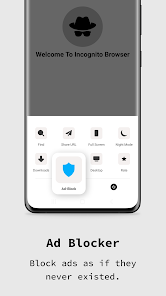
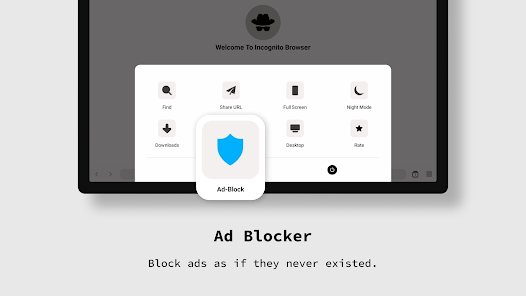
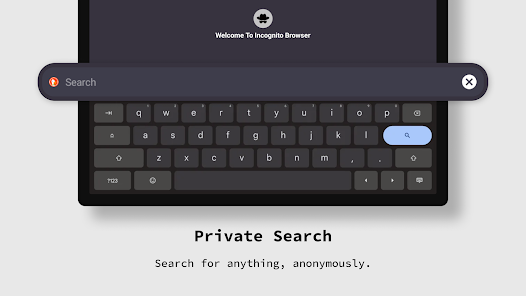
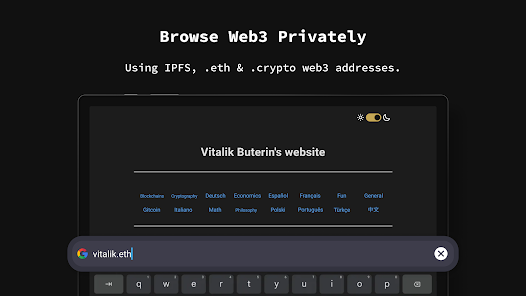
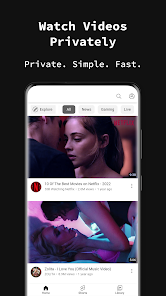
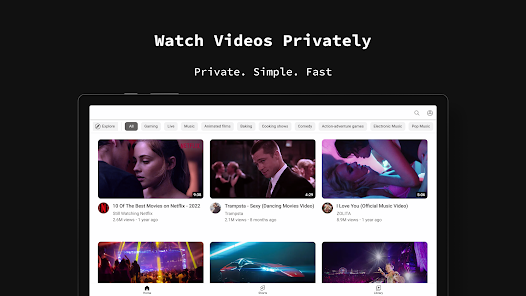
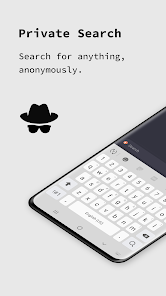
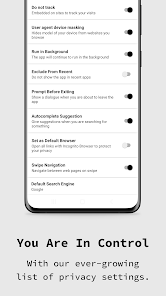
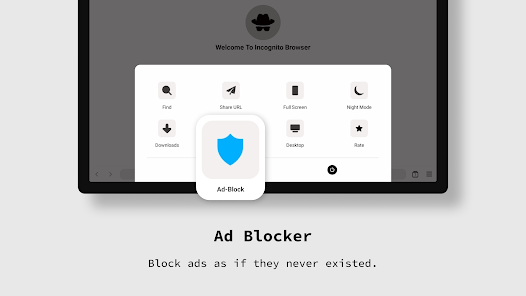
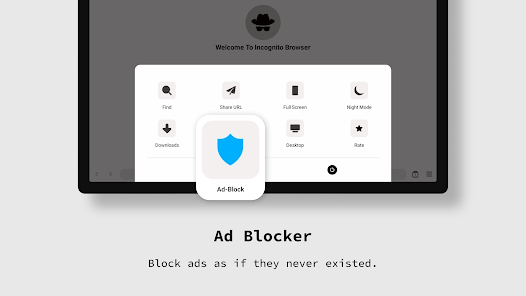
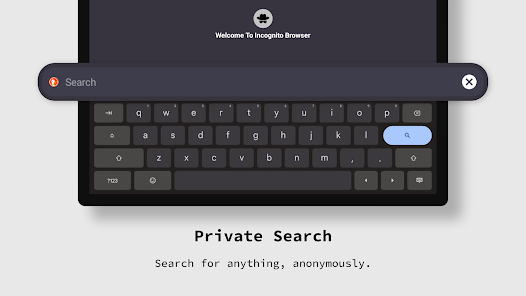
Say goodbye to annoying ads that disrupt your browsing flow. The built-in ad blocker effectively filters out intrusive advertisements, allowing for a smoother and faster web experience while protecting your privacy from unwanted tracking.
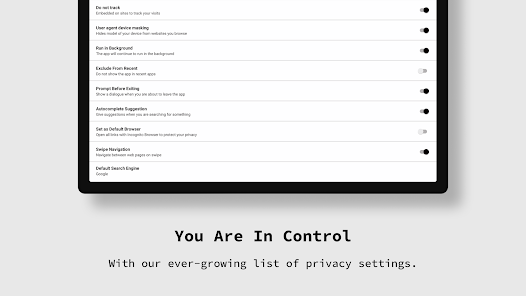
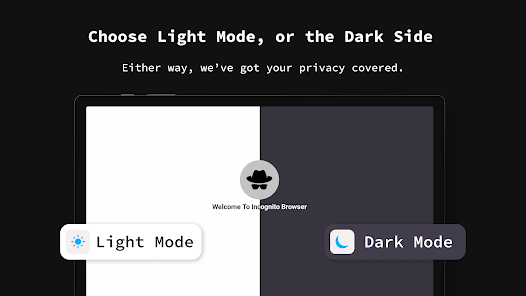
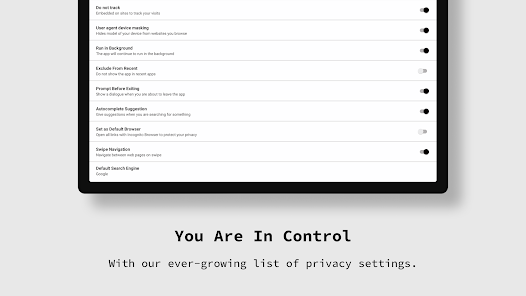
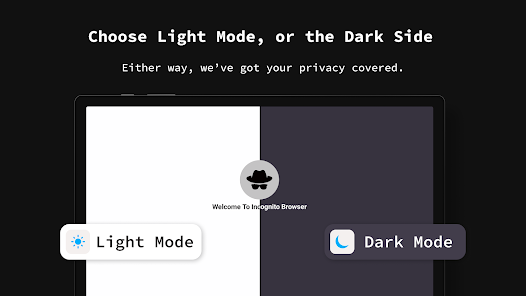
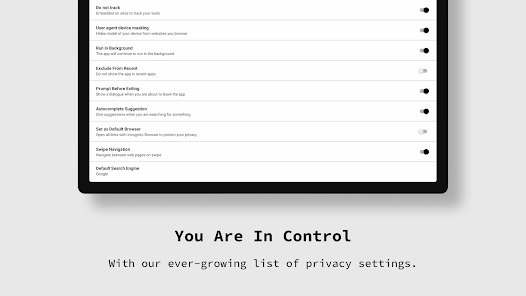
Tailor your browsing experience with a user-friendly interface that offers various customization options. With themes, layouts, and settings that suit your preferences, Incognito Browser - Go Private makes private browsing not just secure but also enjoyable.
Enjoy a seamless browsing experience without leaving any trace behind. Incognito Browser - Go Private ensures that your search history, cookies, and temporary files are automatically deleted after every session, giving you peace of mind while exploring the web freely.
Keep your online activities safe with robust encryption protocols that safeguard your data. Incognito Browser - Go Private ensures that your information remains secure from prying eyes, making it an ideal choice for users who value their privacy.

 Enjoy seamless browsing without tracking or ads interfering with your experience Access private tabs that ensure your personal data stays confidential Quickly erase your browsing history for enhanced digital privacy Navigate the web with a user-friendly interface designed for privacy Protect your online activities from prying eyes with built-in security features
 Incognito mode does not prevent tracking by websites and advertisers. Your browsing history is not saved on your device. It won't hide your activity from your internet service provider.
 The Incognito Browser - Go Private app is designed for users who prioritize their online privacy while browsing the internet. It serves multiple scenarios, from casual browsing to more sensitive activities such as online banking or accessing confidential information. Whether you are at a coffee shop using public Wi-Fi or at home, this app ensures that your browsing history and personal data remain private. Users can switch between tabs seamlessly, allowing for an efficient browsing experience without the fear of being tracked. The app is particularly beneficial for individuals who frequently visit sites that require personal information, as it minimizes the risk of data breaches and unauthorized data collection.
The user experience of the Incognito Browser is intuitive and straightforward. The clean interface is designed for ease of navigation, making it accessible to both tech-savvy users and those who might be less familiar with internet privacy tools. The app loads pages quickly, and the absence of clutter allows users to focus on their content. Privacy features, such as ad-blocking and tracking prevention, are integrated seamlessly, enhancing the overall browsing experience. Users appreciate the ability to customize their settings, allowing for a more personalized experience. Additionally, the app provides clear feedback on its privacy protections, reassuring users that their data is safe while they explore the web.
Incognito Browser - Go Private offers a freemium model that caters to both casual and serious users. The base version is free and provides essential privacy features that are sufficient for everyday browsing. However, for those who seek advanced functionalities, such as enhanced security options and ad-free browsing, a premium subscription is available at a reasonable monthly or annual fee. This pricing structure allows users to choose a plan that fits their needs without feeling pressured to commit to a costly subscription upfront. The transparency in pricing and the absence of hidden fees make it an attractive option for users looking for privacy without breaking the bank.
The development team behind Incognito Browser is committed to maintaining and improving the app continuously. Regular updates address security vulnerabilities, enhance functionality, and introduce new features based on user feedback. The app's support system is user-friendly, offering a comprehensive FAQ section and responsive customer service to assist users with any issues they may encounter. Users can easily report bugs or request features, ensuring that their voices are heard and that the app evolves to meet their needs. This dedication to quality and user satisfaction demonstrates the developers' commitment to providing a reliable and effective privacy browsing solution.
Security & Privacy Review
 Google Play
  App Store


I have been plagued with a barrage of ads on Chrome browser. I tried using Norton browser. Some ads disappear. Then I came across this browser. Miraculously ALL ADS are GONE as if they never existed. And the browser content is perfectly formated. One odd thing though (very odd) - each time it is started up, the apparent home page shows: “Exclusive Privacy Report - Read our report to find out if your college is spying on you." And also a "Password" button appears. No idea what all that is about!
Of course everything can be better you should always strive for perfection a feeling of completeness. And we do not usually experience that unless we are being creative. I've had this app and use quite some time. I'd not had the upgraded packaging. So for the free version, it is quite acceptable. The app does what it says it can do. Overall I am satisfied for the free version I'm not going to comment or elaborate on what could be better cuz there isn't anything that could be better
5 Stars from me, ot does what it does effortlessly, ive had no connection issues, its very straightforward and uncomplicated to use- Pleeease dont change that!! the only sl8ghtly (personal confusion) is why the need for the Secret Password thing on the Homepage, i hope you dont have to use it first before you can use the search engine fully incognito....Please let us know if this is the case please or if its simply there as a reminder about privacy....Thank You for mak8ng it Great&easy2 use!!
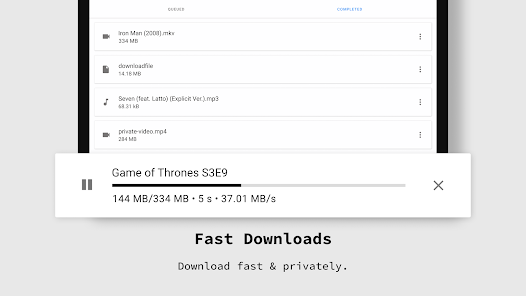
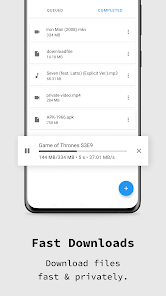
clean setup. best option for android os. There are adds, but not overly excessive if you dont want premium service or cant afford at time. downloads can be stored within app as well to keep separate from personal and work history/files
I've been testing a few apps and came across Incognito Browser. Works well with no registration required and they claim not collecting any user or system information, which is good. YT works okay with no ads. Will toss up between this and FF Focus.
Review Source: Google Play store public user reviews.
Yes, users can submit suggestions or feedback through the app's support section or by contacting customer service via email.
Incognito Browser - Go Private prioritizes user privacy and does not collect personal data while browsing.
No, Incognito Browser - Go Private requires an internet connection to function, as it is designed for web browsing.
You can cancel your subscription through the app store settings on your device or via the app's account settings section.
Subscription costs may vary, but typically range from a few dollars per month to a discounted rate for annual plans.
Unfortunately, customer numbers cannot be changed. If you need assistance, please contact our customer service team.
Yes, you can log in from multiple devices using the same customer number. If you experience issues, please contact customer service.
You can reach our customer service team via the support section in the app or by calling our dedicated helpline.
You can find our customer service contact information in the app’s settings under 'Help' or on our website.
To activate your account, simply click the link in the activation email we sent you. If you didn't receive it, please check your spam folder or contact customer service.
- Introducing new designs for settings- Added High Security Blocking - Improved Ad Blocker