This site uses cookies to enhance your user experience. By clicking any link on this site you are giving your consent to our cookie policy. Read more
Reject
Accept All
Gmail

Gmail

verified Verified App

Developer: Google LLC

  • category

    Category: Communication

  • price

    Price: free

  • age rating

    Age Rating: Everyone

  • rating

    Rating: 4.1

  • download

    Downloads: 10,000,000,000+

  • version

    Version: /

Screenshot 1
Screenshot 2
Screenshot 3
Screenshot 4
Screenshot 5
Screenshot 6
Screenshot 7
Screenshot 8
Screenshot 9
Screenshot 10
Screenshot 11
Screenshot 12
Screenshot 13
Screenshot 14
Screenshot 15
Screenshot 16
Screenshot 17
Screenshot 18
Screenshot 19
Screenshot 20
Screenshot 21
Screenshot 22
Screenshot 23
Screenshot 24
Screenshot 25
Screenshot 26
Screenshot 27
Screenshot 28

Features & Highlights

Customizable Labels

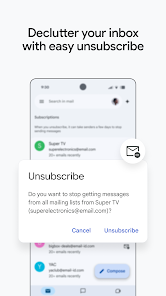
Organize your inbox with customizable labels that allow you to categorize emails in a way that makes sense for you. This feature helps in decluttering your inbox, making it easy to find important conversations and keeping everything sorted according to your personal preferences.

Integrated Calendar

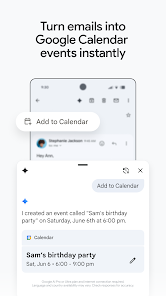
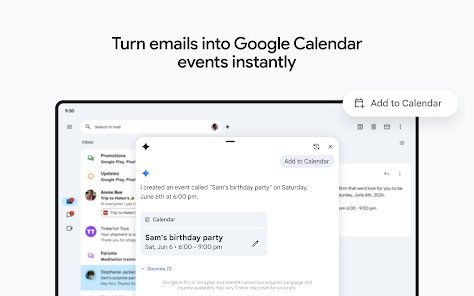
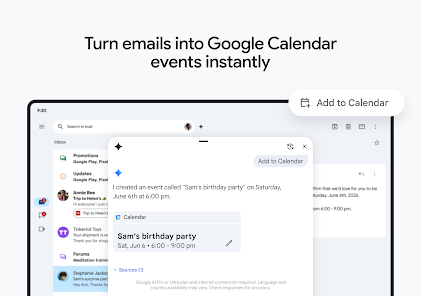
Gmail seamlessly integrates with Google Calendar, allowing you to schedule events directly from your inbox. You can easily add appointments, set reminders, and manage your schedule without having to switch between applications, ensuring you stay organized and on top of your commitments.

Robust Spam Filtering

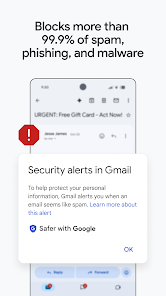
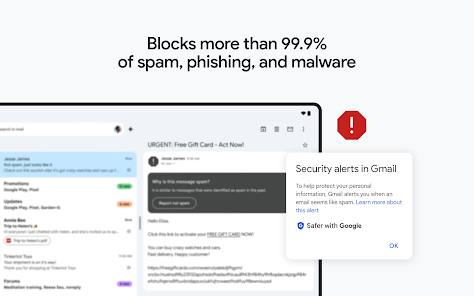
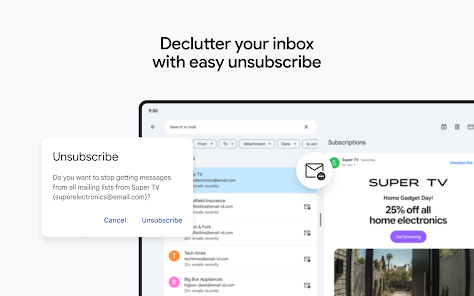
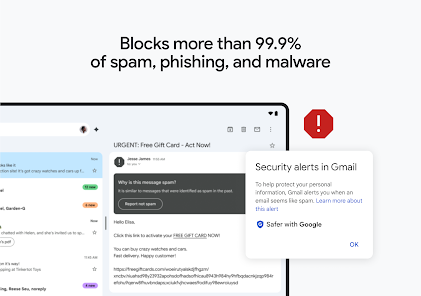
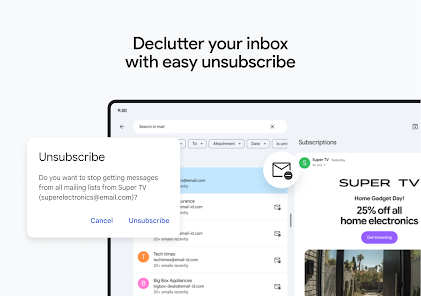
Gmail's advanced spam filtering technology effectively keeps unwanted emails at bay, ensuring your inbox remains clean and focused on important messages. Its intelligent algorithms learn from your behavior, adapting over time to better identify and filter out spam, providing you with a smoother email experience.

Smart Compose

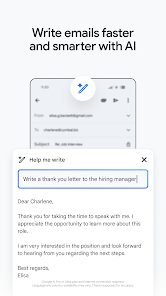
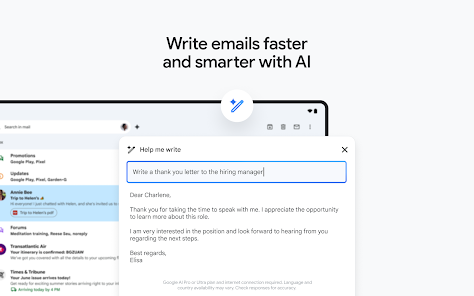
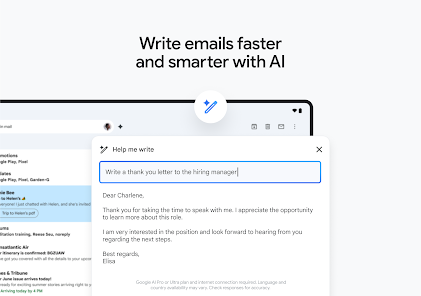
Gmail's Smart Compose feature uses advanced AI to suggest complete sentences as you type, making email writing faster and more efficient. It learns from your writing style, ensuring personalized suggestions that help maintain your unique voice while reducing the time spent on composing messages.

Pros & Cons

Pros
  • User-friendly interface enhances productivity effortlessly.
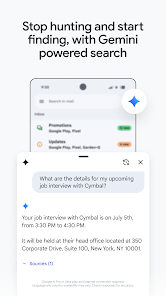
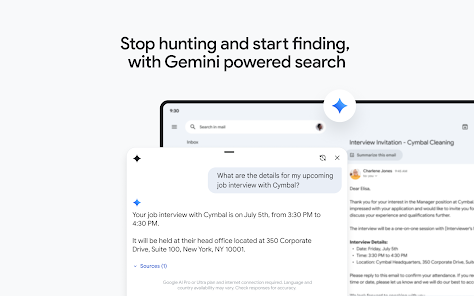
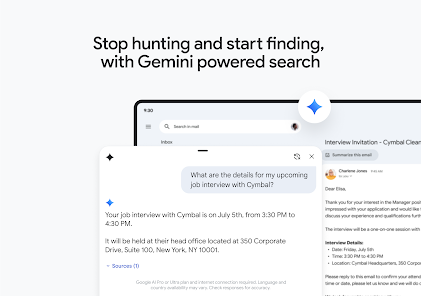
  • Powerful search feature quickly finds important emails.
  • Generous storage space accommodates all your messages.
  • Seamless integration with Google services boosts efficiency.
  • Robust security features protect your personal information.
Cons
  • Limited storage for free accounts
  • Ads can be intrusive
  • Privacy concerns with data scanning
  • Complex interface for new users

Real Experience Using Gmail

Application Scenarios

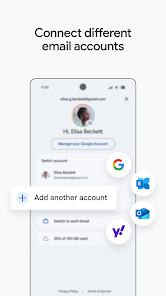
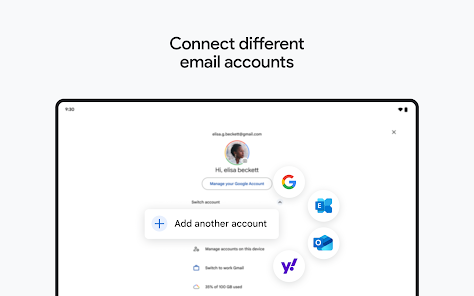
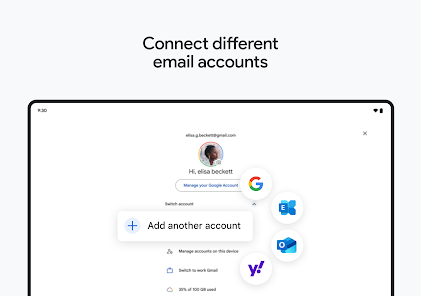
Gmail is a versatile email application that caters to various needs, making it an essential tool for both personal and professional use. For individuals, it serves as an efficient platform for managing personal communications, whether it's keeping in touch with family and friends or organizing important documents and receipts. The robust search functionality allows users to locate emails effortlessly, even amidst a crowded inbox. For professionals, Gmail offers a seamless integration with Google Workspace, enabling smooth collaboration through shared documents, calendars, and video conferencing. This makes it ideal for team projects, remote work, and client communications. Additionally, the application supports various email protocols, allowing users to manage multiple email accounts in one place, which is particularly useful for freelancers or those managing different personal and professional accounts.

User Experience

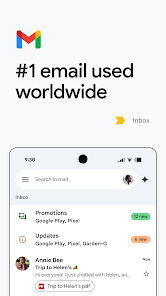
The user experience of Gmail is largely positive, characterized by its clean interface and intuitive navigation. The app's design is user-friendly, with features like conversation threading that simplifies email management by grouping related messages. Users appreciate the customizable inbox settings, which allow them to prioritize important emails and filter out spam. The application also includes powerful organizational tools such as labels, categories, and stars, enabling users to keep their inbox tidy and easily accessible. Furthermore, the mobile app provides a consistent experience across devices, ensuring users can stay connected on the go. The integration of smart compose and smart reply features enhances productivity by suggesting responses and helping users draft emails quickly. Overall, Gmail delivers a satisfying and efficient experience for its users.

Pricing

Gmail is available for free, which includes a generous amount of storage and essential features suitable for most users. However, for those who require additional storage or advanced features, Google offers various paid plans through Google Workspace. Prices start at a competitive rate, providing options for small businesses to large enterprises. These plans offer enhanced security features, increased storage capacity, and administrative controls, making them attractive for professional use. The free version remains highly functional, but the premium plans add value for those who rely on email as a core component of their business operations.

Updates & Support

Gmail is frequently updated, with Google continually rolling out new features and improvements based on user feedback. Recent updates have focused on enhancing security, such as increased phishing protection and improved spam filters. Users can also expect regular updates to the interface and functionality, keeping the application modern and efficient. Support options are robust, including a comprehensive help center, community forums, and direct customer support for Google Workspace users. This ensures that users can find solutions to their issues quickly and efficiently. Overall, the commitment to regular updates and responsive support makes Gmail a reliable choice for users looking for a dependable email service.

verified Security & Privacy Review

The Gmail app places a significant emphasis on security and privacy, incorporating robust measures to protect user data. Google employs end-to-end encryption for emails sent between Gmail users, ensuring that messages remain private during transmission. Additionally, Gmail's advanced spam filtering and phishing detection algorithms help safeguard users from malicious threats, adding an extra layer of security. In terms of permissions, the app requires access to contacts, storage, and network connectivity, which are essential for its functionality. However, users can manage these permissions through their device settings, allowing for customized control over what data is shared. Google's commitment to user privacy is reflected in its transparency regarding data handling practices. The company provides clear information on how user data is collected, used, and stored, adhering to strict privacy regulations. Users can review and manage their privacy settings within the app, giving them control over their data. Overall, Gmail demonstrates a strong commitment to maintaining user security and privacy, making it a reliable choice for email communication.

Reviews

4.1

“User-friendly interface makes email management easy.”

“Great integration with other Google services.”

“Powerful search feature saves me so much time.”

“Spam filter works exceptionally well.”

“Mobile app is smooth and reliable.”

Editor's Choice