This site uses cookies to enhance your user experience. By clicking any link on this site you are giving your consent to our cookie policy. Read more
Reject
Accept All
Passport Photo Maker

Passport Photo Maker

verified Verified App

Developer: Andronepal

  • category

    Category: Productivity

  • price

    Price: free

  • age rating

    Age Rating: Everyone

  • rating

    Rating: 4.5

  • download

    Downloads: 10,000,000+

  • version

    Version: 5.6.0

Screenshot 1
Screenshot 2
Screenshot 3
Screenshot 4
Screenshot 5
Screenshot 6
Screenshot 7
Screenshot 8
Screenshot 9
Screenshot 10
Screenshot 11
Screenshot 12
Screenshot 13
Screenshot 14
Screenshot 15
Screenshot 16
Screenshot 17
Screenshot 18
Screenshot 19
Screenshot 20
Screenshot 21
Screenshot 22

Features & Highlights

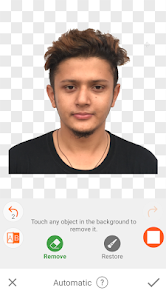
Background Removal

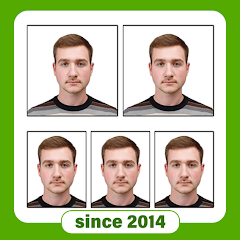
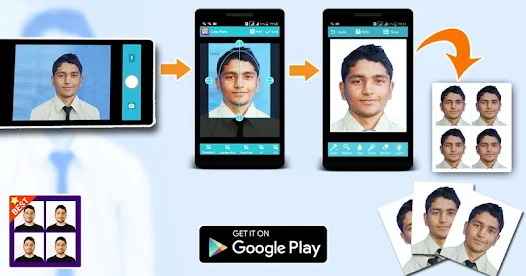
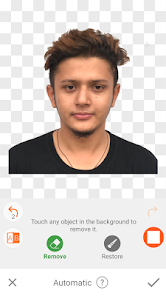
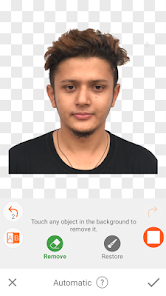
Say goodbye to distracting backgrounds! Passport Photo Maker includes a powerful background removal feature that seamlessly extracts your portrait against various customizable backgrounds. This ensures your photo looks polished and professional, meeting all official guidelines.

Easy Photo Editing

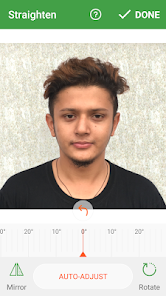
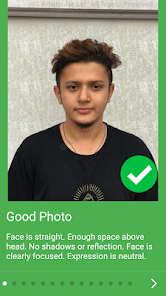
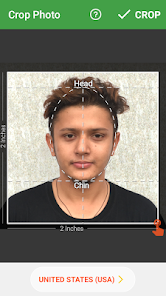
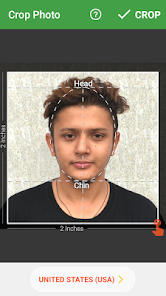
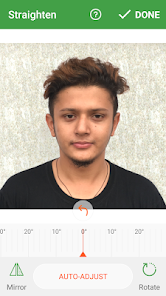
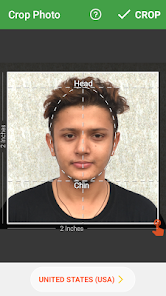
With Passport Photo Maker, transforming your images into professional-quality passport photos is a breeze. The intuitive editing tools allow you to adjust brightness, contrast, and cropping, ensuring that your final photo meets all official standards without any hassle.

Instant Sharing

Once you've crafted the perfect passport photo, sharing it is just a tap away. Passport Photo Maker allows you to save your images directly to your device or share them via email and social media, making the process quick and convenient for your next application.

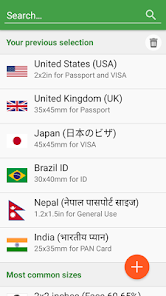
Multiple Size Options

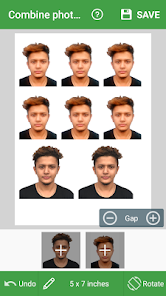
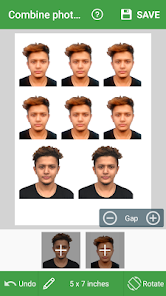
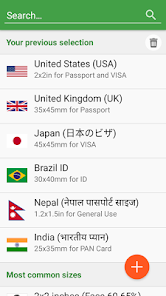
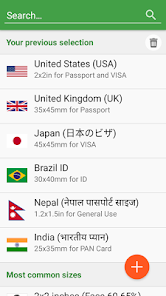
This app caters to various passport photo requirements by offering multiple size formats. Whether you need a standard 2x2 inch photo or specific dimensions for different countries, Passport Photo Maker has you covered, making it easy to prepare for your travels.

Pros & Cons

Pros
  • User-friendly interface for quick photo editing
  • Supports multiple passport photo sizes globally
  • Automatic background removal for professional results
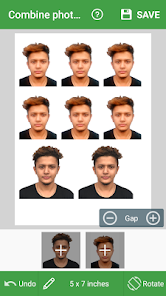
  • Customizable templates for various document requirements
  • High-resolution output ensures crisp, clear images
Cons
  • Limited customization options for photo styles
  • Can produce inconsistent photo quality sometimes
  • User interface may feel outdated and confusing
  • Lacks advanced editing tools for professionals

Real Experience Using Passport Photo Maker

Application Scenarios

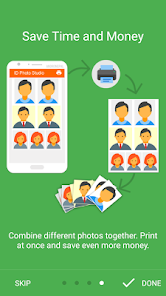
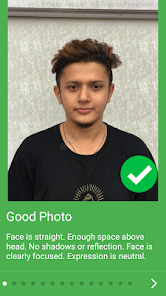
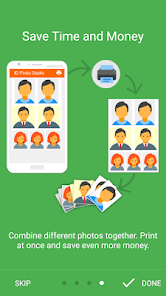
The Passport Photo Maker app is a versatile tool designed for anyone who needs to create passport-sized photos quickly and efficiently. It is particularly beneficial for travelers preparing for international trips, students applying for visas, or individuals requiring ID photos for job applications. The app allows users to select different photo formats based on the specifications of various countries, ensuring that the final images meet all necessary guidelines. Additionally, it is useful for professionals who frequently need updated identification photos, such as government employees or corporate staff. By providing a straightforward method for capturing and editing images, this app eliminates the need to visit a professional studio, saving both time and money.

User Experience

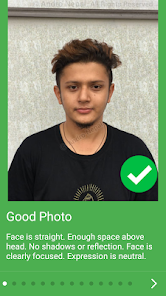
Users of Passport Photo Maker often report a seamless and intuitive experience. The app's interface is user-friendly, allowing even those with minimal tech skills to navigate easily. Upon opening the app, users are greeted with clear instructions and options for photo capture. The built-in camera feature allows for real-time adjustments, such as cropping and background removal, which many find helpful in achieving the perfect shot. The editing tools are robust yet simple, enabling users to make necessary adjustments like brightness and contrast with ease. Many reviews highlight the app’s efficiency in processing photos, converting them into printable formats without compromising quality. The ability to save and share images directly from the app adds to the overall convenience, making it a hit among users who value speed and simplicity.

Pricing

Passport Photo Maker operates on a freemium model, offering a basic version for free, which includes essential features for capturing and editing passport photos. However, to unlock advanced functionalities, such as additional formats, higher resolution options, and unlimited saves, users must subscribe to a premium version. The pricing is competitive compared to similar apps, making it an attractive option for those who require frequent access to passport photo services. Many users find that the benefits of the premium subscription outweigh the costs, especially considering the convenience it provides over traditional photo services.

Updates & Support

The developers of Passport Photo Maker are committed to improving user experience through regular updates that introduce new features and enhance existing functionalities. Users can expect periodic enhancements that keep the app aligned with evolving passport photo requirements. Customer support is responsive and available through various channels, including in-app assistance and email support. Many users have praised the promptness and effectiveness of the support team, which addresses queries and issues efficiently. This commitment to user satisfaction is a significant factor that contributes to the app's positive reputation within the community.

verified Security & Privacy Review

The Passport Photo Maker app prioritizes user security and privacy, ensuring that personal data is handled with care. The app requires minimal permissions, primarily focused on accessing the camera and photo library, which is essential for capturing and editing passport photos. This limited access helps mitigate potential privacy risks associated with unnecessary data collection. User data is not stored on external servers; instead, all processing occurs locally on the device. This means that photos and personal information remain on the user's device, reducing the likelihood of unauthorized access or breaches. The app also implements industry-standard encryption protocols to safeguard any data transmitted, should the user choose to share their photos directly through the app. Furthermore, the Passport Photo Maker app includes a clear and concise privacy policy, detailing how user data is used and protected. Users are encouraged to review the policy to understand their rights and the app's commitment to privacy. Overall, the app maintains a strong security posture, enabling users to create passport photos with confidence and peace of mind.

Reviews

4.5

“Easy to use and saves time!”

“Great results for passport photos.”

“User-friendly interface, highly recommend!”

“Affordable and efficient photo maker.”

“Quality images in just a few steps!”

FAQ

1

Can I submit suggestions or feedback to Passport Photo Maker?

Yes, users can submit feedback and suggestions through the app's support section or official website.

2

Does Passport Photo Maker collect my personal data?

The app prioritizes user privacy and does not collect personal data without consent.

3

Does Passport Photo Maker support offline use?

Yes, the app allows users to create passport photos offline without needing an internet connection.

4

How do I cancel my Passport Photo Maker subscription?

You can cancel your subscription through your app store settings or within the app's subscription management section.

5

How much does a subscription to Passport Photo Maker cost?

Subscription costs vary based on the plan chosen, typically starting at a low monthly fee.

How to use Passport Photo Maker

1

How can I contact customer service for the Passport Photo Maker app?

You can reach customer service through the app's support section or by visiting the official website for contact details.

2

How do I activate my Passport Photo Maker subscription?

After purchasing, follow the on-screen instructions in the app to complete the activation process.

3

How do I log in to the Passport Photo Maker app?

Open the app and enter your registered email and password on the login screen. If you don’t have an account, you can create one.

4

Is activation necessary for the Passport Photo Maker app?

Yes, activation is required for premium features. You can activate it by purchasing a subscription through the app.

5

What is the customer number for Passport Photo Maker?

The customer number can typically be found in the app's settings or on the official website under the support section.

Editor's Choice