This site uses cookies to enhance your user experience. By clicking any link on this site you are giving your consent to our cookie policy. Read more
Reject
Accept All

Advertiser and Editorial Disclosures

Televizo - IPTV player

Televizo - IPTV player

verified Verified App

Developer: Andrey Menscikov

Screenshot 1
Screenshot 2
Screenshot 3
Screenshot 4
Screenshot 5
Screenshot 6
Screenshot 7
Screenshot 8
Screenshot 9
Screenshot 10
Screenshot 11
Screenshot 12
Screenshot 13
Screenshot 14
Screenshot 15
Screenshot 16
Screenshot 17
Screenshot 18
Screenshot 19
Screenshot 20
Screenshot 21
Screenshot 22
Screenshot 23
Screenshot 24
Screenshot 25
Screenshot 26
Screenshot 27
Screenshot 28

Features & Highlights

Advanced Streaming Options

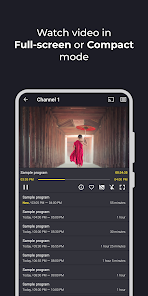
With advanced streaming options, Televizo provides a seamless viewing experience even in varying network conditions. The app optimizes the stream quality based on your internet speed, so you can enjoy uninterrupted entertainment, whether you're at home or on the go.

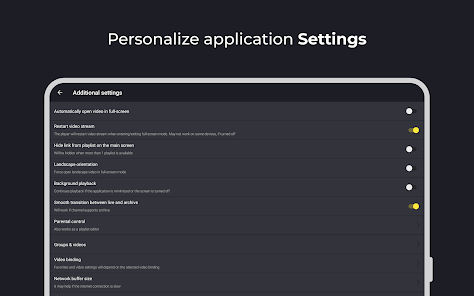
Customizable Settings

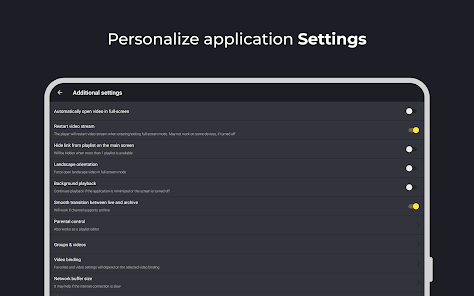
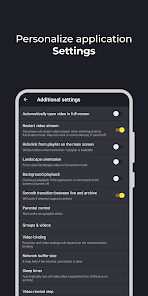
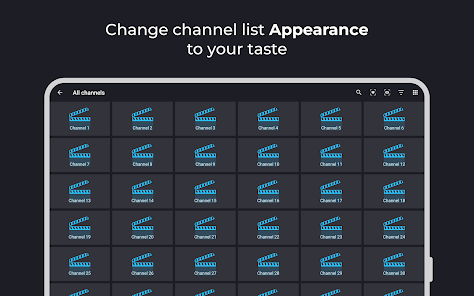
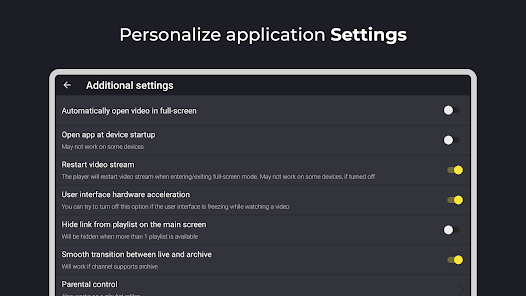
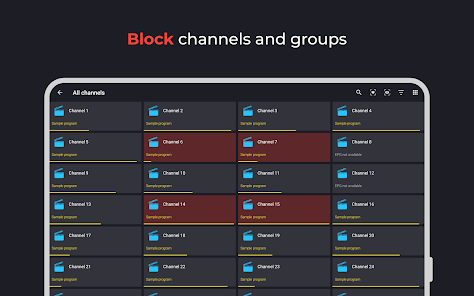
Televizo lets you personalize your experience with a range of customizable settings. From adjusting the video quality to setting parental controls, you can fine-tune the app to suit your needs, ensuring that you enjoy your content just the way you like it.

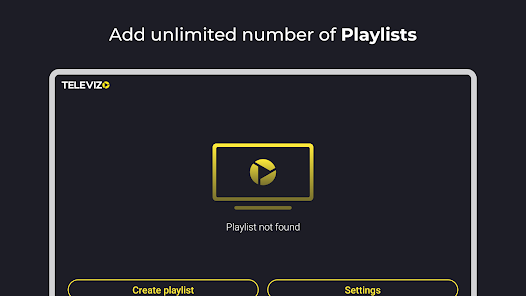
Multiple Playlist Support

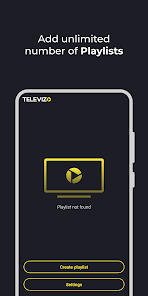
One of the standout features of Televizo is its ability to support multiple playlists, allowing you to organize and manage your channels effortlessly. Whether you have various sources or categories, you can switch between playlists with ease, tailoring your viewing experience to your preferences.

User-Friendly Interface

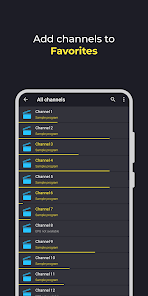
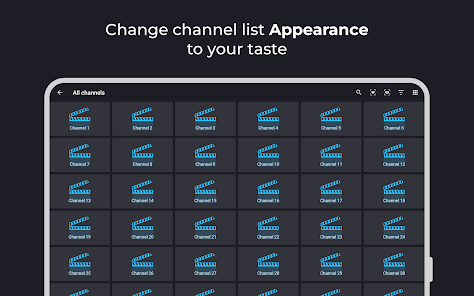
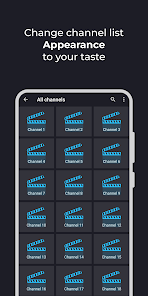
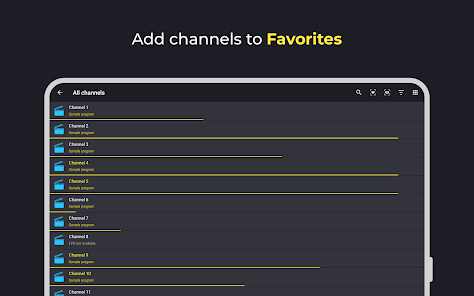
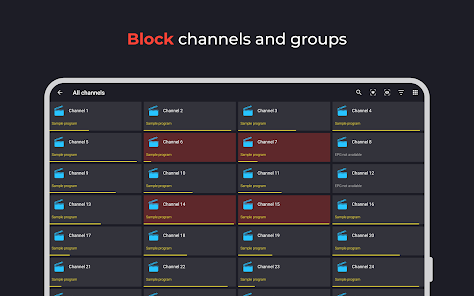
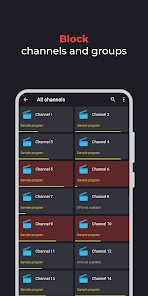
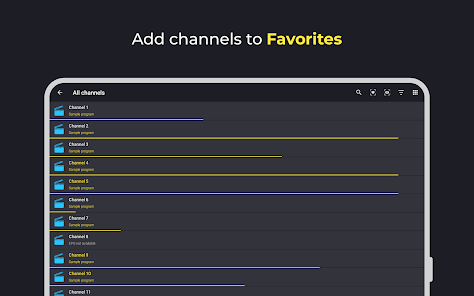
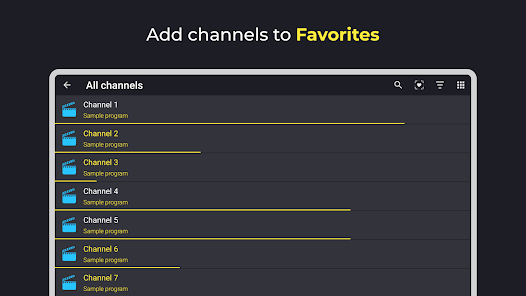
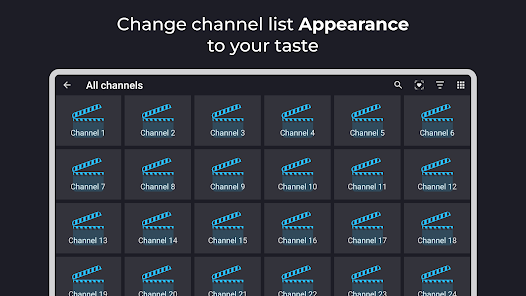
Televizo boasts a sleek and intuitive interface that makes navigation a breeze for users of all skill levels. With easy access to channels and settings, you can quickly find your favorite content without any hassle, ensuring a smooth viewing experience right from the start.

Pros & Cons

Pros
  • Televizo offers a user-friendly interface for seamless navigation.
  • Enjoy high-quality streaming for an enhanced viewing experience.
  • Access a wide range of channels from various regions effortlessly.
  • Supports multiple devices for flexible viewing options anytime, anywhere.
  • Regular updates ensure optimal performance and the latest features.
Cons
  • Limited channel selection restricts viewing options for users.
  • Frequent buffering issues detract from the streaming experience.
  • User interface can be confusing, making navigation difficult for some users.

Real Experience Using Televizo - IPTV player

Application Scenarios

Televizo is an IPTV player that excels in a variety of scenarios, making it an ideal choice for diverse user needs. Whether you are at home relaxing on your couch, traveling, or even at the office during a lunch break, Televizo provides seamless access to your favorite channels. The application allows users to import playlists easily, enabling quick access to a wide range of live TV channels and on-demand content. Whether you are a sports enthusiast looking to catch a game on the go, a movie buff wanting to binge-watch the latest shows, or someone who enjoys international channels, Televizo covers all bases. The ability to stream content on various devices means you can enjoy your favorite programming anytime, anywhere.

User Experience

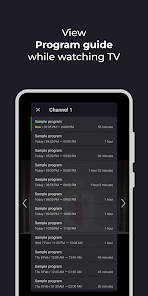
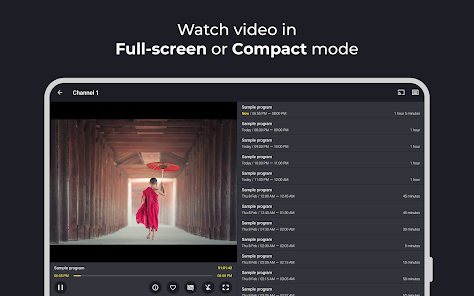
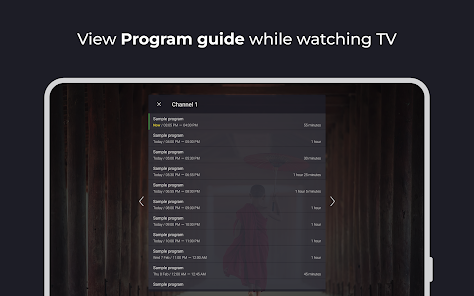
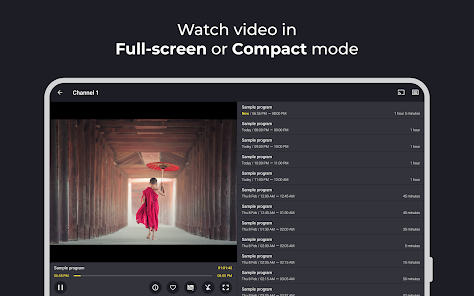
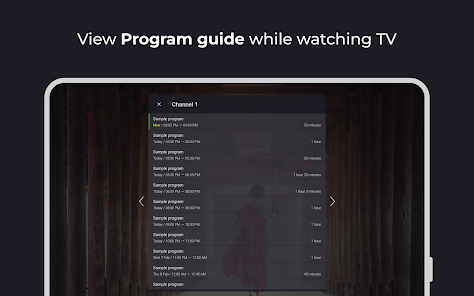
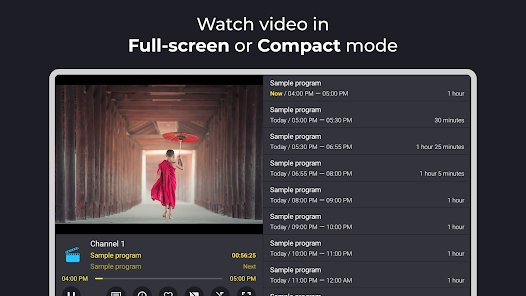
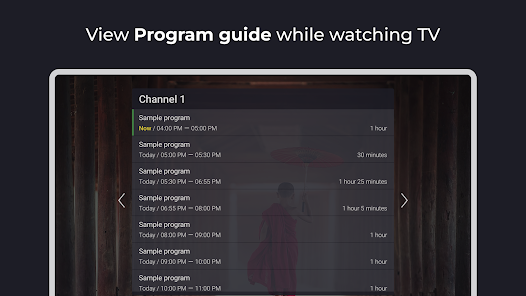
The user experience with Televizo is notably smooth and intuitive. Upon launching the app, users are greeted by a clean interface that prioritizes usability. Navigating through channels and content categories is straightforward, thanks to well-organized menus and responsive design. The app supports various formats and offers features such as EPG (Electronic Program Guide) for easy viewing schedules. Users can also customize their playlists, enabling quick access to preferred channels. Streaming quality is commendable, with minimal buffering and high-definition options available, enhancing the overall viewing experience. The ability to use the app on multiple devices means you can start watching on one device and pick up right where you left off on another, adding to the convenience.

Pricing

Televizo offers a competitive pricing model that makes it accessible for a wide range of users. The application itself is free to download, but it may include in-app purchases or subscription options to unlock premium features. This flexibility allows users to choose a plan that best fits their viewing habits and budget. Many users find the pricing to be reasonable considering the variety of content available and the quality of the streaming experience. Additionally, Televizo often provides trial periods or promotional offers, allowing potential users to test the service before fully committing.

Updates & Support

Televizo is committed to providing a consistently improving user experience through regular updates. The developers actively listen to user feedback, frequently rolling out patches to address issues and enhance features. The app’s update log shows a history of improvements, from bug fixes to new functionalities, ensuring users always have access to the latest enhancements. Support is another strong point for Televizo; users can access comprehensive FAQs and contact support teams for assistance. Whether it’s troubleshooting issues or seeking guidance on features, the responsive customer support team is dedicated to ensuring a smooth experience for all users.

verified Security & Privacy Review

Televizo - IPTV player prioritizes user security and privacy, implementing a range of measures to protect personal information. The app does not require excessive permissions, ensuring that users maintain control over their data. It primarily requests access to network connectivity, which is essential for streaming purposes. Data handling practices are transparent, with the app developers committed to minimizing data collection. Televizo does not store personal information unless explicitly provided by the user for personalized features. The app uses encryption protocols to safeguard any sensitive data transmitted during streaming, thereby reducing the risk of interception. Moreover, Televizo adheres to industry-standard privacy policies, ensuring compliance with relevant regulations. Users are encouraged to review the privacy policy for detailed information on data usage and retention. Overall, Televizo - IPTV player offers a secure environment for streaming, allowing users to enjoy content with peace of mind regarding their privacy and data security.

Reviews

3.9

“User-friendly interface with great streaming quality.”

“Reliable performance with minimal buffering issues.”

“Excellent channel selection at an affordable price.”

“Easy setup process, highly recommend for IPTV users.”

“Frequent updates enhance overall functionality and user experience.”

Get Installation Details
google play Google Play app store App Store

FAQ

1

Can I submit suggestions or feedback to Televizo - IPTV player?

Yes, users can submit suggestions or feedback through the app's support section or by contacting Televizo's customer service for assistance.

2

Does Televizo - IPTV player collect my personal data?

Televizo may collect certain user data to enhance the app's functionality and improve user experience, but it adheres to privacy policies to protect user information.

3

Does Televizo - IPTV player support offline use?

No, Televizo - IPTV player does not support offline use as it primarily streams content directly from the internet.

4

How do I cancel my Televizo - IPTV player subscription?

Users can cancel their Televizo subscription by going to their account settings within the app or through the platform's app store where they made the purchase.

5

How much does a subscription to Televizo - IPTV player cost?

The subscription cost for Televizo varies based on the chosen plan and duration, with options for monthly or yearly subscriptions available.

How to use Televizo - IPTV player

1

Can I change my customer number if needed?

Unfortunately, customer numbers cannot be changed. If you have concerns, please contact customer service for assistance.

2

Can customer service assist me with subscription issues?

Yes, our customer service team can help you with any subscription-related inquiries or issues you may encounter. Just get in touch!

3

How can I contact customer service for Televizo?

You can reach our customer service via the support section in the app or through our website's contact form. We’re here to help!

4

How do I activate my Televizo account after purchase?

To activate your account, log in with your credentials and follow the on-screen prompts to complete the activation process.

5

How do I update my account information in Televizo?

To update your account information, log in to your account and navigate to the settings section. For further help, contact customer service.

Editor's Choice