This site uses cookies to enhance your user experience. By clicking any link on this site you are giving your consent to our cookie policy. Read more
Reject
Accept All
Kodi

Kodi

verified Verified App

Developer: Kodi Foundation

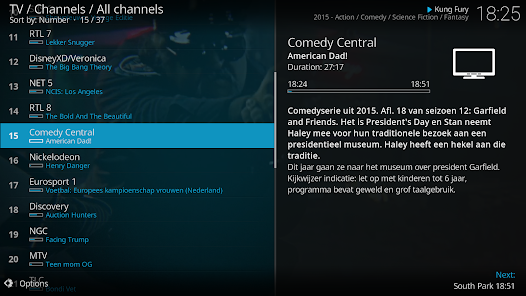
Screenshot 1
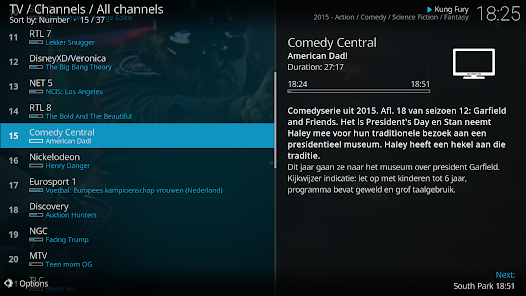
Screenshot 2
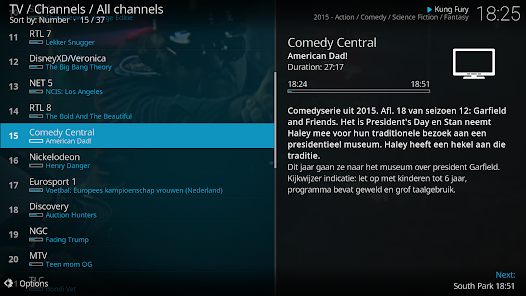
Screenshot 3
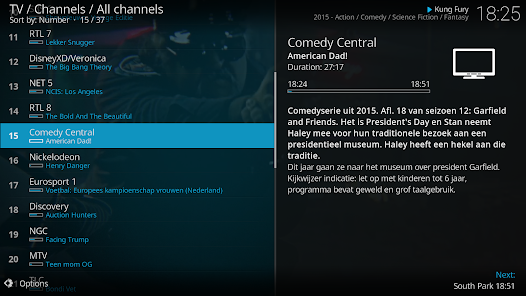
Screenshot 4
Screenshot 5
Screenshot 6
Screenshot 7
Screenshot 8
Screenshot 9
Screenshot 10
Screenshot 11
Screenshot 12

Features & Highlights

Cross-Platform Support

Kodi is designed to run on multiple platforms, including Windows, macOS, Linux, Android, and iOS, ensuring that you can enjoy your media on almost any device. This cross-platform compatibility means your media experience is not limited to one device, making it convenient for users to access their content anywhere, anytime.

Customization Options

One of Kodi's standout features is its extensive customization capabilities. Users can personalize their viewing experience through a wide range of skins, add-ons, and plugins, tailoring the interface and functionality to suit their preferences. This level of customization ensures that every user can create a unique setup that meets their specific needs.

Media Library Management

Kodi excels in organizing your media collection, allowing users to categorize and manage movies, TV shows, music, and photos effortlessly. With its intuitive interface, you can easily browse through your library and access your favorite content without any hassle, making it a must-have for media enthusiasts.

Streaming Add-Ons

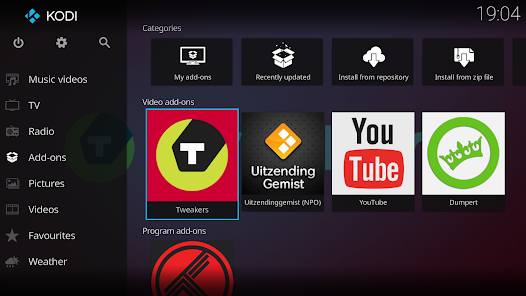
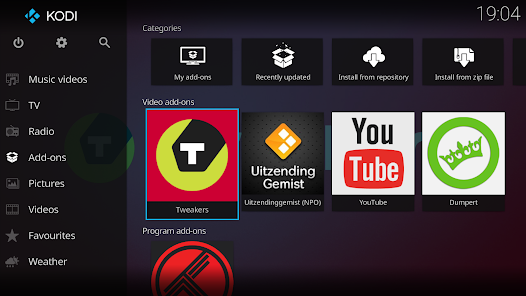
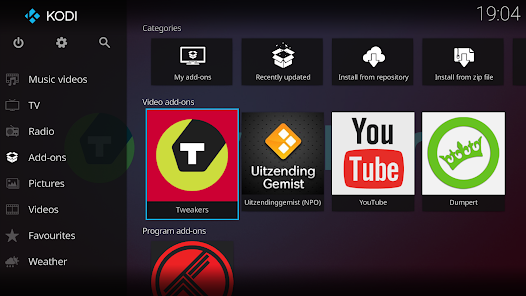
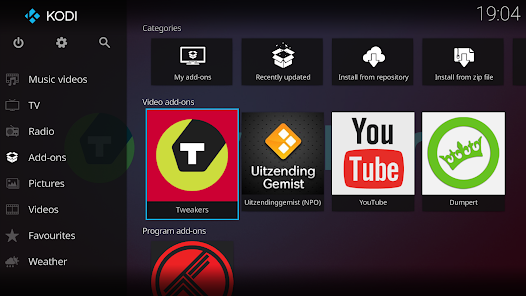
Kodi offers a vast array of streaming add-ons that enhance its functionality, allowing users to access content from various sources easily. Whether you're looking for live TV, movies, or music, these add-ons can be seamlessly integrated, providing a comprehensive entertainment solution that caters to diverse tastes.

Pros & Cons

Pros
  • User-friendly interface for easy navigation and access
  • Supports a wide range of file formats and codecs
  • Extensive library of add-ons for enhanced content
  • Customizable skins for personalized viewing experience
  • Regular updates ensure improved features and security
Cons
  • Limited official support and documentation available online
  • Legal issues surrounding third-party add-ons frequently arise
  • User interface can be confusing for newcomers
  • Performance varies significantly across different devices

Real Experience Using Kodi

Application Scenarios

Kodi is a versatile media center application that caters to a wide range of scenarios, making it suitable for various users. Whether you are an avid movie buff, a sports enthusiast, or simply enjoy streaming your favorite TV shows, Kodi provides a comprehensive platform for accessing and organizing your media. Users can install add-ons that facilitate streaming from different sources, including popular platforms like Netflix, Hulu, and YouTube. Additionally, Kodi allows for local media playback, letting you organize and view your personal video and music collections seamlessly. The application is equally effective for home theater setups and casual viewing, making it a go-to choice for families and media aficionados alike.

User Experience

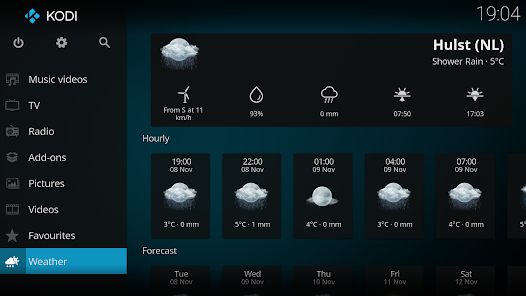
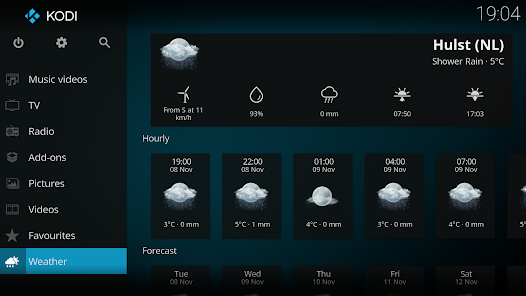
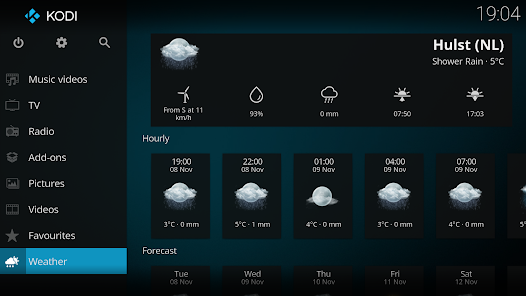
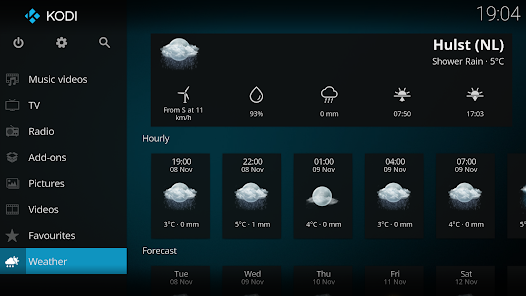
The user experience on Kodi is generally smooth, thanks to its customizable interface and extensive add-on library. The application offers a sleek and modern design that is intuitive for both novice and experienced users. Navigating through the menus is straightforward, allowing users to easily find their preferred content. However, some users may face a learning curve when it comes to installing and configuring add-ons, as the process can be somewhat technical. That said, the Kodi community is active and supportive, providing numerous tutorials and forums to assist new users. Once set up, the playback quality is impressive, with support for 4K and HDR content, ensuring that users enjoy a high-definition viewing experience.

Pricing

Kodi is an open-source application, which means it is completely free to download and use. There are no hidden fees or subscription costs associated with the core application. However, while Kodi itself is free, users may choose to purchase certain add-ons or plugins that offer premium content or features. It is essential to note that while many add-ons are free, some may require a subscription to access specific services. Overall, Kodi provides excellent value for those looking to manage and stream their media without incurring significant expenses.

Updates & Support

Kodi is actively maintained, with regular updates that improve functionality and add new features. The development team is dedicated to enhancing user experience and addressing bugs, ensuring that the application stays relevant in the ever-evolving digital landscape. Users can easily update their Kodi application through the settings menu. For support, Kodi boasts a vibrant community that offers assistance through forums, FAQs, and user guides. This community-driven approach ensures that users can find solutions to their issues and stay informed about the latest developments. Overall, Kodi’s commitment to updates and community support enhances its appeal, making it a reliable choice for media consumption.

verified Security & Privacy Review

Kodi prioritizes user privacy and offers a range of features that enhance data security. As an open-source media player, it allows users to customize their experience while maintaining control over personal information. Kodi does not collect user data by default, ensuring that your viewing habits and preferences remain private. The app requires minimal permissions, typically limited to accessing local storage for media files. This approach reduces the risk of unauthorized data access. However, users should be cautious when installing third-party add-ons, as these can alter privacy settings and potentially expose personal data. Kodi does not track user activity or share data with third parties, which is a significant advantage for privacy-conscious individuals. Nonetheless, employing a VPN while using Kodi is advisable, especially when accessing geo-restricted content or using unofficial add-ons, as it adds an additional layer of security and anonymity. Overall, Kodi offers a robust framework for safeguarding user privacy, provided that users remain vigilant about the add-ons they choose and the permissions they grant.

Reviews

3.6

“Flexible media player with endless customization options”

“Great for streaming but needs better official support”

“User-friendly interface, but can be buggy at times”

“Perfect for organizing my media library easily”

“Amazing add-ons, but setup can be complicated”

Editor's Choice