This site uses cookies to enhance your user experience. By clicking any link on this site you are giving your consent to our cookie policy. Read more
Reject
Accept All
Google TV

Google TV

verified Verified App

Developer: Google LLC

Screenshot 1
Screenshot 2
Screenshot 3
Screenshot 4
Screenshot 5
Screenshot 6
Screenshot 7
Screenshot 8
Screenshot 9
Screenshot 10
Screenshot 11

Features & Highlights

Multiple User Profiles

Google TV supports multiple user profiles, allowing each family member to have their own personalized experience. This means tailored recommendations, watchlists, and settings can be maintained for everyone, making it a perfect option for households with varied interests.

Personalized Recommendations

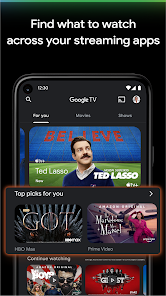
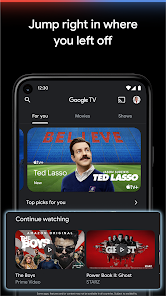
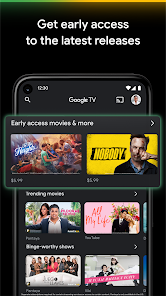
Google TV uses advanced algorithms to analyze your viewing habits and preferences, delivering tailored content suggestions right on your home screen. This feature makes it easy to discover new shows and movies that align with your taste, ensuring you never run out of entertainment options.

Universal Search

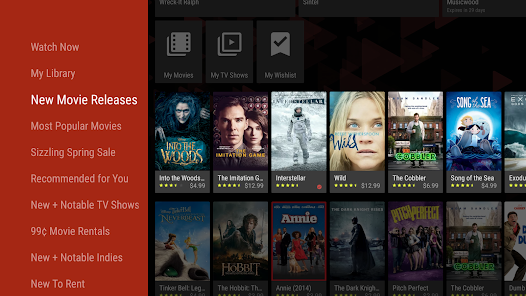
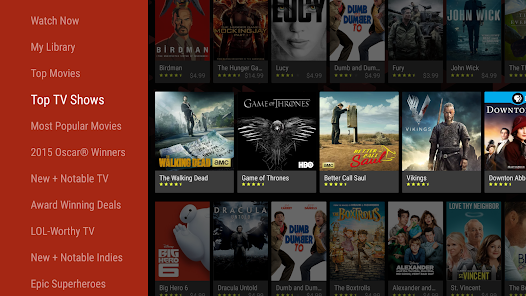
With Google TV's universal search, you can effortlessly find content across multiple streaming services all in one place. Simply type in what you're looking for, and Google TV will show you where to watch it, eliminating the hassle of switching between apps.

Voice Control

Take advantage of Google Assistant integration with voice control capabilities that allow you to search for content, control playback, or even manage smart home devices. Just speak your commands, and Google TV will respond, making your viewing experience hands-free and more intuitive.

Pros & Cons

Pros
  • Personalized content recommendations enhance viewing experience
  • Seamless integration with Google Assistant for voice control
  • Access to a wide range of streaming services easily
  • User-friendly interface simplifies navigation and discovery
  • Regular updates ensure latest features and security improvements
Cons
  • Limited app selection compared to competitors
  • Frequent updates can disrupt user experience
  • Interface may feel cluttered and confusing
  • Search functionality can be inconsistent and frustrating

Real Experience Using Google TV

Application Scenarios

Google TV serves as a comprehensive platform for those who seek to optimize their streaming experience across different devices. It is particularly beneficial for families and individuals who subscribe to multiple streaming services. Users can consolidate their content into one central hub, making it easy to find and enjoy their favorite shows and movies without having to jump between apps. The app is ideal for movie nights, binge-watching sessions, or casual viewing, as it allows users to explore a variety of genres and recommendations tailored to their viewing habits. Additionally, Google TV seamlessly integrates with Google Assistant, enabling users to search for content using voice commands, which adds a layer of convenience for hands-free navigation.

User Experience

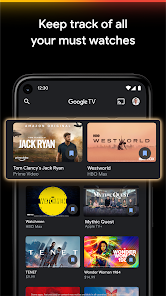
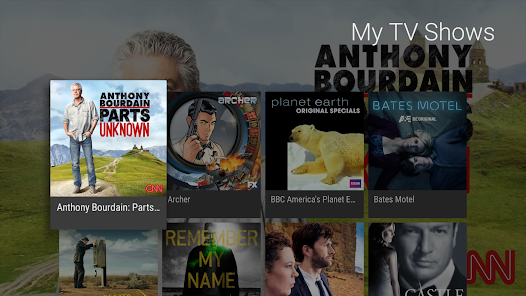
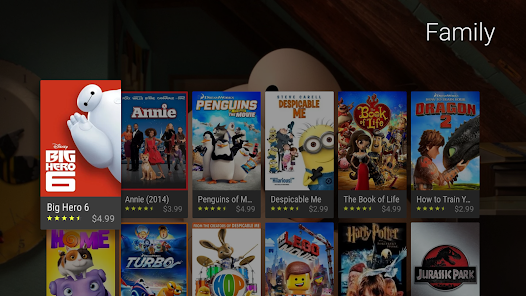
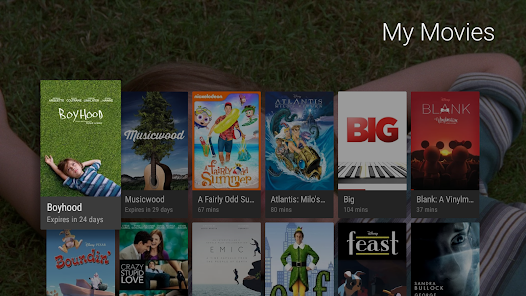
The user experience on Google TV is generally smooth and intuitive. The app features a clean, visually appealing interface that is easy to navigate, even for those who may not be tech-savvy. Users can customize their home screen to highlight preferred content and genres, making it straightforward to access their favorite shows. The search functionality is robust, allowing users to find content across multiple streaming platforms with ease. Furthermore, Google TV offers personalized recommendations based on viewing history, which helps users discover new content that aligns with their interests. The integration of watchlists allows users to save shows and movies for later viewing, ensuring that nothing gets overlooked. Overall, the user experience is designed to be engaging and user-friendly, enhancing the overall enjoyment of streaming.

Pricing

Google TV itself is a free application, which is a significant advantage for users who are looking for a cost-effective way to manage their streaming services. However, it is important to note that while the app does not charge a subscription fee, users will still need to subscribe to individual streaming services to access their content. Pricing for these services varies widely, giving users the flexibility to choose what best fits their budget. Some services may offer free trials, allowing users to test them out before committing to a subscription. Overall, Google TV's free access combined with the wide range of content options makes it an appealing choice for users aiming to get the most out of their streaming experience.

Updates & Support

Google TV is frequently updated to enhance functionality and fix any bugs that may arise. Users can expect regular updates that often include new features, improved user interface elements, and expanded content offerings. The support provided by Google is robust, with a dedicated help center that offers troubleshooting tips, FAQs, and user guides. For more personalized assistance, users can reach out to customer support via chat or email. Additionally, the active online community surrounding Google TV allows users to share tips and tricks, fostering a collaborative environment where users can help each other maximize their experience. In summary, the app is well-supported, and its ongoing updates ensure that it remains relevant in the fast-evolving landscape of streaming entertainment.

verified Security & Privacy Review

Google TV places a strong emphasis on security and privacy, aligning with Google's overall commitment to user data protection. The app implements robust encryption protocols to safeguard user data both in transit and at rest, ensuring that sensitive information remains secure. Permissions required by Google TV are clearly stated during the installation process, allowing users to make informed decisions about what data they share. The app typically requests access to device storage, location, and media playback controls, which are essential for delivering a personalized viewing experience. Google TV also provides users with comprehensive privacy settings, enabling them to manage data collection preferences effectively. Users can opt-out of personalized advertising and control what data is shared with third-party services. Additionally, regular updates ensure that the app stays compliant with the latest security standards and privacy regulations. Overall, Google TV demonstrates a proactive approach to data security and privacy, fostering user trust while delivering a seamless streaming experience.

Reviews

3.9

“User-friendly interface, easy to navigate”

“Great streaming options, love the variety”

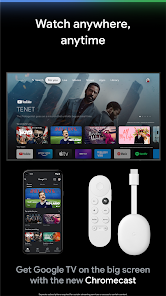
“Chromecast integration works seamlessly with my devices”

“Occasional app crashes, needs improvement”

“Voice search feature is incredibly helpful and fast”

Editor's Choice