This site uses cookies to enhance your user experience. By clicking any link on this site you are giving your consent to our cookie policy. Read more
Reject
Accept All
UniFi

UniFi

verified Verified App

Developer: Ubiquiti Inc.

  • category

    Category: Tools

  • price

    Price: free

  • age rating

    Age Rating: Everyone

  • rating

    Rating: 4.7

  • download

    Downloads: 1,000,000+

  • version

    Version: 10.34.1

Screenshot 1
Screenshot 2
Screenshot 3
Screenshot 4
Screenshot 5
Screenshot 6
Screenshot 7
Screenshot 8
Screenshot 9
Screenshot 10
Screenshot 11
Screenshot 12
Screenshot 13
Screenshot 14
Screenshot 15
Screenshot 16
Screenshot 17
Screenshot 18
Screenshot 19
Screenshot 20
Screenshot 21

Features & Highlights

Advanced Security Features

UniFi prioritizes network security with advanced features such as threat detection, firewall rules, and secure guest access. These capabilities help protect your data and devices from potential vulnerabilities, giving you peace of mind while maintaining a robust and secure network environment.

Centralized Management

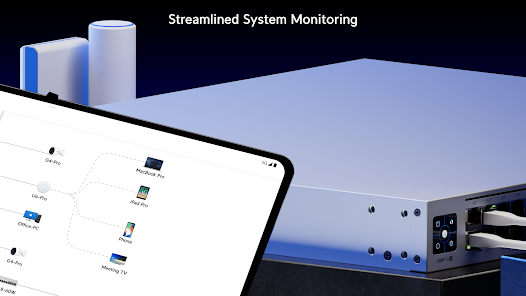
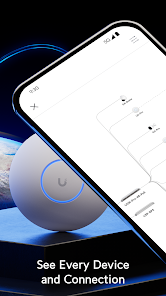
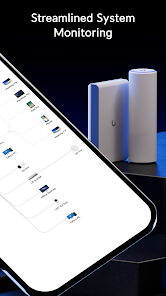
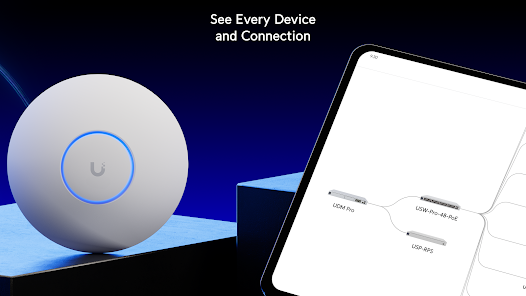
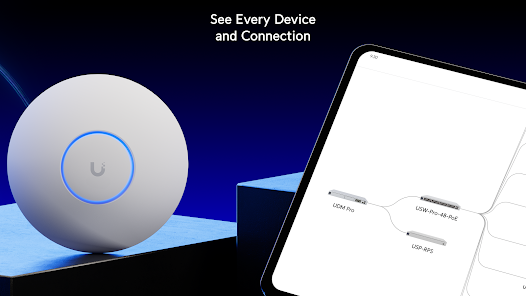
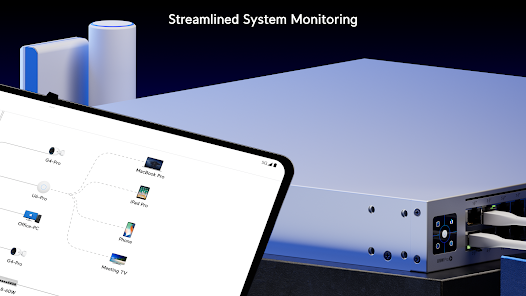
UniFi offers a centralized management platform that allows users to easily configure and monitor their entire network from a single interface. This feature simplifies the management of multiple devices, ensuring that network performance is optimized without the hassle of juggling various settings across different components.

Scalability Options

One of UniFi's standout features is its scalable architecture, which enables users to expand their network seamlessly. Whether you're a small business or a large enterprise, UniFi supports your growth by allowing you to add new devices and integrate them effortlessly into your existing setup.

User-Friendly Interface

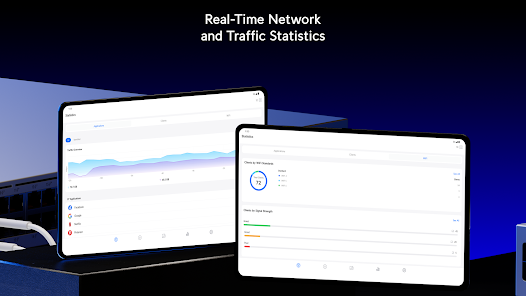
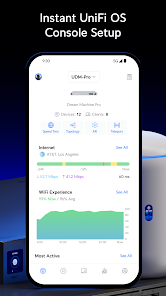
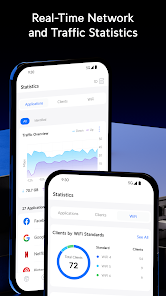
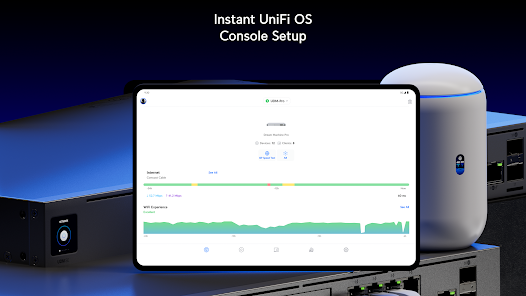
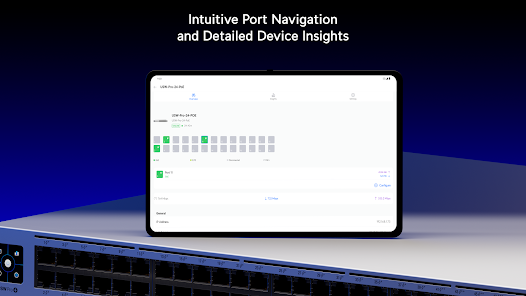
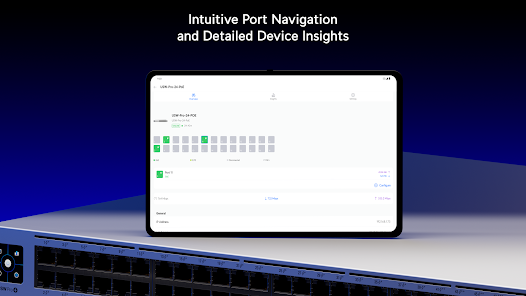
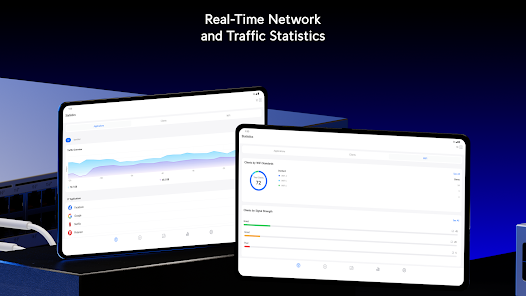
The UniFi interface is designed with user experience in mind, making it easy for both tech-savvy users and beginners to navigate. With intuitive dashboards and real-time analytics, users can quickly assess network performance and make informed decisions to enhance their connectivity.

Pros & Cons

Pros
  • Scalable solutions for growing networks
  • User-friendly interface for easy management
  • Robust security features protect your data
  • High-performance hardware for reliable connectivity
  • Comprehensive support and resources available
Cons
  • High initial setup costs can be a barrier
  • Limited support options may frustrate users
  • Advanced features require technical knowledge to manage
  • Firmware updates can disrupt network stability

Real Experience Using UniFi

Application Scenarios

The UniFi app is designed for users who want to manage their networking hardware seamlessly. Ideal for both home and business environments, the app is particularly beneficial for those utilizing Ubiquiti's range of UniFi products, including routers, switches, and access points. For instance, a small business owner can easily monitor network performance, analyze traffic patterns, and configure settings from their smartphone or tablet while on the go. Similarly, homeowners can optimize their Wi-Fi coverage and manage guest access without needing to dive into complex setups. The app proves invaluable for tech enthusiasts who enjoy customizing their networks, as it offers advanced features like VLAN management and device prioritization.

User Experience

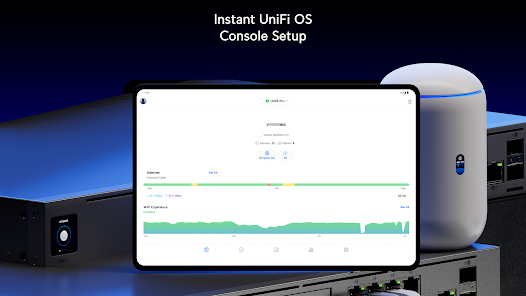
The user experience within the UniFi app is generally smooth and intuitive. The interface is user-friendly, allowing users of varying technical expertise to navigate through the options effortlessly. The dashboard provides a clear overview of connected devices, network health, and real-time statistics, making it easy to identify any potential issues. Users have praised the app for its responsiveness and the ease with which they can perform tasks such as network configuration, firmware updates, and monitoring system alerts. However, some users have noted that initial setup can be somewhat daunting for those unfamiliar with networking concepts, but once configured, the app excels in usability and functionality.

Pricing

The UniFi app itself is free to download and use, making it accessible to a wide range of users. However, to benefit from its full potential, users must invest in Ubiquiti hardware, which can vary significantly in price based on the components chosen. While the cost of entry may be higher than some competing solutions, many users find that the quality and performance of Ubiquiti products justify the investment. Additionally, the long-term savings from reduced downtime and improved network efficiency contribute to the overall value proposition of the UniFi ecosystem.

Updates & Support

Ubiquiti is known for its commitment to continuous improvement, and the UniFi app receives regular updates that introduce new features, enhancements, and security fixes. Users can easily check for updates within the app, ensuring their systems remain optimized and secure. Customer support is available through various channels, including community forums, online documentation, and direct customer service. Though some users have reported slower response times during peak periods, the robust community around UniFi provides ample resources for troubleshooting and advice. Overall, the combination of regular updates and accessible support enhances the overall experience for users of the UniFi app.

verified Security & Privacy Review

The UniFi app prioritizes user security and privacy, implementing industry-standard encryption protocols to safeguard data transmitted between devices and the cloud. The app requires users to create secure passwords, and it encourages the use of two-factor authentication for added protection against unauthorized access. When it comes to permissions, UniFi requests access primarily to the local network for device management, ensuring that users maintain control over their network environment. The app does not require unnecessary permissions that could compromise user privacy, which is a positive aspect in its favor. UniFi's privacy practices are transparent, with clear disclosures regarding data collection and usage. The app collects minimal personal information, focusing mainly on device information and network performance metrics. User data is handled in compliance with relevant regulations, although it is advisable for users to review the privacy policy regularly for updates. Overall, UniFi demonstrates a commitment to robust security measures and responsible data handling, making it a reliable choice for users concerned about their privacy in network management applications.

Reviews

4.7

“Reliable performance and great coverage throughout my home”

“User-friendly interface makes setup a breeze”

“Excellent customer support when issues arise”

“Frequent updates enhance functionality and security”

“Affordable price for high-quality networking equipment”

Editor's Choice