This site uses cookies to enhance your user experience. By clicking any link on this site you are giving your consent to our cookie policy. Read more
Reject
Accept All

Advertiser and Editorial Disclosures

SAP Fieldglass Time Entry

SAP Fieldglass Time Entry

verified Verified App

Developer: SAP SE

  • category

    Category: Business

  • price

    Price: free

  • age rating

    Age Rating: Everyone

  • rating

    Rating: 2.2

  • download

    Downloads: 100,000+

  • version

    Version: 3.0.71

Screenshot 1
Screenshot 2
Screenshot 3
Screenshot 4
Screenshot 5
Screenshot 6
Screenshot 7
Screenshot 8
Screenshot 9
Screenshot 10
Screenshot 11
Screenshot 12

Features & Highlights

Flexible Approval Workflow

The platform offers a flexible approval workflow that adapts to your organization's needs. Managers can easily review and approve time entries, ensuring that all submissions meet compliance and budgetary requirements while enhancing transparency throughout the process.

Mobile Accessibility

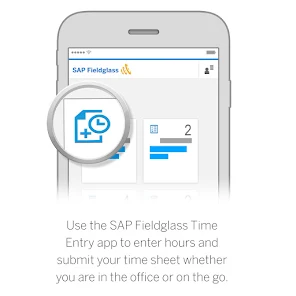
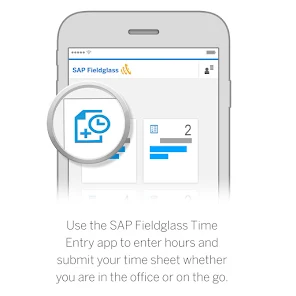
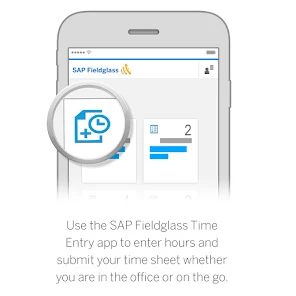
The mobile accessibility feature allows users to enter their time from anywhere, making it easier to submit hours on the go. This flexibility ensures that remote and on-site workers can efficiently manage their time entries, improving productivity and satisfaction.

Real-Time Time Tracking

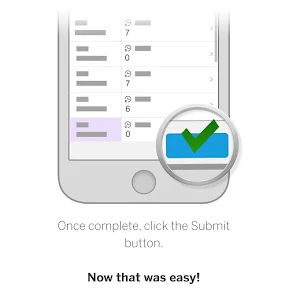
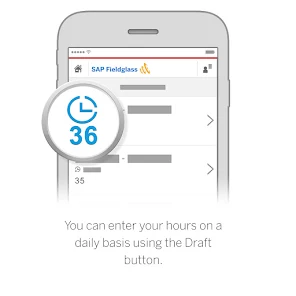
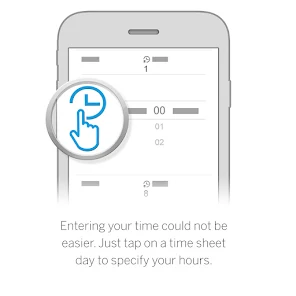
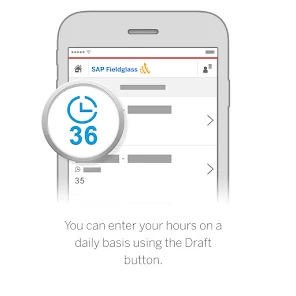
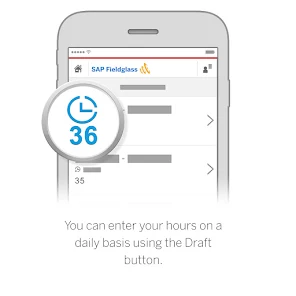
SAP Fieldglass Time Entry allows users to track time in real-time, ensuring accurate reporting and accountability. This feature helps streamline the time entry process, reducing errors and improving overall efficiency for both workers and managers alike.

User-Friendly Interface

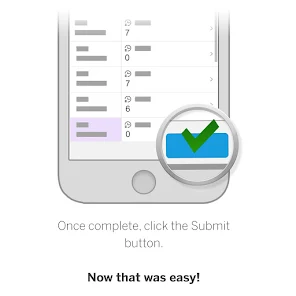
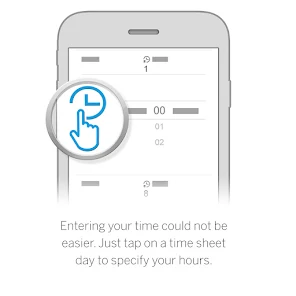
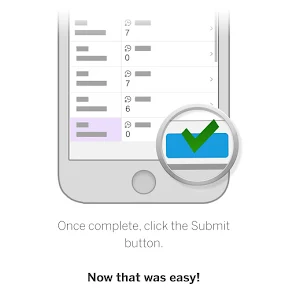
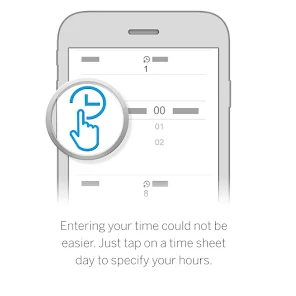
With its intuitive design, SAP Fieldglass Time Entry provides a user-friendly interface that makes it easy for users to input their hours. This simplicity encourages timely submissions and minimizes the learning curve for new users, fostering a smoother operational experience.

Pros & Cons

Pros
  • Streamlines the time tracking process for enhanced efficiency.
  • Improves accuracy in time submissions, reducing errors.
  • Facilitates compliance with labor regulations and policies.
  • Enhances visibility into workforce performance and utilization.
  • Integrates seamlessly with existing SAP systems for a cohesive experience.
Cons
  • Limited user interface can hinder efficient time entry for users.
  • Inflexible reporting options may restrict data analysis capabilities.
  • Integration challenges with other systems can lead to data discrepancies.

Real Experience Using SAP Fieldglass Time Entry

Application Scenarios

SAP Fieldglass Time Entry is designed primarily for organizations that manage a diverse workforce, particularly those utilizing contingent labor. This app proves invaluable in various scenarios, such as project-based work, temporary staffing, and remote team management. For instance, companies operating in the construction or IT sectors can streamline time tracking for contractors and freelancers, ensuring accurate billing and compliance with labor regulations. Furthermore, the application facilitates easy integration with existing SAP systems, allowing businesses to synchronize their workforce management seamlessly. Organizations can also leverage the app for tracking attendance and hours worked, simplifying payroll processes and enhancing overall operational efficiency.

User Experience

The user experience of SAP Fieldglass Time Entry is tailored to provide a seamless and intuitive interface. Users appreciate the straightforward navigation, which allows both managers and employees to log hours quickly and efficiently. The app's design is clean, reducing the learning curve for new users. Notifications and reminders help ensure that time entries are submitted promptly, minimizing payroll discrepancies. Additionally, the app supports multiple languages, catering to a global workforce. Users have noted the reliability of the app, reporting minimal crashes or bugs during high-traffic times, which speaks to its robust performance. However, some users have expressed the need for enhanced customization options, particularly in reporting features, to better fit specific organizational needs.

Pricing

SAP Fieldglass Time Entry operates on a subscription-based pricing model, which can vary depending on the size of the organization and specific features required. While the initial investment may appear significant, many users find that the efficiency gains and accuracy improvements justify the cost. SAP offers tiered pricing plans that cater to small businesses as well as large enterprises, ensuring that companies of all sizes can benefit from its capabilities. Furthermore, potential users are encouraged to inquire about free trial options that may allow them to evaluate the app before committing financially.

Updates & Support

The app regularly receives updates that enhance functionality and address user feedback. SAP is committed to ensuring the app remains up-to-date with the latest industry standards and technology trends. Users can access comprehensive support resources, including FAQs, user guides, and direct customer service options. The support team is praised for its responsiveness and expertise, often resolving issues swiftly. Additionally, SAP hosts webinars and training sessions to help users maximize their experience with the app, fostering a knowledgeable user community. Overall, the combination of regular updates and robust support makes SAP Fieldglass Time Entry a reliable choice for businesses managing contingent labor.

verified Security & Privacy Review

The SAP Fieldglass Time Entry app exhibits robust security measures designed to protect user data throughout its lifecycle. The application employs encryption protocols to safeguard data both in transit and at rest, ensuring that sensitive information remains confidential. Additionally, it adheres to industry standards and compliance regulations, such as GDPR, enhancing its commitment to user privacy. Users are required to grant specific permissions for the app to function effectively, including access to location services and storage. However, the app provides transparency regarding these permissions, allowing users to make informed decisions about their data. SAP Fieldglass also implements strict access controls, ensuring that only authorized personnel can view or manage user data. Furthermore, the app features regular security updates and vulnerability assessments to address potential threats, reinforcing its dedication to maintaining a secure environment. Overall, SAP Fieldglass Time Entry demonstrates a strong commitment to protecting user privacy and data security, making it a reliable choice for organizations seeking efficient time entry solutions.

Reviews

2.2

“User-friendly interface simplifies time entry process.”

“Mobile app makes tracking hours convenient.”

“Occasional glitches disrupt user experience.”

“Customization options enhance reporting features.”

“Overall, a reliable tool for time management.”

FAQ

1

Can I submit suggestions or feedback to SAP Fieldglass Time Entry?

Yes, users can submit suggestions or feedback through the app's support feature or by contacting customer support directly, which helps improve future versions of the application.

2

Does SAP Fieldglass Time Entry collect my personal data?

Yes, the app collects certain personal data necessary for time tracking and compliance purposes, but it adheres to data protection regulations to safeguard user privacy.

3

Does SAP Fieldglass Time Entry support offline use?

Yes, the app allows users to enter time offline, and the data will be synchronized once the device reconnects to the internet.

4

How do I cancel my SAP Fieldglass Time Entry subscription?

Users can cancel their subscriptions by contacting their organization's administrator or SAP Fieldglass support, following the cancellation procedures outlined in their terms of service.

5

How much does a subscription to SAP Fieldglass Time Entry cost?

Subscription costs vary depending on the organization's specific plan and number of users; interested parties should contact SAP Fieldglass sales for detailed pricing information.

How to use SAP Fieldglass Time Entry

1

Can I change my login details?

Yes, you can change your login details in your account settings after logging in. For further assistance, contact customer service.

2

How can I activate my SAP Fieldglass account?

To activate your account, follow the link in the activation email you received. If you didn’t receive it, contact customer service for help.

3

How can I update my customer information?

To update your customer information, log in to your SAP Fieldglass account and navigate to the profile settings. If you need further help, contact customer service.

4

How do I contact customer service for urgent issues?

For urgent issues, please call the customer service hotline listed on the SAP Fieldglass website for immediate assistance.

5

How do I log in to my SAP Fieldglass account?

You can log in by visiting the SAP Fieldglass website and entering your credentials. If you’re having trouble, check your username and password.

Editor's Choice