This site uses cookies to enhance your user experience. By clicking any link on this site you are giving your consent to our cookie policy. Read more
Reject
Accept All
Google Chat

Google Chat

verified Verified App

Developer: Google LLC

  • category

    Category: Business

  • price

    Price: free

  • age rating

    Age Rating: Everyone

  • rating

    Rating: 4.4

  • download

    Downloads: 50,000,000+

  • version

    Version: /

Screenshot 1
Screenshot 2
Screenshot 3
Screenshot 4
Screenshot 5
Screenshot 6
Screenshot 7
Screenshot 8
Screenshot 9
Screenshot 10
Screenshot 11
Screenshot 12
Screenshot 13
Screenshot 14
Screenshot 15
Screenshot 16
Screenshot 17
Screenshot 18
Screenshot 19
Screenshot 20
Screenshot 21
Screenshot 22
Screenshot 23
Screenshot 24

Features & Highlights

Customizable Notifications

Google Chat offers customizable notification settings to help you manage your focus and priorities. You can adjust notifications for specific chats or mute them entirely, allowing you to stay informed without being overwhelmed. This flexibility helps you maintain a healthy balance between staying connected and managing your attention.

Integration with Google Workspace

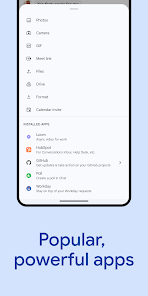
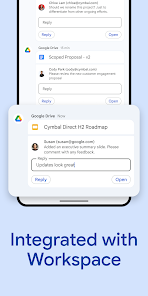
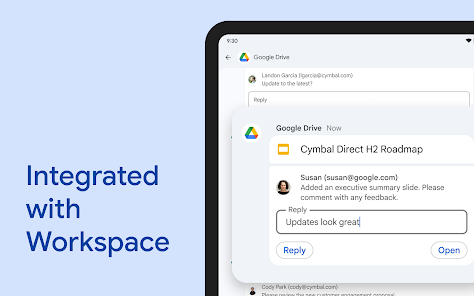
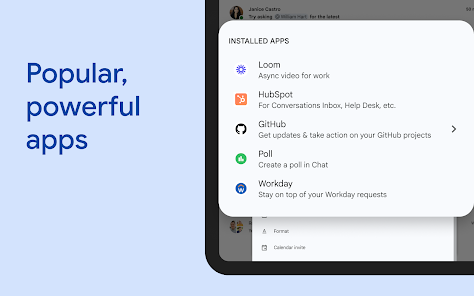
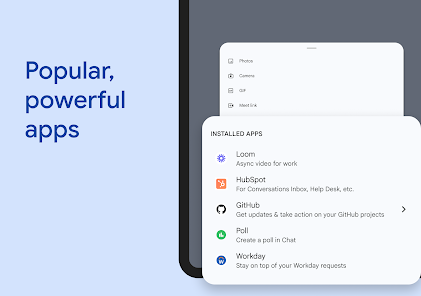
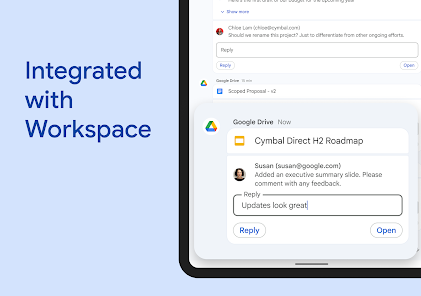
Google Chat seamlessly integrates with other Google Workspace apps like Drive, Calendar, and Docs. This means you can schedule meetings, share files, and access important documents all within the chat interface. This integration streamlines workflows and enhances your overall productivity by keeping everything you need in one place.

Real-Time Collaboration

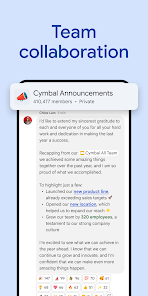
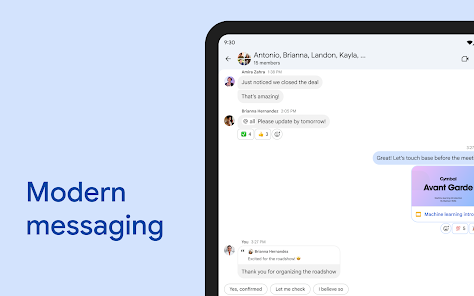
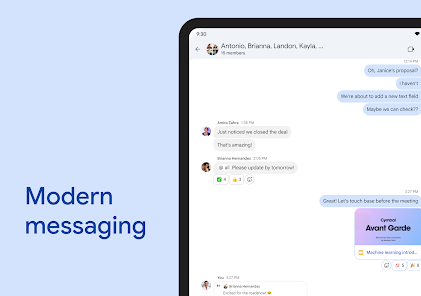
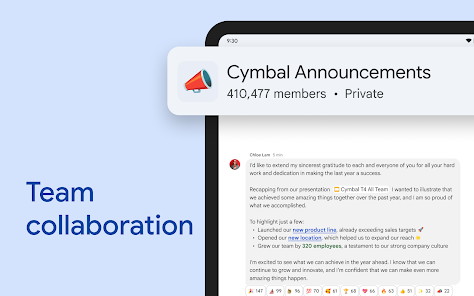
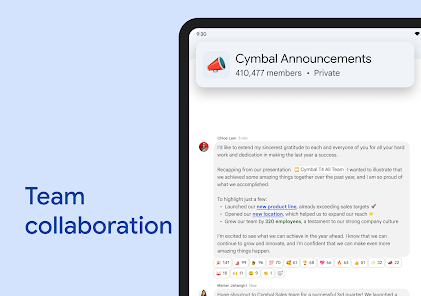
Google Chat enhances teamwork by allowing users to collaborate in real time. You can share documents, images, and links easily within chats, making it simple to work together on projects without skipping a beat. This seamless integration ensures everyone stays on the same page, boosting productivity and creativity.

Threaded Conversations

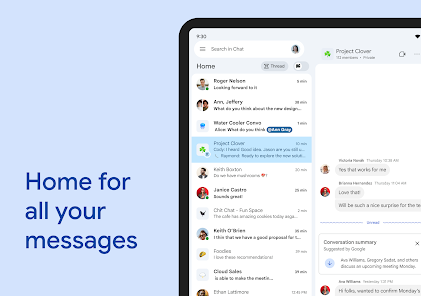
With threaded conversations, Google Chat allows for organized discussions around specific topics. This feature helps keep chats focused and easy to follow, ensuring that important messages don’t get lost in the shuffle. Users can easily refer back to specific threads, fostering clearer communication and collaboration.

Pros & Cons

Pros
  • Seamless integration with Google Workspace tools enhances productivity
  • Real-time messaging improves team collaboration and communication
  • Customizable chat rooms foster focused discussions and brainstorming
  • Easy file sharing simplifies access to important documents
  • User-friendly interface ensures quick adoption by teams
Cons
  • Limited integration with non-Google applications
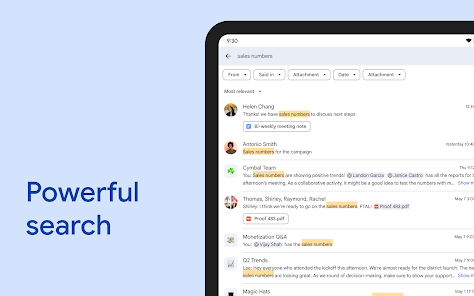
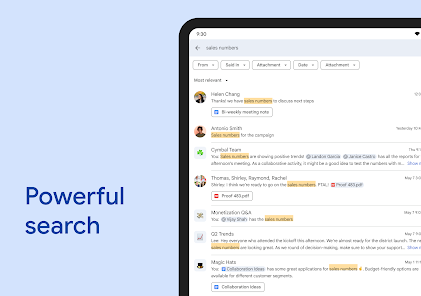
  • Search functionality can be cumbersome
  • Lacks advanced project management tools
  • Notifications can be overwhelming and distracting

Real Experience Using Google Chat

Application Scenarios

Google Chat is designed for a variety of collaborative environments, making it suitable for both personal and professional use. In a workplace setting, teams can utilize Google Chat for real-time communication, enabling discussions that facilitate project management and decision-making. The integration with Google Workspace allows users to seamlessly share documents, spreadsheets, and presentations, enhancing productivity. Additionally, educators can leverage Google Chat for remote learning, fostering communication between teachers and students. Friends and family can also use the app for casual chats and planning events, making it a versatile tool for many scenarios.

User Experience

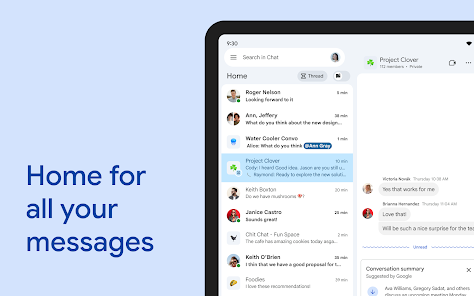
The user experience on Google Chat is streamlined and intuitive. The clean interface allows users to navigate effortlessly between chats, rooms, and direct messages. Notifications are customizable, ensuring that important messages are never missed. The ability to organize conversations into threads helps maintain clarity in discussions, especially in group chats. Users appreciate the integration of Google Meet, which allows for quick video calls directly from the chat, enhancing the collaborative experience. Features like emoji reactions and threaded replies add a layer of engagement, making conversations more interactive. However, some users have expressed the need for more advanced features, such as enhanced search capabilities, to find specific messages or files quickly.

Pricing

Google Chat is available for free to individual users, which makes it an attractive option for casual users and small teams. For organizations, Google Chat is included as part of Google Workspace subscriptions, which start at a competitive price. The pricing tiers offer various features, including increased storage, advanced security, and enhanced administrative controls, catering to the needs of different business sizes. While the free version provides a robust set of features, businesses may find value in the paid options, especially for enhanced collaboration and productivity tools.

Updates & Support

Google consistently rolls out updates to enhance the functionality of Google Chat, with improvements often based on user feedback. Recent updates have included new features like improved search functions, better integration with other Google services, and enhanced security measures. Users can easily access support through Google’s Help Center, which provides comprehensive guides and troubleshooting tips. Additionally, the community forums allow users to share experiences and solutions. For businesses using Google Workspace, dedicated support options are available, ensuring that organizations can resolve issues promptly. Overall, Google Chat continues to evolve, reflecting its commitment to user satisfaction and innovation.

verified Security & Privacy Review

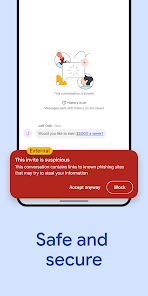
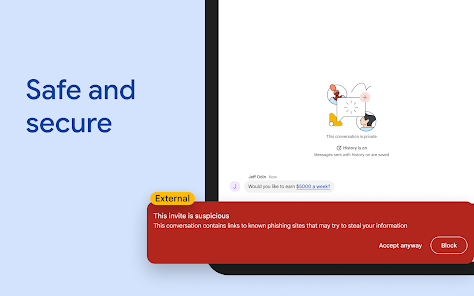
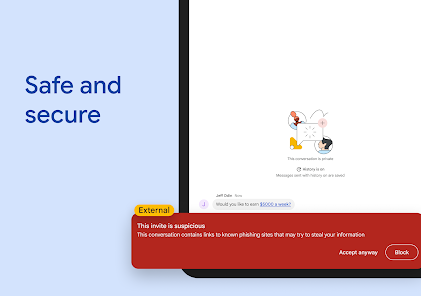
The security and privacy practices of Google Chat are robust, reflecting Google's commitment to user data protection. The app employs end-to-end encryption for messages, ensuring that conversations remain private and secure. Google Chat also integrates with Google's wider security infrastructure, which includes advanced threat detection and anti-phishing measures, providing users with a safer communication environment. In terms of permissions, Google Chat requires access to contacts and storage to function optimally, allowing users to easily share files and connect with others. However, users have control over these permissions and can manage them through their device settings. Google is transparent about its data handling practices, outlining how user information is collected, used, and shared in its privacy policy. Additionally, Google Chat allows users to configure privacy settings, including who can see their status and manage notifications. Overall, Google Chat prioritizes user security and privacy, making it a reliable choice for both personal and professional communication.

Reviews

4.4

“User-friendly interface makes collaboration seamless and efficient.”

“Great integration with Google Workspace enhances productivity.”

“Notifications can be overwhelming at times.”

“Search functionality is powerful and easy to use.”

“Voice and video quality are consistently reliable.”

Editor's Choice