This site uses cookies to enhance your user experience. By clicking any link on this site you are giving your consent to our cookie policy. Read more
Reject
Accept All
Microsoft Authenticator

Microsoft Authenticator

verified Verified App

Developer: Microsoft Corporation

  • category

    Category: Business

  • price

    Price: free

  • age rating

    Age Rating: Everyone

  • rating

    Rating: 4.7

  • download

    Downloads: 100,000,000+

  • version

    Version: 6.2601.0189

Screenshot 1
Screenshot 2
Screenshot 3
Screenshot 4
Screenshot 5
Screenshot 6
Screenshot 7
Screenshot 8
Screenshot 9
Screenshot 10
Screenshot 11
Screenshot 12
Screenshot 13
Screenshot 14
Screenshot 15
Screenshot 16
Screenshot 17
Screenshot 18
Screenshot 19

Features & Highlights

Account Backup and Recovery

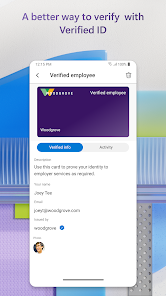
Never worry about losing access to your accounts again with the backup and recovery feature. Microsoft Authenticator securely backs up your account information to the cloud, allowing you to easily restore your details on a new device without hassle.

Multi-Factor Authentication

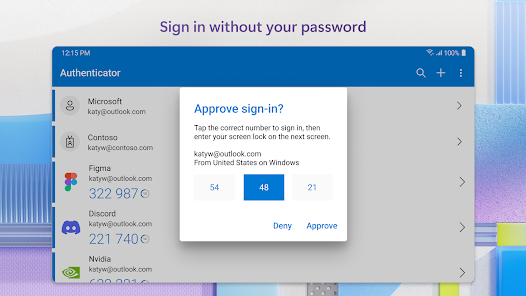
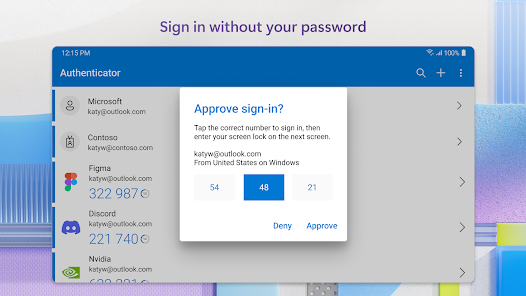
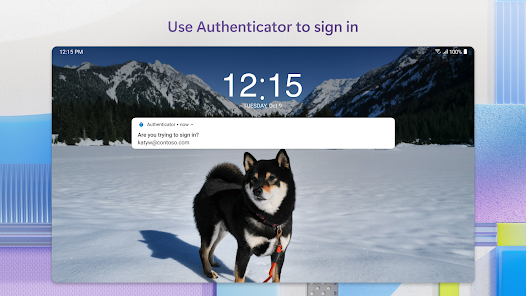
Add an extra layer of security to your accounts with multi-factor authentication. Microsoft Authenticator generates secure codes and sends push notifications for easy verification, ensuring that only you can access your sensitive information even if your password is compromised.

Passwordless Sign-In

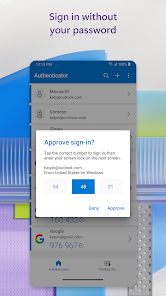
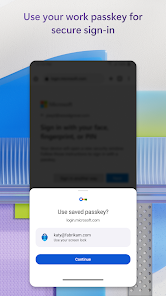
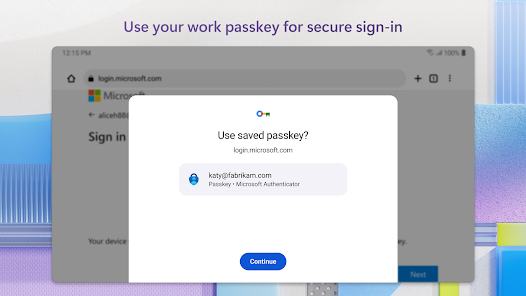
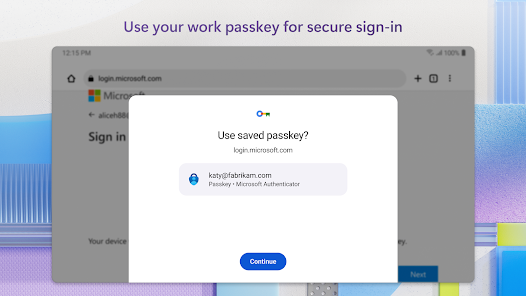
Microsoft Authenticator allows you to log in without a password, enhancing security and convenience. Simply use your fingerprint, face recognition, or a PIN to access your accounts, making it easier to manage your credentials while reducing the risk of phishing attacks.

Secure QR Code Scanning

Easily set up two-step verification with the secure QR code scanning feature. Just scan the QR code provided by websites and apps, and Microsoft Authenticator will automatically generate the necessary codes, simplifying the setup process and enhancing your online security.

Pros & Cons

Pros
  • Enhances security with two-factor authentication
  • Offers seamless passwordless sign-in options
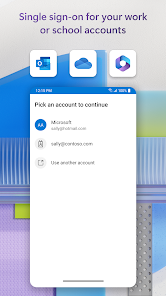
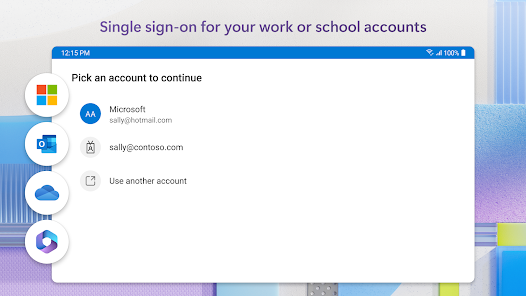
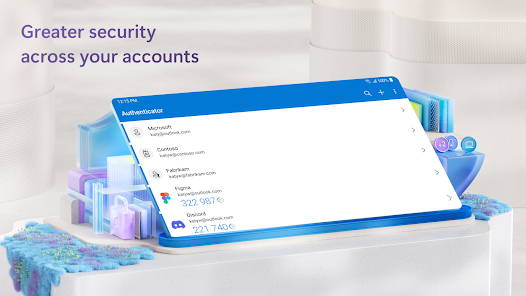
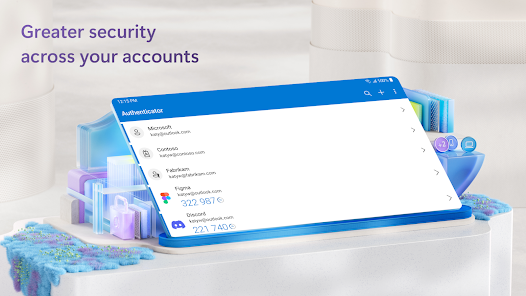
  • Supports multiple accounts in one app
  • Provides quick access to app notifications
  • Backs up data to the cloud for recovery
Cons
  • Limited backup options for account recovery
  • Requires phone access for authentication
  • Can be inconvenient during travel without data
  • Potential for app-specific vulnerabilities

Real Experience Using Microsoft Authenticator

Application Scenarios

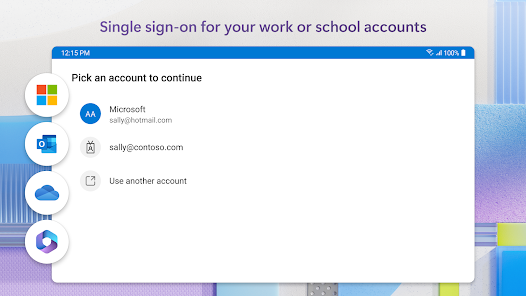
Microsoft Authenticator is an essential tool for users who prioritize security in their digital lives. It serves a variety of application scenarios, from personal to professional usage. Whether you're logging into your work email, accessing sensitive corporate data, or simply managing your social media accounts, this app provides an additional layer of security through two-factor authentication (2FA). Users can easily integrate it with various platforms, including Microsoft services, Google, Facebook, and more, making it a versatile option for a wide range of applications. Additionally, it supports passwordless sign-in, allowing users to access their accounts with a simple tap on their mobile devices, enhancing convenience without compromising security.

User Experience

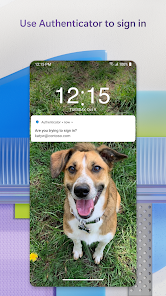
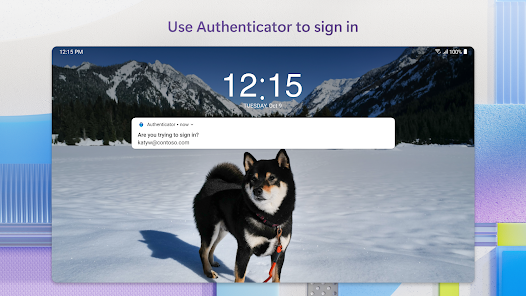
The user experience of Microsoft Authenticator is designed to be intuitive and straightforward. Upon installation, users are greeted with a clean interface that makes navigation easy, even for those who may not be tech-savvy. Setting up accounts for 2FA is a breeze, with clear prompts guiding users through linking their accounts. The app also features push notifications that alert users when a login attempt is made, allowing them to approve or deny access instantly. This real-time feedback enhances security while maintaining a seamless user experience. Moreover, the app includes backup and recovery options, ensuring that users can regain access to their accounts even if they lose their device. Overall, Microsoft Authenticator strikes a balance between functionality and usability, making it a reliable choice for anyone looking to enhance their account security.

Pricing

Microsoft Authenticator is available for free, which is a significant advantage for users seeking a robust security solution without financial commitment. There are no hidden fees or premium features that require a subscription, making it accessible to everyone. This free model allows users to take full advantage of its extensive features, including account management, passwordless sign-in, and support for various services. While some users may seek advanced security features offered by other platforms, Microsoft Authenticator provides ample functionality for the average user, making it an excellent choice for personal and business use alike.

Updates & Support

Microsoft regularly updates the Authenticator app to enhance security features and improve user experience. These updates often include bug fixes, performance enhancements, and new functionalities based on user feedback. The app also benefits from Microsoft's extensive support network, which includes comprehensive online documentation, FAQs, and community forums where users can seek assistance or share tips. For those who require more direct support, Microsoft offers customer service options through various channels. This commitment to ongoing improvement and user support ensures that Microsoft Authenticator remains a reliable tool for safeguarding accounts against unauthorized access.

verified Security & Privacy Review

The Microsoft Authenticator app prioritizes user security and privacy, offering robust features to safeguard sensitive information. It employs industry-standard encryption protocols to protect user data both in transit and at rest, ensuring that authentication codes and personal details remain secure from unauthorized access. In terms of permissions, the app requires access to the device’s camera for scanning QR codes and may request notifications to provide timely alerts for authentication requests. Users are informed about the data collected, which primarily includes device information and usage statistics, helping Microsoft enhance user experience and app performance. Microsoft is committed to transparency and adheres to stringent privacy practices, including compliance with GDPR and CCPA regulations. User data is not sold to third parties, and Microsoft provides options for users to manage their privacy settings, including the ability to delete account data when no longer needed. Overall, Microsoft Authenticator delivers a reliable solution for two-factor authentication while upholding strong security and privacy standards.

Reviews

4.7

“Easy to use and reliable for two-factor authentication.”

“Syncs seamlessly across devices, great for security.”

“User-friendly interface, makes logging in a breeze.”

“Occasional bugs, but overall a solid app.”

“Love the backup feature for recovery options.”

Editor's Choice