Home
Home  Apps
Apps  Games
Games  Windows
  Topics
  Terms of Service
  Cookies & Privacy Policy
  About us
 Cloud Saving
MediBang Paint allows you to save your artwork in the cloud, ensuring that you never lose your progress. This feature lets you access your projects from any device, making it easy to work on your art wherever inspiration strikes.

MediBang Inc.
 3.8
3.8 
Category: Art & Design

Price: free

Age Rating: Teen

Rating: 3.8

Available on: /

Updated on: Jun 2, 2026
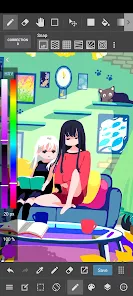
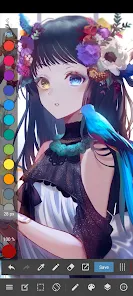
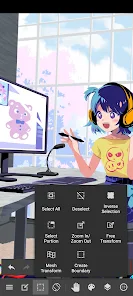
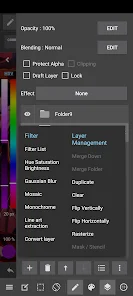
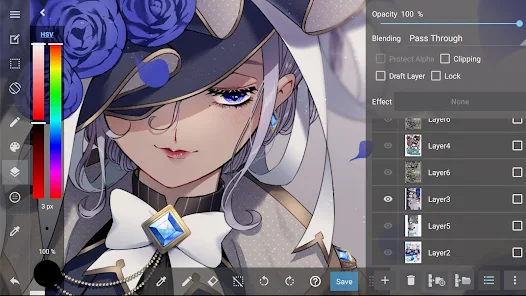
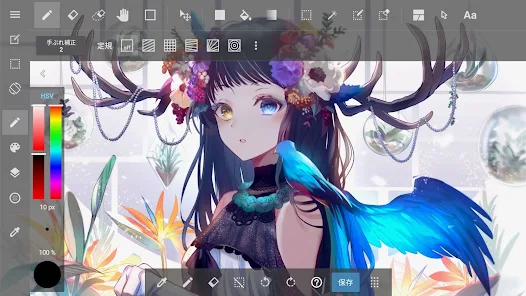
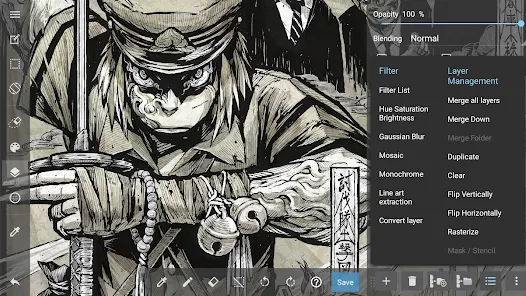
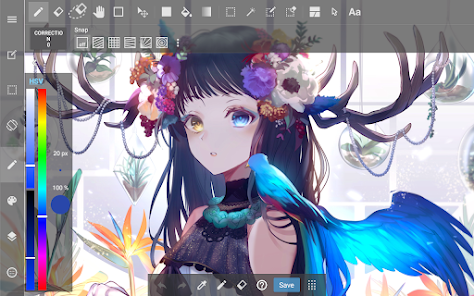
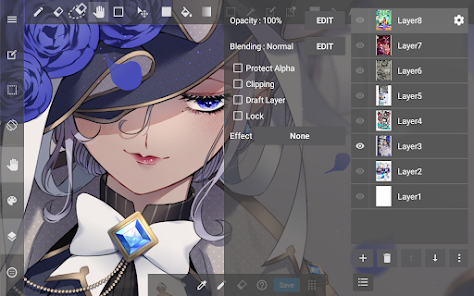
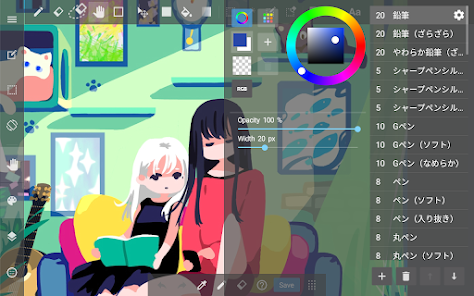
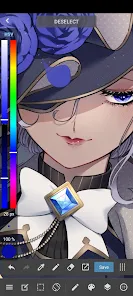
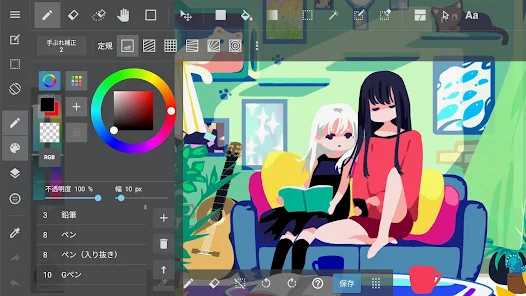
MediBang Paint allows you to save your artwork in the cloud, ensuring that you never lose your progress. This feature lets you access your projects from any device, making it easy to work on your art wherever inspiration strikes.
Specialized comic creation features let you effortlessly craft your own comics, complete with panel layouts and speech bubbles. This makes it a fantastic platform for storytellers and comic artists to bring their narratives to life in vivid detail.
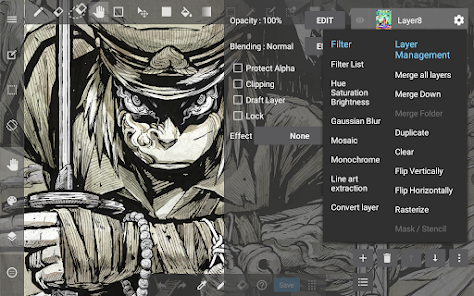
With an extensive library of brushes and tools, MediBang Paint caters to artists of all styles. You can customize brushes to achieve your desired effects, making it a versatile choice for both beginners and seasoned professionals alike.
The intuitive interface of MediBang Paint simplifies the process of creating digital art. Even if you are new to digital drawing, you'll find it easy to navigate through the tools and features, allowing you to focus on your creativity without frustration.

 MediBang Paint offers a user-friendly interface for easy navigation. It provides a wide range of brushes and tools for creative expression. The cloud storage feature allows seamless access across devices. Collaboration tools enable easy sharing and teamwork on projects. Regular updates ensure new features and enhancements for users.
 Limited brush customization options may hinder artistic expression. Frequent updates can disrupt workflow and introduce bugs. The learning curve can be steep for new users unfamiliar with digital art tools.
 MediBang Paint is an incredibly versatile application that serves both amateur and professional artists alike. Whether you are sketching out a quick concept for a comic, refining a digital painting, or creating intricate illustrations, this app provides a robust set of tools to support your creative process. It is particularly popular among comic artists and illustrators due to its comic panel features, which allow users to easily create and manage comic layouts. Additionally, the app's cloud-based functionality makes it easy to work on projects from different devices, enhancing collaboration among team members. Whether you are at home, in a café, or on the go, MediBang Paint makes it easy to capture your artistic ideas anytime and anywhere.
The user interface of MediBang Paint is designed to be intuitive, making it accessible for users of all skill levels. The application offers a wide array of brushes, colors, and tools that can be customized to suit individual preferences. Users often appreciate the seamless integration of layers, allowing for complex designs without the risk of overwhelming clutter. One standout feature is the abundance of tutorials and resources available within the app, which guide users through the various functions and tools. The responsiveness of the app is commendable, as it runs smoothly even on devices with lower specifications. However, some users have reported occasional lag during intense editing sessions, which can be a minor setback but does not significantly detract from the overall experience.
MediBang Paint is free to download and use, making it an attractive option for those who are hesitant to invest in expensive software. While the app does offer in-app purchases for additional features and resources, the free version is robust enough for most users to create high-quality artwork without feeling pressured to spend money. The pricing structure allows users to enhance their experience at their own pace, ensuring that they only invest in features that genuinely enhance their workflow. This flexible pricing model has garnered a loyal user base, as many creators appreciate the option to explore the app without any initial financial commitment.
The developers of MediBang Paint are committed to continuously improving the app, regularly releasing updates that introduce new features, brushes, and improvements based on user feedback. The update schedule is relatively consistent, with major enhancements rolled out several times a year. Additionally, the app provides an extensive support system, including a dedicated help center, community forums, and responsive customer service. Users can easily access tutorials, FAQs, and tips for troubleshooting, ensuring that they have the resources needed to make the most of the application. This ongoing support reinforces the app's reputation as a reliable tool for artists, fostering a community that thrives on creativity and collaboration.
Security & Privacy Review
 Google Play
  App Store


Updating my review after 4 years to a 3 star review. The app is still great to use, but I don't like how in order to transfer your project files to a Flash Drive off of your phone, you have to buy a higher premium membership. I'm fine paying for the cheap premium, but I wish I could just save my project files onto my PC through file transfer without paying.
with every successive update, the app gets worse and worse. video ads that take up the whole screen before you even start drawing, a 3 hour time limit, and no way to actually buy the app permanently. i want to draw but this app does not let me draw. I have the steam version of fire alpaca. and it now would give a popup about premium brushes even though i made my own brushes. so i uninstalled this app. just go use a different drawing app.
I bought the full premium version years ago and loved it. Then, for some reason, they put your ability to access the .MDP files ON YOUR DEVICE behind a subscription paywall. You cant even access your files when you connect to a computer! I wanted to move my files off of my tablet to make room, but can only delete images one by one in the apps clunky gallery function. Awful, greedy buisness.
used to be a really nice art program, I used it for years due to the variety of tools and easy user interface. But, I couldn't continue after paywalling a lot of the basic texture brushes and giving 5 popup ads every time you open up the app. Those, added with the pop-up ads that show up when you tab back into the app and the banner ads... its basically unusable. i feel like every button is gonna trigger an ad i have to sit through. i understand some ads to make money, but this is just absurd.
MediBang used to be a great app before all the ads, and it's an absurd amount of ads considering the desktop version is also free and does not contain any ads. Yet another amazing service/ software that has fed into greed, disapointing. I will no longer be using Medibang after almost a decade of doing so, and will be searching for alternative drawing apps that value my time as an artist.
Review Source: Google Play store public user reviews.
Yes, users can submit suggestions or feedback through the app's support or contact features, allowing for communication with the developers.
MediBang Paint: Draw Art, Comic may collect user data to improve the app and provide services, but it typically adheres to privacy policies regarding data usage and protection.
Yes, MediBang Paint: Draw Art, Comic allows users to work offline, although some features may require an internet connection for full functionality.
Users can cancel their subscription through the app store settings on their device or by following the subscription management options provided within the app.
MediBang Paint: Draw Art, Comic offers a subscription model with various pricing tiers, typically providing additional features and resources, but specific costs may vary.
Unfortunately, customer numbers cannot be changed once assigned. Please contact customer service for further assistance.
You can reach customer service via the in-app support feature or through our website's contact form.
You can contact customer service through the app’s support section or visit our official website for assistance.
To activate your account, check your email for the activation link and follow the provided instructions.
You can retrieve your customer number by checking your account settings or your registration email for the details.
Added a Simple Mode icon to the home screen.

Canva: AI Photo & Video Editor
ibis Paint X
Sketchbook
AI Home Design: Interior DecAI
Adobe Express: AI Photo, Video

FlipaClip: Create 2D Animation

Clip Studio Paint

AI Video - AI Video Generator

Customuse: Skins Maker Roblox

Draw Animation - Anim Creator

Animation Creator: Flipbook 2D

Passport Photo: ID Photo Print