This site uses cookies to enhance your user experience. By clicking any link on this site you are giving your consent to our cookie policy. Read more
Reject
Accept All
FlipaClip: Create 2D Animation

FlipaClip: Create 2D Animation

verified Verified App

Developer: Visual Blasters LLC

  • category

    Category: Art & Design

  • price

    Price: free

  • age rating

    Age Rating: Everyone

  • rating

    Rating: 4.3

  • download

    Downloads: 50,000,000+

  • version

    Version: 4.2.19

Screenshot 1
Screenshot 2
Screenshot 3
Screenshot 4
Screenshot 5
Screenshot 6
Screenshot 7
Screenshot 8
Screenshot 9
Screenshot 10
Screenshot 11
Screenshot 12
Screenshot 13
Screenshot 14
Screenshot 15
Screenshot 16
Screenshot 17
Screenshot 18
Screenshot 19
Screenshot 20
Screenshot 21
Screenshot 22
Screenshot 23
Screenshot 24
Screenshot 25
Screenshot 26
Screenshot 27
Screenshot 28
Screenshot 29
Screenshot 30
Screenshot 31

Features & Highlights

Drawing Tools Galore

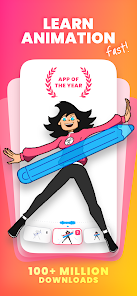
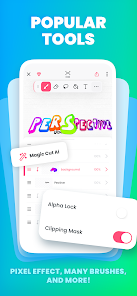
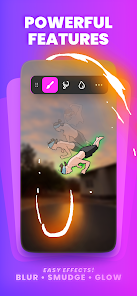
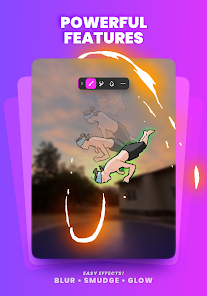
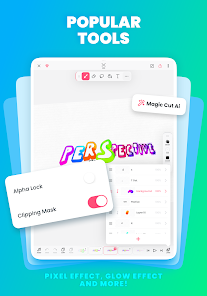
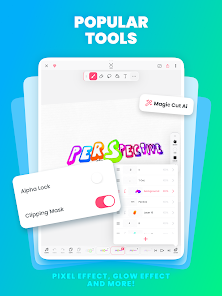
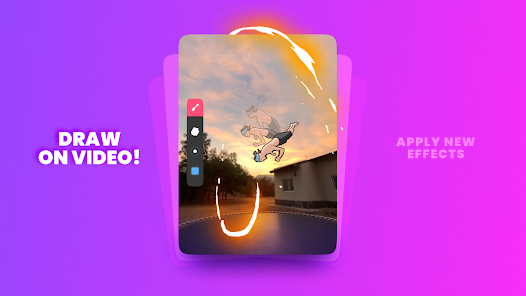
With a variety of brushes, pencils, and colors, FlipaClip's drawing tools cater to both beginners and seasoned artists. The customizable options let you experiment with different styles and techniques, making it easy to bring your ideas to life while enjoying a seamless drawing experience.

Frame-by-Frame Animation

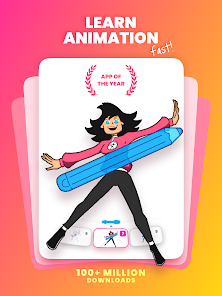
FlipaClip offers an intuitive frame-by-frame animation feature, allowing users to create stunning animations with precision. You can easily draw and edit each frame, giving you full control over every detail of your project, ensuring a smooth and dynamic final product that truly showcases your artistic vision.

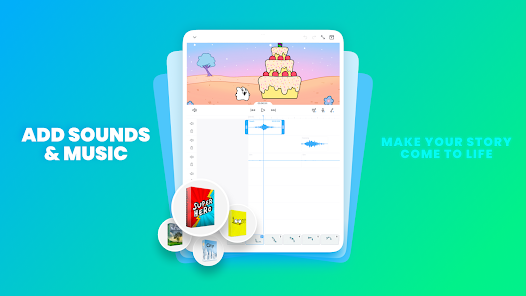
Sound Integration

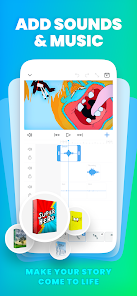
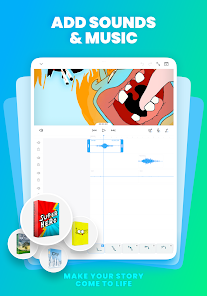
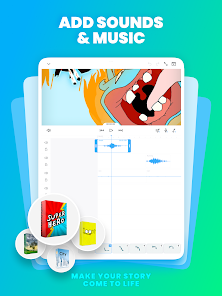
FlipaClip allows you to add sound effects and voiceovers directly to your animations, enhancing the storytelling aspect of your projects. This feature makes it simple to sync audio with your visuals, creating a more immersive experience for viewers and adding a professional touch to your creations.

User-Friendly Interface

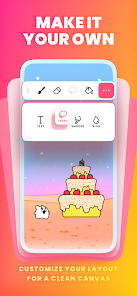
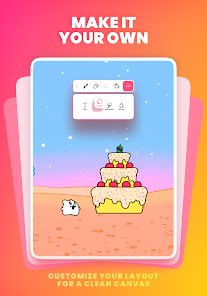
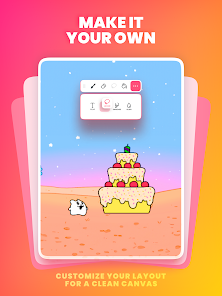
The app's user-friendly interface is designed with simplicity in mind, making it accessible for creators of all skill levels. With its organized layout and helpful tutorials, you can jump right into your animation journey without feeling overwhelmed, making creativity enjoyable and stress-free.

Pros & Cons

Pros
  • User-friendly interface for easy navigation and creation
  • Wide range of drawing tools for detailed animations
  • Onion skinning feature for smooth frame transitions
  • Supports audio integration for enhanced storytelling
  • Export options for sharing across multiple platforms
Cons
  • Limited advanced animation features available
  • Frequent crashes and bugs reported
  • User interface can be confusing for beginners
  • Export options are somewhat restricted in quality

Real Experience Using FlipaClip: Create 2D Animation

Application Scenarios

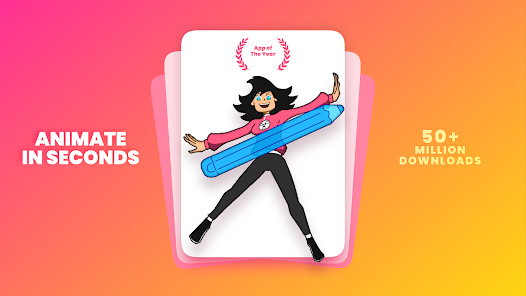
FlipaClip: Create 2D Animation is an innovative app that caters to a diverse range of users, from budding animators to seasoned professionals. Whether you’re in a classroom setting, working on a personal project at home, or collaborating with friends, FlipaClip provides a versatile platform for creating engaging animations. Students can utilize the app for educational projects, while hobbyists can explore their creativity through storytelling and character design. Additionally, artists looking to showcase their work can use FlipaClip to create eye-catching animations for social media or portfolios. The app's intuitive interface makes it accessible for anyone looking to bring their ideas to life, regardless of their skill level.

User Experience

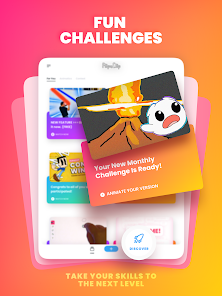
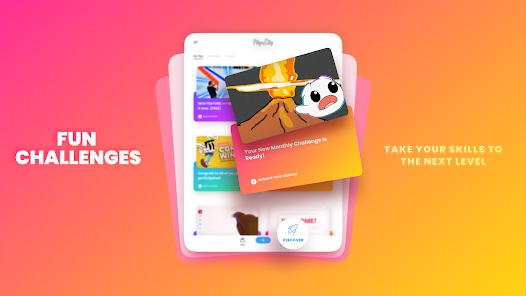
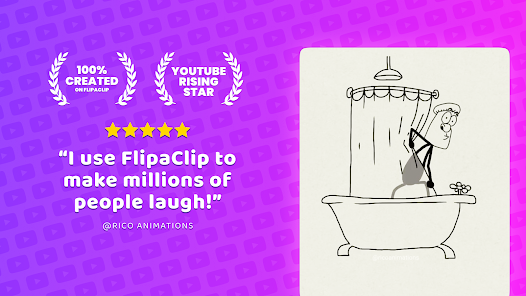
The user experience with FlipaClip is largely positive, featuring a user-friendly interface that is easy to navigate. Users can quickly familiarize themselves with the tools available, such as the frame-by-frame animation feature, layers, and drawing tools. The app supports both touch and stylus input, making it adaptable for different devices and preferences. Users particularly appreciate the ability to import audio, which enhances the storytelling aspect of their animations. The community aspect of FlipaClip is another highlight, as users can share their creations and receive feedback, fostering a sense of belonging among creators. However, some users have reported minor bugs and occasional performance issues, especially when working on larger projects, but overall, the app delivers a satisfying and creative experience.
Pricing

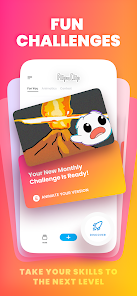
FlipaClip operates on a freemium model, allowing users to download and access basic features without any cost. The free version is quite robust, enabling users to create simple animations and explore many tools. However, for those seeking advanced features, such as additional layers, higher resolution exports, and the removal of ads, the premium subscription is available. The pricing is competitive compared to similar apps in the market, making it accessible for both casual users and serious animators. This flexible pricing structure encourages users to try the app without commitment while offering several options for those ready to take their animation skills to the next level.

Updates & Support

FlipaClip is regularly updated with new features and enhancements, reflecting the developers' commitment to improving user experience. Recent updates have introduced new brushes, tools, and animation effects, keeping the app relevant and exciting for users. The support system is efficient, with a dedicated FAQ section and tutorial videos available for users to troubleshoot common issues. Users can also reach out to customer support for more complex inquiries, and the response time is generally quick. The active community forums allow users to share tips, techniques, and feedback, further enriching the overall experience. With consistent updates and a focus on user support, FlipaClip ensures that animators have the resources they need to succeed.

verified Security & Privacy Review

FlipaClip: Create 2D Animation places a strong emphasis on user privacy and data security. The app does not require excessive permissions, focusing primarily on those necessary for its core functionalities, such as accessing storage for saving animations. This limited permission model helps protect users from unnecessary data exposure. The app adheres to standard privacy practices, ensuring that any personal data collected is handled in accordance with applicable laws and regulations. FlipaClip does not share user data with third parties without explicit consent, providing users with a sense of security regarding their creative work. Additionally, users are encouraged to utilize secure accounts and to review privacy settings regularly. While FlipaClip does not collect sensitive personal information, users should remain vigilant about the content they create and share within the app. Overall, FlipaClip demonstrates a commitment to maintaining user privacy and data security, making it a trustworthy platform for aspiring animators.

Reviews

4.3

“Intuitive interface for beginners and pros alike”

“Great tools for detailed animations”

“Love the frame-by-frame animation feature”

“Occasional bugs, but fun overall”

“Export options are limited but manageable”

Editor's Choice