This site uses cookies to enhance your user experience. By clicking any link on this site you are giving your consent to our cookie policy. Read more
Reject
Accept All
Krita

Krita

verified Verified App

Developer: Stichting Krita Foundation

  • category

    Category: Art & Design

  • price

    Price: free

  • age rating

    Age Rating: Everyone

  • rating

    Rating: 3.1

  • download

    Downloads: 1,000,000+

  • version

    Version: 5.2.15

Screenshot 1
Screenshot 2
Screenshot 3
Screenshot 4
Screenshot 5
Screenshot 6
Screenshot 7
Screenshot 8
Screenshot 9
Screenshot 10
Screenshot 11
Screenshot 12
Screenshot 13
Screenshot 14
Screenshot 15
Screenshot 16
Screenshot 17
Screenshot 18
Screenshot 19
Screenshot 20
Screenshot 21
Screenshot 22
Screenshot 23
Screenshot 24

Features & Highlights

Animation Support

Krita features a powerful animation toolkit that lets users create frame-by-frame animations seamlessly. This includes onion skinning, which helps in visualizing motion, and a timeline panel for easy navigation, making it an excellent choice for both illustrators and animators.

Brush Engine

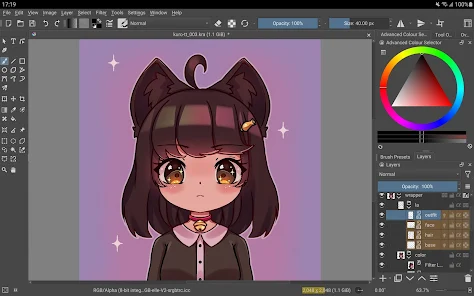
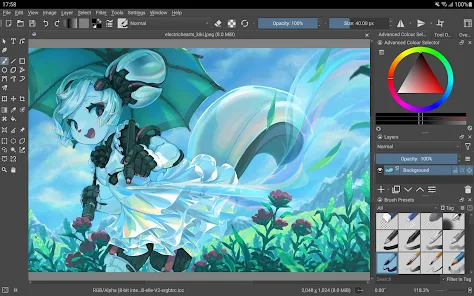
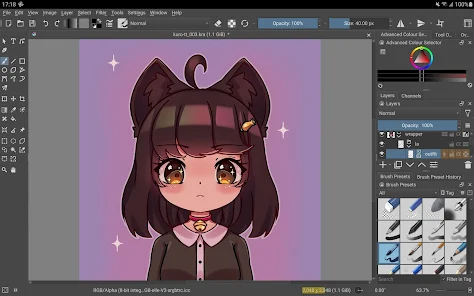
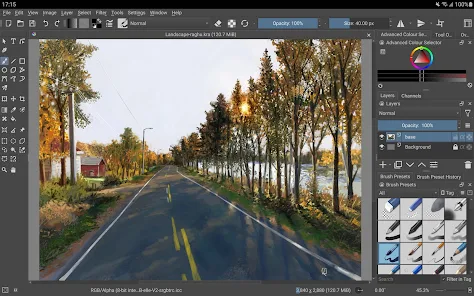
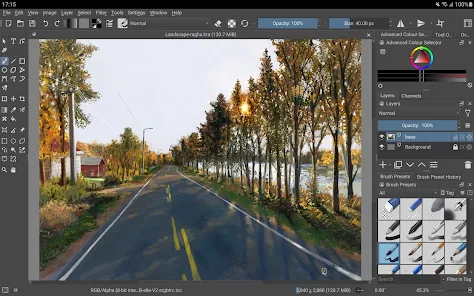
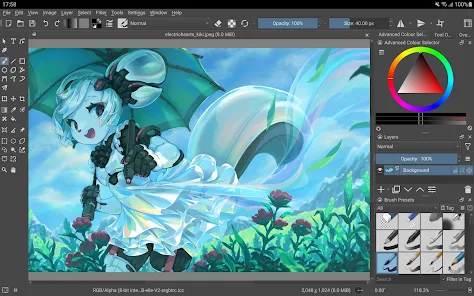
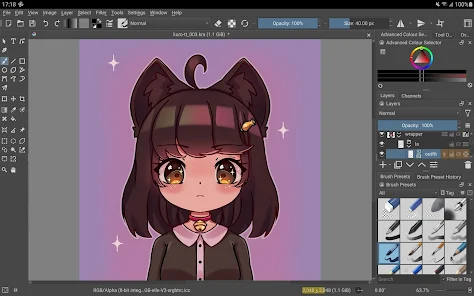
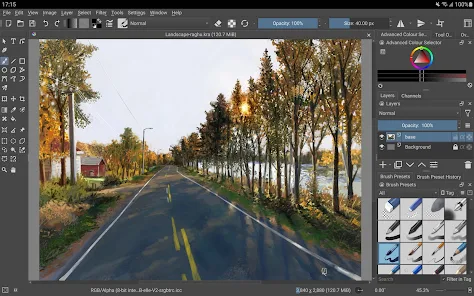
Krita boasts an advanced brush engine that allows artists to create custom brushes with unique textures and dynamics. This flexibility enables users to simulate a wide range of traditional and digital painting techniques, making it easier to bring their creative visions to life.

Layer Management

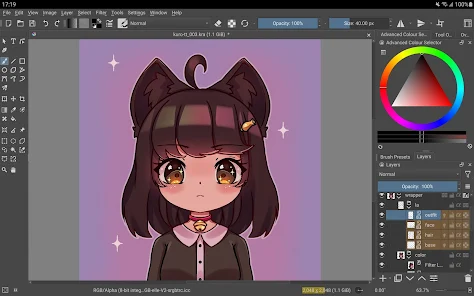
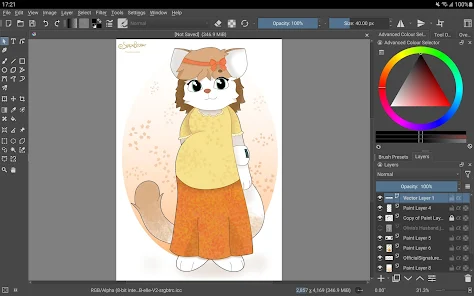
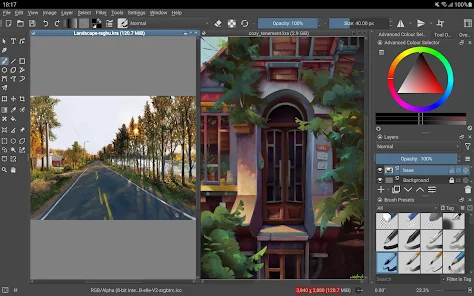
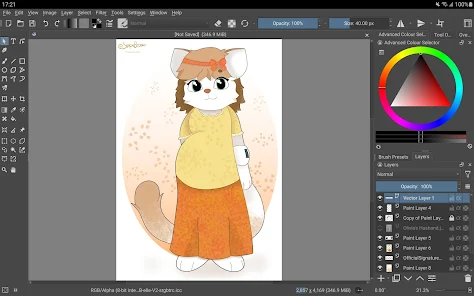
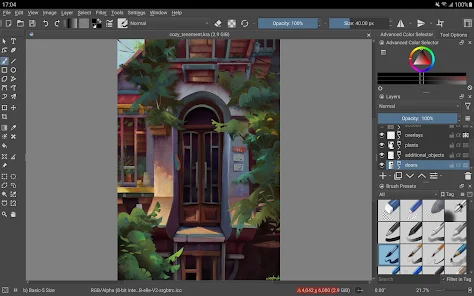
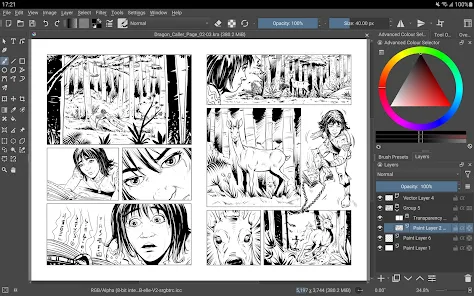
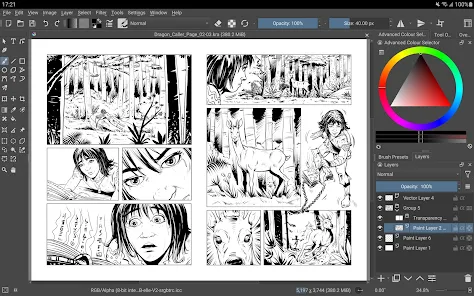
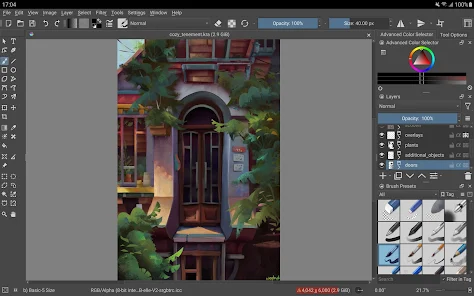
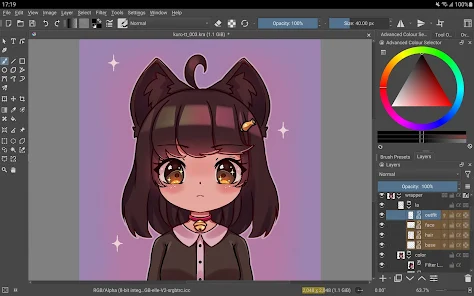
With robust layer management tools, Krita allows artists to organize their artwork efficiently. Users can work with multiple layers, apply blending modes, and utilize masks, making it simple to experiment and refine their compositions without losing previous work.

Open Source Community

As an open-source application, Krita benefits from a vibrant community that continually contributes to its development. Users can access a wealth of resources, plugins, and support, ensuring that the software evolves to meet the needs of artists around the world.

Pros & Cons

Pros
  • User-friendly interface for easy navigation and access.
  • Powerful brush engines for versatile artistic expression.
  • Customizable workspace tailored to individual preferences.
  • Supports various file formats for seamless integration.
  • Active community offers extensive resources and support.
Cons
  • Limited text tool capabilities for typography work
  • Steeper learning curve for beginners compared to competitors
  • Performance issues with large, complex files
  • Lacks advanced animation tools found in other software

Real Experience Using Krita

Application Scenarios

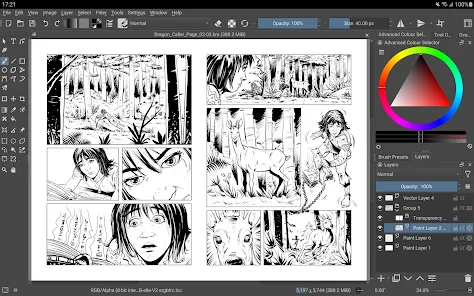
Krita is a versatile digital painting application tailored for artists, illustrators, and designers. It shines in various scenarios, whether you're creating concept art, character designs, or intricate illustrations. The software is particularly well-suited for those working in animation and comic creation, offering a range of tools specifically designed for frame-by-frame animation and storyboard creation. Additionally, Krita supports a wide array of artistic styles, making it ideal for both traditional and contemporary art forms. From beginners exploring digital art to professionals developing complex projects, Krita meets diverse user needs, making it a go-to choice for many in the creative community.

User Experience

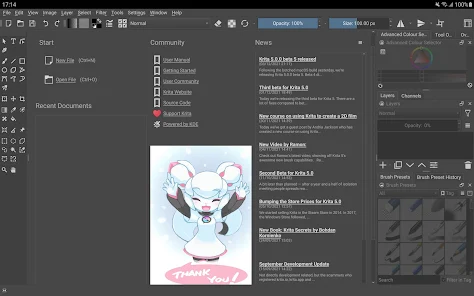
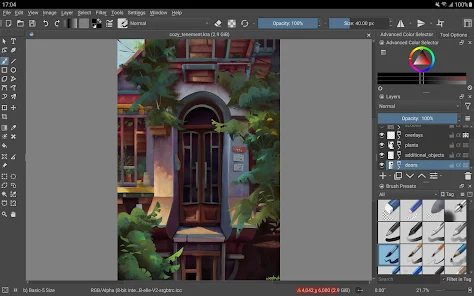
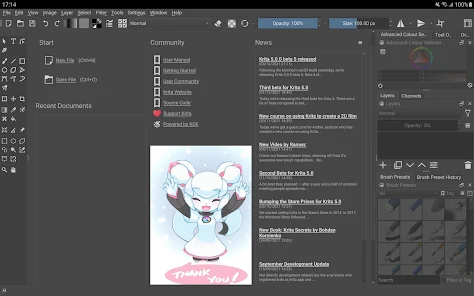
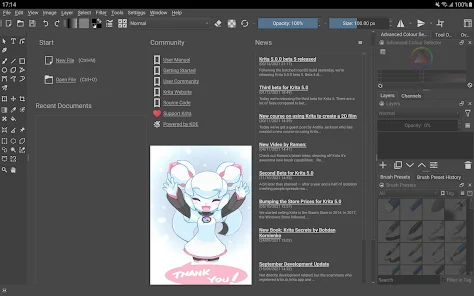
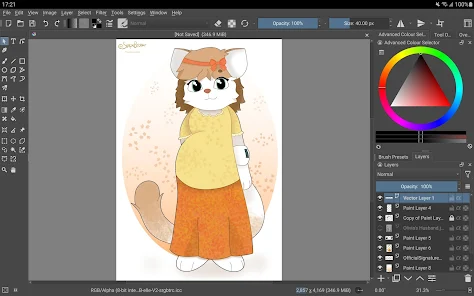
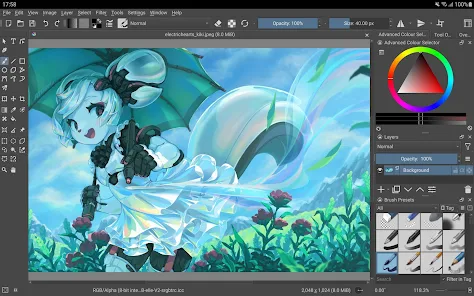
The user experience in Krita is largely positive, with a user-friendly interface that offers extensive customization options. Upon launching the application, users are greeted with a sleek layout that prioritizes essential tools and features. The brush engine is one of Krita's standout features, providing an extensive library of brushes that can be adjusted to suit individual styles. Users can create their own brushes or tweak existing ones, allowing for a personalized touch in their artwork. Moreover, the application supports pressure sensitivity and tilt functionality for stylus users, enhancing the natural feel of painting. While there may be a slight learning curve for complete beginners, the availability of tutorials and a supportive community helps ease the transition into digital painting.

Pricing

Krita stands out in the realm of digital art software by being completely free and open-source. This unique pricing model democratizes access to high-quality creative tools, allowing artists of all backgrounds to explore their talents without financial constraints. While there are no mandatory fees, users have the option to support the developers through donations or by purchasing merchandise. This approach has cultivated a loyal user base and has ensured consistent updates and improvements to the software, making Krita an attractive choice for both hobbyists and professionals alike.

Updates & Support

Krita is regularly updated, with new features and improvements rolled out to enhance user experience and expand functionality. The development team actively listens to community feedback, ensuring that updates align with user needs. Additionally, Krita has a robust support system, including an active forum, extensive documentation, and a wealth of tutorials available online. Users can find assistance quickly, whether they are troubleshooting issues or seeking creative inspiration. The commitment to continuous improvement and community engagement makes Krita not just a tool, but a platform where artists can thrive and grow.

verified Security & Privacy Review

Krita prioritizes user privacy and data security, ensuring that artists can create without fear of data misuse. The app does not require an account to use, which minimizes the amount of personal data collected. Users can work offline, further protecting their creations from potential online vulnerabilities. In terms of permissions, Krita is relatively lightweight, requiring only the necessary access to system resources to function effectively. This means it does not request excessive permissions that could compromise user data or privacy. The app operates locally on the user's device, storing files and configurations directly on the system rather than in the cloud, reducing exposure to online threats. Krita also adheres to open-source principles, allowing the community to inspect the code for potential security flaws. This transparency fosters trust, as users can verify that their data is not being mishandled. Overall, Krita offers a secure environment for digital artists, emphasizing user autonomy and data protection.

Reviews

3.1

“Powerful free tool for digital painting enthusiasts!”

“Intuitive interface makes art creation enjoyable.”

“Regular updates improve functionality and features.”

“Great community support for learning and sharing tips.”

“Versatile brushes and tools enhance creative possibilities.”

Editor's Choice