This site uses cookies to enhance your user experience. By clicking any link on this site you are giving your consent to our cookie policy. Read more
Reject
Accept All
Citrix Workspace

Citrix Workspace

verified Verified App

Developer: Citrix Systems, Inc

  • category

    Category: Business

  • price

    Price: free

  • age rating

    Age Rating: Everyone

  • rating

    Rating: 4.0

  • download

    Downloads: 10,000,000+

  • version

    Version: 25.9.0

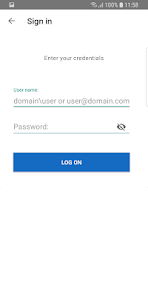
Screenshot 1
Screenshot 2
Screenshot 3
Screenshot 4
Screenshot 5
Screenshot 6
Screenshot 7
Screenshot 8
Screenshot 9
Screenshot 10
Screenshot 11
Screenshot 12
Screenshot 13
Screenshot 14
Screenshot 15

Features & Highlights

Advanced Security Features

Citrix Workspace prioritizes security with advanced features such as multi-factor authentication and data encryption. These robust security measures protect sensitive information while still providing users with the ease of access they require, ensuring peace of mind for both employees and IT departments.

Intelligent Analytics

The platform includes intelligent analytics that provide insights into application performance and user behavior. By leveraging this data, organizations can optimize their IT resources, improve user experiences, and proactively address any potential issues before they impact productivity.

Seamless Remote Access

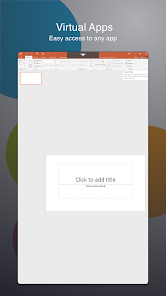
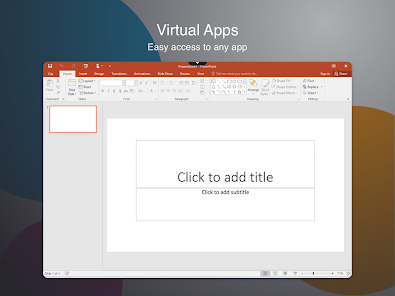
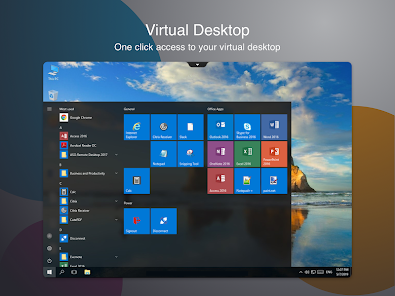
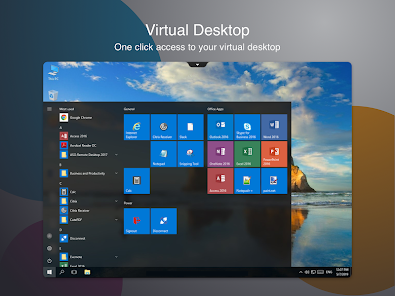
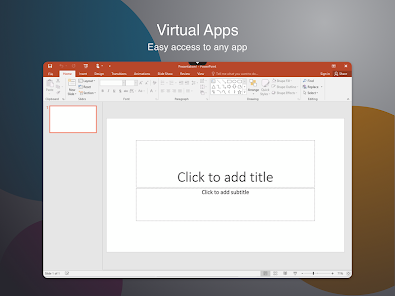
Citrix Workspace offers seamless remote access to applications and data from any device, allowing users to stay productive whether they're in the office or on the go. This flexibility ensures that work can continue uninterrupted, no matter the location or circumstance, enhancing overall efficiency.

Unified User Experience

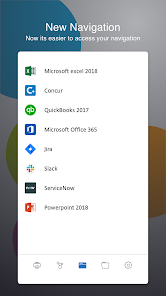
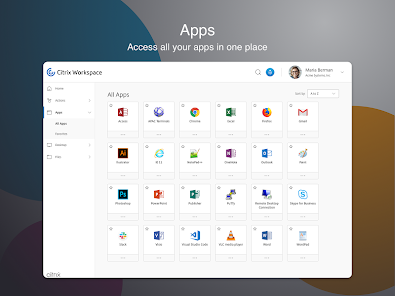
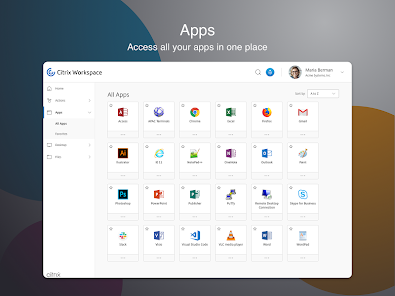
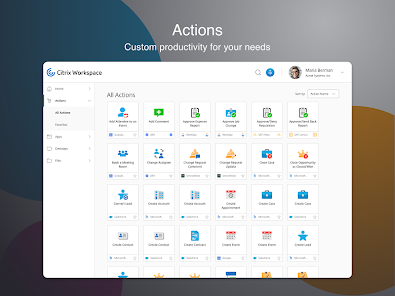
With a unified user experience, Citrix Workspace consolidates all applications, files, and tools into a single interface. This streamlined access simplifies navigation and improves workflow, enabling users to find what they need quickly and focus on their tasks without distraction.

Pros & Cons

Pros
  • Seamless access to applications from any device
  • Enhanced security with advanced data protection features
  • Improved collaboration through integrated tools and resources
  • Simplified IT management with centralized administration
  • Increased productivity with a unified user experience
Cons
  • High learning curve for new users
  • Limited offline functionality for remote work
  • Can be costly for small businesses
  • Performance issues on low-bandwidth connections

Real Experience Using Citrix Workspace

Application Scenarios

Citrix Workspace is designed for a variety of use cases, making it a versatile tool for both individual users and organizations. It excels in remote work scenarios, enabling employees to access their applications, files, and desktops from anywhere, at any time. This is particularly beneficial for companies with a distributed workforce, as it ensures seamless collaboration and access to resources regardless of location. Additionally, educational institutions can leverage Citrix Workspace to provide students with a unified platform for learning materials and online classes. The app is also effective in high-security environments, where sensitive data access needs to be tightly controlled and monitored.

User Experience

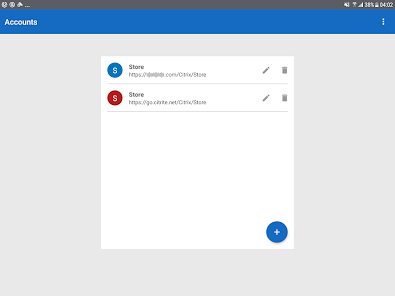
The user experience of Citrix Workspace is generally positive, highlighted by its intuitive interface and robust functionality. Users appreciate the centralized dashboard that allows for easy navigation between applications and files. The performance is commendable, with quick load times and smooth transitions between tasks. Citrix has also integrated features like personalized workspaces and customizable settings, enhancing the overall user experience. However, some users have reported occasional connectivity issues, which can disrupt workflow. Despite these minor hiccups, the app's ability to maintain productivity remotely is a significant advantage. The availability of mobile applications further enriches the user experience, allowing for seamless access on smartphones and tablets.

Pricing

Citrix Workspace follows a subscription-based pricing model, offering various plans to cater to different needs. The pricing structure is tiered, allowing businesses to choose from essential features to advanced capabilities, depending on their size and requirements. For small businesses, the entry-level plan is reasonably priced, making it accessible for teams looking to enhance their remote work capabilities without breaking the bank. Larger enterprises may opt for premium plans that include additional features like enhanced security protocols and priority support. Overall, the pricing is competitive when compared to similar solutions in the market, offering good value for the comprehensive features provided.

Updates & Support

Citrix Workspace is regularly updated to improve functionality and security, ensuring users benefit from the latest enhancements and features. The development team is proactive in addressing user feedback and issues, which contributes to a continually evolving product. Citrix offers a range of support options, including online resources, community forums, and direct customer service. Users can access a wealth of documentation, FAQs, and troubleshooting guides that assist in resolving common issues. For more complex inquiries, dedicated support teams are available to assist, ensuring that users receive the help they need in a timely manner. Overall, Citrix's commitment to updates and support contributes to a reliable and user-friendly experience.

verified Security & Privacy Review

Citrix Workspace prioritizes security and privacy, offering robust features designed to protect user data. The app employs end-to-end encryption for data in transit and at rest, ensuring that sensitive information remains secure from unauthorized access. Additionally, Citrix adheres to industry standards and regulations, including GDPR and HIPAA, which underlines its commitment to protecting user privacy. The app requires specific permissions to function effectively, including access to storage and network connections. Users are informed about these permissions during the installation process, promoting transparency. Citrix Workspace also supports multi-factor authentication (MFA), adding an extra layer of security to user accounts and allowing for more controlled access to sensitive information. Furthermore, Citrix regularly updates its security measures to address emerging threats and vulnerabilities, demonstrating an ongoing commitment to safeguarding user data. Users can also customize privacy settings within the app, giving them control over data sharing and access. Overall, Citrix Workspace is designed with a strong focus on security and privacy, making it a reliable choice for organizations and individuals alike.

Reviews

4.0

“Easy remote access, highly efficient for work tasks”

“User-friendly interface, seamless navigation”

“Great for collaboration, enhances team productivity”

“Occasional performance issues, needs better stability”

“Excellent integration with other tools, saves time”

Editor's Choice