This site uses cookies to enhance your user experience. By clicking any link on this site you are giving your consent to our cookie policy. Read more
Reject
Accept All
3D Modeling App: Sculpt & Draw

3D Modeling App: Sculpt & Draw

verified Verified App

Developer: 3D Modeling Apps

  • category

    Category: Art & Design

  • price

    Price: free

  • age rating

    Age Rating: Everyone

  • rating

    Rating: 4.4

  • download

    Downloads: 10,000,000+

  • version

    Version: 1.20.8

Screenshot 1
Screenshot 2
Screenshot 3
Screenshot 4
Screenshot 5
Screenshot 6
Screenshot 7
Screenshot 8
Screenshot 9
Screenshot 10
Screenshot 11
Screenshot 12
Screenshot 13
Screenshot 14
Screenshot 15
Screenshot 16
Screenshot 17
Screenshot 18
Screenshot 19
Screenshot 20
Screenshot 21
Screenshot 22

Features & Highlights

Dynamic Drawing Features

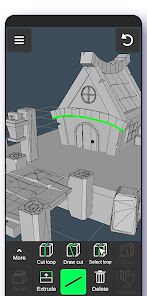
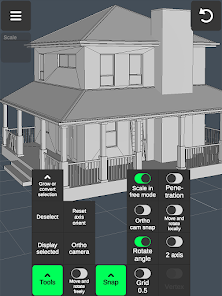
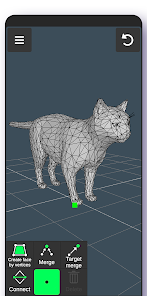
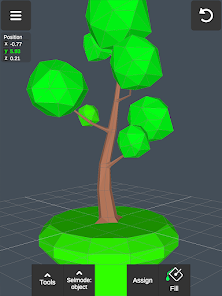
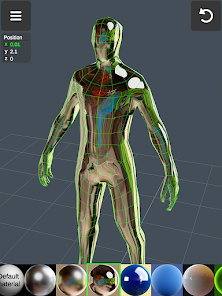
With its dynamic drawing features, Sculpt & Draw allows users to sketch and paint directly onto 3D models. This innovative approach enhances creativity, enabling artists to visualize their designs in real-time, making adjustments as they go for a truly immersive experience.

Intuitive Sculpting Tools

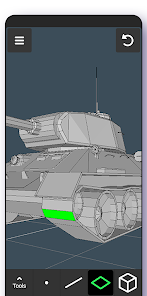
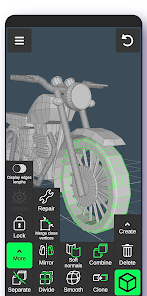
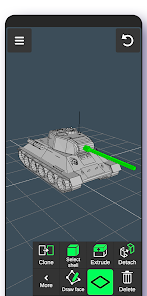
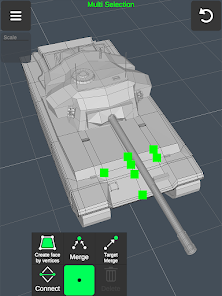
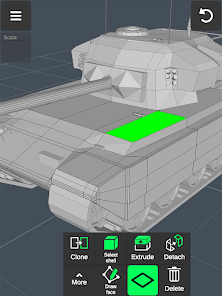
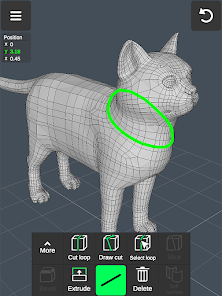
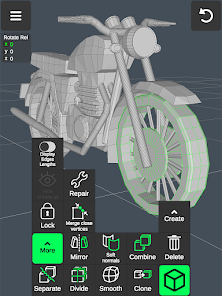
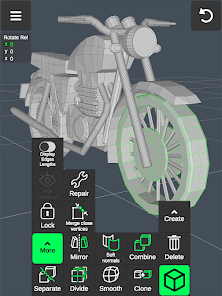
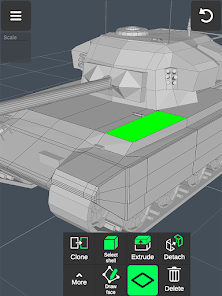
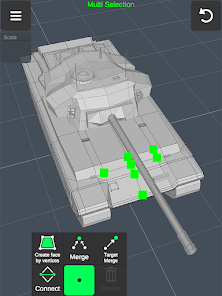
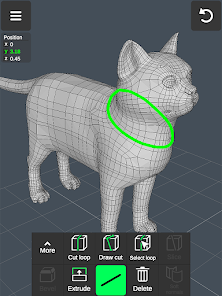
Sculpt & Draw offers a user-friendly interface equipped with a variety of intuitive sculpting tools that cater to both beginners and experienced artists. Whether you're adding intricate details or shaping large volumes, the app provides precision and flexibility to bring your creative vision to life.

Realistic Texturing Options

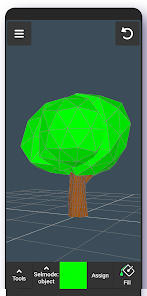
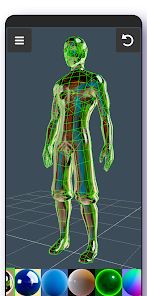
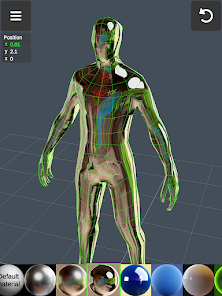
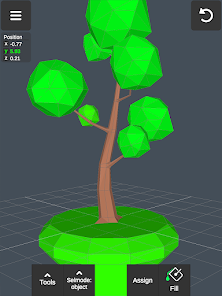
The app includes a comprehensive library of realistic textures and materials that can be easily applied to your models. This feature not only enhances the visual appeal of your creations but also allows for experimentation with different styles, ensuring that each piece is unique and captivating.

Seamless Exporting Capabilities

Sculpt & Draw makes it easy to export your projects in various formats, compatible with popular 3D printing and modeling software. This seamless exporting capability ensures that your artistic creations can be shared, collaborated on, or even brought to life, making it ideal for artists and designers alike.

Pros & Cons

Pros
  • Create stunning 3D art with intuitive tools
  • Easily sculpt and draw with precision and control
  • Access a vast library of textures and materials
  • Seamlessly share your creations across platforms
  • Enjoy a user-friendly interface for all skill levels
Cons
  • Limited tool variety for advanced users
  • Steeper learning curve for beginners
  • Performance issues on lower-end devices
  • Inadequate export options for professional use

Real Experience Using 3D Modeling App: Sculpt & Draw

Application Scenarios

The 3D Modeling App: Sculpt & Draw is designed for a diverse range of users, including artists, designers, educators, and hobbyists. Whether you are creating intricate sculptures for a gallery exhibition or designing characters for a video game, this app provides the tools needed to bring your visions to life. The versatility of the application allows users to engage in various scenarios, from professional 3D modeling tasks to casual drawing and sculpting for personal enjoyment. Educators can utilize the app to teach students about 3D design principles, while hobbyists can explore their creativity without the need for advanced technical skills. Additionally, the app is suitable for virtual reality projects, making it an excellent choice for those interested in immersive environments.

User Experience

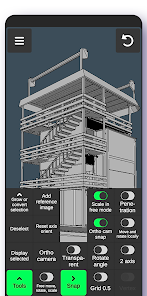
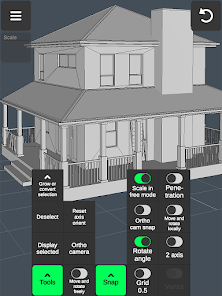
User experience is at the forefront of the 3D Modeling App: Sculpt & Draw. The interface is user-friendly, with intuitive controls that facilitate both beginners and advanced users in navigating the features seamlessly. The app boasts a responsive touch interface that allows for smooth sculpting and drawing actions, enabling users to focus on their creativity without being hindered by complicated commands. Tutorials and guides are readily available, making it easy for newcomers to learn the ropes quickly. The app also supports stylus input, enhancing precision for detailed work. Importing and exporting files is straightforward, allowing users to share their creations effortlessly across various platforms. Overall, the user experience is enhanced by the app's performance, with minimal lag even during complex modeling tasks.

Pricing

The pricing structure for the 3D Modeling App: Sculpt & Draw is competitive, catering to a wide audience. Users can opt for a one-time purchase, which grants lifetime access to the core features, or choose a subscription model that provides ongoing updates and premium tools. The subscription option is particularly appealing to professionals who require the latest features and enhancements regularly. There are also periodic discounts and promotional offers, making it accessible for those on a budget. Overall, the pricing reflects the value offered by the app, considering its robust functionality and creative potential.

Updates & Support

The development team behind the 3D Modeling App: Sculpt & Draw is committed to providing regular updates that enhance user experience and introduce new features. Users can expect consistent improvements based on feedback and technological advancements in 3D modeling. The support system is responsive, with a dedicated help center that includes FAQs, troubleshooting guides, and user forums. For more personalized assistance, users can reach out to customer service via email or chat, ensuring that help is readily available. This ongoing support and commitment to updates make the app a reliable choice for anyone serious about 3D modeling.

verified Security & Privacy Review

The 3D Modeling App: Sculpt & Draw prioritizes user security and privacy by implementing robust data protection protocols. The app employs end-to-end encryption for all user-generated content, ensuring that your designs remain confidential and secure from unauthorized access. Regarding permissions, the app requests access to the device's storage for saving models and media. Users are informed transparently about these permissions, with options to manage them within the app settings. Importantly, the app does not require unnecessary permissions, minimizing potential privacy risks. User data handling practices are designed to comply with relevant data protection regulations. The app does not collect personal information without user consent and allows users to delete their accounts and data easily. Regular updates to the app include security patches that address potential vulnerabilities, demonstrating a commitment to maintaining a safe environment for users. Overall, 3D Modeling App: Sculpt & Draw takes significant measures to safeguard user data while fostering a transparent relationship concerning privacy practices.

Reviews

4.4

“Intuitive interface makes sculpting a breeze!”

“Great tools for detailed 3D modeling.”

“Perfect for both beginners and experts.”

“Regular updates improve functionality.”

“Export options are really handy!”

Editor's Choice