
 Home
Home  Apps
Apps  Games
Games  Windows
  Topics
  Terms of Service
  Cookies & Privacy Policy
  About us
 Community Find
If you lose your Tile-enabled item, the Tile community can help. When other Tile users come within range of your lost item, you receive a secure, anonymous update on its location, greatly increasing the chances of recovery.


Tile Inc.
 4.8
4.8 
Category: Lifestyle

Price: 0

Age Rating: Everyone

Rating: 4.8

Available on: /

Updated on: Jun 22, 2026
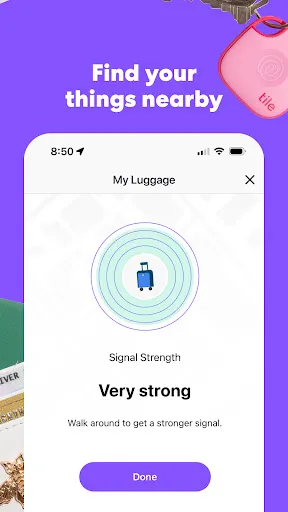
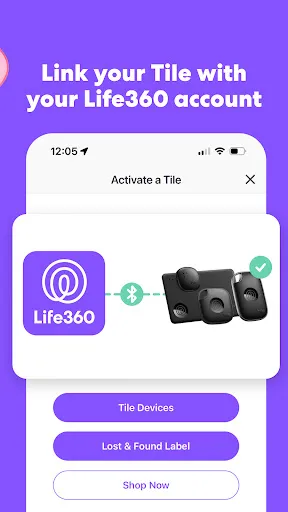
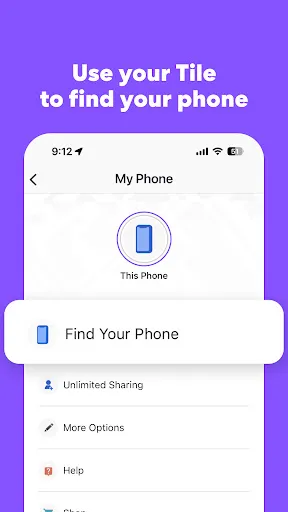
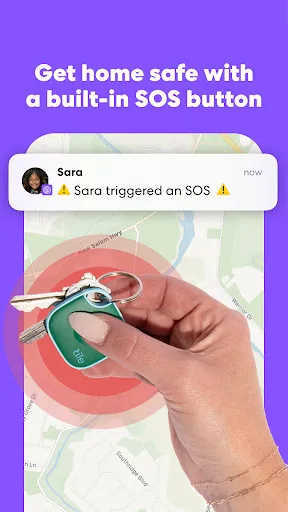
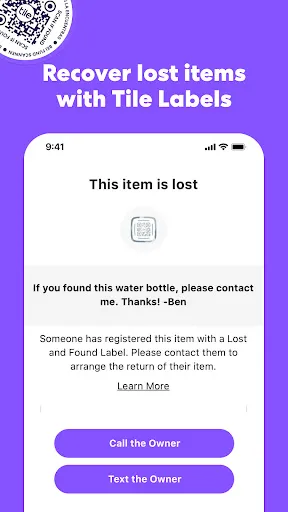
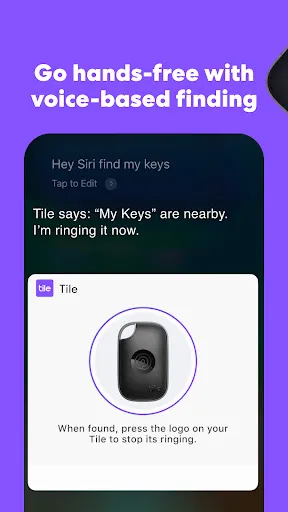
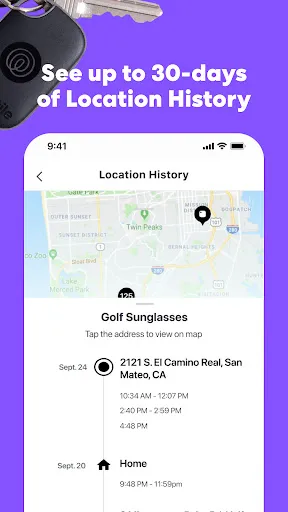
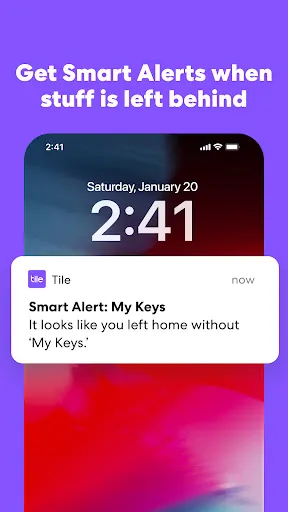
If you lose your Tile-enabled item, the Tile community can help. When other Tile users come within range of your lost item, you receive a secure, anonymous update on its location, greatly increasing the chances of recovery.
Stay one step ahead with customizable alerts that notify you when you leave your items behind. You can set specific reminders for important items, ensuring you never accidentally walk away from your essentials again.
Tile devices come equipped with replaceable batteries, making them not only durable but also cost-effective. With a simple battery replacement, you can keep your Tile working efficiently without the need for a complete device upgrade.
Tile utilizes advanced Bluetooth technology to help you keep tabs on your belongings. With a simple tap on your smartphone, you can quickly pinpoint the last known location of your items, making lost keys or wallets a thing of the past.

 Easily locate lost items with Tile's reliable tracking technology. Stay organized by effortlessly keeping track of your essential belongings. Receive alerts when you leave items behind, preventing loss. Share access with friends and family for collaborative tracking. Compact design ensures Tile fits seamlessly with any item.
 Limited range can restrict tracking distance and effectiveness. Dependence on batteries may lead to unexpected outages. Some users experience connectivity issues with their devices or app.
 Tile: Making Things Findable is a versatile application designed to help users locate lost items effortlessly. Whether you frequently misplace your keys, wallet, or even your pet, Tile offers a practical solution. The app utilizes Bluetooth technology in conjunction with small, attachable Tile trackers that can be affixed to various belongings. You can use the app in everyday scenarios, such as finding your keys before heading out for work, locating your phone when it's on silent, or tracking your luggage while traveling. Additionally, the community feature allows users to aid each other in locating lost items, making it a valuable tool for anyone who tends to be forgetful or disorganized.
The user experience of Tile is intuitive and straightforward. Upon downloading the app, users can easily set up their Tile devices and connect them to their smartphones. The interface is clean and user-friendly, allowing even the least tech-savvy individuals to navigate with ease. Users can ring their Tile devices from the app, which is particularly helpful when searching for misplaced items within a close range. The app also offers a feature that shows the last known location of the Tile on a map, enhancing the chances of recovery. In terms of reliability, the connectivity and responsiveness of the app are commendable, with minimal lag during use. However, users should be aware that the effectiveness of the Tile device may vary depending on the distance from the smartphone and environmental factors that could interfere with the Bluetooth signal.
Tile offers a range of pricing options to accommodate different user needs. The basic app is free to download and includes essential features such as tracking and ringing devices. For those seeking additional functionalities, Tile provides premium subscription plans that unlock features like smart alerts, location history, and unlimited sharing of Tile devices with friends and family. The cost of the premium service is relatively affordable, making it an appealing option for users who want enhanced capabilities without breaking the bank. Additionally, Tile devices themselves are reasonably priced and come in various forms, including stickers, keychains, and credit card-sized tags, catering to diverse preferences and requirements.
Tile consistently updates its app to enhance functionality and user experience. These updates often include bug fixes, performance improvements, and new features based on user feedback. The development team is responsive to user concerns and suggestions, ensuring that the app evolves to meet changing needs. In terms of support, Tile offers a comprehensive help center that includes FAQs, troubleshooting guides, and user manuals. For more personalized assistance, users can reach out to customer service through the app or website, where they will find dedicated support staff ready to assist with any inquiries. Overall, Tile's commitment to updates and user support significantly enhances the overall experience of using the app.
Security & Privacy Review
 Google Play
  App Store


Today, May 16th all my Tiles are in the ocean off the coast of Africa! Not really but that's what the app says Mostly, this app is good, and if your Tile is in a busy area with plenty of potential users around, you'll get useful location pings BUT. They need to make the most recent location marker a different color. Just make it red or yellow or something!
Does NOT work. You can be just a few feet away from them and your phone won't connect. You won't get the "find" button to even show up on your app half the time so you can't ask them to ring, and even when you do press the find button, it won't even ring. The app just sits there with an animation as if it's making the tile ring but no sound comes out. Even if it's sitting right in front of you unobstructed! COMPLETE junk and a waste of money. Great idea, HORRIBLE execution. Don't even bother.
TLDR: Great Product. App login/account creation needs improvements. Creating an account in the app is kind of a PITA. I already had an account which I forgot about but when I put in my email and password to make a new account it just said "Email and Password don't match" instead of "This account already exist" so it took me 5 minutes to figure out how to login rather than the 30 seconds it should've taken me. Which after finally logging in it literally took 15 seconds. It was awesome.
It's nice when I need to find something for sure, fully unhelpful at preventing leaving things behind though. I consistently get the "left behind" notifications 25-40 after I've already left the item behind. Helpful if you're like, still in town, or if something is worth backtracking 25-40 min back get... Even when it does notify on time, there is zero way to make it buzz like a phone call. Just blends in with every other notification buzz. Could blame the OS, but other apps work around that.
it works good most of the time though it sometimes has its own issues sometimes it doesn't connect to what you're looking for and sometimes the audio from the speakers are just really hard to find because they don't have any like direction to them also sometimes a random buzzer will just go off on my phone. still trying to figure out what that is.
Review Source: Google Play store public user reviews.
Tile: Making Things Findable may collect personal data such as your location and usage information to enhance the app's functionality and improve user experience, but it adheres to privacy policies to protect user information.
Tile: Making Things Findable offers a free version with basic features, but it also provides premium subscription options that unlock additional functionalities.
While Tile can function with a Bluetooth connection to your phone, an internet connection is required to access certain features like location updates and community find assistance.
You can contact Tile support through the app under the help section, or visit the Tile website to access customer support resources, submit a request, or provide feedback.
You can manage or cancel your Tile subscription through the app settings on your device or by visiting the Tile website and following the subscription management instructions provided there.
Yes, you can log in to your Tile account on multiple devices using the same credentials. Just enter your login details on each device.
No, customer numbers cannot be updated through the app. Please contact customer service for assistance with any changes.
You can reach our customer service team via the support section on our website or through the app. We're here to assist you!
To activate your Tile account, download the app, create an account, and follow the prompts to link your Tile device.
You can contact customer service via the help section on our website or through the app's support feature for any account-related inquiries.
In this release, we fixed some bugs and minor improvements to the user experience to help you find all the things that matter to you.
































