This site uses cookies to enhance your user experience. By clicking any link on this site you are giving your consent to our cookie policy. Read more
Reject
Accept All
SmartThings

SmartThings

verified Verified App

Developer: Samsung Electronics Co., Ltd.

  • category

    Category: Lifestyle

  • price

    Price: free

  • age rating

    Age Rating: Everyone

  • rating

    Rating: 4.6

  • download

    Downloads: 1,000,000,000+

  • version

    Version: /

Screenshot 1
Screenshot 2
Screenshot 3
Screenshot 4
Screenshot 5
Screenshot 6
Screenshot 7
Screenshot 8
Screenshot 9
Screenshot 10
Screenshot 11
Screenshot 12
Screenshot 13
Screenshot 14
Screenshot 15
Screenshot 16
Screenshot 17
Screenshot 18
Screenshot 19
Screenshot 20
Screenshot 21
Screenshot 22
Screenshot 23
Screenshot 24

Features & Highlights

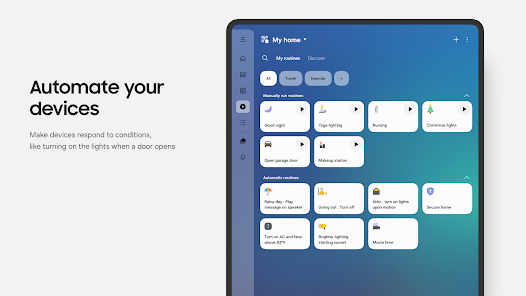
Automation Routines

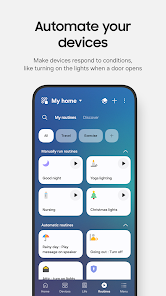
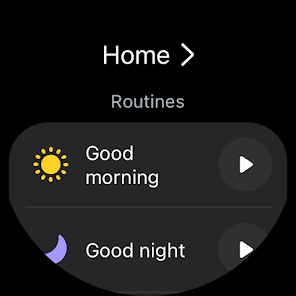
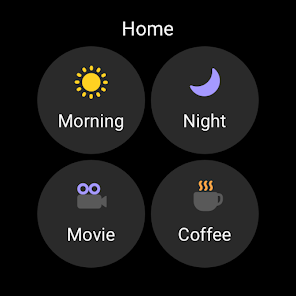
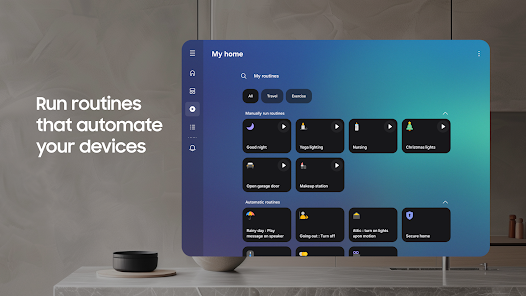
Create customized automation routines that make your life easier. With SmartThings, you can set up actions to trigger based on your daily patterns, such as turning off lights when you leave home or adjusting the temperature when you arrive, enhancing both convenience and energy efficiency.

Device Compatibility

SmartThings supports a wide range of devices from various manufacturers, allowing you to connect and manage everything from smart TVs to kitchen appliances. This extensive compatibility means you can build a cohesive smart home ecosystem tailored to your preferences without being locked into a single brand.

Real-Time Notifications

Stay informed with real-time notifications for important events around your home. SmartThings alerts you about security breaches, device malfunctions, or even when it's time to change a filter, ensuring you're always in the loop and can respond quickly to any situation.

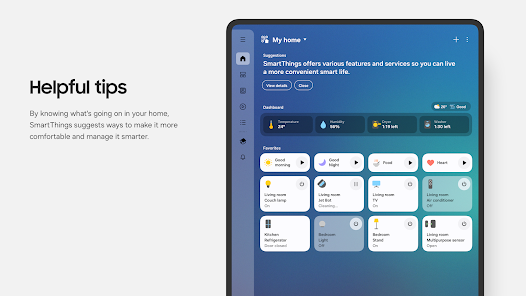
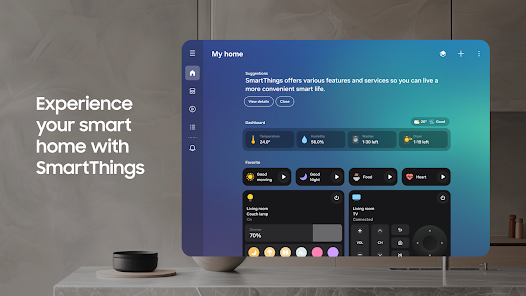
Smart Home Control

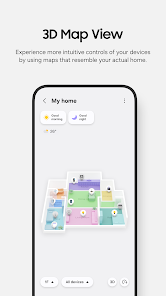
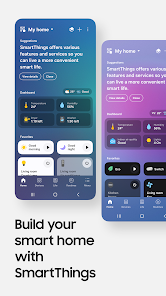
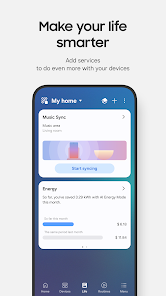
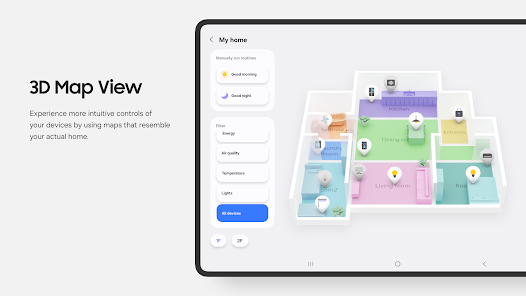
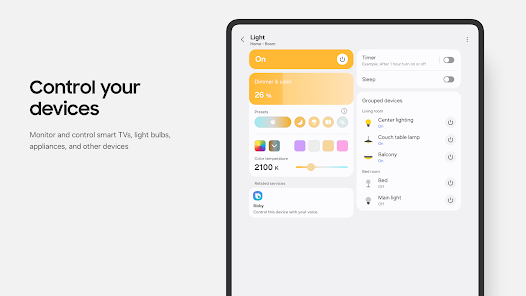
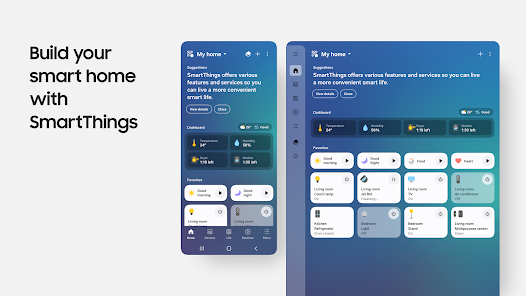
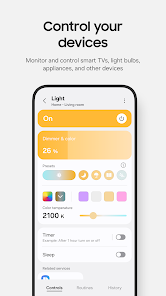
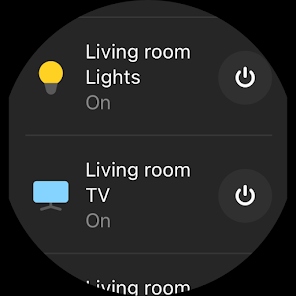
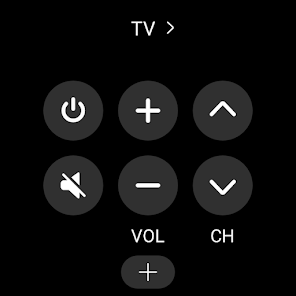
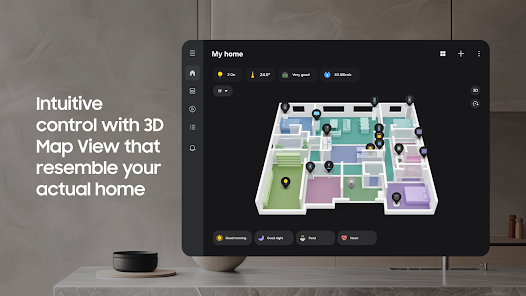
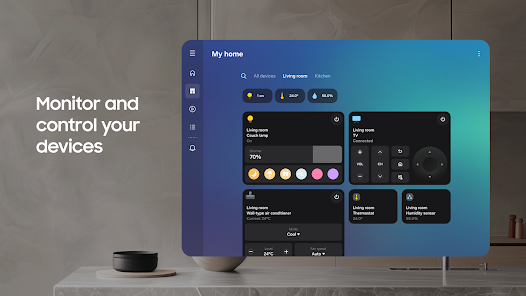
SmartThings offers a seamless way to control all your smart devices from one convenient app. Whether it's adjusting your thermostat, controlling lights, or managing security cameras, you can personalize your smart home experience with just a few taps on your smartphone.

Pros & Cons

Pros
  • Seamless integration with numerous smart devices
  • User-friendly interface for easy control
  • Customizable automation for personalized experiences
  • Remote access for convenience and peace of mind
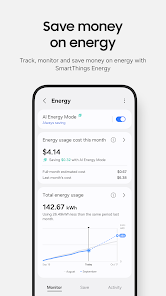
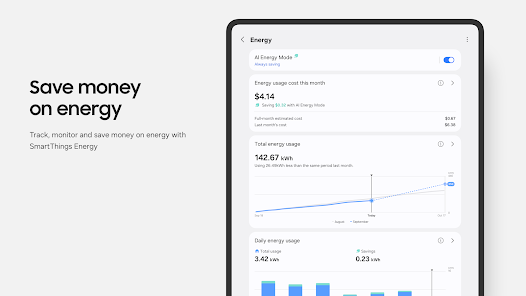
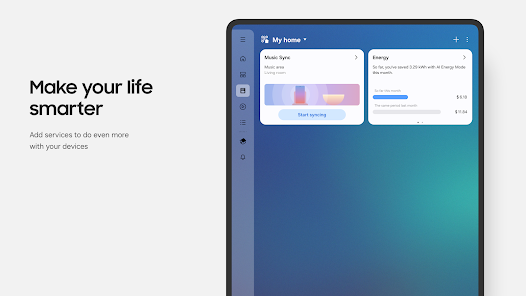
  • Energy monitoring to enhance efficiency
Cons
  • Limited compatibility with non-Samsung devices
  • Setup can be complex for beginners
  • Occasional connectivity issues with devices
  • Reliance on internet for full functionality

Real Experience Using SmartThings

Application Scenarios

SmartThings is designed to integrate and streamline various smart devices across your home, creating a cohesive smart ecosystem. Users can connect devices such as lights, thermostats, cameras, and even appliances, allowing for a centralized control hub. For instance, during a typical day, users can set their lights to gradually brighten as they wake up, adjust their thermostat to a comfortable temperature before arriving home, and activate security cameras as they leave for work. Additionally, SmartThings supports automation scenarios that can be customized based on user preferences, such as turning off all lights and locking the doors at bedtime. This flexibility makes SmartThings suitable for various lifestyles, whether for busy professionals, families, or tech enthusiasts.

User Experience

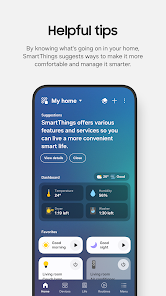
The user experience of SmartThings is generally positive, characterized by an intuitive interface and easy navigation. Upon launching the app, users are greeted with a clean dashboard that provides an overview of their connected devices. The setup process is straightforward, with step-by-step prompts guiding users through adding new devices. Many users appreciate the ability to create routines and automations with minimal effort, making home management seamless. However, some users have reported occasional connectivity issues, particularly with certain devices or when multiple devices are being controlled simultaneously. Despite these minor setbacks, the app's ability to adapt to various smart products ensures that it remains a valuable tool for home automation.

Pricing

SmartThings is available as a free app, which is a significant advantage for users looking to dip their toes into smart home technology without incurring upfront costs. However, users should be aware that while the app itself is free, some connected devices may come with a price tag. Additionally, certain advanced features or integrations may require specific hardware, which can lead to additional costs. Overall, the free-to-use model of SmartThings makes it accessible and appealing to a wide range of users, from those just starting with smart home devices to those looking to expand their existing setups.

Updates & Support

SmartThings is regularly updated to improve functionality, expand device compatibility, and enhance user experience. The developers actively listen to user feedback, which is evident in the consistent rollout of new features and bug fixes. Additionally, the app provides a robust support section, including FAQs, troubleshooting guides, and community forums where users can share experiences and solutions. For more personalized assistance, users can also reach out to customer support directly through the app. This proactive approach to updates and support ensures that SmartThings remains a reliable choice for managing smart home devices.

verified Security & Privacy Review

The SmartThings app places a strong emphasis on security and privacy, employing robust measures to protect user data. The app utilizes end-to-end encryption for data transmission, ensuring that sensitive information remains secure during communication between devices and the cloud. Additionally, SmartThings implements secure authentication protocols, allowing users to enable two-factor authentication for enhanced account protection. In terms of permissions, the app requires access to various device features, such as location services and camera functionalities, which are essential for its smart home integration. Users are informed about these permissions during the setup process, allowing for informed consent. However, the app encourages users to review and manage permissions actively, promoting a proactive approach to privacy. SmartThings has a clear privacy policy that outlines how user data is collected, used, and shared. The app is committed to minimizing data collection and offers users transparency regarding their information. Users can access and delete their data within the app, reinforcing SmartThings' dedication to user control and privacy. Overall, SmartThings demonstrates a strong commitment to maintaining user security and privacy in the smart home ecosystem.

Reviews

4.6

“User-friendly interface, easy to navigate and control devices”

“Reliable automation features for seamless smart home experience”

“Occasional connectivity issues with certain devices”

“Great integration with multiple platforms and services”

“Regular updates improve overall performance and usability”

Editor's Choice