This site uses cookies to enhance your user experience. By clicking any link on this site you are giving your consent to our cookie policy. Read more
Reject
Accept All
TeamViewer QuickSupport

TeamViewer QuickSupport

verified Verified App

Developer: TeamViewer

  • category

    Category: Productivity

  • price

    Price: free

  • age rating

    Age Rating: Everyone

  • rating

    Rating: 4.4

  • download

    Downloads: 50,000,000+

  • version

    Version: 15.74.54

Screenshot 1
Screenshot 2
Screenshot 3
Screenshot 4
Screenshot 5
Screenshot 6
Screenshot 7
Screenshot 8
Screenshot 9
Screenshot 10
Screenshot 11
Screenshot 12
Screenshot 13
Screenshot 14
Screenshot 15
Screenshot 16
Screenshot 17
Screenshot 18
Screenshot 19
Screenshot 20
Screenshot 21
Screenshot 22
Screenshot 23
Screenshot 24
Screenshot 25
Screenshot 26
Screenshot 27
Screenshot 28
Screenshot 29
Screenshot 30
Screenshot 31
Screenshot 32
Screenshot 33
Screenshot 34
Screenshot 35
Screenshot 36
Screenshot 37
Screenshot 38
Screenshot 39
Screenshot 40

Features & Highlights

Cross-Platform Compatibility

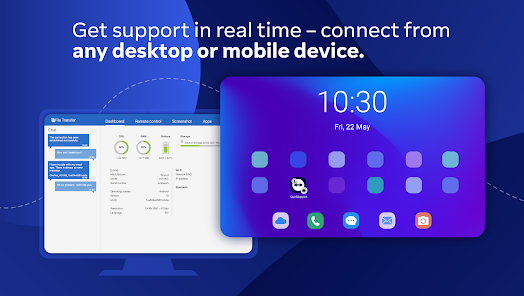
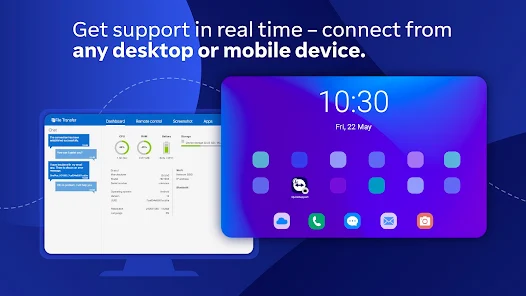
With its robust cross-platform capabilities, TeamViewer QuickSupport works on various devices and operating systems, including Windows, macOS, iOS, and Android. This ensures that support teams can assist users no matter what device they are using, broadening the accessibility and efficiency of tech support.
File Transfer Functionality

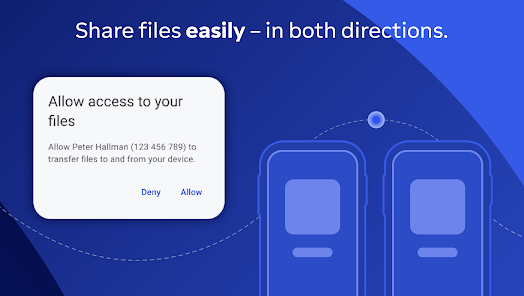
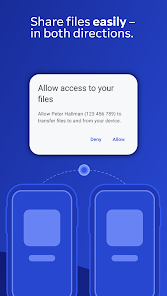
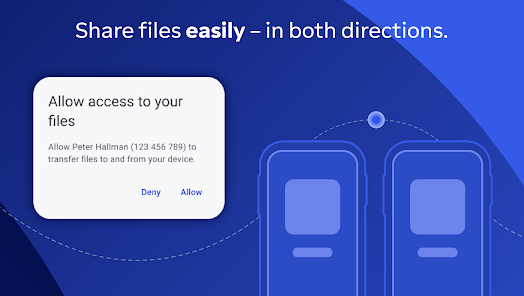
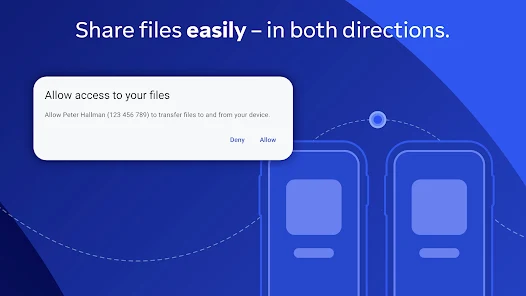
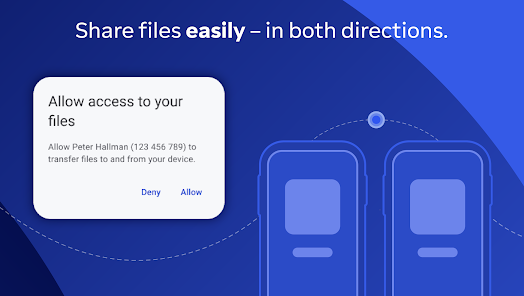
The built-in file transfer feature allows users to send and receive files effortlessly during a support session. This capability is essential for sharing important documents or software updates quickly, streamlining the process and ensuring that technicians have everything they need at their fingertips for effective support.

Remote Support Access

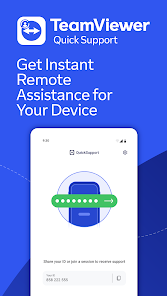
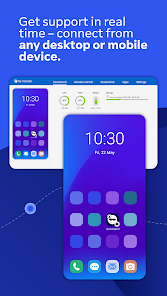
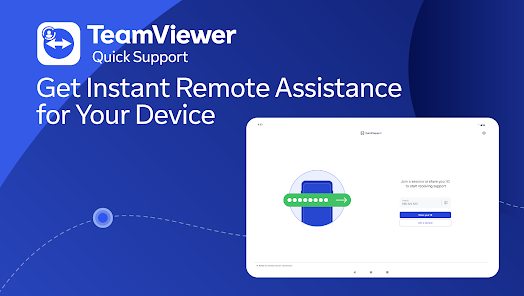
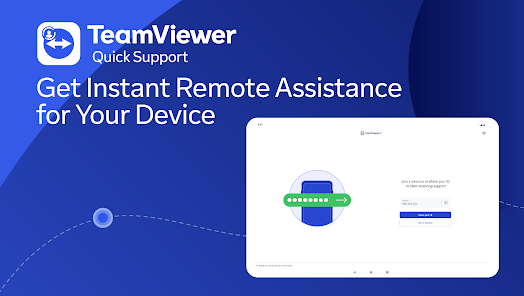
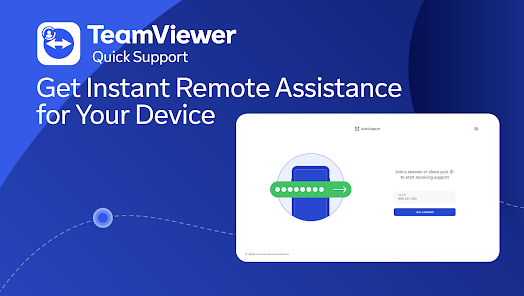
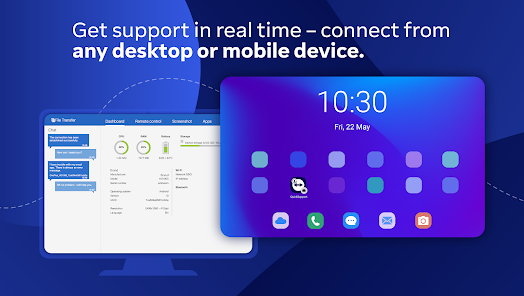
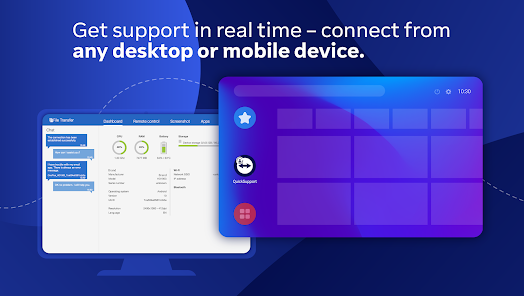
TeamViewer QuickSupport allows users to provide instant remote assistance with just a few taps. This feature enables technicians to connect to a device seamlessly, making troubleshooting and support a hassle-free experience, regardless of the user's location. It's perfect for quick fixes or resolving complex issues remotely.

Session Recording Feature

TeamViewer QuickSupport offers session recording, which allows support teams to capture their interactions for future reference. This is invaluable for quality assurance, training new staff, or reviewing complex cases, helping organizations enhance their support processes and improve customer satisfaction over time.

Pros & Cons

Pros
  • Instant remote access for quick support sessions
  • User-friendly interface for easy navigation and setup
  • Supports multiple platforms for versatile connectivity
  • Secure connections with end-to-end encryption
  • No installation required for instant assistance
Cons
  • Limited features in the free version
  • Connection issues may arise occasionally
  • Requires the host to install the app
  • Performance can lag over slow internet

Real Experience Using TeamViewer QuickSupport

Application Scenarios

TeamViewer QuickSupport is incredibly versatile, making it an ideal choice for various application scenarios. Whether you are a tech support professional assisting clients remotely or a friend helping someone troubleshoot a computer issue, this app excels in providing seamless access. It is particularly beneficial for businesses that require immediate assistance for their employees, especially in a remote work environment. The ability to connect instantly to a device without needing to pre-install software makes it invaluable for quick fixes. Moreover, educators utilize TeamViewer QuickSupport to guide students through technical challenges during virtual classes. The app's compatibility with multiple platforms, including Android and iOS, enhances its usability across diverse devices, making it a go-to solution for many users.

User Experience

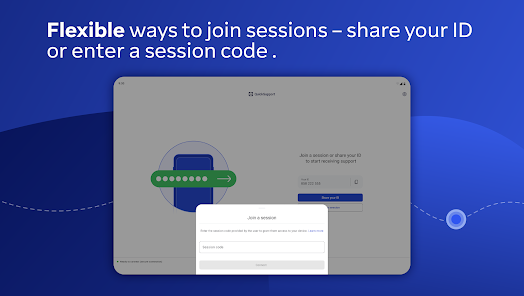
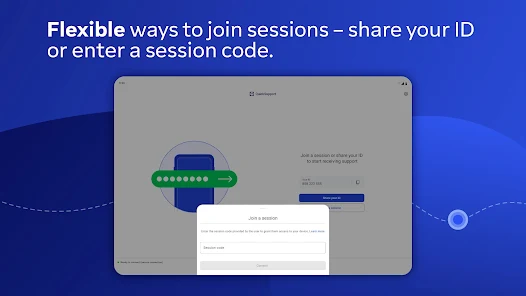
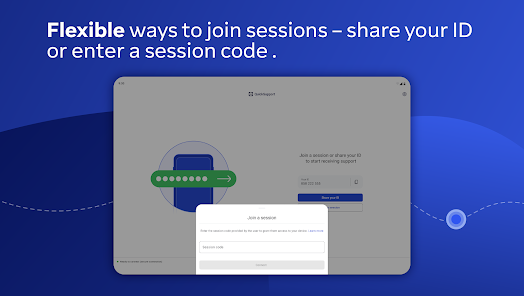
The user experience with TeamViewer QuickSupport is generally positive, characterized by its straightforward interface and ease of use. Users appreciate the minimalistic design that focuses on functionality, allowing both the host and the remote user to navigate with minimal confusion. The setup process is remarkably simple; users can generate a unique ID and password, enabling instant connections with just a few taps. Performance-wise, the app delivers a reliable connection with minimal lag, which is crucial for effective troubleshooting. Users have noted the high-quality screen sharing and remote control capabilities, which allow for detailed guidance. However, some users have reported occasional connectivity issues, particularly in areas with weak internet signals, which can be frustrating during critical support sessions.

Pricing

TeamViewer QuickSupport offers a flexible pricing model that caters to different user needs. For individual users, the app is available for free, making it accessible for personal use and casual support scenarios. However, businesses seeking advanced features, such as multi-session support and enhanced security, will need to opt for one of the paid plans. Pricing tiers vary based on the number of devices and features required, ensuring that organizations of all sizes can find a suitable plan. While the premium pricing might seem steep for some, many users find that the robust functionality justifies the investment, especially considering the time saved during support tasks.

Updates & Support

TeamViewer QuickSupport is frequently updated to enhance functionality and security. The development team is proactive in rolling out updates that address any bugs and introduce new features based on user feedback. The app’s support system is comprehensive, offering various resources, including an extensive knowledge base, video tutorials, and community forums. Users can also reach out to customer support directly via email or phone, with many reporting prompt and helpful responses. This level of support is particularly appreciated by business users who rely on TeamViewer QuickSupport for critical operations. Overall, the combination of regular updates and responsive customer service strengthens the app's reputation as a reliable remote support solution.

verified Security & Privacy Review

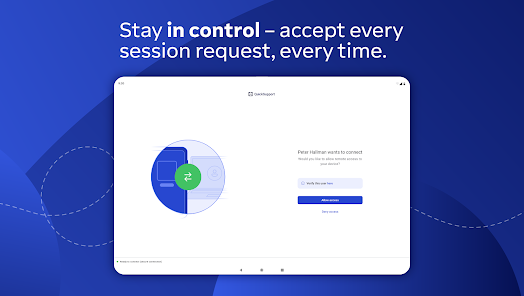
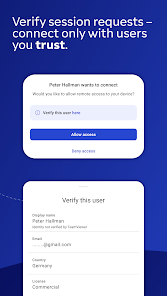
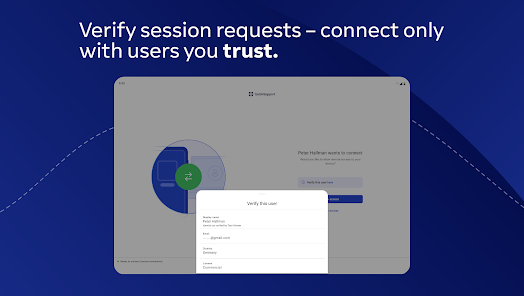
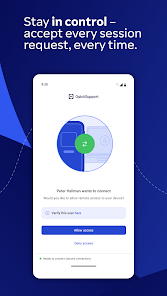
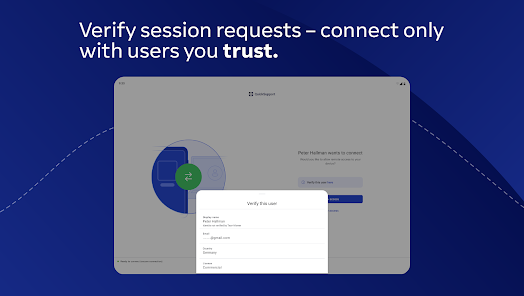
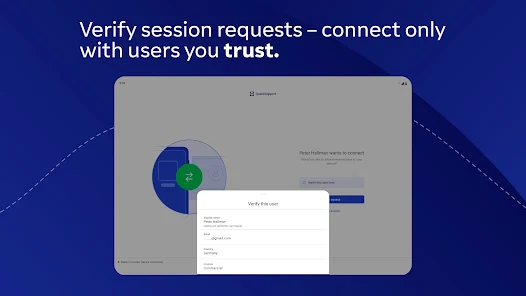
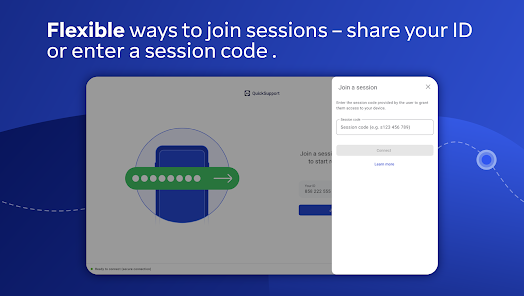
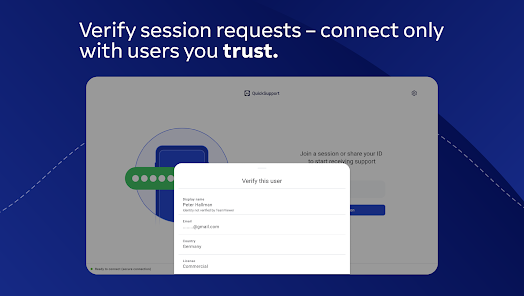
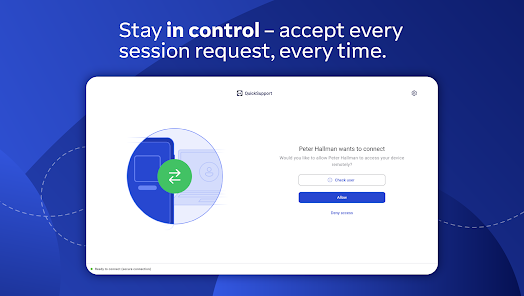
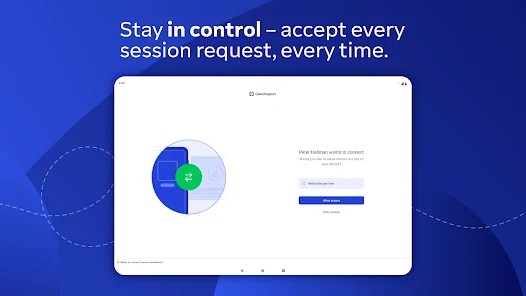
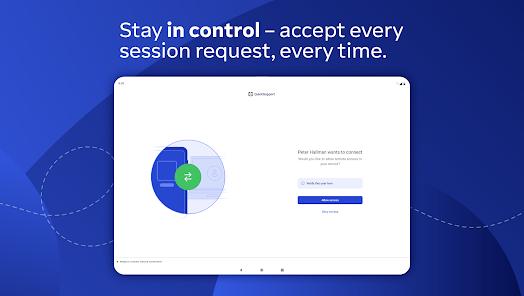
TeamViewer QuickSupport places a strong emphasis on security and privacy, ensuring that user data is handled with care. The app employs end-to-end encryption, which secures data transmission between devices, making it difficult for unauthorized parties to intercept sensitive information. Additionally, the app's session codes are unique and time-sensitive, adding an extra layer of security for remote connections. In terms of permissions, TeamViewer QuickSupport requires access to the device's camera and microphone for real-time support interactions. Users must explicitly grant these permissions, which promotes transparency in data usage. The app also allows users to terminate sessions at any time, giving them control over their remote connections. TeamViewer adheres to strict privacy practices, including compliance with GDPR standards, which reinforces its commitment to protecting user data. The company provides clear information about data handling in its privacy policy, outlining what data is collected and how it is used. Overall, TeamViewer QuickSupport demonstrates a robust approach to security and privacy, making it a reliable choice for remote support needs.

Reviews

4.4

“Easy to use and reliable for remote support”

“Great performance with quick connections”

“User-friendly interface, perfect for tech assistance”

“Excellent for troubleshooting issues remotely”

“Highly recommend for seamless remote access”

Editor's Choice