This site uses cookies to enhance your user experience. By clicking any link on this site you are giving your consent to our cookie policy. Read more
Reject
Accept All

Advertiser and Editorial Disclosures

TBN+ Christian Streaming

TBN+ Christian Streaming

verified Verified App

Developer: Trinity Broadcasting Networks

  • category

    Category: Lifestyle

  • price

    Price: free

  • age rating

    Age Rating: Everyone

  • rating

    Rating: 4.8

  • download

    Downloads: 1,000,000+

  • version

    Version: /

Screenshot 1
Screenshot 2
Screenshot 3
Screenshot 4
Screenshot 5
Screenshot 6
Screenshot 7
Screenshot 8
Screenshot 9
Screenshot 10
Screenshot 11
Screenshot 12
Screenshot 13
Screenshot 14
Screenshot 15
Screenshot 16
Screenshot 17
Screenshot 18
Screenshot 19
Screenshot 20
Screenshot 21
Screenshot 22
Screenshot 23
Screenshot 24

Features & Highlights

Ad-Free Viewing

Enjoy a seamless streaming experience with TBN+ where you can watch your favorite Christian content without interruptions. This ad-free environment allows for deeper engagement with uplifting shows, movies, and teachings, making every moment spent on the platform truly meaningful.

Diverse Content Library

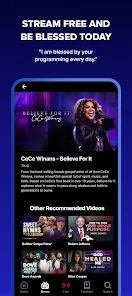
TBN+ boasts an extensive collection of Christian programming, including films, documentaries, and original series. With something for everyone in the family, you can easily find inspiring content that resonates with your faith and values, ensuring a rich viewing experience.

Multi-Device Access

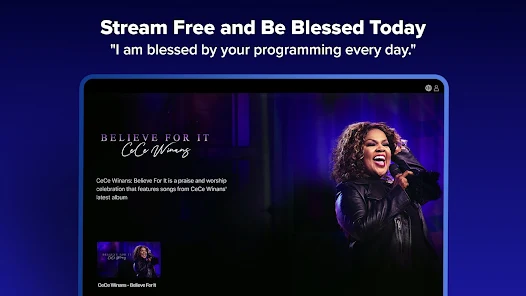
Stream your favorite shows anytime, anywhere with TBN+'s multi-device compatibility. Whether you're on your phone, tablet, or smart TV, you can easily access uplifting Christian content, making it convenient to stay connected to your faith no matter where life takes you.

User-Friendly Interface

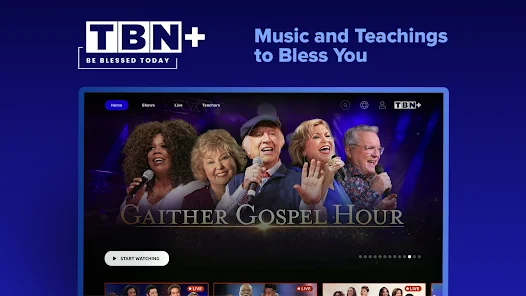
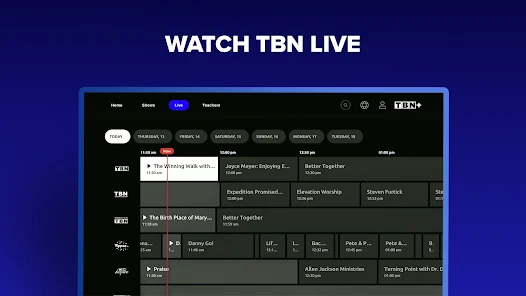
Navigating TBN+ is a breeze thanks to its intuitive design. Whether you're searching for specific titles or exploring new genres, the platform's easy-to-use interface allows you to find and enjoy your favorite content quickly and effortlessly.

Pros & Cons

Pros
  • Access a wide range of uplifting Christian programming anytime.
  • Enjoy family-friendly content that inspires and educates.
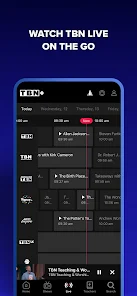
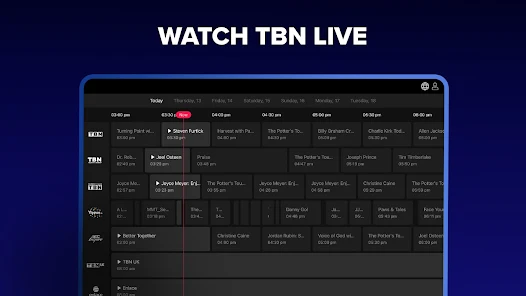
  • Experience live broadcasts of powerful worship services and events.
  • Discover exclusive teachings from renowned Christian leaders and authors.
  • Connect with a community of believers through interactive features.
Cons
  • Limited programming diversity may not cater to all viewers' preferences
  • Higher subscription costs may deter potential users
  • Streaming quality can vary, impacting the viewing experience

Real Experience Using TBN+ Christian Streaming

Application Scenarios

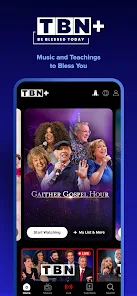
TBN+ Christian Streaming app is designed for individuals seeking spiritual nourishment and entertainment rooted in Christian values. Users can access a wide variety of content, including sermons, worship music, documentaries, and family-friendly movies. Whether you are at home, commuting, or attending a gathering, TBN+ serves as a versatile companion. It is perfect for personal devotion, group studies, or simply enjoying uplifting content during downtime. Many users appreciate the ability to cast their favorite shows to larger screens, making it an excellent choice for family movie nights or church gatherings. Additionally, the app is especially beneficial for those who may not have access to a local church community, providing a sense of connection to a global Christian audience.

User Experience

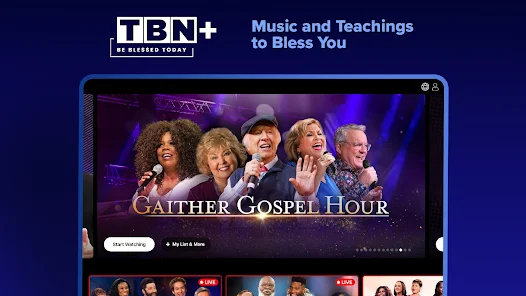
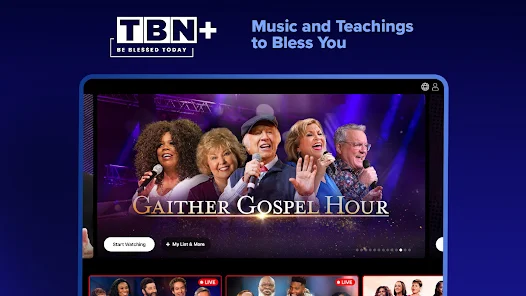
The user experience of TBN+ is generally seamless and engaging. Upon launching the app, users are greeted with an intuitive interface that makes navigation easy, even for those who may not be tech-savvy. The content is well-categorized, allowing users to quickly find their desired genre or program. The video quality is commendable, with smooth streaming capabilities, even in lower bandwidth situations. Users have reported minimal buffering issues, resulting in an enjoyable viewing experience. The search functionality is robust, enabling users to locate specific sermons or shows efficiently. However, some users have noted occasional glitches or crashes, particularly during peak usage times, indicating room for improvement in app stability.

Pricing

TBN+ offers a subscription-based pricing model that is competitive within the streaming landscape. Users can choose between a monthly or annual subscription, with the annual plan offering a more cost-effective solution for long-term viewers. The pricing structure is transparent, with no hidden fees, and a free trial period allows potential subscribers to explore the app's offerings before committing financially. This approach has received positive feedback from users, who appreciate the chance to evaluate the content quality and app functionality without immediate financial commitment.

Updates & Support

The development team behind TBN+ is proactive in providing updates and enhancements to improve user experience. Regular updates often include bug fixes, new features, and expanded content libraries, ensuring that the app remains relevant and user-friendly. Customer support is readily available through various channels, including email and social media, which users have found to be responsive and helpful. The TBN+ community is active, with users frequently sharing feedback and suggestions, which the developers seem to take into account during updates. Overall, the combination of regular improvements and effective support contributes to a positive user experience.

verified Security & Privacy Review

The TBN+ Christian Streaming app prioritizes user security and privacy, implementing various measures to safeguard personal information. The app requires a minimal set of permissions, mainly focusing on essential functionalities such as internet access for streaming content. This approach limits potential data exposure and enhances user trust. TBN+ states that it adheres to industry-standard security protocols, including encryption during data transmission. This helps protect sensitive user information from unauthorized access. Additionally, the app's privacy policy outlines the types of data collected, which primarily includes user preferences and viewing history, aimed at personalizing the user experience. Users have control over their data, with options to manage privacy settings directly within the app. The platform does not sell user data to third parties, further emphasizing its commitment to maintaining user confidentiality. Overall, TBN+ demonstrates a strong focus on data security and privacy practices, ensuring users can enjoy their streaming experience with peace of mind.

Reviews

4.8

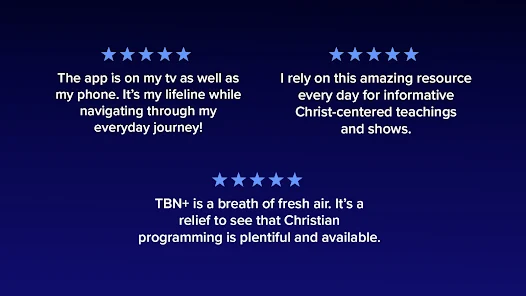
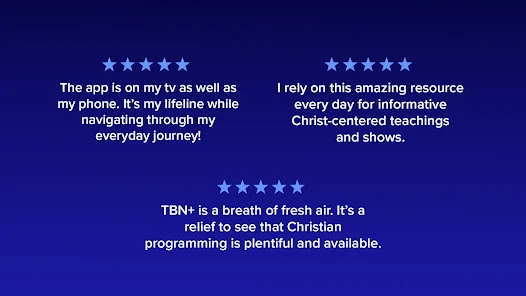
“Great selection of Christian content for all ages”

“User-friendly interface makes streaming easy”

“Excellent original programming and documentaries available”

“Reliable streaming with minimal buffering issues”

“Family-friendly shows that inspire and uplift”

FAQ

1

Can I submit suggestions or feedback to TBN+ Stream Christian TV?

Yes, users can submit suggestions or feedback through the app or the official TBN+ website, where there is usually a contact or feedback form available.

2

Does TBN+ Stream Christian TV collect my personal data?

Yes, TBN+ Stream Christian TV may collect personal data in accordance with its privacy policy, primarily for account management and personalization purposes.

3

Does TBN+ Stream Christian TV support offline use?

Yes, TBN+ Stream Christian TV allows users to download select content for offline viewing.

4

How do I cancel my TBN+ Stream Christian TV subscription?

You can cancel your subscription through your account settings within the app or via the platform where you initially subscribed, such as the App Store or Google Play.

5

How much does a subscription to TBN+ Stream Christian TV cost?

Subscription costs for TBN+ Stream Christian TV may vary, but typically it offers a monthly or annual plan with a standard fee for access to premium content.

How to use TBN+ Christian Streaming

1

Can I change my customer number?

Unfortunately, customer numbers cannot be changed. If you need assistance, please contact customer service.

2

Can I update my email associated with my TBN+ account?

Yes, you can update your email in your account settings after logging in.

3

How can I contact customer service for TBN+?

You can reach our customer service by emailing support

4

How do I activate my TBN+ account?

To activate your account, log in with your customer number and follow the prompts to complete activation.

5

How do I find my customer number?

Your customer number can be found in the welcome email you received after signing up or in your account settings.

Editor's Choice