This site uses cookies to enhance your user experience. By clicking any link on this site you are giving your consent to our cookie policy. Read more
Reject
Accept All

Advertiser and Editorial Disclosures

Spike: AI Email & Team Chat

Spike: AI Email & Team Chat

verified Verified App

Developer: Spike Email - Your Inbox reinvented

  • category

    Category: Productivity

  • price

    Price: free

  • age rating

    Age Rating: Everyone

  • rating

    Rating: 4.3

  • download

    Downloads: 1,000,000+

  • version

    Version: 4.2.3.0

Screenshot 1
Screenshot 2
Screenshot 3
Screenshot 4
Screenshot 5
Screenshot 6
Screenshot 7
Screenshot 8
Screenshot 9
Screenshot 10
Screenshot 11
Screenshot 12
Screenshot 13
Screenshot 14
Screenshot 15
Screenshot 16
Screenshot 17
Screenshot 18
Screenshot 19
Screenshot 20
Screenshot 21
Screenshot 22
Screenshot 23
Screenshot 24

Features & Highlights

AI-Powered Insights

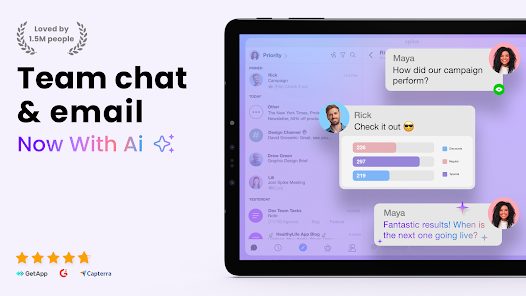
With Spike's AI capabilities, you gain valuable insights into your email habits and team interactions. This feature analyzes your communication patterns, offering suggestions to improve response times and streamline collaboration, ultimately fostering a more efficient workflow for you and your team.

Integrated Team Chat

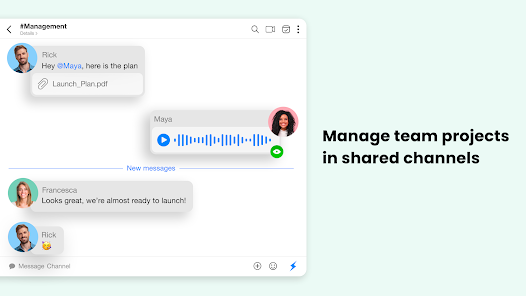
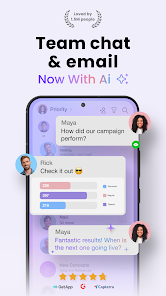
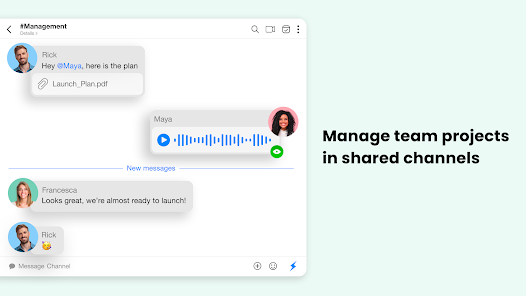
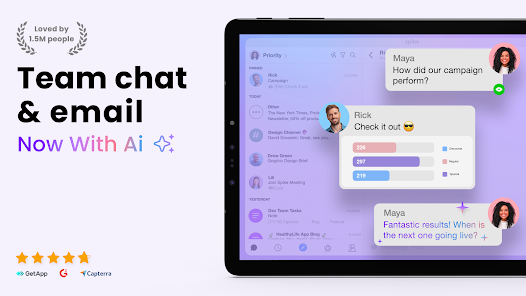
Spike combines email and team chat functionalities seamlessly, allowing you to communicate without switching apps. This integration encourages real-time discussions, making it easy to collaborate on projects while keeping all relevant information in one place, enhancing team synergy.

Smart Email Management

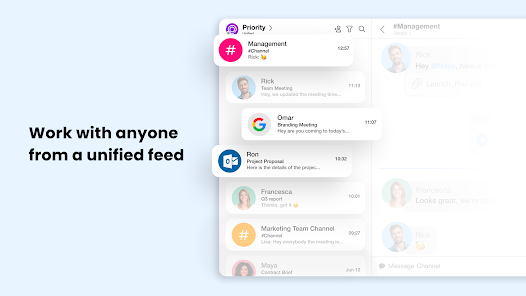
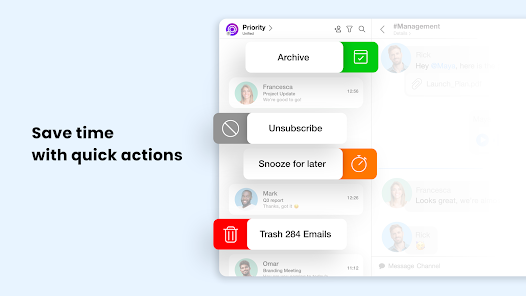
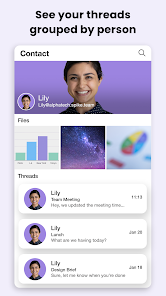
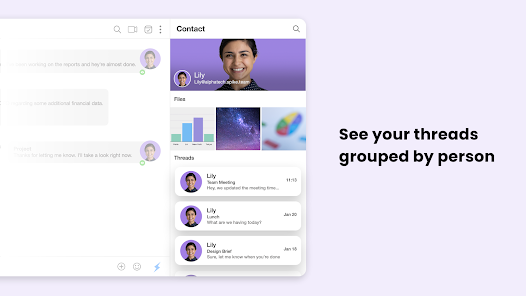
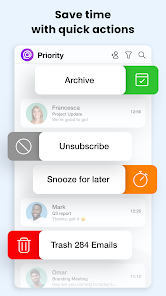
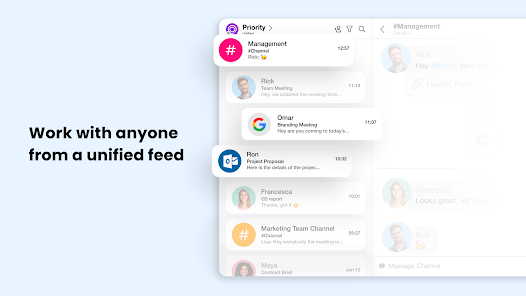
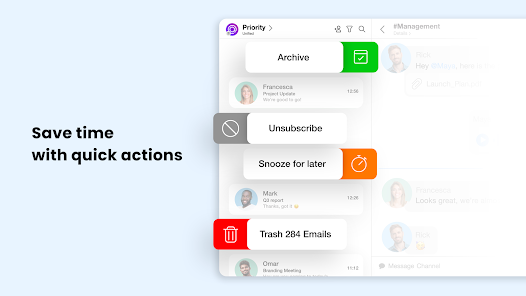
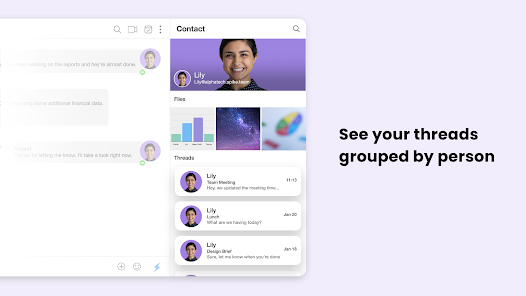
Spike transforms your email experience by prioritizing messages and organizing them in a chat-like interface, making it easier to keep track of conversations. This innovative approach helps reduce clutter and ensures that you focus on what truly matters in your inbox, enhancing productivity effortlessly.

Task Management Tools

The built-in task management features of Spike let you create to-do lists directly within your emails and chats. This allows you to assign tasks to team members, set deadlines, and track progress, ensuring that everyone stays aligned and accountable, boosting overall productivity.

Pros & Cons

Pros
  • Spike streamlines communication by combining email and chat in one platform.
  • Enhanced collaboration features improve team productivity and engagement.
  • AI-driven tools prioritize messages for efficient inbox management.
  • Intuitive interface simplifies usage and reduces email overload.
  • Seamless integration with existing tools improves workflow continuity.
Cons
  • Limited integration options can hinder workflow efficiency across platforms.
  • The user interface may feel overwhelming for new users, impacting adoption.
  • Notifications can be intrusive, leading to distraction and reduced productivity.

Real Experience Using Spike: AI Email & Team Chat

Application Scenarios

Spike: AI Email & Team Chat is designed to enhance productivity by merging email and chat functionalities into a single platform. It is particularly useful for remote teams and businesses that rely heavily on communication. Users can manage their professional email accounts while simultaneously engaging in real-time conversations with team members. This dual functionality makes it ideal for scenarios such as project collaborations, where team members can discuss tasks while referencing important emails without switching between different applications. Additionally, the app is beneficial for freelancers and small business owners who need to streamline communications with clients and partners, allowing them to keep all correspondence organized and accessible in one place.

User Experience

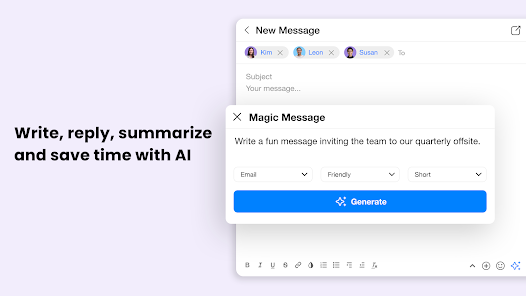
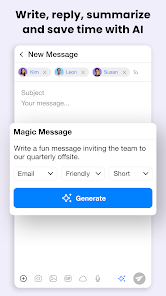
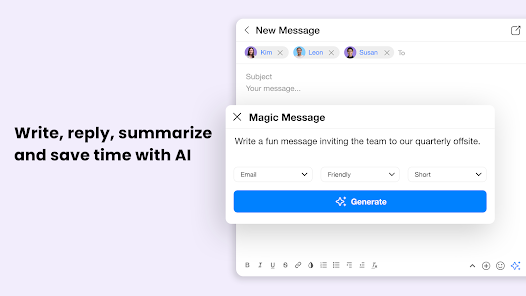
The user interface of Spike is intuitive and user-friendly, making it easy for anyone to navigate through its features. The integration of emails and chats creates a seamless communication experience, reducing the cognitive load typically associated with juggling multiple platforms. Users appreciate the AI-driven features that assist in drafting emails and summarizing conversations, which can save significant time. The mobile and desktop versions of Spike are well-synchronized, allowing users to switch from one device to another without losing context. The chat feature includes rich media support, enabling users to share files, images, and links effortlessly. Feedback from users highlights the app's reliability and speed, with minimal downtime or technical glitches reported.

Pricing

Spike offers a freemium model, allowing users to access basic features without any cost. For those seeking advanced functionalities such as enhanced security, increased storage, and priority support, the premium subscription is available at a competitive monthly or annual rate. Users find the pricing to be reasonable, especially given the comprehensive features that combine email and chat in one platform. The flexibility of switching between free and paid plans allows users to test the app's capabilities before committing financially, which is a significant advantage for businesses looking to optimize their communication tools.

Updates & Support

Spike is regularly updated to introduce new features and improve existing functionalities based on user feedback. The development team is responsive to user suggestions, demonstrating a commitment to enhancing the app's performance and usability. Support options are readily available through an extensive help center, which includes FAQs, tutorial videos, and community forums. Additionally, users can reach out to customer support via email for personalized assistance. Many users report satisfactory experiences with the support team, praising their quick response times and effective resolutions to issues encountered. This dedication to ongoing support helps foster a loyal user base as individuals feel valued and heard.

verified Security & Privacy Review

The security and privacy of user data are paramount in the Spike: AI Email & Team Chat app. Spike employs end-to-end encryption for all communications, ensuring that messages, files, and other sensitive information remain secure during transit. This encryption protects users from potential eavesdroppers and unauthorized access. Spike’s privacy practices are transparent, with a clear privacy policy outlining how user data is collected, stored, and utilized. The app emphasizes minimal data collection, gathering only essential information to enhance user experience while adhering to stringent data protection regulations. Permissions required by Spike are carefully curated, ensuring that users only grant access to necessary features. The app does not request excessive permissions that could compromise user privacy. Additionally, users have control over their data, with options to manage and delete data as desired. Overall, Spike: AI Email & Team Chat demonstrates a strong commitment to security and privacy, providing users with a reliable platform for communication while safeguarding their personal information.

Reviews

4.3

“Intuitive interface makes team communication a breeze”

“AI features save time and boost productivity”

“Seamless email integration enhances workflow efficiency”

“Great for remote teams and collaboration”

“Reliable performance with minimal bugs or issues”

FAQ

1

Can I submit suggestions or feedback to Spike: AI Email & Team Chat?

Yes, Spike encourages users to submit suggestions and feedback through the app or their website, as they value user input for improving the app's features and overall experience.

2

Does Spike: AI Email & Team Chat collect my personal data?

Spike prioritizes user privacy and only collects necessary data to improve the app's functionality, adhering to strict privacy policies to protect user information.

3

Does Spike: AI Email & Team Chat support offline use?

Yes, Spike allows users to access and manage their messages offline, enabling them to read and draft emails or messages without an internet connection.

4

How do I cancel my Spike: AI Email & Team Chat subscription?

Users can cancel their Spike subscription directly through the app settings or via the platform where the subscription was purchased, following the provided steps for cancellation.

5

How much does a subscription to Spike: AI Email & Team Chat cost?

The subscription cost for Spike varies based on the plan chosen, with individual and team pricing options available, typically starting at a competitive monthly rate.

How to use Spike: AI Email & Team Chat

1

Can I get support if I have issues with my customer number?

Yes, our customer service team can assist you with any issues related to your customer number. Please contact us for help.

2

How can I check the status of my account activation?

You can check your activation status by logging into your account or contacting customer service for updates.

3

How can I contact customer service for help with my Spike account?

You can reach our customer service team through the support section in the app or by emailing support

4

How do I activate my Spike account after signing up?

To activate your account, check your email for an activation link and click it to complete the process.

5

How do I change my customer number if I need to?

Customer numbers are typically fixed, but you can reach out to customer service for specific requests or changes.

Editor's Choice