This site uses cookies to enhance your user experience. By clicking any link on this site you are giving your consent to our cookie policy. Read more
Reject
Accept All
Screen Mirroring App

Screen Mirroring App

verified Verified App

Developer: 2kit consulting

  • category

    Category: Tools

  • price

    Price: free

  • age rating

    Age Rating: Everyone

  • rating

    Rating: 4.0

  • download

    Downloads: 5,000,000+

  • version

    Version: 1.88

Screenshot 1
Screenshot 2
Screenshot 3
Screenshot 4
Screenshot 5
Screenshot 6
Screenshot 7
Screenshot 8
Screenshot 9
Screenshot 10
Screenshot 11
Screenshot 12
Screenshot 13
Screenshot 14

Features & Highlights

High-Quality Streaming

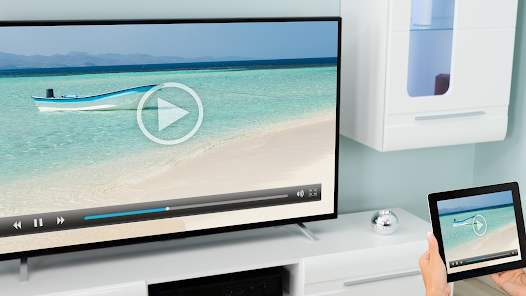
Enjoy high-definition streaming with the Screen Mirroring App, which maintains the quality of your content while projecting it onto larger screens. Whether you're watching movies or giving a presentation, you can count on crisp visuals and smooth playback that enhance your viewing experience.

Multi-Device Support

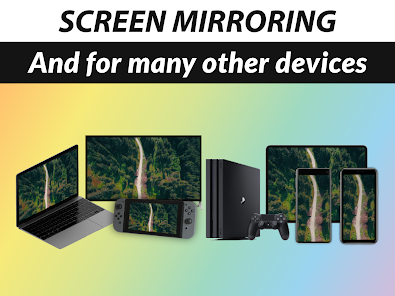
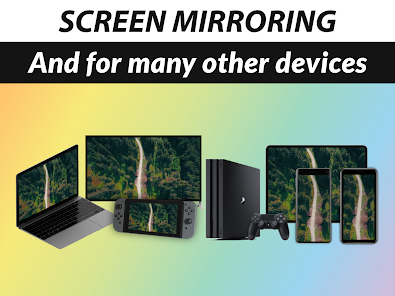
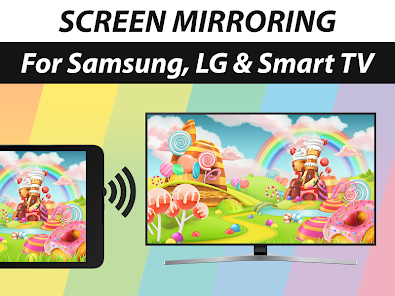
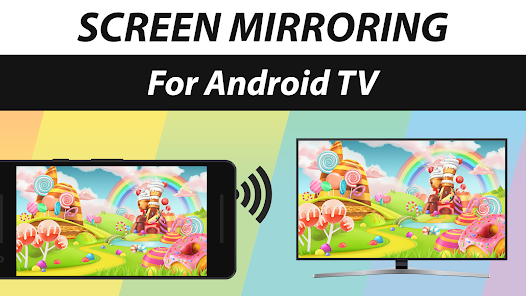
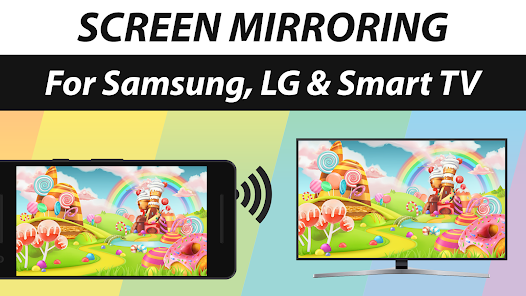
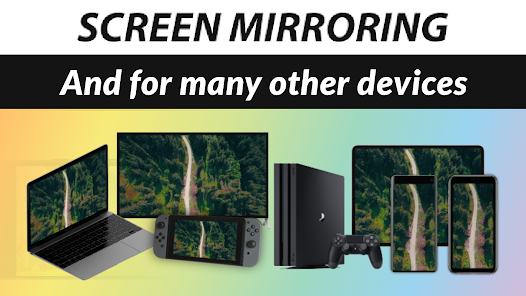
This app supports a wide range of devices, including various brands of smart TVs and streaming devices. No matter what technology you have at home, you can easily connect and start mirroring, making it a versatile option for all users.

Seamless Connectivity

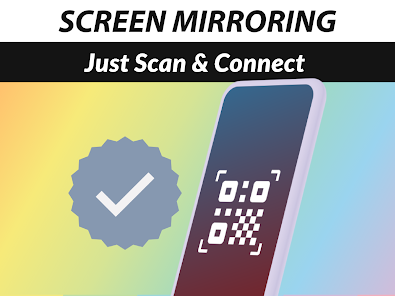
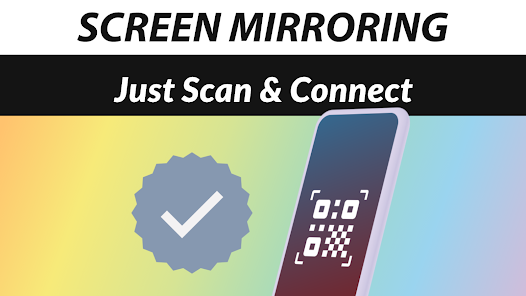
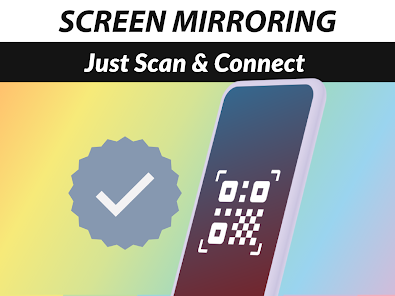
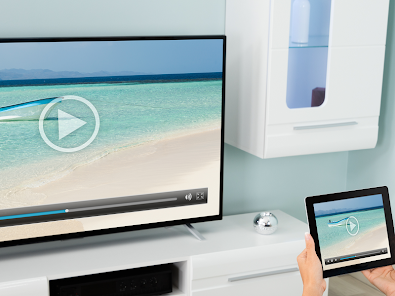
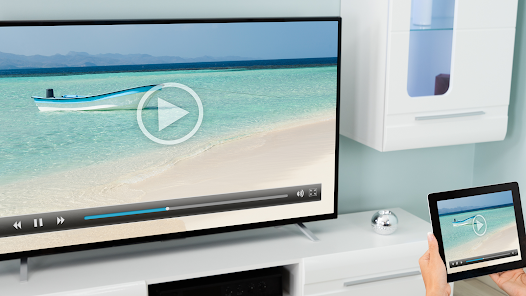
The Screen Mirroring App offers effortless connectivity between your devices, allowing you to mirror your smartphone, tablet, or computer to your TV or projector with just a few taps. This ensures you can share photos, videos, and presentations without any hassle or complicated setup processes.

User-Friendly Interface

The Screen Mirroring App features a simple and intuitive interface that makes navigation a breeze for users of all ages. With straightforward controls and quick access to settings, even those new to technology will find it easy to use and enjoy the benefits of screen mirroring.

Pros & Cons

Pros
  • Easily share content from devices to larger screens
  • Enhances presentations with clear visuals and audio
  • Stream media effortlessly from phone to TV
  • Supports multiple devices for versatile usage
  • User-friendly interface for quick setup and connection
Cons
  • Potential for lag and latency issues during streaming
  • Limited compatibility with some devices and formats
  • Requires a stable Wi-Fi connection to function
  • May compromise privacy and security during usage

Real Experience Using Screen Mirroring App

Application Scenarios

The Screen Mirroring App offers a versatile solution for various scenarios, making it an essential tool for both personal and professional use. Whether you want to share presentations during a business meeting, stream a movie from your smartphone to a larger screen, or display photos for family and friends, this app has got you covered. Users can connect their devices to smart TVs, projectors, or monitors seamlessly. It is particularly effective for gamers looking to showcase gameplay or for educators who wish to enhance their teaching experience by displaying educational content on a bigger screen. Additionally, the app supports multiple platforms, allowing users to mirror content from Android devices to iOS devices and vice versa, which enhances its usability across different devices.

User Experience

The user experience with the Screen Mirroring App is generally positive, characterized by its intuitive interface and straightforward functionality. Upon downloading the app, users are greeted with a clean design that makes navigation easy, even for those who may not be tech-savvy. Connecting devices is a breeze; with just a few taps, users can initiate mirroring without complicated setups. The app provides stable connections with minimal lag, ensuring smooth streaming of videos and images. However, some users have reported occasional connectivity issues, particularly in environments with poor Wi-Fi signals. Overall, the app's performance is commendable, allowing users to enjoy seamless mirroring experiences in most situations.

Pricing

The Screen Mirroring App offers a freemium model, providing users with basic features at no cost. This allows potential users to test the app's capabilities before committing to a purchase. For those seeking additional functionalities such as ad-free usage, enhanced resolution options, and priority support, a premium subscription is available. The pricing is competitive compared to similar apps on the market, making it accessible for individuals and businesses alike. Users can choose from monthly or yearly subscription plans, which provide flexibility depending on their mirroring needs.

Updates & Support

The developers of the Screen Mirroring App are dedicated to continuous improvement, regularly rolling out updates to enhance performance and introduce new features. Users can expect timely updates that address bugs and compatibility issues, ensuring that the app remains functional with the latest device operating systems. Customer support is another strong aspect of this app; users can easily access help through various channels, including in-app support, email, and detailed FAQs. The responsiveness of the support team has received positive feedback, indicating that user concerns are addressed promptly. Overall, the commitment to updates and user support contributes to a reliable and enjoyable experience with the Screen Mirroring App.

verified Security & Privacy Review

The Screen Mirroring App prioritizes user security and privacy through a series of robust measures. It employs end-to-end encryption to safeguard data transmitted between devices, ensuring that sensitive information remains confidential during mirroring sessions. The app is designed to access only the necessary permissions required for its core functionalities, such as screen sharing and device connections, which minimizes potential exposure of user data. Users are informed about the permissions requested during the installation process, promoting transparency in the app's operations. The privacy policy clearly outlines how user data is collected, used, and stored, emphasizing that no personal information is sold to third parties. Furthermore, the app does not retain any mirroring history, allowing users to have full control over their data and ensuring that no traces are left after usage. Overall, the Screen Mirroring App demonstrates a strong commitment to data security and privacy, making it a reliable choice for users concerned about their personal information while utilizing mirroring technologies.

Reviews

4.0

“Easy to use and fast connection.”

“Great quality video and audio.”

“Perfect for streaming my favorite shows.”

“User-friendly interface, highly recommend.”

“Reliable performance with minimal lag.”

Editor's Choice