This site uses cookies to enhance your user experience. By clicking any link on this site you are giving your consent to our cookie policy. Read more
Reject
Accept All
RoboForm Password Manager

RoboForm Password Manager

verified Verified App

Developer: Siber Systems Inc

  • category

    Category: Productivity

  • price

    Price: free

  • age rating

    Age Rating: Everyone

  • rating

    Rating: 4.4

  • download

    Downloads: 1,000,000+

  • version

    Version: /

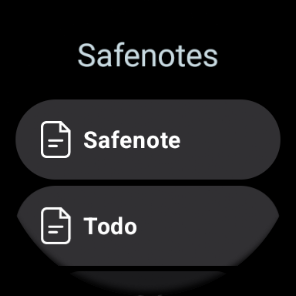
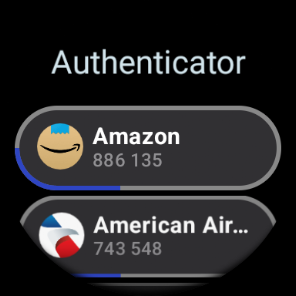
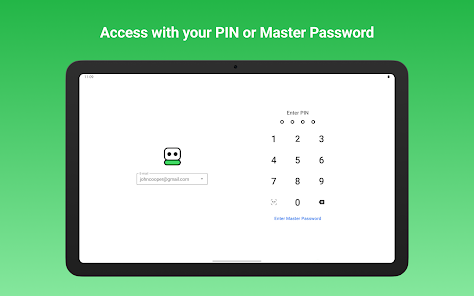
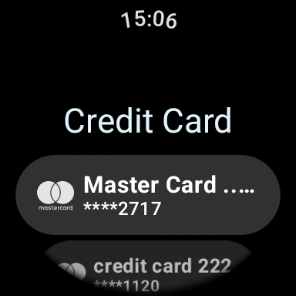
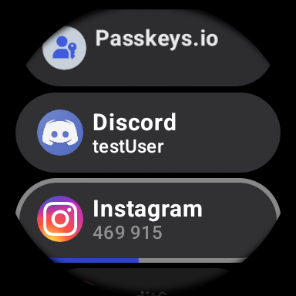
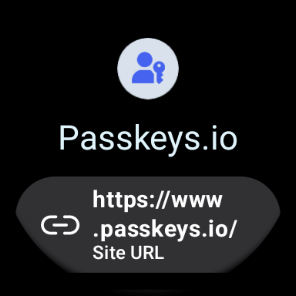
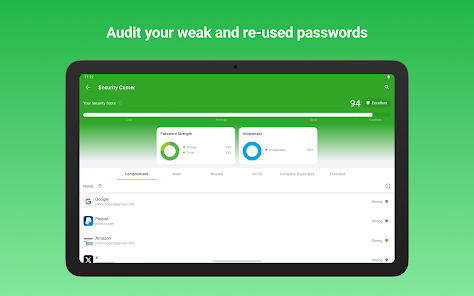
Screenshot 1
Screenshot 2
Screenshot 3
Screenshot 4
Screenshot 5
Screenshot 6
Screenshot 7
Screenshot 8
Screenshot 9
Screenshot 10
Screenshot 11
Screenshot 12
Screenshot 13
Screenshot 14
Screenshot 15
Screenshot 16
Screenshot 17
Screenshot 18
Screenshot 19
Screenshot 20
Screenshot 21
Screenshot 22
Screenshot 23
Screenshot 24
Screenshot 25
Screenshot 26
Screenshot 27
Screenshot 28
Screenshot 29

Features & Highlights

Autofill Functionality

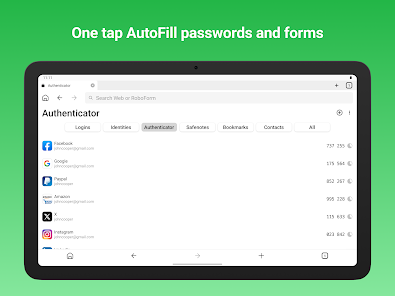
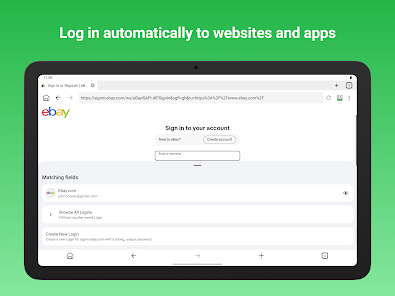
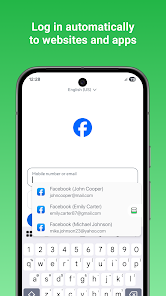
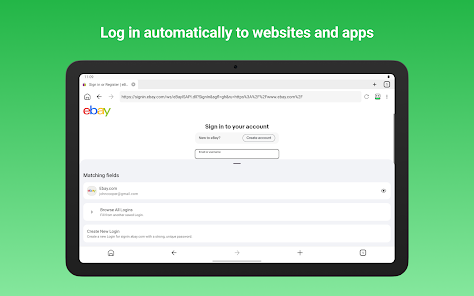
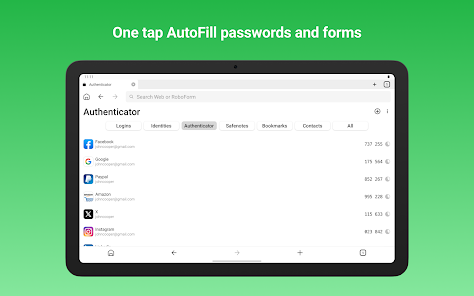
Experience the convenience of RoboForm's autofill feature, which automatically fills in your login credentials and personal information on websites. This not only saves you time but also reduces the risk of typos and forgotten passwords, allowing for a smooth and efficient browsing experience.

Cross-Platform Access

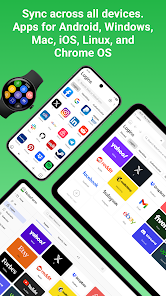
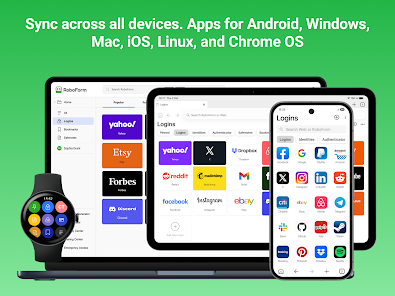
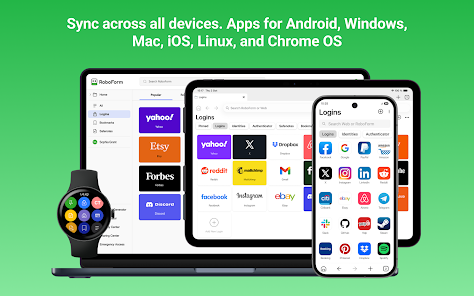
RoboForm is designed to work seamlessly across multiple devices and platforms, including Windows, macOS, iOS, and Android. This cross-platform accessibility means you can access your passwords from anywhere, ensuring that you're always connected and never locked out of your accounts.

Secure Password Storage

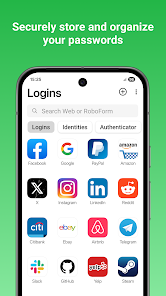
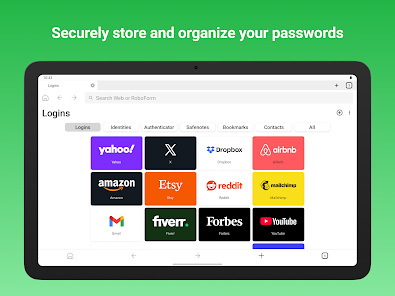
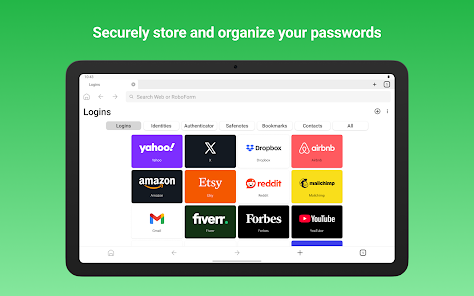
RoboForm Password Manager stores your passwords securely using advanced encryption techniques, ensuring that your sensitive data is protected from unauthorized access. With a user-friendly interface, you can easily manage all your passwords in one safe place, making it simple to log in to your favorite sites without hassle.

Secure Sharing Options

Share passwords and sensitive information securely with trusted contacts using RoboForm's secure sharing features. This functionality allows you to maintain control over your data while collaborating with family or team members, ensuring that everyone has the access they need without compromising security.

Pros & Cons

Pros
  • Stores passwords securely and conveniently
  • Autofills forms to save time and effort
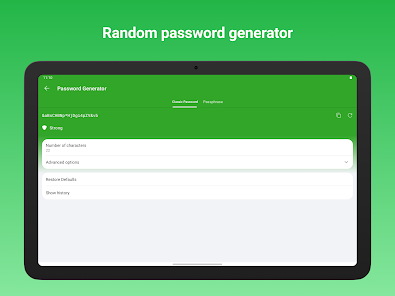
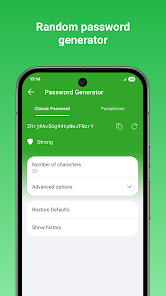
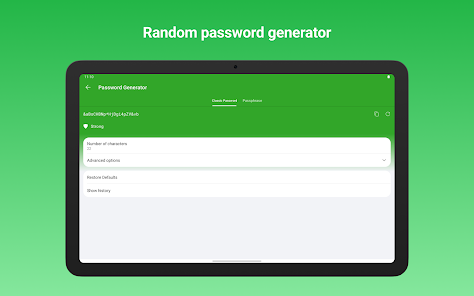
  • Generates strong passwords for enhanced security
  • Synchronizes across all devices seamlessly
  • Offers encrypted backup to protect your data
Cons
  • Limited free version features available
  • Synchronization can be slow at times
  • Interface may feel outdated for some users
  • Support response times can be inconsistent

Real Experience Using RoboForm Password Manager

Application Scenarios

RoboForm Password Manager is designed to cater to a wide array of scenarios where password management is essential. For individuals juggling multiple accounts across various platforms, RoboForm provides a secure vault to store passwords, making it easier to log in without the hassle of remembering complex credentials. For small businesses, the app offers team management features that allow secure sharing of passwords among team members, ensuring that everyone has access to necessary accounts without compromising security. Additionally, RoboForm's browser extension seamlessly integrates into popular web browsers, making it incredibly convenient for users to autofill forms and passwords while browsing. This can be particularly useful for online shopping or accessing sensitive accounts like banking or email, where quick access without typing can save time and enhance security.
User Experience

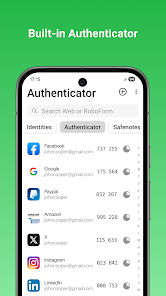
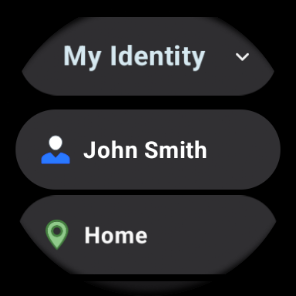
The user experience of RoboForm is designed with simplicity in mind. Upon launching the app, users are greeted with an intuitive interface that makes navigation straightforward, even for those who may not be tech-savvy. The onboarding process is smooth, guiding users through the setup of their password vault and teaching them how to utilize features like password generation and secure sharing. The app’s ability to autofill passwords and forms is a standout feature, significantly reducing login times. Users appreciate the additional security features, such as two-factor authentication, which adds an extra layer of protection. However, some users have reported occasional synchronization issues across devices, which can be frustrating when trying to access passwords on the go.

Pricing

RoboForm offers a competitive pricing structure that includes a free version with basic functionalities, making it accessible to users who want to try before they buy. The premium version, available at a reasonable annual fee, unlocks advanced features such as cloud backup, cross-device syncing, and priority support. For families and businesses, RoboForm provides multi-user plans that offer bulk pricing, making it an economical choice for groups that require secure password management. Overall, the pricing is considered fair given the robust set of features that RoboForm provides, especially when compared to other password managers on the market.

Updates & Support

RoboForm is committed to continuous improvement, regularly releasing updates that enhance functionality and security. Users can expect new features and enhancements that respond to the evolving landscape of cyber threats. The support team is accessible via various channels, including email and live chat, providing timely assistance for any issues users might encounter. Additionally, RoboForm offers a comprehensive knowledge base filled with articles, FAQs, and tutorials, which is beneficial for users looking to maximize their use of the app. Overall, the combination of prompt support and regular updates ensures that users feel valued and secure while using RoboForm.

verified Security & Privacy Review

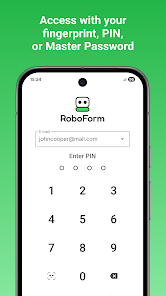
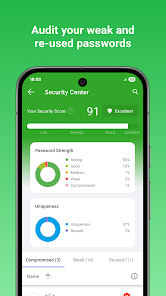
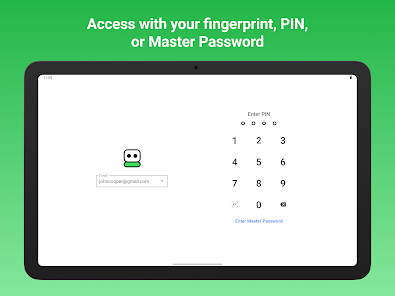
RoboForm Password Manager prioritizes user security and privacy through robust encryption and a commitment to data protection. The app employs AES-256 bit encryption to safeguard user data, ensuring that sensitive information remains secure during storage and transmission. This level of encryption is widely recognized as industry-standard for protecting personal data. RoboForm operates on a zero-knowledge policy, meaning that even the company does not have access to your master password or stored data. This approach minimizes the risk of unauthorized access to your information. Furthermore, the app supports two-factor authentication (2FA), adding an extra layer of security for user accounts. In terms of permissions, RoboForm requires access to essential features such as autofill capabilities, but it is designed to limit data collection to what is necessary for functionality. The app does not track user activity or sell data to third parties, reinforcing its commitment to user privacy. Overall, RoboForm Password Manager demonstrates a strong focus on security and privacy, making it a reliable choice for individuals seeking to protect their online information.

Reviews

4.4

“Easy to use and reliable password management tool”

“Syncs seamlessly across devices, very convenient”

“Great for storing passwords securely with ease”

“Customer support is responsive and helpful”

“User-friendly interface makes password management simple”

Editor's Choice