This site uses cookies to enhance your user experience. By clicking any link on this site you are giving your consent to our cookie policy. Read more
Reject
Accept All
Photo Gallery & Album

Photo Gallery & Album

verified Verified App

Developer: Easyelife

  • category

    Category: Photography

  • price

    Price: free

  • age rating

    Age Rating: Everyone

  • rating

    Rating: 4.5

  • download

    Downloads: 10,000,000+

  • version

    Version: 6.5.9

Screenshot 1
Screenshot 2
Screenshot 3
Screenshot 4
Screenshot 5
Screenshot 6
Screenshot 7
Screenshot 8
Screenshot 9
Screenshot 10
Screenshot 11
Screenshot 12
Screenshot 13
Screenshot 14
Screenshot 15
Screenshot 16
Screenshot 17
Screenshot 18
Screenshot 19
Screenshot 20

Features & Highlights

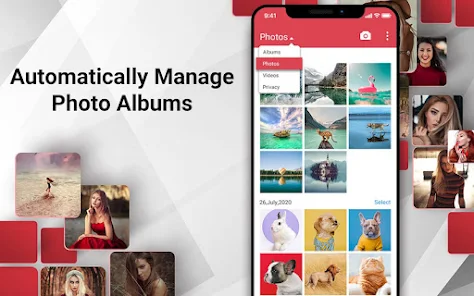
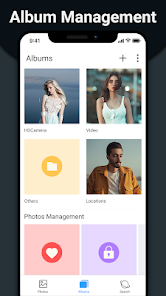
Easy Photo Organization

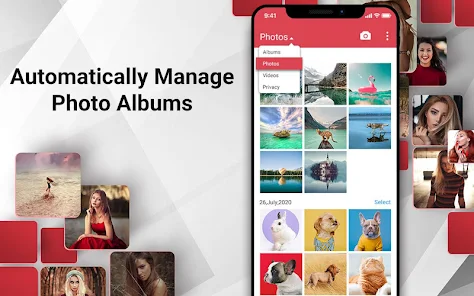
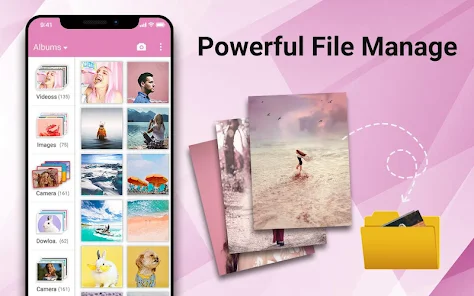
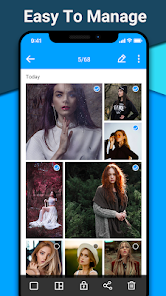
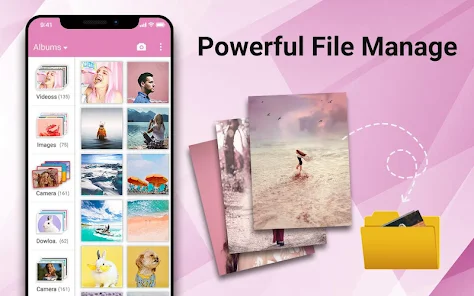
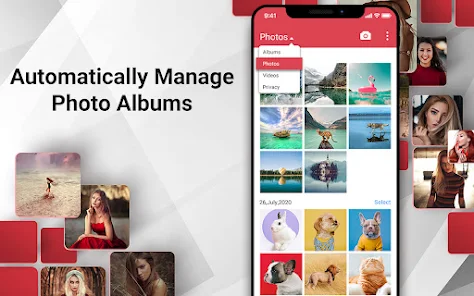
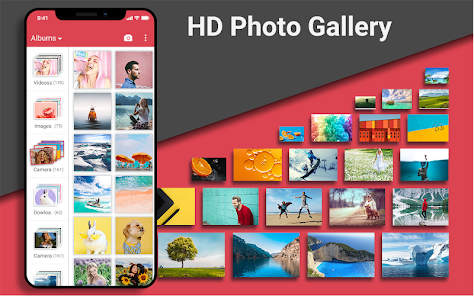
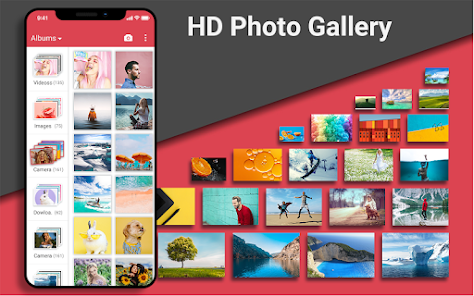
Effortlessly sort and categorize your photos into albums, making it a breeze to find that special memory. Whether it's a family vacation or a birthday party, you can create custom albums that reflect your life's moments, all accessible with just a few taps.

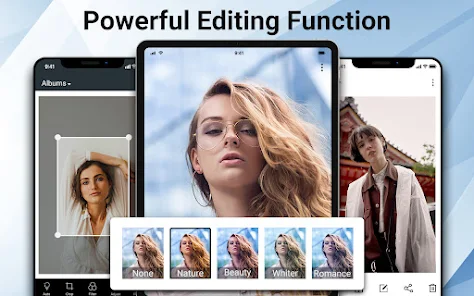
Intuitive Editing Tools

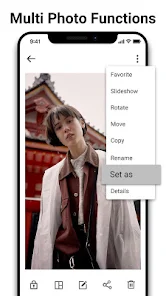
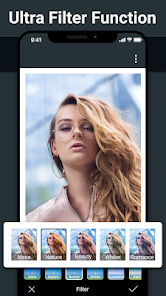
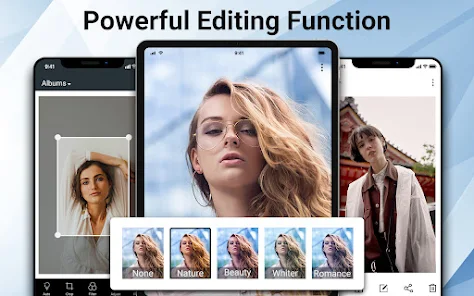
Enhance your photos with a suite of intuitive editing tools that allow you to apply filters, adjust brightness, and crop images with ease. These tools are designed for everyone, from casual users to photography enthusiasts, ensuring your photos look their best with minimal effort.

Seamless Sharing Options

Share your favorite memories with friends and family using a variety of sharing options. Whether you prefer social media, email, or direct links, the app makes it simple to spread joy and keep loved ones updated with your latest adventures.

Stunning Slideshow Feature

Revisit your cherished moments through a stunning slideshow feature that brings your photos to life. Customize the transition effects, choose your favorite background music, and create memorable presentations that can be enjoyed solo or shared with others.

Pros & Cons

Pros
  • Showcases memories in a visually appealing format
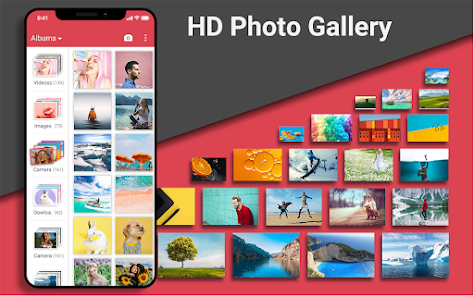
  • Easy organization of photos and albums for quick access
  • Enhances storytelling through curated photo collections
  • Facilitates sharing moments with friends and family easily
  • Preserves memories digitally, reducing physical clutter
Cons
  • Limited organization can make finding photos difficult
  • High storage requirements may hinder accessibility
  • Poor sharing options restrict audience reach
  • Lack of editing features limits creative expression

Real Experience Using Photo Gallery & Album

Application Scenarios

The Photo Gallery & Album app serves as a versatile tool for anyone looking to organize, edit, and share their photos seamlessly. Whether you are a casual user who wants to archive family memories or a professional photographer managing portfolios, this app caters to a variety of needs. Users can easily create albums for specific events, such as vacations, weddings, or birthdays, allowing for a structured way to revisit cherished moments. Additionally, the app supports cloud integration, making it easy to access and share your photo collection across devices. For social media enthusiasts, the app’s sharing features are particularly useful, enabling users to post their best shots directly to platforms like Instagram and Facebook. The app also provides tools for quick edits, which can be particularly handy for users who want to enhance their photos before sharing them with friends and family.

User Experience

The user experience of Photo Gallery & Album is designed to be intuitive and user-friendly. Upon launching the app, users are greeted with a clean interface that simplifies navigation, allowing even those less tech-savvy to find their way around. The album creation process is straightforward, with options to customize albums with titles and cover images. Users can also apply filters and effects to individual photos with just a few taps, enhancing their images without needing external editing tools. The search functionality is robust, making it easy to locate specific photos based on dates, tags, or even locations. One standout feature is the slideshow option, which allows users to create beautiful presentations of their albums, perfect for sharing on special occasions. Overall, the user experience is smooth, engaging, and designed to make photo management a breeze.

Pricing

Updates & Support The development team behind Photo Gallery & Album is committed to regular updates, consistently introducing new features and improvements based on user feedback. The app not only receives routine bug fixes but also periodic enhancements that expand its functionality. Users can expect updates to include new editing tools, enhanced sharing capabilities, and improved organizational features. Customer support is readily accessible through both in-app messaging and a dedicated help center on the app’s website. The support team is responsive and helpful, addressing user queries and issues promptly. This commitment to user satisfaction ensures that the app continually evolves to meet the needs of its user base, enhancing the overall experience.

verified Security & Privacy Review

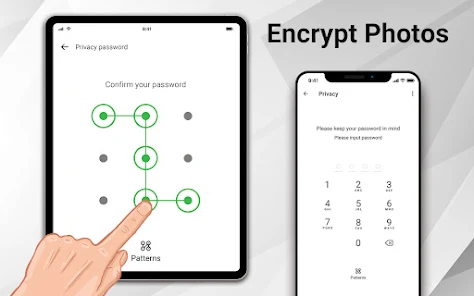
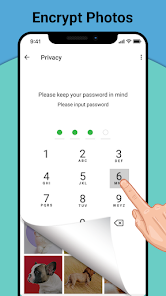
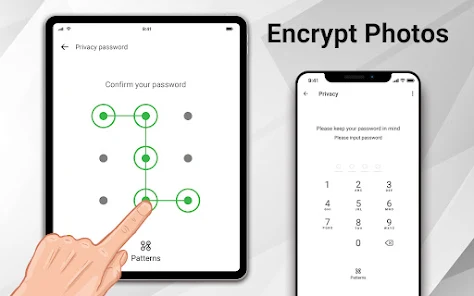
The Photo Gallery & Album app prioritizes user security and privacy by implementing robust data protection measures. It employs encryption for sensitive user data, ensuring that photos and albums are securely stored and accessed. Users are granted control over their data, with clear options for managing permissions and sharing settings. Upon installation, the app requests permissions that are essential for its functionality, such as access to photos and media files. Users are informed about these permissions, allowing them to make informed decisions about what data they wish to share. The app does not require unnecessary access to contacts or location services, which is a positive aspect for privacy-conscious users. The app's privacy policy outlines its commitment to not selling or sharing personal data with third parties without user consent. Regular updates and security patches are provided to address potential vulnerabilities, further enhancing user trust. Overall, the Photo Gallery & Album app demonstrates a strong commitment to safeguarding user data while providing a user-friendly experience.

Reviews

4.5

“User-friendly interface and easy navigation.”

“Great organization features for photos.”

“Syncs quickly with cloud storage.”

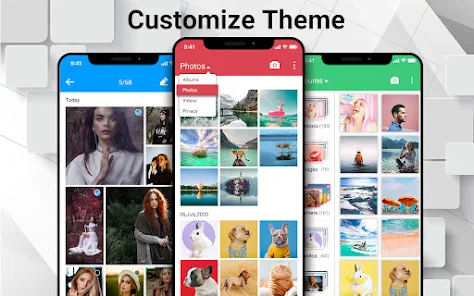
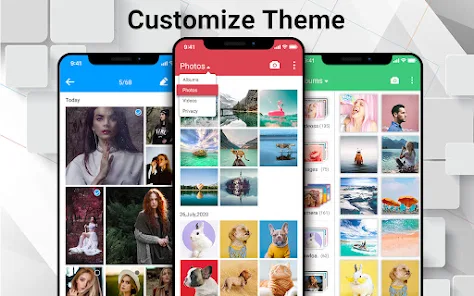
“Customization options are a nice touch.”

“Outstanding performance and speed!”

Editor's Choice