This site uses cookies to enhance your user experience. By clicking any link on this site you are giving your consent to our cookie policy. Read more
Reject
Accept All
Obsidian

Obsidian

verified Verified App

Developer: Dynalist Inc.

  • category

    Category: Productivity

  • price

    Price: free

  • age rating

    Age Rating: Everyone

  • rating

    Rating: 4.1

  • download

    Downloads: 1,000,000+

  • version

    Version: 1.11.5

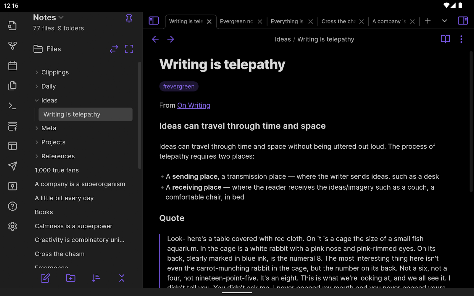
Screenshot 1
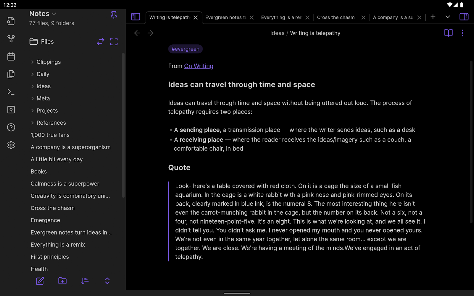
Screenshot 2
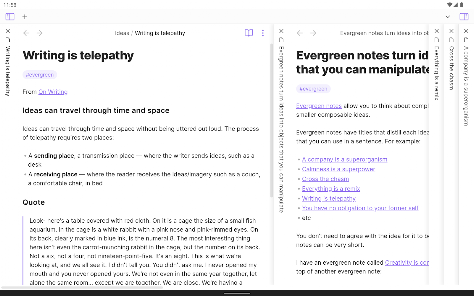
Screenshot 3
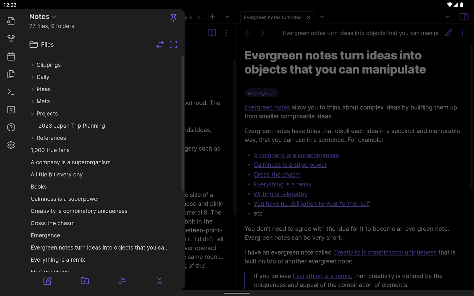
Screenshot 4
Screenshot 5
Screenshot 6
Screenshot 7
Screenshot 8
Screenshot 9
Screenshot 10
Screenshot 11
Screenshot 12
Screenshot 13
Screenshot 14
Screenshot 15
Screenshot 16
Screenshot 17
Screenshot 18
Screenshot 19
Screenshot 20
Screenshot 21

Features & Highlights

Bidirectional Linking

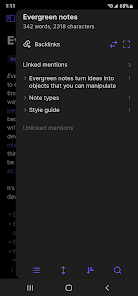
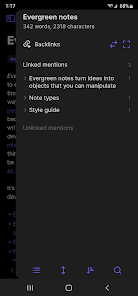
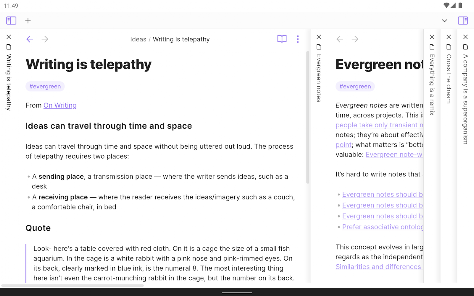
With Obsidian's bidirectional linking, you can easily create connections between related notes, fostering a network of knowledge. This feature encourages deeper exploration and understanding of your topics, as you can effortlessly jump between linked ideas, leading to a more cohesive and comprehensive knowledge base.

Graph View

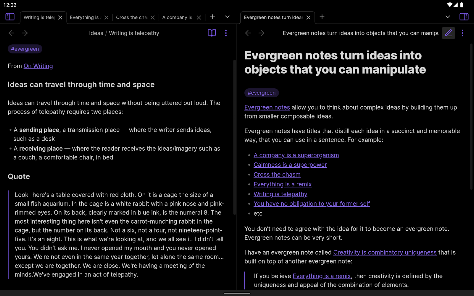
Obsidian's Graph View provides a stunning visual representation of your notes and their connections, allowing you to see relationships and patterns in your thoughts. This feature transforms your notes into an interconnected web, making it easy to navigate complex ideas and discover new insights at a glance.

Markdown Support

Built around Markdown, Obsidian allows users to write notes in a plain text format while providing rich formatting options. This means your notes are not only portable and easy to manage, but they also retain their structure when shared or exported, giving you flexibility and control over your content.

Plugins and Customization

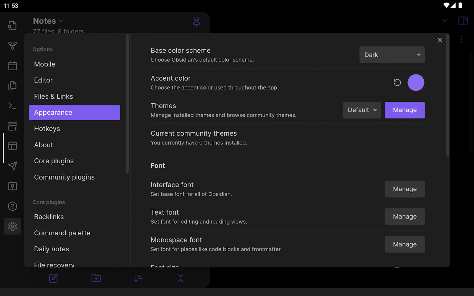
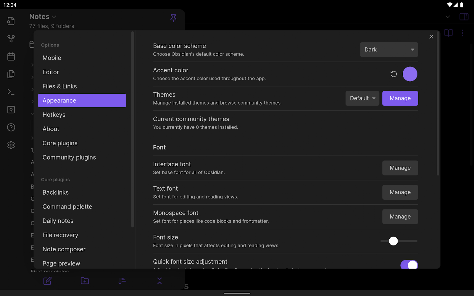
Obsidian shines with its extensive plugin ecosystem, enabling users to customize their experience based on individual workflows. Whether you need advanced task management, enhanced visualization tools, or unique editing features, you can tailor the app to fit your precise needs, making it truly your own.

Pros & Cons

Pros
  • Powerful linking of notes enhances knowledge retention
  • Customizable interface for personalized user experience
  • Supports markdown for easy formatting and editing
  • Offline access ensures uninterrupted productivity anytime
  • Robust community offers extensive plugins and support
Cons
  • Steep learning curve for new users
  • Limited mobile functionality compared to desktop
  • Syncing requires third-party services or manual effort
  • No built-in collaboration features for teams

Real Experience Using Obsidian

Application Scenarios

Obsidian is highly versatile, catering to a wide array of users ranging from students to professionals. It shines in scenarios where knowledge management is crucial, such as academic research, personal productivity, and project planning. Users can create interconnected notes, allowing for a web of information that mimics the way our brains naturally work. Students can utilize Obsidian to compile lecture notes, while researchers can organize complex ideas and references. The app is also beneficial for writers who want to brainstorm ideas or outline their work, as the linking feature helps in weaving narratives and concepts together seamlessly.

User Experience

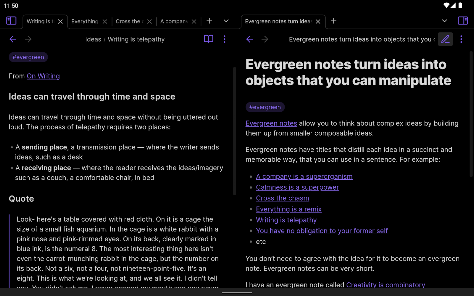
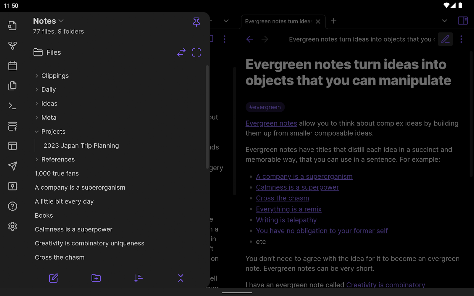
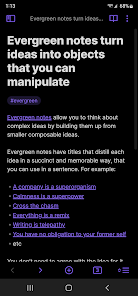
The user experience in Obsidian is both intuitive and powerful. Upon opening the app, users are greeted with a clean and minimalist interface, making it easy to focus on content creation. The markdown support allows for rich text formatting, while the graph view feature provides a visual representation of notes and their connections, turning abstract ideas into concrete structures. Navigating through notes is smooth, with a search function that quickly locates information. Furthermore, the extensive customization options enable users to tailor the app to their preferences, from themes to plugins that enhance functionality. However, the learning curve can be steep for beginners due to the app's robust features, but the potential for deep knowledge management is well worth the investment in time.

Pricing

Obsidian operates on a freemium model. The core features are available for free, which is a significant advantage for users who are just starting or are budget-conscious. However, for those seeking enhanced capabilities, such as publishing notes online or utilizing advanced collaboration features, a paid subscription is available. The subscription model is reasonably priced, making it accessible for both individuals and teams. This pricing strategy allows users to explore the vast capabilities of the app without any initial financial commitment, encouraging more people to adopt it for their personal or professional needs.

Updates & Support

Obsidian is consistently updated, with the development team actively listening to user feedback and providing improvements and new features regularly. The app’s community is robust, with forums and a Discord channel that offers support and tips. Users can find a wealth of tutorials and documentation, ensuring that help is always available for troubleshooting or learning more about the app's functionalities. The commitment to continuous improvement and community engagement highlights Obsidian's dedication to user satisfaction, making it a reliable choice for anyone looking to enhance their note-taking and knowledge management processes.

verified Security & Privacy Review

Obsidian prioritizes user security and privacy, making it a compelling choice for those seeking a safe note-taking solution. The app operates on a local-first model, meaning your data is stored on your device rather than in the cloud by default. This minimizes exposure to potential data breaches and unauthorized access. Users have complete control over their files, which are saved in markdown format, allowing for easy backups and transfers. Obsidian does not collect personal information or track user behavior, reinforcing its commitment to privacy. The app also offers options for end-to-end encryption when syncing files through third-party services, ensuring that your notes remain confidential. Permissions are minimal, with no intrusive access to your contacts or location. Users can customize their experience by integrating various plugins, though it’s essential to review these tools for any additional data handling practices. Overall, Obsidian's robust security measures and transparent privacy policies make it a reliable option for users concerned about data safety.

Reviews

4.1

“Powerful note-taking with great linking features”

“Highly customizable for personal workflows”

“Markdown support enhances my writing experience”

“Syncing across devices is seamless and reliable”

“Community plugins add incredible functionality”

Editor's Choice