This site uses cookies to enhance your user experience. By clicking any link on this site you are giving your consent to our cookie policy. Read more
Reject
Accept All

Advertiser and Editorial Disclosures

NaturalReader - Text to Speech

NaturalReader - Text to Speech

verified Verified App

Developer: Naturalsoft Limited

  • category

    Category: Productivity

  • price

    Price: free

  • age rating

    Age Rating: Everyone

  • rating

    Rating: 4.4

  • download

    Downloads: 1,000,000+

  • version

    Version: 9.39

Screenshot 1
Screenshot 2
Screenshot 3
Screenshot 4
Screenshot 5
Screenshot 6
Screenshot 7
Screenshot 8
Screenshot 9
Screenshot 10
Screenshot 11
Screenshot 12
Screenshot 13
Screenshot 14
Screenshot 15
Screenshot 16
Screenshot 17
Screenshot 18
Screenshot 19
Screenshot 20
Screenshot 21
Screenshot 22
Screenshot 23
Screenshot 24

Features & Highlights

Customizable Reading Speed

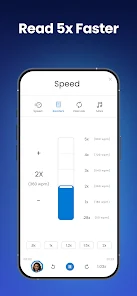
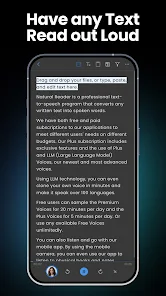
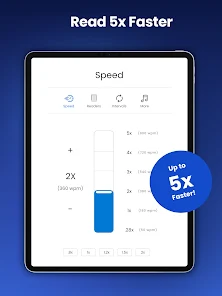
With NaturalReader, users have the flexibility to adjust the reading speed to match their preference or needs. Whether you want a quick overview or a slower, more deliberate pace for comprehension, this feature ensures a tailored auditory experience for every listener.

Document Compatibility

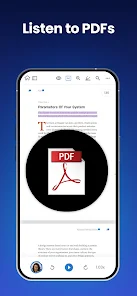
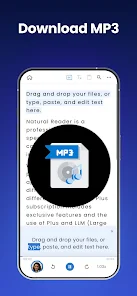
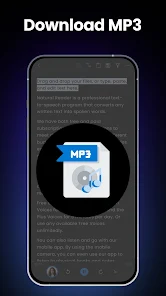
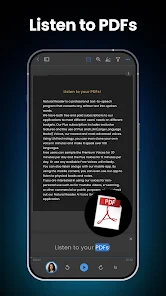
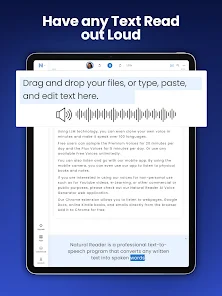
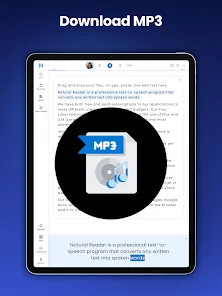
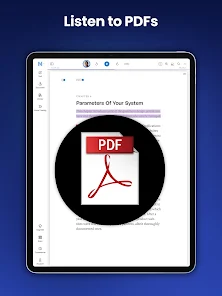
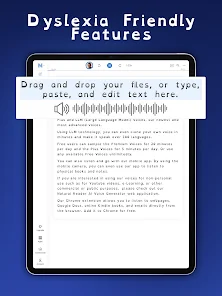
NaturalReader supports a variety of document formats, including PDF, Word, and ePub, making it easy to convert written content into spoken words. This versatility allows users to engage with their documents in a whole new way, perfect for multitasking or those with reading difficulties.

Natural Sounding Voices

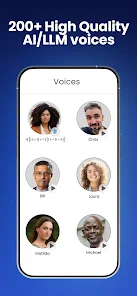
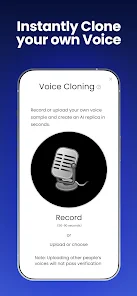
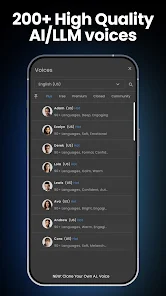
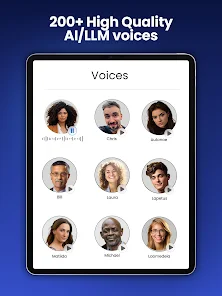
NaturalReader offers a wide selection of lifelike voices powered by advanced AI technology, making text-to-speech conversions sound more human-like than ever. Users can choose from various accents and languages, enhancing the listening experience and making it suitable for diverse audiences.

User-Friendly Interface

The app boasts an intuitive and easy-to-navigate interface, making it accessible for users of all ages and tech-savviness. With just a few clicks, anyone can start converting text to speech, allowing for a seamless experience that encourages exploration and learning.

Pros & Cons

Pros
  • High-quality, natural-sounding voices enhance listening experience
  • Supports multiple languages for global accessibility
  • User-friendly interface makes it easy to use
  • Customizable settings allow for personalized speech options
  • Compatible with various devices for flexibility and convenience
Cons
  • Limited voice options available for users
  • Pronunciation inaccuracies can occur with complex words
  • Subscription costs may be high for some users
  • Lacks advanced features found in competitors

Real Experience Using NaturalReader - Text to Speech

Application Scenarios

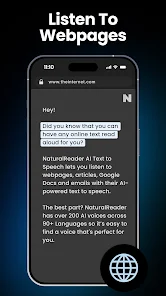
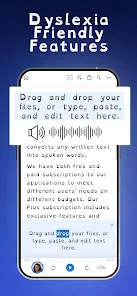
NaturalReader - Text to Speech is a versatile tool that caters to a wide range of users and applications. Whether you are a student looking to absorb information more efficiently, a professional needing to convert documents into audio for easier consumption during commutes, or an individual with visual impairments seeking accessibility in reading, NaturalReader has you covered. The app supports various file formats, including PDFs, Word documents, and web pages, allowing users to convert text to speech seamlessly. This feature is particularly beneficial in educational settings, where learners can listen to textbooks or lecture notes, enhancing comprehension and retention. Additionally, the app is ideal for content creators who wish to produce audio versions of articles or blogs, expanding their audience reach.

User Experience

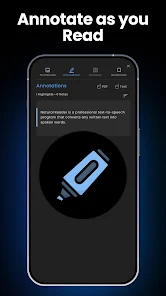
The user experience with NaturalReader is largely intuitive and user-friendly. Upon launching the app, users are greeted with a clean interface that makes navigation straightforward. The ability to easily adjust the voice selection, speed, and volume settings ensures that users can tailor their listening experience to suit personal preferences. NaturalReader offers a variety of natural-sounding voices, which significantly enhance the listening experience, making it feel more human-like. The integration of features such as highlighting the text being read and the ability to pause or skip ahead further enriches usability. Many users appreciate the app's offline functionality, allowing them to download selected text for later use without needing an internet connection. This flexibility adds to its appeal, particularly for those on the go.

Pricing

NaturalReader offers a variety of pricing plans to accommodate different needs and budgets. The app provides a free version, which includes basic features and a limited selection of voices. However, for those seeking a more robust experience, the premium subscription unlocks advanced features, including additional voice options, higher-quality audio outputs, and the ability to convert larger documents. Pricing tiers are reasonable and competitive within the text-to-speech market, making it accessible for both casual users and professionals alike. Users often find the investment worthwhile, given the app's functionality and the quality of the audio produced.

Updates & Support

NaturalReader's commitment to continuous improvement is evident in its regular updates, which often introduce new features and enhancements based on user feedback. The development team actively listens to its users, ensuring that the app remains relevant and effective. Customer support is responsive and helpful, with multiple channels available for users to seek assistance. Whether through FAQs, email support, or community forums, users can find answers to their questions and resolve any issues they may encounter. This level of support, combined with frequent updates, ensures that NaturalReader remains a top choice for text-to-speech solutions.

verified Security & Privacy Review

NaturalReader - Text to Speech takes user security and privacy seriously, implementing various measures to protect sensitive information. The app requires minimal permissions, primarily access to media files for text conversion, ensuring that users' personal data remains safeguarded. Data handling practices are designed to respect user privacy. NaturalReader does not share user data with third parties without explicit consent, and any information collected is used solely for improving app functionality and user experience. The app employs encryption protocols to secure data transmission, minimizing the risk of unauthorized access. Furthermore, users are provided with clear privacy policies outlining data usage and retention practices. Regular updates are rolled out to address potential vulnerabilities, reinforcing the app's commitment to maintaining a secure environment. Overall, NaturalReader demonstrates a robust approach to privacy and security, making it a reliable choice for users concerned about their data protection.

Reviews

4.4

“Great voice options and natural-sounding speech.”

“User-friendly interface, easy to navigate.”

“Perfect for multitasking while listening to documents.”

“Helps improve focus during reading.”

“High-quality audio, worth the investment.”

FAQ

1

Does NaturalReader - Text to Speech collect my personal data?

NaturalReader - Text to Speech has a privacy policy in place and may collect some personal data to enhance user experience, but it is committed to protecting user privacy and data security.

2

Does NaturalReader - Text to Speech offer a free trial or free version?

Yes, NaturalReader - Text to Speech offers a free version with limited features, as well as a free trial for users to explore premium features before committing to a subscription.

3

Does NaturalReader - Text to Speech require an internet connection?

NaturalReader - Text to Speech can operate offline for certain features, but an internet connection may be required for accessing premium voices and additional resources.

4

How can I contact support or send feedback for NaturalReader - Text to Speech?

You can contact support or send feedback for NaturalReader - Text to Speech through the app's help section, or by visiting their official website, where you will find contact options and support resources.

5

How do I manage or cancel my NaturalReader - Text to Speech subscription?

You can manage or cancel your NaturalReader - Text to Speech subscription directly through your account settings in the app or website, where you can follow the prompts to make changes to your subscription.

How to use NaturalReader - Text to Speech

1

How can I contact Customer Service for NaturalReader?

You can reach NaturalReader's Customer Service by visiting their official website and using the contact form or support email provided there.

2

How can I find my Customer Number for NaturalReader?

Your Customer Number is typically found in your account settings or confirmation email after purchase.

3

How do I log in to my NaturalReader account?

To log in, visit the NaturalReader website, click on 'Login,' and enter your registered email and password.

4

What is the process to activate NaturalReader?

To activate NaturalReader, install the app, enter your activation key when prompted, and follow the on-screen instructions.

Editor's Choice