This site uses cookies to enhance your user experience. By clicking any link on this site you are giving your consent to our cookie policy. Read more
Reject
Accept All
iLovePDF: PDF Editor & Scanner

iLovePDF: PDF Editor & Scanner

verified Verified App

Developer: iLovePDF

  • category

    Category: Productivity

  • price

    Price: free

  • age rating

    Age Rating: Everyone

  • rating

    Rating: 4.6

  • download

    Downloads: 10,000,000+

  • version

    Version: 3.12.0

Screenshot 1
Screenshot 2
Screenshot 3
Screenshot 4
Screenshot 5
Screenshot 6
Screenshot 7
Screenshot 8
Screenshot 9
Screenshot 10
Screenshot 11
Screenshot 12
Screenshot 13
Screenshot 14
Screenshot 15
Screenshot 16
Screenshot 17
Screenshot 18
Screenshot 19
Screenshot 20
Screenshot 21
Screenshot 22
Screenshot 23

Features & Highlights

Comprehensive Scanning Tools

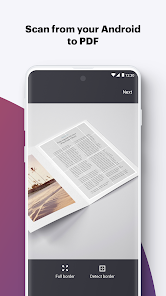
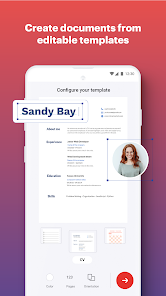
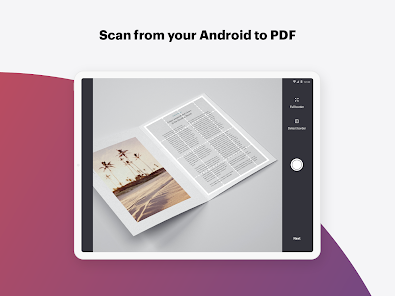
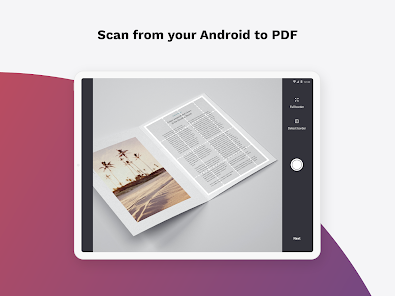
Transform your physical documents into digital PDFs with iLovePDF's robust scanning capabilities. The app allows you to capture, enhance, and convert your scans into high-quality PDF files, making it an essential tool for anyone looking to streamline their document management.

Easy PDF Editing

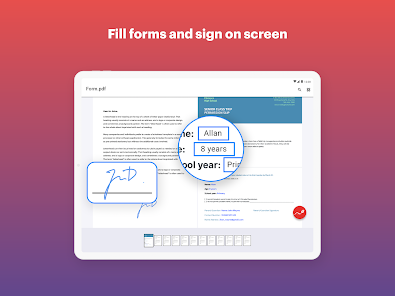
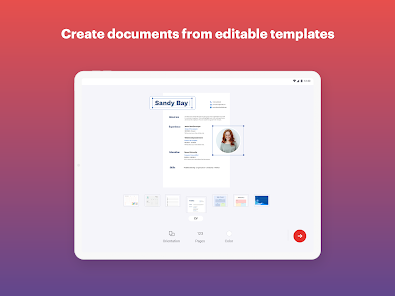
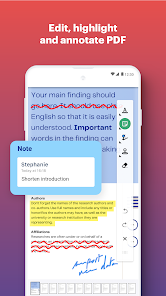
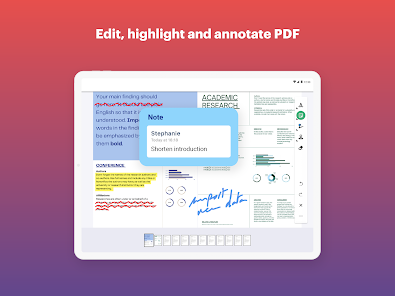
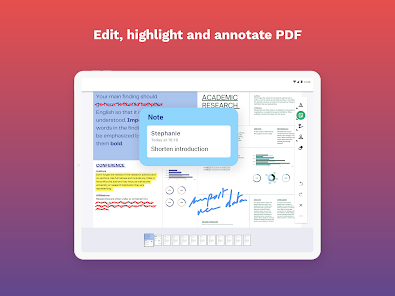
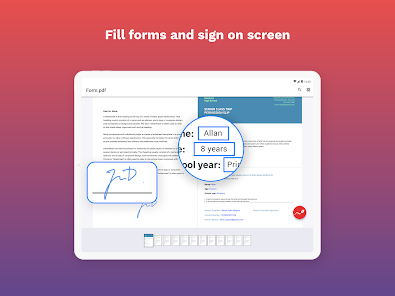
iLovePDF offers a user-friendly interface that makes editing PDFs a breeze. You can easily add text, images, or annotations to your documents, ensuring that your edits are seamless and professional-looking without requiring any advanced technical skills.

Merge and Split PDFs

With iLovePDF, combining multiple PDFs or splitting a large document into smaller parts is simple and efficient. This feature is perfect for organizing your files or sharing specific pages without the hassle of complex software or processes.

Secure PDF Conversion

iLovePDF prioritizes your privacy with secure PDF conversion options. Whether you're converting documents to or from PDF, your files are handled with care, ensuring that sensitive information remains protected throughout the process.

Pros & Cons

Pros
  • Easily merge multiple PDFs into one document
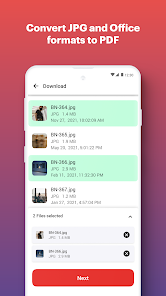
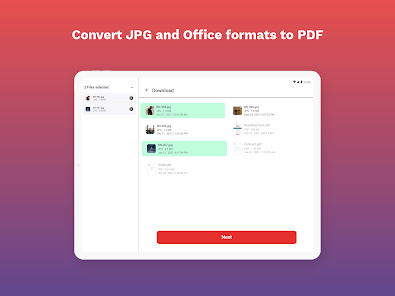
  • Quickly convert files to and from PDF format
  • Annotate and edit PDFs with user-friendly tools
  • Scan documents directly to PDF format effortlessly
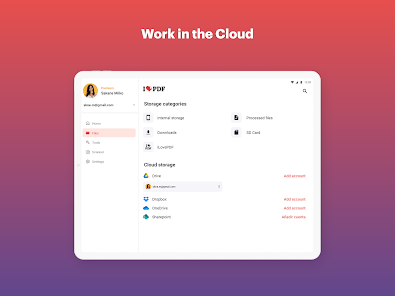
  • Access your files anywhere with cloud integration
Cons
  • Limited features in the free version
  • Slow performance with large files
  • Frequent ads can disrupt user experience
  • No offline editing capabilities available

Real Experience Using iLovePDF: PDF Editor & Scanner

Application Scenarios

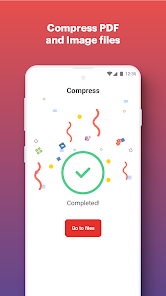
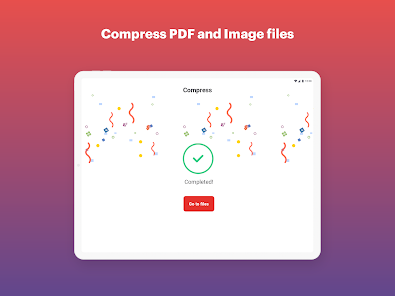
iLovePDF: PDF Editor & Scanner serves a multitude of use cases, making it a versatile tool for students, professionals, and anyone who frequently handles PDF documents. Whether you need to merge multiple PDFs for a project presentation, split a large document into manageable sections, or convert images to PDF format for easier sharing, this app has you covered. It is particularly useful for those in academic settings who need to annotate research papers or collaborate on group projects, as it allows for easy markup and sharing of documents. Additionally, business users will find the ability to compress files essential for email attachments, ensuring their documents retain quality without exceeding size limits.

User Experience

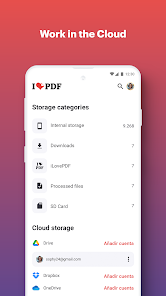
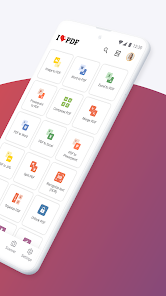
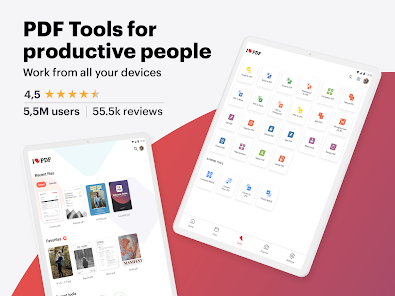
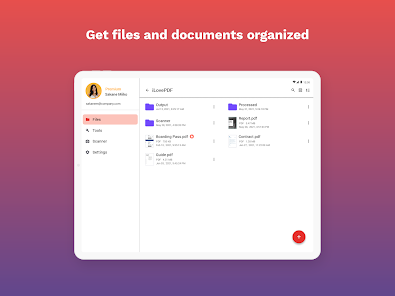
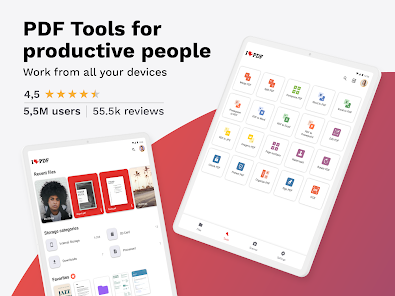
The user experience of iLovePDF is intuitive and streamlined, making it accessible even for those who may not be tech-savvy. The app interface is clean and well-organized, allowing users to navigate through its features with ease. Tasks such as editing, converting, and annotating PDFs can be completed in just a few taps. The responsiveness of the app is commendable; documents load quickly, and operations like merging or splitting are executed without noticeable lag. Furthermore, the ability to save documents directly to cloud storage services like Google Drive and Dropbox enhances convenience, allowing users to access their files from multiple devices seamlessly. Despite its robust features, some advanced functions may require a bit of exploration, but overall, the learning curve is gentle.

Pricing

iLovePDF operates on a freemium model, offering a limited set of features at no cost, which is great for casual users. However, to unlock the full potential of the app, including advanced editing tools and unlimited access to premium features, users can opt for a subscription plan. The pricing is competitive within the market, typically offering monthly and annual options, which provide flexibility based on user needs. For those who frequently work with PDFs, investing in the premium version can significantly enhance productivity and save time, making it a worthwhile consideration.

Updates & Support

The developers of iLovePDF are committed to enhancing user experience through regular updates that introduce new features and improvements. Users can expect timely enhancements that reflect industry trends and user feedback. The support system is also commendable; users can access a comprehensive help section and FAQs within the app, along with prompt customer support through email. The community forums are another valuable resource, where users can share experiences and solutions to common issues. Overall, the combination of updates and responsive support ensures that users feel valued and equipped to make the most of the app.

verified Security & Privacy Review

The iLovePDF: PDF Editor & Scanner app prioritizes user security and privacy through a range of robust practices. The app employs encryption protocols to protect user data during transmission, ensuring that sensitive documents remain secure from unauthorized access. In addition, files uploaded to the platform are typically deleted from the servers after a short period, which minimizes the risk of data retention. Users are made aware of the permissions required by the app, which primarily include access to storage for uploading and saving PDF files. The app does not request unnecessary permissions, aligning with best practices for user privacy. iLovePDF also maintains a transparent privacy policy that outlines how user data is collected, used, and shared. Furthermore, the app does not sell user data to third parties, reinforcing its commitment to maintaining user trust. Overall, iLovePDF demonstrates a solid approach to data security and privacy, making it a reliable choice for managing PDF documents securely.

Reviews

4.6

“Easy to use and highly functional PDF tools”

“Great for merging and splitting PDFs effortlessly”

“User-friendly interface makes editing a breeze”

“Reliable app for converting files quickly”

“Fantastic for scanning documents on the go”

Editor's Choice