This site uses cookies to enhance your user experience. By clicking any link on this site you are giving your consent to our cookie policy. Read more
Reject
Accept All

Advertiser and Editorial Disclosures

Heart Rate Monitor - Pulse App

Heart Rate Monitor - Pulse App

verified Verified App

Developer: QR Code Scanner.

  • category

    Category: Health & Fitness

  • price

    Price: free

  • age rating

    Age Rating: Everyone

  • rating

    Rating: 4.5

  • download

    Downloads: 10,000,000+

  • version

    Version: 1.6.3

Screenshot 1
Screenshot 2
Screenshot 3
Screenshot 4
Screenshot 5
Screenshot 6
Screenshot 7
Screenshot 8
Screenshot 9
Screenshot 10
Screenshot 11
Screenshot 12
Screenshot 13
Screenshot 14
Screenshot 15
Screenshot 16
Screenshot 17
Screenshot 18
Screenshot 19
Screenshot 20
Screenshot 21
Screenshot 22

Features & Highlights

Customizable Alerts

Stay proactive about your heart health with customizable alerts that notify you when your heart rate reaches specific thresholds. This feature is particularly useful during workouts or for users managing health conditions, ensuring you never miss an important change in your heart rate.

Historical Data Tracking

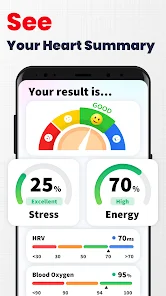
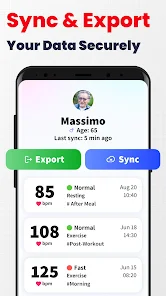
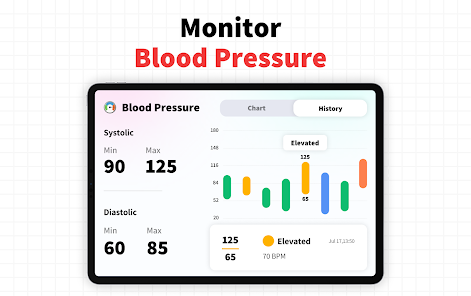
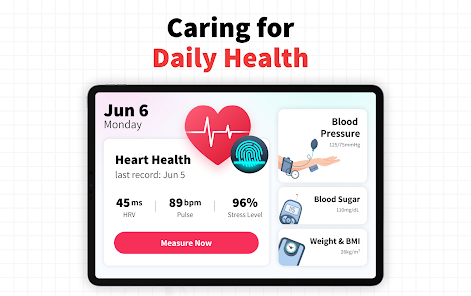
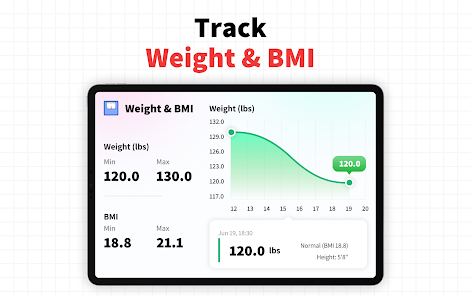
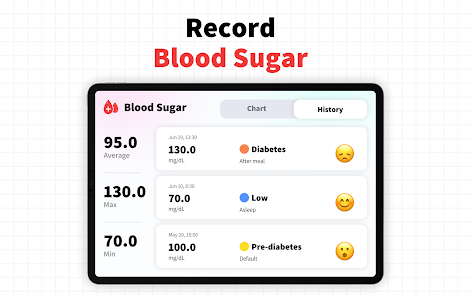
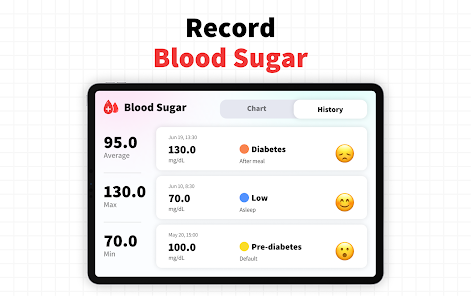
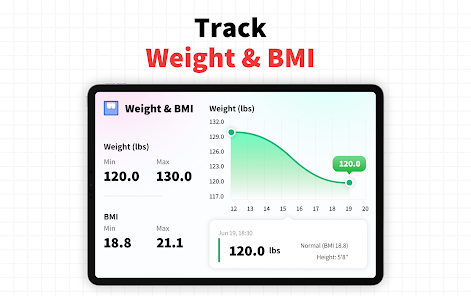
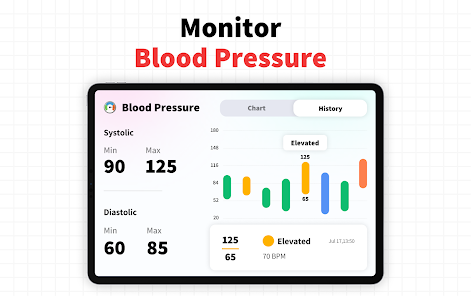
Keep a close eye on your heart health over time with the app's historical data tracking feature. This allows you to review your past readings, identify trends, and make informed decisions about your wellness journey, all presented in an easy-to-read format.

Real-Time Monitoring

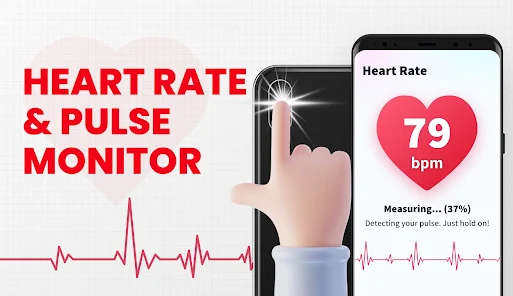
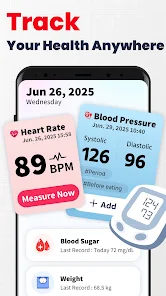
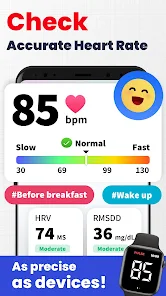
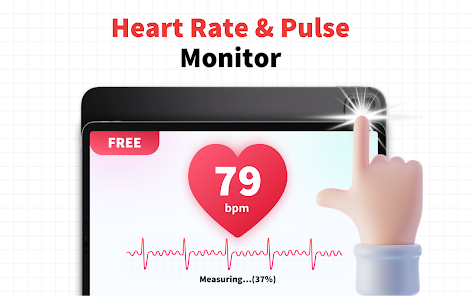
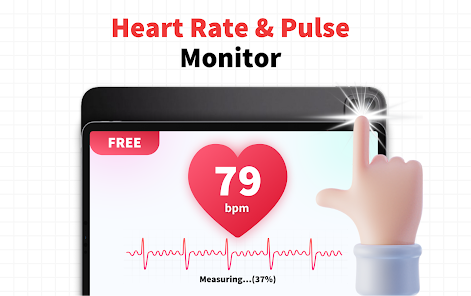
The Heart Rate Monitor - Pulse App provides users with real-time heart rate tracking, ensuring you stay informed about your cardiovascular health. With just a tap, you can access accurate readings, making it an essential tool for fitness enthusiasts and health-conscious individuals alike.

User-Friendly Interface

Designed with simplicity in mind, the Heart Rate Monitor - Pulse App boasts a user-friendly interface that makes navigation a breeze. Whether you're tech-savvy or a beginner, you'll find it easy to access all features, making heart rate monitoring a seamless part of your daily routine.

Pros & Cons

Pros
  • Tracks heart rate in real-time for accuracy
  • User-friendly interface for effortless navigation
  • Customizable alerts for optimal heart health
  • Historical data analysis to monitor progress
  • Compatible with various devices for convenience
Cons
  • Inaccurate readings in some cases can occur
  • Limited features compared to dedicated devices
  • Relies on camera, which can be obstructed
  • May drain battery quickly during use

Real Experience Using Heart Rate Monitor - Pulse App

Application Scenarios

The Heart Rate Monitor - Pulse App is designed for a variety of users, from fitness enthusiasts to individuals monitoring their health for medical reasons. The app is particularly beneficial for those engaging in physical activities such as running, cycling, or gym workouts, as it provides real-time heart rate tracking to help optimize performance and training intensity. Additionally, it can be a valuable resource for users who want to keep an eye on their heart health, offering insights into resting heart rates and variations that may indicate health issues. Whether you’re an athlete pushing your limits or someone simply looking to maintain a healthy lifestyle, this app serves as a versatile tool to meet diverse health monitoring needs.

User Experience

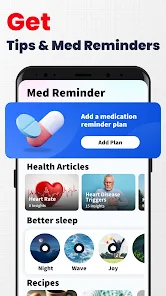
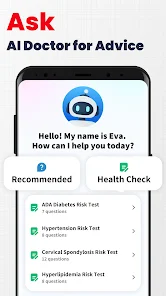
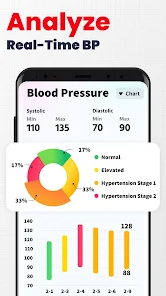
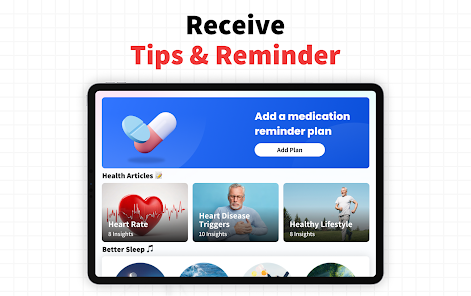
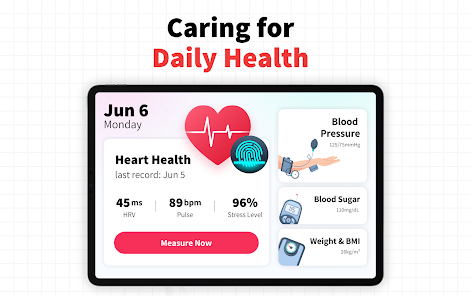
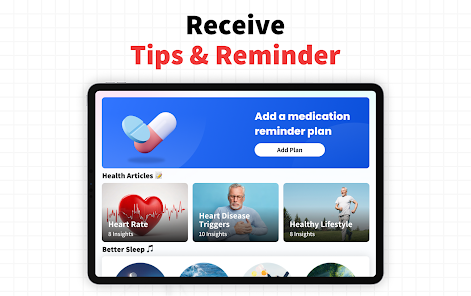
The user experience of the Heart Rate Monitor - Pulse App is notably smooth and intuitive. Upon downloading and launching the app, users are greeted with a clean interface that displays key metrics prominently. Navigating through the app is straightforward, with well-organized sections for tracking heart rates, viewing historical data, and accessing personalized insights. Users can easily start monitoring their heart rate with just a few taps, and the app provides instant feedback, which is particularly useful during workouts. The integration of visual graphs and trend analysis helps users make sense of their data over time, fostering a deeper understanding of their cardiovascular health. Notifications and reminders can be customized, ensuring users stay engaged and consistent in their health tracking efforts.

Pricing

The Heart Rate Monitor - Pulse App operates on a freemium model. Users can download the app and access basic features for free, which is excellent for those who want to test its functionality. For more advanced features, such as detailed analytics, personalized workout recommendations, and ad-free usage, a premium subscription is available. The pricing is competitive compared to similar apps on the market, and the option for a trial period allows users to evaluate the premium features before committing. This flexible pricing structure makes the app accessible to a wide range of users, regardless of their budget.

Updates & Support

The developers of the Heart Rate Monitor - Pulse App are committed to providing regular updates that enhance functionality and address user feedback. These updates often include new features, performance improvements, and bug fixes, ensuring a continually evolving user experience. Customer support is readily available, with a dedicated help section within the app that offers FAQs and troubleshooting tips. Users can also reach out to the support team through email or in-app messaging, receiving prompt assistance for any issues they may encounter. This proactive approach to updates and support contributes to user satisfaction and builds trust in the app’s reliability.

verified Security & Privacy Review

The Heart Rate Monitor - Pulse App prioritizes user security and privacy by implementing robust data protection measures. The app collects minimal personal information, primarily focusing on heart rate data essential for its functionality. This data is processed locally on the device, reducing the risk of unauthorized access during transmission. In terms of permissions, the app requires access to health-related sensors and, in some cases, user location data to enhance accuracy. Users are informed of these permissions upfront, ensuring transparency in data collection practices. Importantly, the app does not share user data with third parties without explicit consent, adhering to strict privacy regulations. Moreover, the Heart Rate Monitor - Pulse App offers users the option to delete their data at any time, empowering individuals to maintain control over their personal information. With regular updates and security patches, the app aims to safeguard against potential vulnerabilities, ensuring a secure user experience. Overall, the Heart Rate Monitor - Pulse App demonstrates a strong commitment to protecting user privacy and data security.

Reviews

4.5

“Accurate readings and easy to use!”

“Great design, love the graphics.”

“Helps track my fitness progress effectively.”

“Quick and reliable heart rate monitoring.”

“User-friendly interface makes it a breeze.”

FAQ

1

Does Heart Rate Monitor - Pulse App collect my personal data?

The app may collect some user data for performance and user experience improvements, but it is designed to prioritize user privacy and does not share personal health information without consent.

2

Does Heart Rate Monitor - Pulse App offer a free trial or free version?

Yes, Heart Rate Monitor - Pulse App offers a free version with basic features, and users may also try premium features through a free trial period.

3

Does Heart Rate Monitor - Pulse App require an internet connection?

No, Heart Rate Monitor - Pulse App can function offline since it uses your device's camera to measure heart rate, but an internet connection may be required for certain features like syncing data or accessing additional content.

4

How can I contact support or send feedback for Heart Rate Monitor - Pulse App?

You can contact support or send feedback via the app's settings menu or by visiting the official website, where you can find contact information and support options.

5

How do I manage or cancel my Heart Rate Monitor - Pulse App subscription?

You can manage or cancel your subscription through your device's app store settings under subscriptions, or by following the instructions provided within the app itself.

How to use Heart Rate Monitor - Pulse App

1

Can I change my login email for the Heart Rate Monitor - Pulse App?

Yes, go to the account settings within the app to update your email address. Make sure to verify the new email.

2

How can I contact customer service for the Heart Rate Monitor - Pulse App?

You can reach customer service through the app's support section or visit the official website for contact details.

3

How do I activate my Heart Rate Monitor - Pulse App?

To activate, open the app and follow the prompts after registration. You may need to verify your email or enter a code.

4

How do I get support for technical issues with the Heart Rate Monitor - Pulse App?

You can submit a support ticket through the app or reach out via email listed on the website for technical assistance.

5

How do I log in to the Heart Rate Monitor - Pulse App?

To log in, open the app and enter your registered email and password. If you're a new user, you may need to create an account first.

Editor's Choice