This site uses cookies to enhance your user experience. By clicking any link on this site you are giving your consent to our cookie policy. Read more
Reject
Accept All
Goodnotes: AI Notes, Docs, PDF

Goodnotes: AI Notes, Docs, PDF

verified Verified App

Developer: Goodnotes

  • category

    Category: Productivity

  • price

    Price: free

  • age rating

    Age Rating: Everyone

  • rating

    Rating: 3.6

  • download

    Downloads: 1,000,000+

  • version

    Version: 2.0.0 (v266319)

Screenshot 1
Screenshot 2
Screenshot 3
Screenshot 4
Screenshot 5
Screenshot 6
Screenshot 7
Screenshot 8
Screenshot 9
Screenshot 10
Screenshot 11
Screenshot 12
Screenshot 13
Screenshot 14
Screenshot 15
Screenshot 16
Screenshot 17
Screenshot 18
Screenshot 19
Screenshot 20
Screenshot 21
Screenshot 22
Screenshot 23
Screenshot 24
Screenshot 25
Screenshot 26
Screenshot 27
Screenshot 28
Screenshot 29
Screenshot 30

Features & Highlights

AI-Powered Note Taking

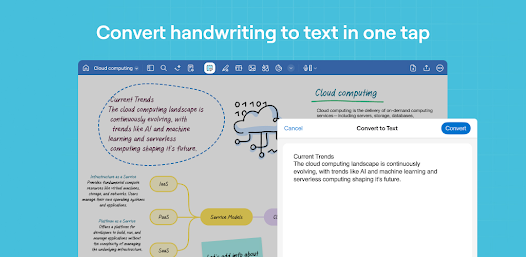
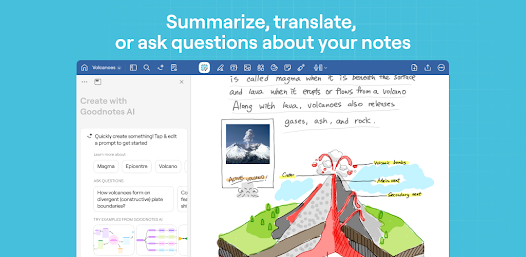
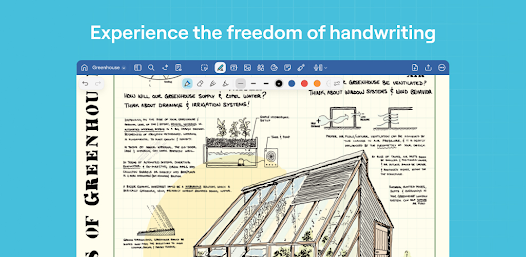
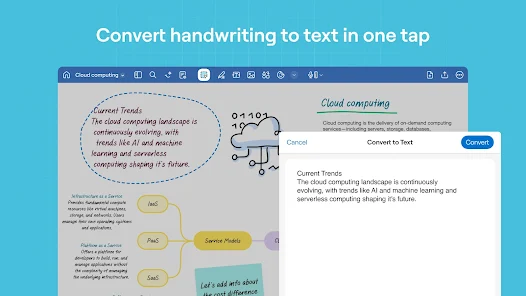
Goodnotes leverages advanced AI technology to enhance your note-taking experience, allowing for smart organization and easy retrieval of your thoughts. With intuitive features that recognize handwriting and convert it to text, you can focus on creativity without worrying about keeping things in order.

Cross-Device Syncing

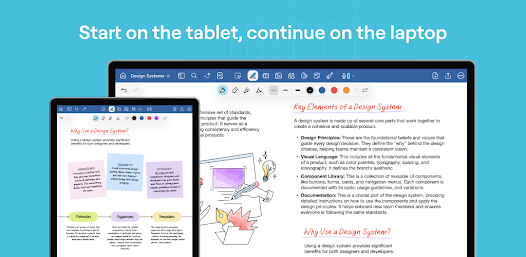
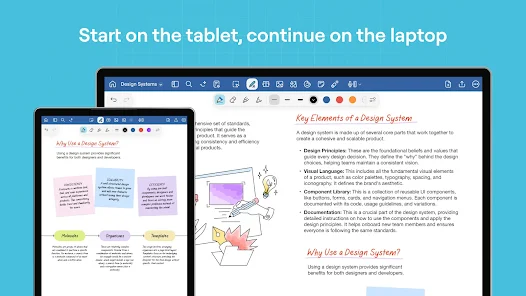
Enjoy the flexibility of accessing your notes across multiple devices seamlessly. Goodnotes syncs your documents in real-time, ensuring that whether you're on your tablet, phone, or computer, your information is always up to date and readily available when you need it.

Intuitive Document Management

Goodnotes offers a user-friendly interface that makes managing your notes and documents a breeze. With customizable folders and tags, you can effortlessly categorize and find your materials, saving you valuable time and reducing clutter in your digital workspace.

Seamless PDF Annotation

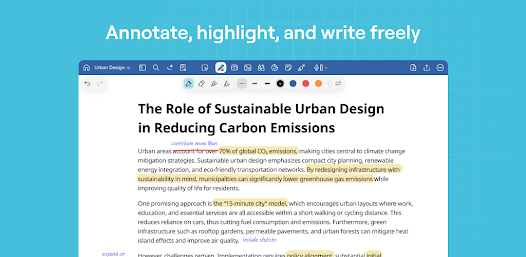
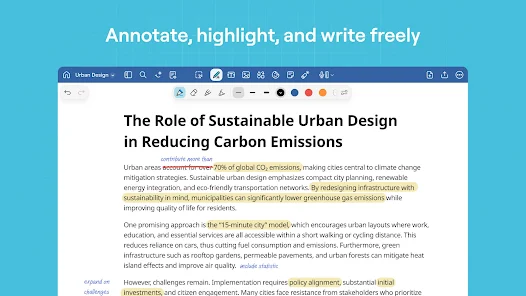
Easily import and annotate PDFs with Goodnotes, making it a perfect tool for students and professionals alike. Highlight, underline, and add notes directly onto your documents, ensuring that you capture all the essential details without the hassle of printing or messy handwriting.

Pros & Cons

Pros
  • Seamless organization of notes and documents.
  • Intuitive handwriting recognition for easy editing.
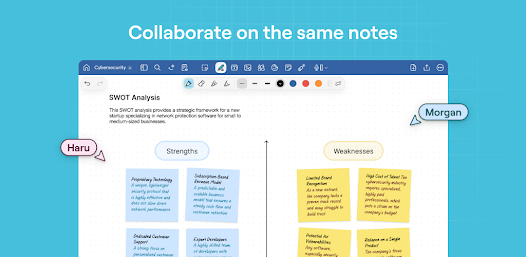
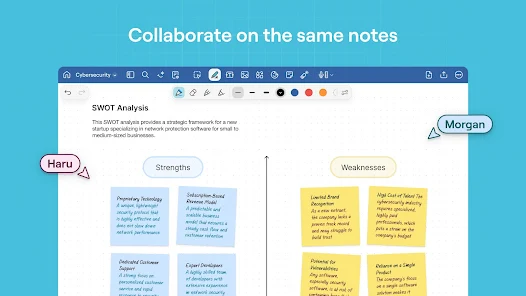
  • Effortless collaboration on shared projects and notes.
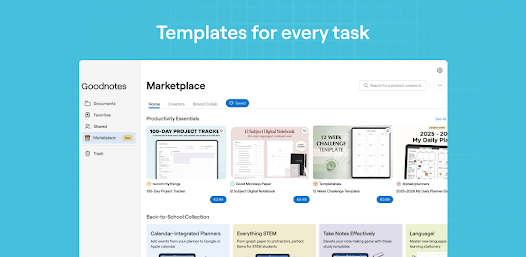
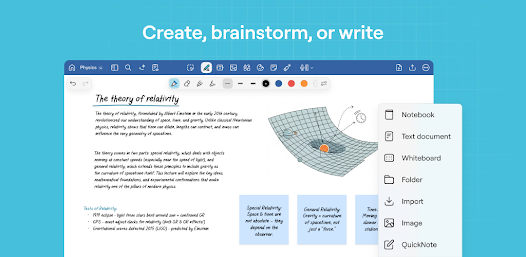
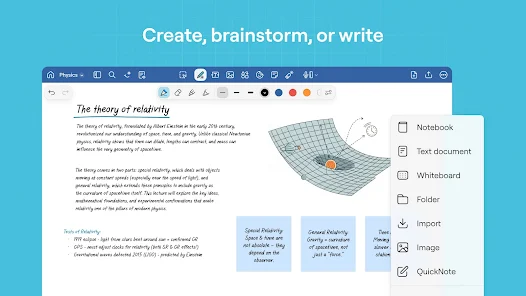
  • Customizable templates for various note-taking styles.
  • Robust PDF annotation tools for detailed insights.
Cons
  • Limited export options for documents
  • Sync issues between devices can occur
  • Higher cost compared to similar apps
  • Learning curve for new users is steep

Real Experience Using Goodnotes: AI Notes, Docs, PDF

Application Scenarios

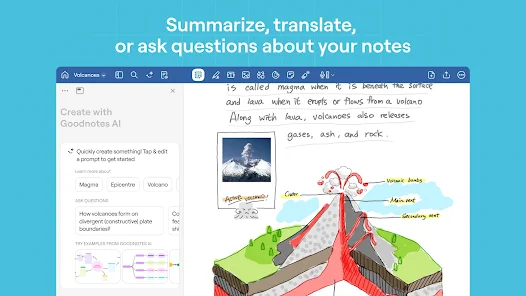
Goodnotes: AI Notes, Docs, PDF is a versatile application designed for a variety of scenarios. Whether you are a student taking lecture notes, a professional preparing for a meeting, or an artist sketching ideas, this app caters to your needs. Students can utilize the app to organize class notes, annotate PDFs, and create smart study guides, all while benefiting from the app’s AI features that help in summarizing key points. For professionals, Goodnotes is an excellent tool for crafting and sharing business documents, as well as for brainstorming in a collaborative environment. The app's ability to convert handwritten notes into text makes it ideal for those who prefer writing by hand but want the convenience of digital text. Additionally, artists can take advantage of the drawing tools to create stunning visuals, making Goodnotes a comprehensive platform for both academic and creative purposes.

User Experience

The user experience with Goodnotes is largely positive, characterized by a clean interface and intuitive navigation. Upon launching the app, users are greeted with a user-friendly dashboard that allows for easy access to notes, documents, and PDFs. The seamless integration of AI features enhances the overall experience, providing suggestions and generating summaries that save time and improve productivity. The app’s handwriting recognition is remarkably accurate, allowing users to search through handwritten notes effortlessly. Furthermore, the ability to customize pages with different templates and colors offers a personal touch, making note-taking not just functional but also enjoyable. However, some users may experience a slight learning curve with advanced features, but the comprehensive tutorial and help sections provide ample support.

Pricing

Goodnotes adopts a straightforward pricing model, which is appealing to a wide range of users. The app is available for a one-time purchase, eliminating the need for subscription fees that can add up over time. This pricing strategy makes it accessible for students and professionals alike. While the initial cost may seem higher than some free alternatives, the extensive features and high-quality performance justify the investment. Additionally, users often find that the app’s functionality far exceeds that of free counterparts, making it a worthwhile purchase for serious note-takers.

Updates & Support

Goodnotes consistently rolls out updates to improve functionality and introduce new features, ensuring that users have access to the latest advancements in note-taking technology. The development team is responsive to user feedback, often implementing suggestions that enhance the overall experience. Support is readily available through a comprehensive FAQ section and a dedicated customer service team, which is responsive to inquiries. Users can also find community forums where they can share tips and tricks, further enriching their experience with the app. Overall, Goodnotes maintains a strong commitment to user satisfaction through regular updates and robust support channels.

verified Security & Privacy Review

The security and privacy of user data are paramount in the Goodnotes app. It employs robust encryption methods to protect notes and documents, ensuring that sensitive information remains secure from unauthorized access. The app also adheres to industry standards for data protection, which is crucial for users who store personal or confidential materials. Goodnotes is transparent about its data handling practices. The app collects minimal user data, primarily to enhance functionality and improve user experience. Users have control over their data and can manage permissions, allowing them to decide which features they want to enable or disable. This level of control is beneficial for those concerned about privacy. Furthermore, the app does not sell user data to third parties, reinforcing its commitment to user privacy. Regular updates and security patches are provided to address potential vulnerabilities, ensuring that the app remains a safe environment for note-taking and document management. Overall, Goodnotes demonstrates a strong commitment to maintaining the security and privacy of its users’ information.

Reviews

3.6

“Intuitive interface makes note-taking a breeze”

“Excellent PDF annotation features”

“Syncing across devices is seamless and reliable”

“AI tools enhance productivity significantly”

“Great for organizing study materials efficiently”

Editor's Choice