This site uses cookies to enhance your user experience. By clicking any link on this site you are giving your consent to our cookie policy. Read more
Reject
Accept All
Free Download Manager - FDM

Free Download Manager - FDM

verified Verified App

Developer: SoftDeluxe, Inc.

  • category

    Category: Tools

  • price

    Price: free

  • age rating

    Age Rating: Everyone

  • rating

    Rating: 4.7

  • download

    Downloads: 1,000,000+

  • version

    Version: 6.33.0.6626

Screenshot 1
Screenshot 2
Screenshot 3
Screenshot 4
Screenshot 5
Screenshot 6
Screenshot 7
Screenshot 8
Screenshot 9
Screenshot 10
Screenshot 11
Screenshot 12
Screenshot 13
Screenshot 14
Screenshot 15
Screenshot 16
Screenshot 17

Features & Highlights

Browser Integration

The app offers seamless integration with popular web browsers, enabling users to download files directly from their browser with just a click. This feature enhances convenience and ensures that you can quickly grab content without additional steps, making the process smooth and efficient.

Resume Broken Downloads

With FDM, you can easily resume interrupted downloads due to network issues or system crashes. This feature saves time and ensures that you won’t lose progress on large downloads, allowing for a seamless experience even when connections are unstable.

Smart Download Acceleration

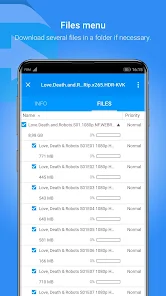
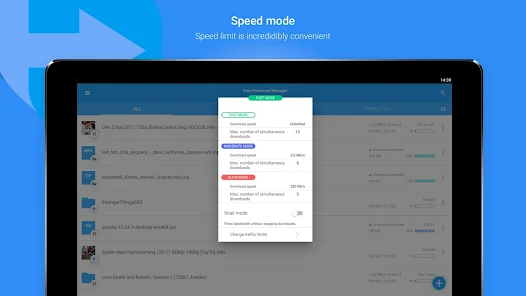
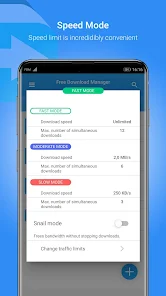
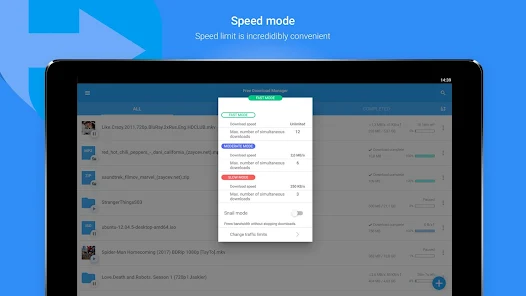
Free Download Manager utilizes advanced algorithms to accelerate downloads by splitting files into segments and downloading them simultaneously. This feature significantly reduces download times, making it ideal for users who need to quickly obtain large files or manage multiple downloads at once.

User-Friendly Interface

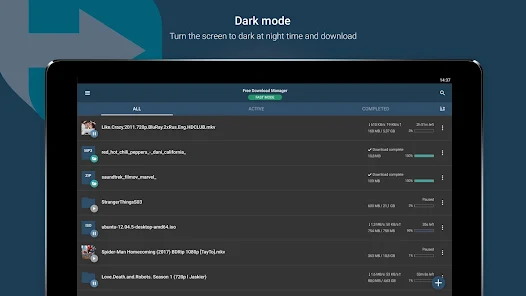
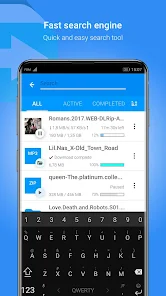
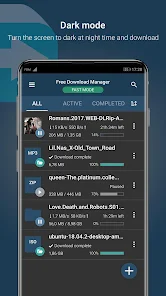
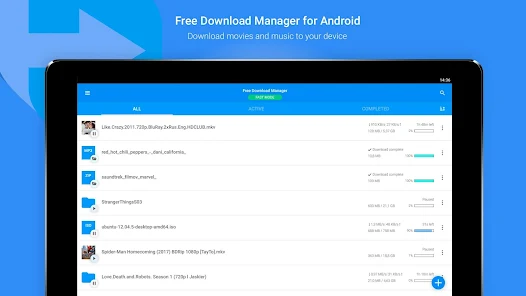
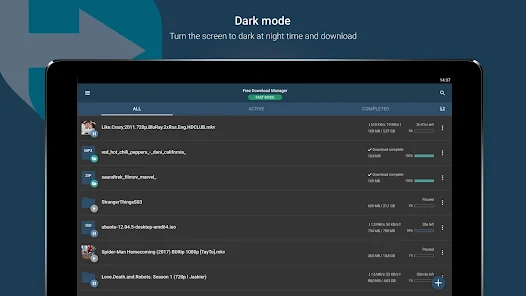
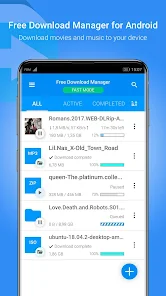
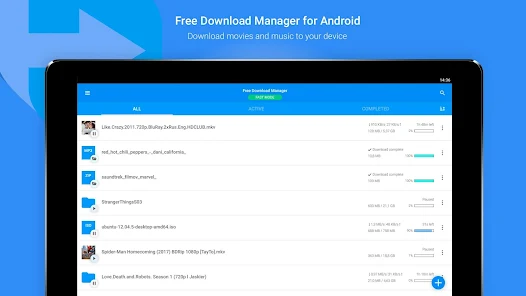
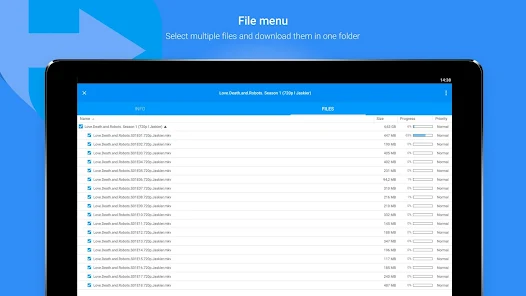
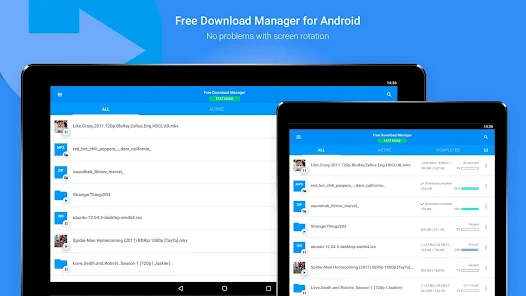
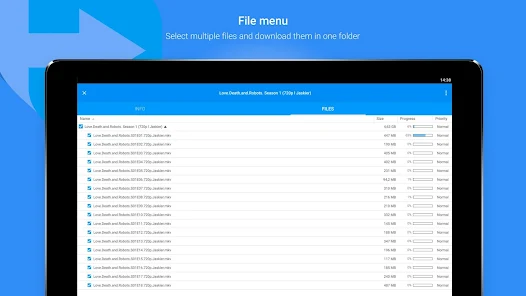
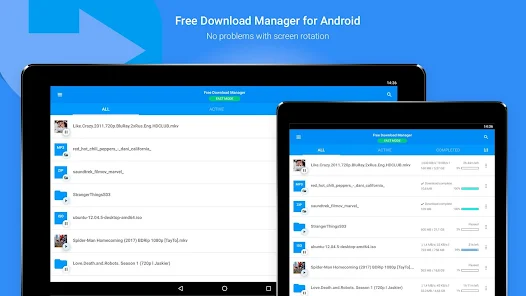
FDM boasts an intuitive and easy-to-navigate interface that makes managing downloads a breeze. Users can quickly add, organize, and monitor their downloads without feeling overwhelmed, catering to both novice and experienced users alike.

Pros & Cons

Pros
  • Accelerates downloads for faster file retrieval
  • Supports various protocols for versatile usage
  • User-friendly interface simplifies navigation and management
  • Resumes interrupted downloads effortlessly
  • Integrates with browsers for seamless experience
Cons
  • Limited support for certain file types
  • Interface can be confusing for new users
  • Slow download speeds at times
  • Frequent updates can disrupt usage

Real Experience Using Free Download Manager - FDM

Application Scenarios

Free Download Manager (FDM) is a versatile tool designed for a wide range of downloading needs. It excels in scenarios where users require the ability to download large files, multiple files simultaneously, or even entire websites for offline browsing. Whether you are a student downloading research papers, a professional retrieving large datasets, or a casual user grabbing multimedia content, FDM adapts seamlessly to your requirements. Its integration with various web browsers allows for quick downloads directly from the browser interface, enhancing convenience. Additionally, FDM supports torrent downloads, making it a go-to choice for users looking to manage and streamline their file acquisition processes effectively.

User Experience

The user experience with Free Download Manager is generally very positive. The interface is intuitive and user-friendly, making it accessible for users of all skill levels. Upon launching the application, users are greeted with a clean layout that simplifies navigation through their download tasks. Features like download scheduling, bandwidth allocation, and the ability to resume broken or interrupted downloads contribute to a hassle-free experience. The built-in media converter is an added advantage, allowing users to convert downloaded videos into various formats without the need for additional software. However, some users may find the initial setup and configuration slightly overwhelming due to the plethora of options available, but the comprehensive help documentation and online resources help alleviate this concern.

Pricing

Free Download Manager is, as its name suggests, free to use. This is one of its most appealing aspects, especially when compared to other download managers that may charge for premium features. The application is supported by donations and does not include any adware or unwanted bundled software, ensuring that users get a clean and straightforward experience. This makes FDM an excellent choice for budget-conscious individuals who still want a powerful and full-featured download manager without having to compromise on functionality or user experience.

Updates & Support

FDM is regularly updated to improve performance, enhance security, and introduce new features. Users can easily check for updates within the application, ensuring they always have the latest version. The development team is responsive to user feedback, often addressing reported issues and implementing requested features in subsequent updates. Support is available through an online forum, where users can ask questions and share tips with the community. Additionally, the official website provides a comprehensive FAQ section, which can be extremely helpful for troubleshooting common problems without the need for direct support. Overall, the commitment to ongoing updates and user support is a significant aspect of FDM's reliability and user satisfaction.

verified Security & Privacy Review

The Free Download Manager (FDM) prioritizes user security and privacy, employing various measures to protect downloaded content and user data. The app uses secure protocols for downloading files, which helps prevent interception by third parties. Users can expect robust encryption standards that ensure data integrity during transfers. Regarding privacy practices, FDM does not collect unnecessary personal information. The app operates with minimal permissions, primarily requiring access to storage for saving downloaded files. This approach minimizes the risk of exposing sensitive data while allowing users to maintain control over their information. FDM is transparent about its data handling policies, and users can review these practices in the app’s privacy policy. The app also allows users to manage their download history and settings, giving them the option to delete stored data as needed. Overall, Free Download Manager demonstrates a commitment to secure downloads and user privacy, making it a reliable choice for those concerned about data security.

Reviews

4.7

“User-friendly interface, makes downloading easy and efficient.”

“Great for managing multiple downloads seamlessly.”

“Customizable settings enhance the user experience.”

“Reliable performance, rarely crashes during downloads.”

“Supports various file types, highly versatile tool.”

Editor's Choice