This site uses cookies to enhance your user experience. By clicking any link on this site you are giving your consent to our cookie policy. Read more
Reject
Accept All
Farsi Keyboard

Farsi Keyboard

verified Verified App

Developer: Khosrov Boloorian

  • category

    Category: Tools

  • price

    Price: free

  • age rating

    Age Rating: Everyone

  • rating

    Rating: 4.1

  • download

    Downloads: 1,000,000+

  • version

    Version: 9.9

Screenshot 1
Screenshot 2
Screenshot 3
Screenshot 4
Screenshot 5
Screenshot 6
Screenshot 7
Screenshot 8
Screenshot 9
Screenshot 10
Screenshot 11
Screenshot 12
Screenshot 13
Screenshot 14
Screenshot 15
Screenshot 16
Screenshot 17
Screenshot 18
Screenshot 19
Screenshot 20

Features & Highlights

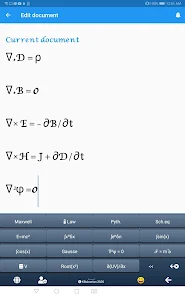
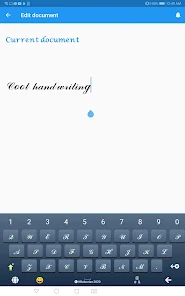
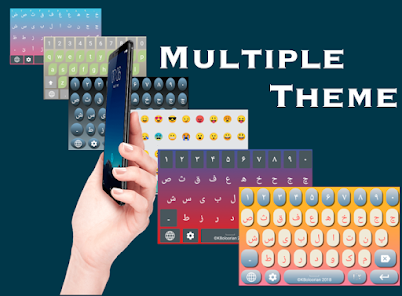
Customizable Layouts

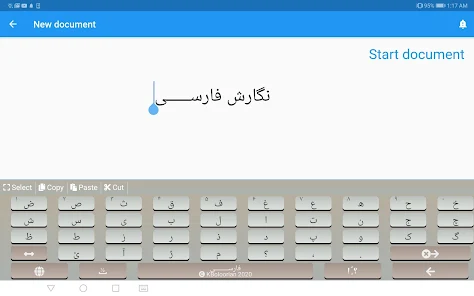
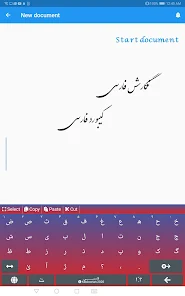
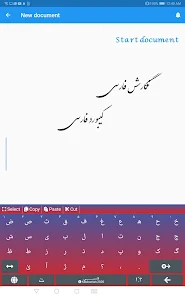
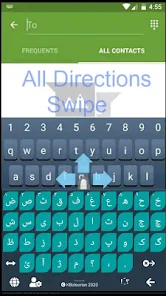
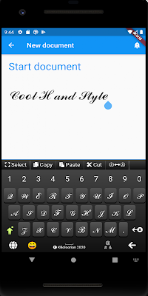
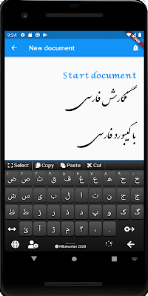
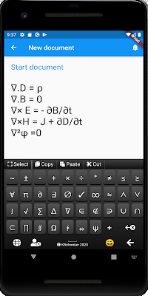
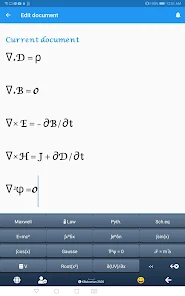
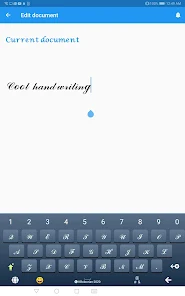
Farsi Keyboard offers a range of customizable layouts that cater to your typing preferences. You can easily switch between different formats, ensuring that your typing experience is both comfortable and efficient, whether you're composing messages or writing documents.

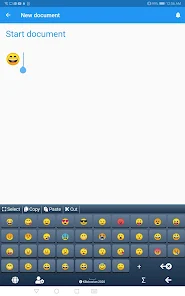
Emoji Support

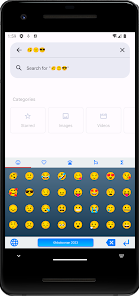
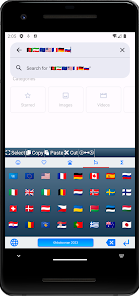
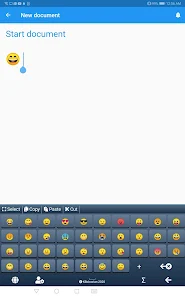
Enhance your conversations with a diverse selection of emojis integrated within the Farsi Keyboard. This feature allows you to express yourself more vividly, making your messages lively and engaging while maintaining the authenticity of your Farsi language communication.

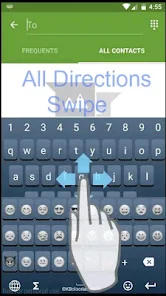
Gesture Typing

Experience the convenience of gesture typing with Farsi Keyboard, which allows you to swipe across the keys to form words instead of tapping each letter individually. This intuitive feature not only speeds up your typing but also makes it a fun and interactive experience.

Multi-Language Support

Farsi Keyboard seamlessly integrates multi-language support, enabling users to switch between Farsi and other languages effortlessly. This is particularly useful for bilingual users, making it easier to communicate in a variety of contexts without the hassle of changing keyboards.

Pros & Cons

Pros
  • Easy access to Persian characters and symbols
  • Enhances typing speed for native speakers
  • Supports seamless communication in Farsi
  • Improves accuracy in Farsi text input
  • Facilitates learning and practicing the language
Cons
  • Limited compatibility with non-Farsi software.
  • Steeper learning curve for new users.
  • Fewer symbols compared to standard keyboards.
  • Inconsistent layouts across different devices.

Real Experience Using Farsi Keyboard

Application Scenarios

The Farsi Keyboard app proves invaluable for users who communicate in Farsi, whether for personal or professional reasons. Students learning the language can utilize this app to practice writing in Farsi, while native speakers can seamlessly interact with friends and family via messaging apps, social media, or emails. Additionally, business professionals seeking to connect with Farsi-speaking clients will find the app essential for drafting reports, proposals, or any formal communication. The app also supports various platforms, making it versatile for use on smartphones, tablets, and computers, catering to a wide range of users who require efficient typing in Farsi.

User Experience

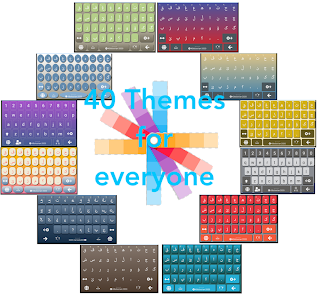
User experience is where the Farsi Keyboard truly shines. The app boasts an intuitive interface that is easy to navigate, even for those who may not be tech-savvy. The keyboard layout is well-structured, allowing users to transition smoothly between Farsi and English or other languages. Features such as predictive text and autocorrect enhance typing speed and accuracy, significantly reducing the time spent on typing. Furthermore, the app provides customization options, enabling users to adjust the keyboard’s appearance according to their preferences. Many users have praised the app for its responsiveness and minimal lag, ensuring a seamless typing experience. Overall, the Farsi Keyboard app stands out for its user-friendly design and functional features that cater specifically to the needs of Farsi speakers.

Pricing

The Farsi Keyboard app adopts a competitive pricing model that makes it accessible to a broad audience. The app is available for free with basic features, which is ideal for casual users who need occasional Farsi typing capabilities. For those seeking an enhanced experience, a premium version is available at a reasonable subscription fee. This premium version unlocks advanced features such as additional keyboard layouts, themes, and personalized settings that elevate the typing experience. Overall, the app’s pricing strategy strikes a balance between affordability and functionality, appealing to both casual and frequent users.

Updates & Support

The developers of the Farsi Keyboard app are committed to continuous improvement, regularly releasing updates that enhance performance and add new features. Users can expect timely updates that address any bugs or issues, ensuring a smooth and reliable experience. The support team is responsive and helpful, offering assistance through various channels, including email and in-app support. Users have noted the quick turnaround time for responses, which adds to the overall positive experience. With ongoing updates and a dedicated support system, the Farsi Keyboard app continues to evolve, meeting the changing needs of its user base.

verified Security & Privacy Review

Security and privacy are critical considerations for any app, including Farsi Keyboard. This app requires specific permissions to function effectively, such as access to the device's storage and network. Users should be aware that while these permissions are necessary for features like language suggestions and custom dictionary storage, they may raise concerns about data handling. Farsi Keyboard emphasizes user privacy by not collecting personal data or sensitive information. The app does not store keystrokes or share user activity with third parties, which is a positive aspect for those wary of privacy intrusions. However, users should always review the app’s privacy policy to understand how their data may be used or protected. It is advisable for users to regularly check app permissions and consider the implications of providing access to specific features. Overall, while Farsi Keyboard demonstrates a commitment to user privacy, maintaining vigilance and understanding the app's data handling practices is essential for a secure user experience.

Reviews

4.1

“Great for typing in Farsi quickly and easily!”

“User-friendly interface with helpful features.”

“Accurate predictions improve my typing speed.”

“Customization options are fantastic and useful.”

“Perfect for communicating in Persian smoothly.”

Editor's Choice