This site uses cookies to enhance your user experience. By clicking any link on this site you are giving your consent to our cookie policy. Read more
Reject
Accept All
Epson iProjection

Epson iProjection

verified Verified App

Developer: Seiko Epson Corporation

  • category

    Category: Productivity

  • price

    Price: free

  • age rating

    Age Rating: Everyone

  • rating

    Rating: 4.2

  • download

    Downloads: 5,000,000+

  • version

    Version: 4.2.0

Screenshot 1
Screenshot 2
Screenshot 3
Screenshot 4
Screenshot 5
Screenshot 6
Screenshot 7
Screenshot 8
Screenshot 9
Screenshot 10

Features & Highlights

Easy-to-Use Interface

The app boasts an intuitive interface that simplifies the projection process, making it accessible for users of all tech levels. Whether you're a seasoned presenter or a first-time user, navigating through the features feels natural and straightforward, allowing you to focus on your content.

Multi-Device Support

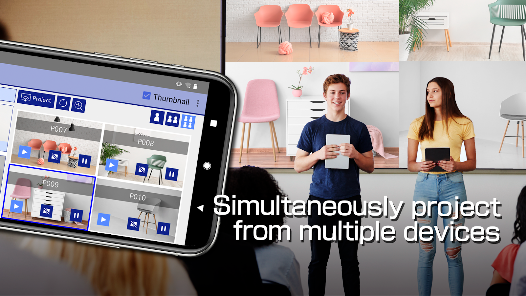
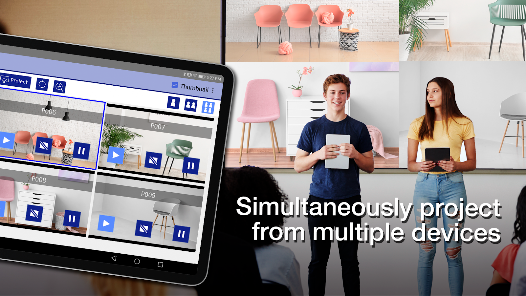
With multi-device support, Epson iProjection enables seamless connections from smartphones, tablets, and laptops. Users can easily switch between devices during presentations, ensuring that everyone can contribute and share their ideas without any technical hiccups.

Real-Time Collaboration

Epson iProjection supports real-time collaboration, allowing multiple users to share their screens simultaneously. This feature is particularly beneficial for group projects and brainstorming sessions, fostering teamwork and enhancing productivity by keeping everyone on the same page.

Wireless Connectivity

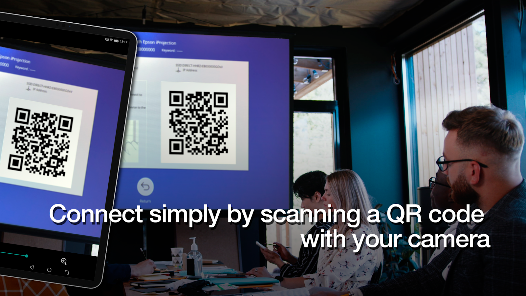
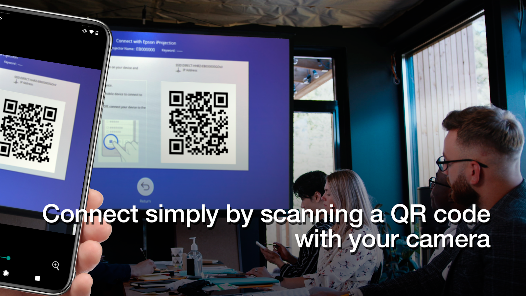
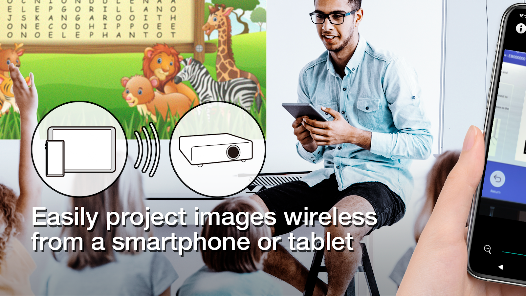
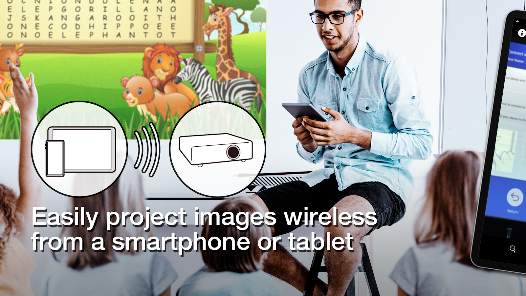
Epson iProjection allows users to effortlessly connect their devices wirelessly to projectors, eliminating the hassle of tangled cables. This feature enhances mobility and convenience, making it perfect for presentations in various settings, whether in the office or classroom.

Pros & Cons

Pros
  • Wireless connectivity for easy presentation sharing
  • Supports multiple devices for versatile usage
  • User-friendly interface for quick setup
  • High-quality projection for clear visuals
  • Remote access for convenient control from anywhere
Cons
  • Limited compatibility with non-Epson devices
  • Requires stable Wi-Fi connection
  • Complex setup process for new users
  • Occasional connectivity issues during presentations

Real Experience Using Epson iProjection

Application Scenarios

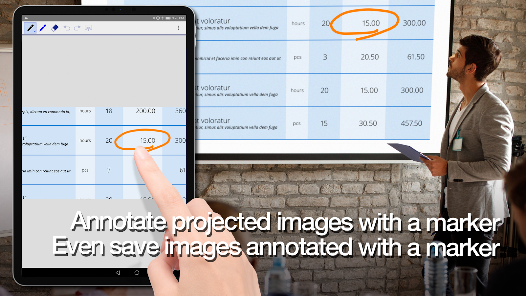
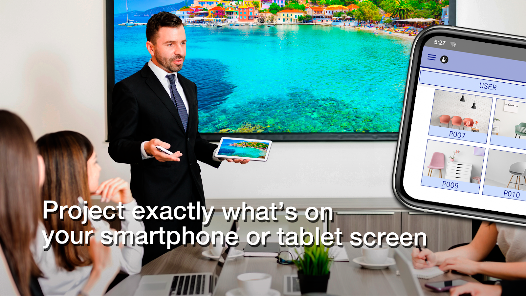
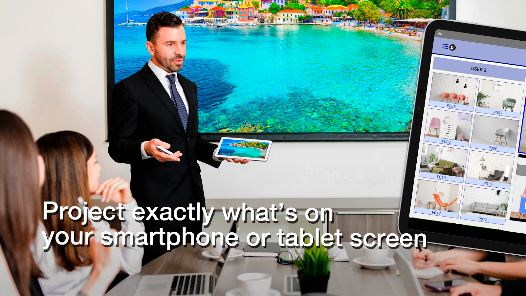
The Epson iProjection app is designed for users who need to present and share content seamlessly from their mobile devices. Ideal for business professionals, educators, and students, the app can be utilized in various scenarios such as corporate meetings, classroom lectures, and collaborative study sessions. Users can easily connect their smartphones or tablets to compatible Epson projectors, allowing for a smooth transition from a personal device to a larger display. Whether it’s showcasing a PowerPoint presentation, sharing images, or streaming videos, the app caters to diverse presentation needs. The flexibility of wireless connectivity means that users can move around freely while engaging their audience, enhancing the overall presentation experience.

User Experience

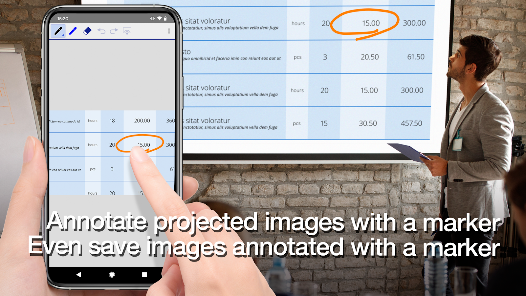
The user experience with Epson iProjection is generally positive, with a user-friendly interface that allows for effortless navigation. Upon launching the app, users are greeted with a simple layout that clearly displays available projectors and connection options. The setup process is straightforward, requiring minimal technical knowledge, which is a significant advantage for those who may not be tech-savvy. Users appreciate the ability to customize their presentations with various formatting options, including image and video adjustments. However, some users have reported occasional connectivity issues, particularly in crowded Wi-Fi environments. Overall, the app fulfills its core function effectively, but improvements in stability and performance could further enhance the user experience.

Pricing

Epson iProjection is available as a free download, which is a significant advantage for users looking for budget-friendly solutions for their presentation needs. There are no hidden fees or subscriptions, making it accessible to a wide range of users, from students to corporate professionals. The app’s free model allows users to fully utilize its features without the pressure of recurring payments, which is often a concern with similar applications. While the app itself is free, users should consider that they will need a compatible Epson projector to use its full capabilities, which may entail additional costs depending on the model chosen.

Updates & Support

Epson regularly updates the iProjection app to enhance functionality, improve performance, and address bugs reported by users. The commitment to maintaining the app ensures that it stays relevant with evolving technology standards and user expectations. Users can access support through Epson’s official website, where they can find FAQs, troubleshooting guides, and contact information for further assistance. The responsiveness of Epson's support team has been noted positively by users, who appreciate timely help when encountering issues. Overall, the combination of regular updates and solid customer support enhances user confidence in the app's reliability and longevity.

verified Security & Privacy Review

The Epson iProjection app prioritizes user security and privacy, implementing various measures to protect sensitive information. The app requires specific permissions to function effectively, including access to the device's camera and location services, which are essential for scanning QR codes and connecting to projectors. Users are advised to review these permissions and only grant access when necessary. Epson maintains a clear privacy policy that outlines how user data is collected, used, and shared. The app primarily collects data related to app performance and usage patterns to enhance user experience. Importantly, personal information is not sold to third parties, and the app does not require users to create accounts, reducing the risk of data breaches. Moreover, data transmitted between the app and devices is encrypted, providing an additional layer of security against unauthorized access. Users are encouraged to keep their devices updated to benefit from the latest security patches. Overall, Epson iProjection demonstrates a commitment to safeguarding user privacy while delivering a functional and efficient projection experience.

Reviews

4.2

“Easy to use and connects quickly.”

“Great for presentations on the go.”

“Reliable and stable connection every time.”

“User-friendly interface enhances productivity.”

“Perfect for classroom and meeting use.”

Editor's Choice