
 Home
Home  Apps
Apps  Games
Games  Windows
  Topics
  Terms of Service
  Cookies & Privacy Policy
  About us
 Dark Web Monitoring
With Dashlane's dark web monitoring feature, you can stay informed if your personal information is found on the dark web. This proactive approach allows you to take action quickly, ensuring your online identity remains secure.


Dashlane
 4.5
4.5 
Category: Productivity

Price: free

Age Rating: Everyone

Rating: 4.5

Available on: /

Updated on: Jun 29, 2026
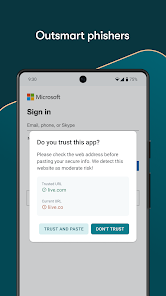
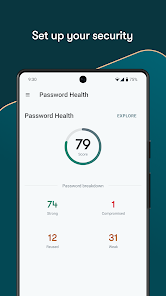
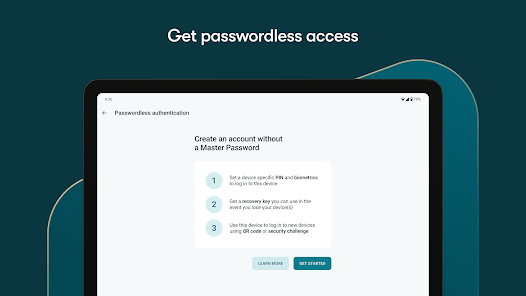
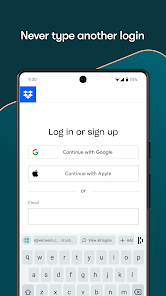
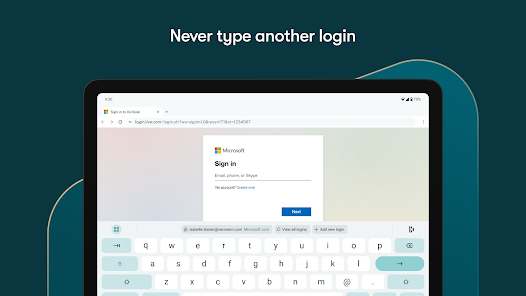
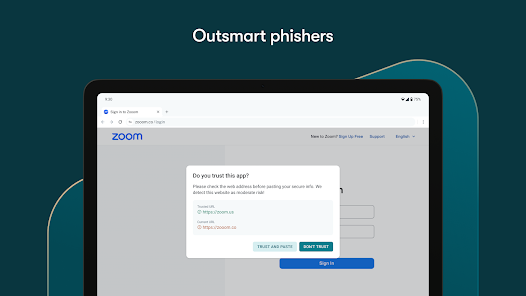
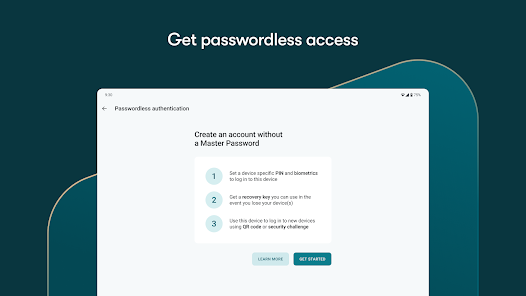
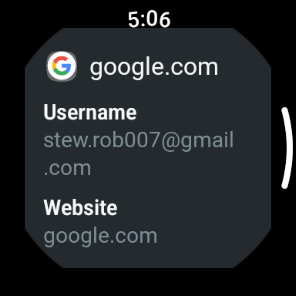
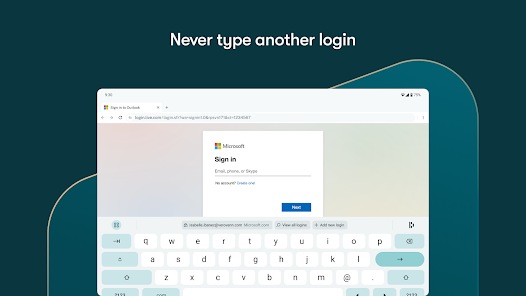
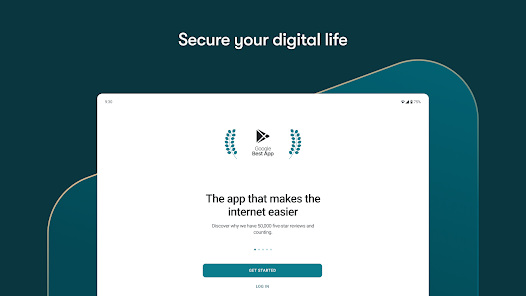
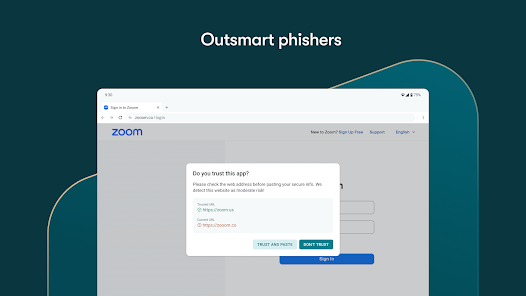
With Dashlane's dark web monitoring feature, you can stay informed if your personal information is found on the dark web. This proactive approach allows you to take action quickly, ensuring your online identity remains secure.
The built-in password generator creates strong, unique passwords for each of your accounts, helping you avoid the pitfalls of using easily guessable passwords. With just a click, you can generate complex passwords that enhance your online security.
Dashlane makes it easy to share passwords securely with trusted friends or family members. You can manage shared access effortlessly, ensuring that sensitive information remains protected while still being accessible to those who need it.
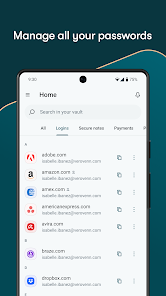
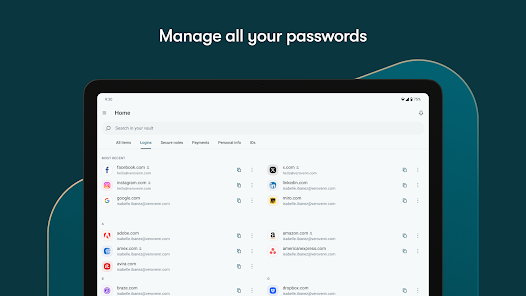
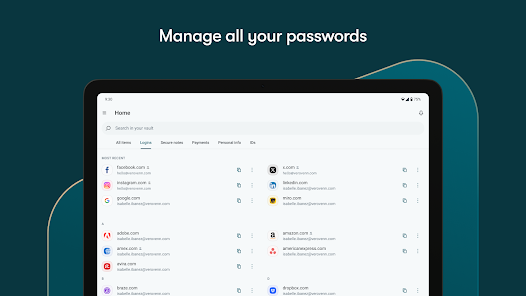
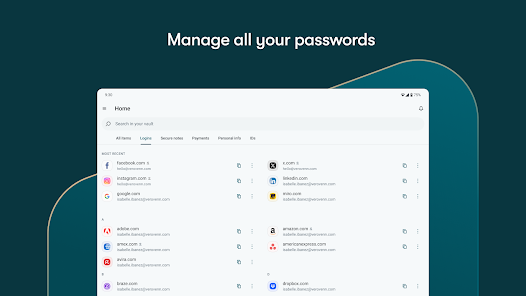
Dashlane offers a highly secure vault where you can store all your passwords, ensuring they are encrypted and accessible only to you. This feature eliminates the hassle of remembering multiple passwords while providing peace of mind with top-notch security measures.

 Securely stores all your passwords in one place Automatically generates strong passwords for enhanced security Simplifies login with one-click autofill features Offers secure sharing of passwords with trusted contacts Cross-platform support for seamless access on all devices
 Limited free version features may hinder usability Occasional syncing issues across devices can frustrate users Higher subscription cost compared to competitors Learning curve for new users can be steep
 Dashlane Password Manager is designed for individuals and businesses looking to streamline their password management. Whether you are a busy professional juggling multiple accounts or a family wanting to secure online identities, Dashlane fits seamlessly into various scenarios. For instance, frequent travelers can benefit from the app’s ability to store passwords securely, ensuring easy access across different devices without the need to remember every detail. Similarly, remote teams can utilize Dashlane for sharing logins securely, allowing for collaborative work without compromising security. Additionally, the app’s digital wallet feature enables users to store payment information, making online shopping hassle-free and safe.
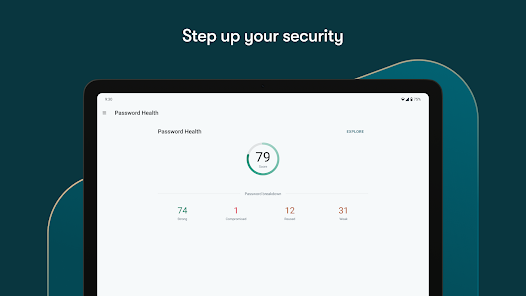
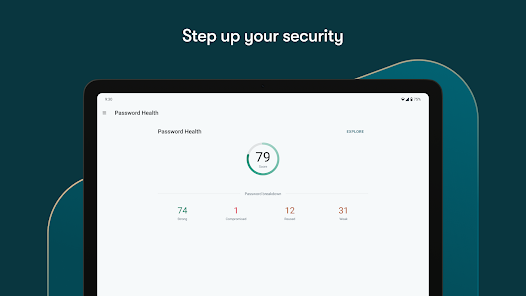
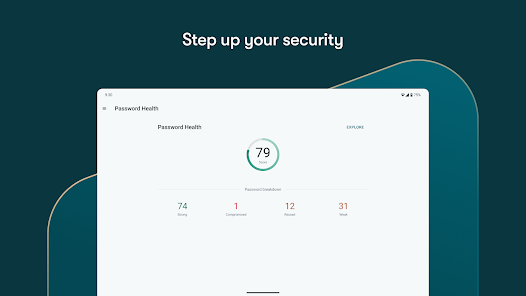
The user experience of Dashlane is one of its standout features. Upon first use, the app offers an intuitive onboarding process that guides users through setting up their vault and importing existing passwords. The interface is clean and user-friendly, making it easy to navigate through various features. Users can effortlessly organize passwords, and the search function ensures quick access to any saved login credential. The auto-fill feature enhances convenience, allowing users to log in to websites with a single tap. Furthermore, Dashlane’s security dashboard provides a comprehensive overview of password health, alerting users to weak or reused passwords, which encourages better security practices. Overall, the smooth integration across devices, combined with robust security measures, contributes to a positive user experience.
Dashlane offers a range of pricing options to cater to different user needs. The free version allows users to store up to 50 passwords on a single device, making it suitable for those with minimal password management needs. For more comprehensive features, such as syncing across multiple devices, users can opt for the Premium plan, which is available at a competitive monthly or annual rate. Businesses may also benefit from the Business plan, which includes advanced security features and team management tools. Dashlane frequently runs promotions, making it accessible for users who are hesitant to commit without trying the service first.
Dashlane is consistently updated to enhance security features and improve user experience. Regular updates often include new functionalities, security patches, and user-requested features, ensuring that the app remains at the forefront of password management technology. Additionally, Dashlane offers robust customer support through various channels, including an extensive knowledge base, email support, and live chat options. Users can easily find answers to common questions or get assistance with technical issues, which significantly enhances user satisfaction and trust in the product.
Security & Privacy Review


This app is simple, easy and quick to login. I personally don't use the auto login feature b/c I'm paranoid but when I need to access the app it's a very quick login so not that much of an inconvenience. Has an easy search tool when you start adding a lot of accounts. 5 stars! update. 6.12.26 I have become a paid subscriber for a few years but recently let it lax. now I can't even access the app. they advertised free access and that I would still have access after it expired, but it won't. 1 ⭐️
Great on mobile app, terrible on desktop. I don't like it have to use the browser extension. it's clumsy and not easy to use. I'm a long time dashlane customer but this is a show stopper for me. It's very difficult to update passwords for some sites. They took something that was easy to use and me it very cumbersome. I end up having to email passwords from my phone to my desktop. you shouldn't have to do that.
Good but to many free options out there. I used it until they starting limiting the free version. Just a basic password manager. Not worth buying when there's other free apps that do the same. Worked good while I used it. also, in order to delete your account, you have to download and install an extension to your browser on a computer. I want to delete things, not install more.
Declared my device too old to support, I'm unable to login as a result. Went from "as many passwords as you like" for free, to "limited passwords", to "pay us or we delete your passwords" There is no way to login anywhere but the app and since support for my device was dropped with NO WARNING, not only are my passwords inaccessible, but I can't even ask them to delete my account. Utter dogshit. Glad I copied my stuff elsewhere before they blindsided me. Data loss like this is inexcusable.
The free version quickly renders itself useless. Limited number of passwords on local storage, really? Some people don't have money to blow on things that aren't entirely necessary. Those people should still be taken care of for the sake of reputation and mass adoption, right? Not according to Dashlane apparently. It's like they forgot what the purpose of the app is. Secure. Passwords. Keep all the other features locked behind a paywall, that's fine, just let me have more passwords.
Review Source: Google Play store public user reviews.
Dashlane Password Manager prioritizes user privacy and does not collect personal data beyond what is necessary for providing the service, and all data is encrypted to ensure security.
Dashlane Password Manager offers a free version with limited features, and users can also take advantage of a free trial for the premium subscription to explore its full capabilities.
While Dashlane Password Manager can function offline for accessing saved passwords, an internet connection is needed for syncing data across devices and for certain features like security monitoring.
You can contact support or send feedback for Dashlane Password Manager through their official website, where you can access help articles, submit a support request, or utilize live chat options.
You can manage or cancel your Dashlane Password Manager subscription through the account settings on their website or within the app, following the prompts for subscription management.
Your customer number can be found in your account settings or on your billing invoices.
After purchasing, log into your account and follow the prompts to activate your subscription. A confirmation email may also be sent.
You can reach Dashlane customer service through their support page on the website or by emailing support
Visit the Dashlane website or open the app, enter your email and master password, then click "Log in."
Thanks for using Dashlane! Each new version includes bug fixes and stability improvements to deliver you the best Dashlane experience. We’ll also update you regularly about new feature releases and improvements.
 Google Play
  App Store






























