This site uses cookies to enhance your user experience. By clicking any link on this site you are giving your consent to our cookie policy. Read more
Reject
Accept All

Advertiser and Editorial Disclosures

Cox

Cox

verified

Cox Communications, Inc.

4.5
Rating
1,000,000+ Downloads
3.63.0.3203 Version
  • category

    Category: Productivity

  • price

    Price: free

  • age rating

    Age Rating: Everyone

  • rating

    Rating: 4.5

  • available on

    Available on: /

  • updated on

    Updated on: May 22, 2026

Screenshot 1
Screenshot 2
Screenshot 3
Screenshot 4
Screenshot 5
Screenshot 6
Screenshot 7
Screenshot 8
Screenshot 9
Screenshot 10
Screenshot 11
Screenshot 12
Screenshot 13
Screenshot 14
Screenshot 15

Features & Highlights

Comprehensive TV Packages

Cox provides a wide array of TV packages that cater to all viewing preferences, including live sports, on-demand movies, and popular networks. With features like DVR and customizable channel lineups, you can easily tailor your entertainment experience to match your family's needs.

High-Speed Internet

Cox offers blazing-fast internet speeds suitable for various online activities, from streaming to gaming. With reliable connections and a range of plans, you can choose what fits your lifestyle best, ensuring smooth browsing and uninterrupted downloads.

Smart Home Solutions

Cox's smart home services allow you to monitor and control your home from anywhere. With integrated security systems, smart thermostats, and lighting controls, you can enhance your comfort and safety while enjoying the convenience of managing everything through a single app.

User-Friendly App

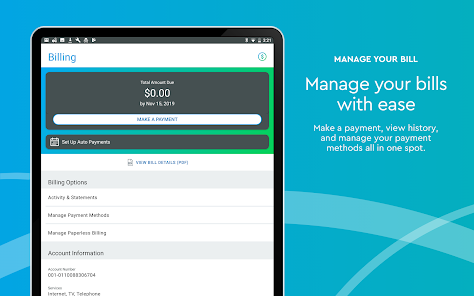
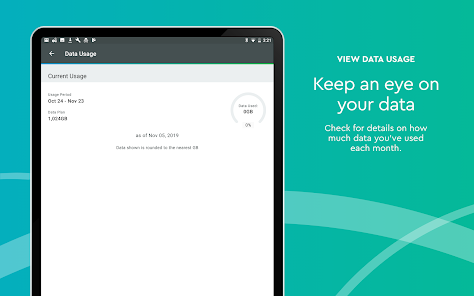
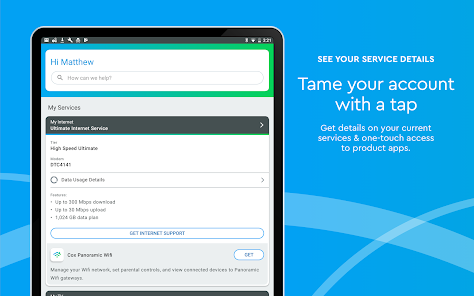
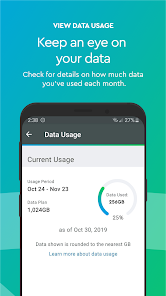
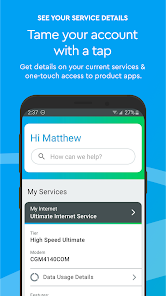
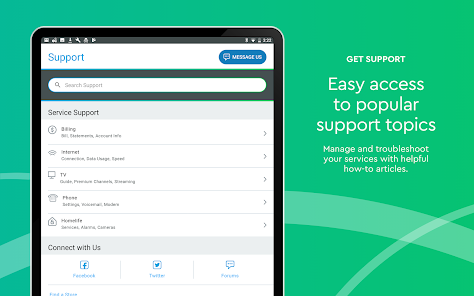
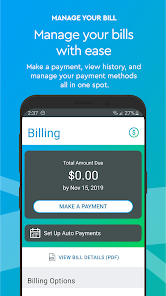
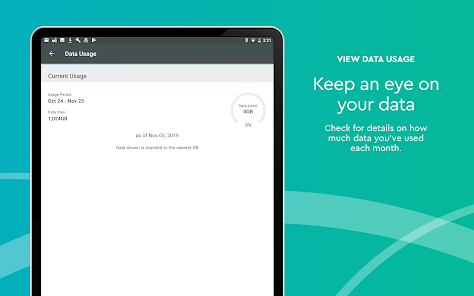
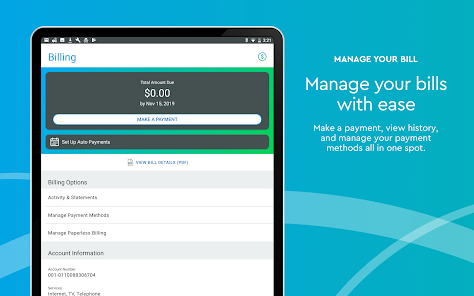
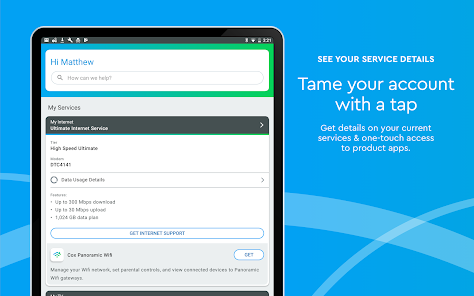
The Cox app makes managing your services effortless, allowing you to pay bills, track usage, and troubleshoot issues with just a few taps. Its intuitive design enhances your overall experience, making it easy to stay connected and in control of your home services.

Pros & Cons

Pros
  • Reliable high-speed internet for seamless streaming
  • Extensive cable TV options with diverse channels
  • Flexible bundling packages for cost savings
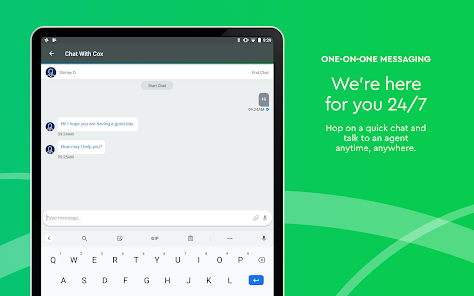
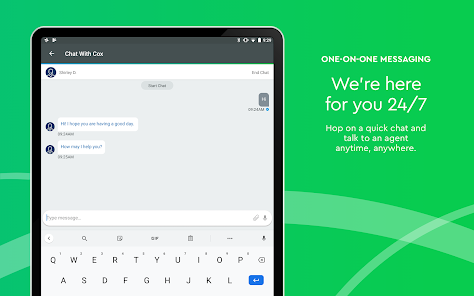
  • Outstanding customer support available 24/7
  • Smart home solutions for enhanced convenience
Cons
  • High monthly fees for basic services can add up
  • Limited availability in rural areas reduces access
  • Customer service often receives poor reviews
  • Equipment rental fees can be costly over time

Real Experience Using Cox

Application Scenarios

The Cox app serves as a versatile platform for users to manage their home services seamlessly. Whether you're a customer seeking to control your internet, television, or home security, the app provides a centralized hub for all your needs. For families, the app is particularly useful for monitoring internet usage, setting parental controls, and managing screen time for children. Additionally, homeowners can benefit from the app's smart home features, allowing them to control their security cameras, smart lights, and thermostats directly from their mobile devices. The Cox app also caters to busy professionals who need to schedule service appointments, troubleshoot issues, or pay bills on the go. Overall, the app finds its utility in various everyday scenarios, making it a must-have for Cox customers.

User Experience

User experience is a critical aspect of the Cox app, and it does not disappoint. The interface is intuitive and user-friendly, allowing even the less tech-savvy individuals to navigate it with ease. Users can quickly access their account information, view their service plans, and manage their preferences without any hassle. The app also features a robust search function that enables users to find specific services or help topics quickly. Loading times are generally quick, ensuring that users spend minimal time waiting for information. However, some users have reported occasional connectivity issues, which can disrupt the experience. Despite these minor setbacks, the overall design and functionality of the app contribute to a positive experience, making it easy to keep up with all aspects of their Cox services.

Pricing

The Cox app itself is free to download and use, which is a significant advantage for customers. However, it is essential to note that the app's features are tied to your Cox service plan. While accessing basic functionalities like bill payment and service management is free, premium features such as advanced security options or additional streaming services may incur extra costs. Cox offers various service bundles, and users can always review their pricing plans directly through the app to ensure they are getting the best value for their needs. The transparency in pricing and available packages is a strong point for Cox, as it allows users to make informed decisions regarding their services.

Updates & Support

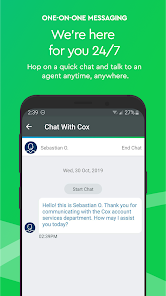
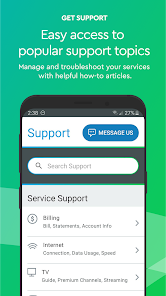
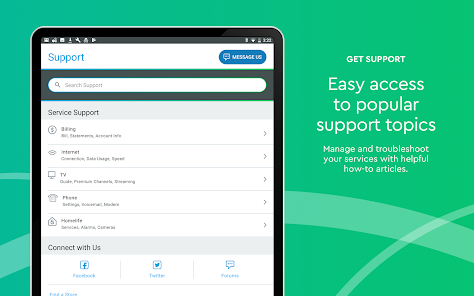
Cox regularly updates its app to enhance performance and introduce new features, ensuring users have the best possible experience. These updates are typically focused on improving user interface elements, fixing bugs, and adding functionalities that cater to evolving customer needs. In terms of support, the app provides a dedicated customer service section where users can find FAQs, troubleshoot common issues, or contact support directly. The responsiveness of Cox's customer service team has received positive feedback, with many users appreciating the quick resolution of their concerns. Overall, the commitment to updates and robust support makes the Cox app a reliable companion for managing home services efficiently.

verified Security & Privacy Review

The Cox app prioritizes user security and privacy, implementing robust measures to protect personal information. Data encryption is employed during transmission, ensuring that sensitive data remains secure against interception. The app adheres to industry standards for security protocols, providing users with a sense of safety while accessing their accounts. In terms of privacy practices, Cox is transparent about its data collection policies. Users are informed about the types of information collected, which typically includes account details, usage statistics, and device information. The app aims to limit data collection to what is necessary for functionality and service enhancement. Permissions requested by the app are primarily related to location services and notifications, which enhance the user experience. Users can manage these permissions through their device settings, maintaining control over their personal data. Cox also offers options for users to manage their privacy settings, allowing them to opt-out of certain data sharing practices. Overall, the Cox app demonstrates a commitment to safeguarding user information while providing transparent communication about its data handling practices.

User Reviews

  • Marquelle Wallace
    2026/05/20

    App no longer user friendly. Every time I attempt to use the app it logs me out. not very convenient. It also doesn't show the actual status of my different profiles. I have kids devices assigned and set down time for them. The app doesn't show when the downtime is active and when it's not. I have to manually pause their profiles before it will update to show they are in bedtime or downtime status. The app needs a serious update to fix these issues.

  • Ishmael Vincent
    2026/01/23

    my biggest gripe is the app, when you can log in for the most part it is good, simple, and does what you need. but that's when you can log on. i have experienced login issues in a weekly basis of not daily. "we are experiencing technical difficulties. please try again later" i see this more often than i should. if not for that constant inconvenience I would say the app is perfect.

  • James Barnes
    2026/02/04

    UPDATE: 2/4/26: Well, came back after almost a year and this app still wont allow me to use it. Same error code still. customer support is of no use. web login only now. thats the only way I can pay my bill now short of in person. This app used to work great. Now with this newest update, it's pure garbage. The only thing that works is the login process. Everything else results in error codes and "technical difficulties". Fix it quickly or I'll just uninstalling it and stop using it.

  • Angela Trotter
    2020/05/07

    The app used to be great, I was able to pay my bill, check my data, check for outages. Now I never stay logged even when I click on remember me and then when I do log back on there are always technical difficulties. I can't even remember the last time I was able to actually use the app, it's just wasting space on my phone now. I hope it's fixed soon.

  • John Scott Thomas
    2023/07/10

    When your promotion ends your bill will be double and they won't offer a similar deal unless you sign up for cell plan. So essentially I can't continue with the same package I got at a similar rate which is why I will be canceling my account. And the customer service rep was rude and unhelpful trying to tell me she can give me a "discount" from $105 down to $101. How insulting. Just lost a customer over that.

Review Source: Google Play store public user reviews.

FAQ

1

Does Cox collect my personal data?

Yes, Cox may collect personal data to enhance user experience, improve services, and for billing purposes, but they prioritize user privacy and data protection.

2

Does Cox offer a free trial or free version?

Cox does not typically offer a free trial or free version, but they may have promotions or introductory rates for new customers.

3

Does Cox require an internet connection?

Yes, Cox requires an internet connection to access its services and features, including streaming content and managing your account.

4

How can I contact support or send feedback for Cox?

You can contact Cox support through the app, their website, or by calling their customer service number, and feedback can often be submitted directly through the app.

5

How do I manage or cancel my Cox subscription?

You can manage or cancel your Cox subscription through the Cox app or website by logging into your account and navigating to the subscription management section.

How to use Cox

1

How can I contact Cox customer service for assistance?

You can reach Cox customer service at 1-866-961-0027 for support and inquiries.

2

How do I activate my Cox service?

To activate your Cox service, visit the Cox activation page and follow the prompts, or call customer service for assistance.

3

How do I log in to my Cox account?

Visit the Cox website and click on "Sign In" at the top right corner. Enter your username and password to access your account.

4

What is the customer number for Cox services?

Your customer number can be found on your billing statement or by logging into your Cox account online.

What's New

○ Updates to SmartHelp ○ Bug fixes and minor enhancements

Editor's Choice