This site uses cookies to enhance your user experience. By clicking any link on this site you are giving your consent to our cookie policy. Read more
Reject
Accept All
Copy My Data: Transfer Content

Copy My Data: Transfer Content

verified Verified App

Developer: Red Sky Labs

  • category

    Category: Tools

  • price

    Price: free

  • age rating

    Age Rating: Everyone

  • rating

    Rating: 4.3

  • download

    Downloads: 50,000,000+

  • version

    Version: 5.1.1

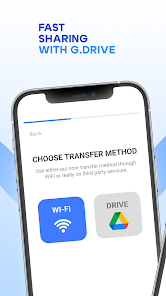
Screenshot 1
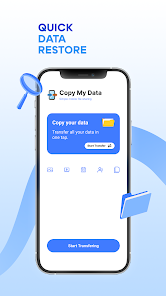
Screenshot 2
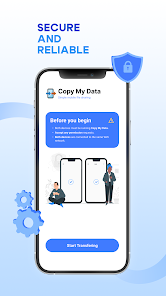
Screenshot 3
Screenshot 4
Screenshot 5
Screenshot 6
Screenshot 7
Screenshot 8
Screenshot 9
Screenshot 10
Screenshot 11
Screenshot 12
Screenshot 13
Screenshot 14
Screenshot 15
Screenshot 16
Screenshot 17
Screenshot 18
Screenshot 19
Screenshot 20
Screenshot 21
Screenshot 22
Screenshot 23
Screenshot 24

Features & Highlights

Cross-Platform Compatibility

Whether you're moving from iOS to Android or vice versa, Copy My Data has you covered. This app supports a wide range of platforms, ensuring that no matter what device you're using, you can easily transfer your data without any compatibility issues.

Easy Data Transfer

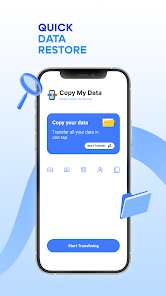
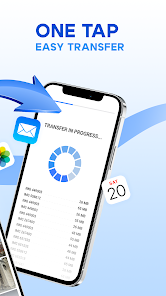
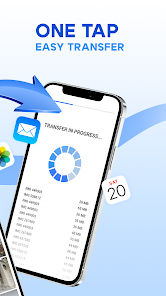
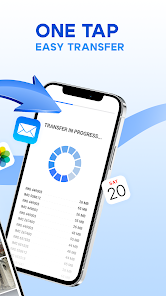
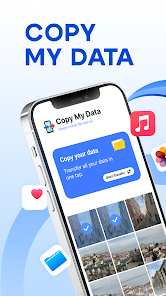
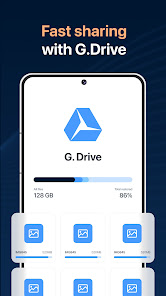
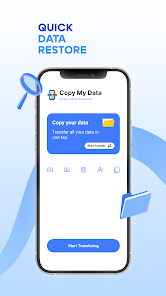
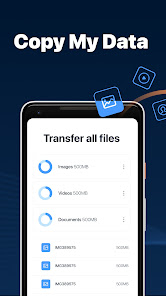
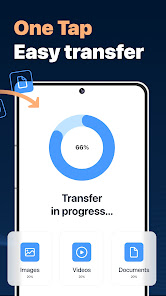
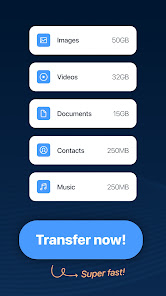
Copy My Data simplifies the process of transferring your data between devices. With just a few taps, you can seamlessly move your contacts, photos, and other important files without the hassle of complicated setups or lengthy processes, making it perfect for anyone switching devices.

Secure Data Transfer

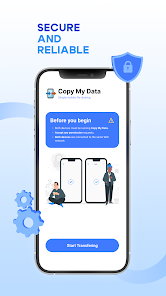
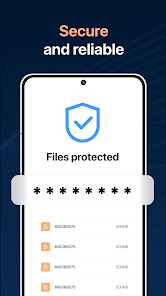
Your privacy and security are paramount when transferring data, and Copy My Data takes this seriously. The app employs secure methods to ensure that your information is protected during the transfer, giving you peace of mind while you move your important files.

User-Friendly Interface

Navigating through Copy My Data is a breeze, thanks to its intuitive design. Even if you're not tech-savvy, you'll find the app easy to use, guiding you through each step of the transfer process with clear instructions and minimal effort on your part.

Pros & Cons

Pros
  • Easily transfer data between devices
  • Supports various file types for versatility

  • User-friendly interface for seamless navigation
  • Fast transfers save you valuable time
  • No cables needed for wireless convenience
Cons
  • Limited compatibility with older devices and systems
  • Data transfer can be slow for large files
  • User interface may be confusing for some users
  • Requires both devices to be online during transfer

Real Experience Using Copy My Data: Transfer Content

Application Scenarios

Copy My Data: Transfer Content is particularly useful in a variety of scenarios. Whether you are upgrading to a new smartphone, switching to a different operating system, or simply looking to back up your essential files, this app provides a seamless solution. Users can transfer contacts, calendar events, photos, and more between devices effortlessly. For instance, if you’re moving from an Android phone to an iPhone, or vice versa, Copy My Data ensures that your transition is smooth without the hassle of manual data entry. It is also ideal for those who frequently switch devices or for individuals setting up devices for family members, making it a versatile tool for both personal and professional use. In addition, businesses can leverage the app to set up new devices for employees quickly and efficiently, ensuring that all necessary data is transferred without delay.

User Experience

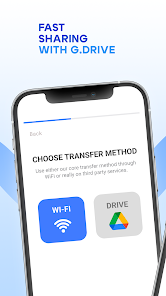
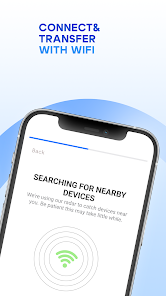
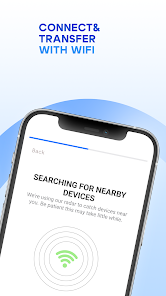
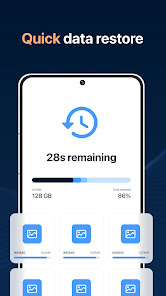
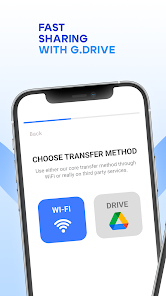
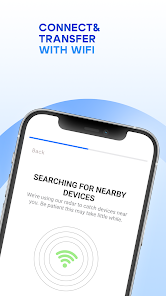
The user experience with Copy My Data is designed to be intuitive and straightforward. Upon launching the app, users are greeted with a clean interface that guides them through the transfer process step-by-step. The app supports both Wi-Fi and USB connection methods, providing flexibility depending on user preferences and device capabilities. Most users report that the transfer speed is impressive, with most data being transferred in a matter of minutes. The app also features a simple troubleshooting guide for common issues, which enhances the overall user experience. However, some users have noted occasional hiccups during the transfer process, particularly when dealing with large volumes of data or diverse file types. Despite these minor setbacks, the overall feedback indicates that the app is reliable and efficient, making data transfer a breeze.

Pricing

One of the appealing aspects of Copy My Data is its pricing structure. The app is available for free, allowing users to access its core functionalities without any upfront costs. This is particularly advantageous for those who may be hesitant to invest in a paid app without first testing its capabilities. However, there may be in-app purchases or premium features available that enhance the functionality of the app. These optional upgrades can be considered if users require additional features or an ad-free experience. Overall, the app provides excellent value, especially given its robust performance and ease of use.

Updates & Support

Copy My Data is regularly updated to ensure compatibility with the latest operating systems and devices. The developers are proactive in addressing bugs and enhancing features based on user feedback. Users can expect timely updates that improve performance and security, which is crucial in today’s fast-evolving tech landscape. Additionally, customer support is readily available through various channels, including email and an online help center. This ensures that users can quickly resolve any issues they encounter, making the app a dependable choice for data transfer needs. Overall, the commitment to maintaining and supporting the app adds to its appeal, ensuring users feel secure in their choice.

verified Security & Privacy Review

Copy My Data: Transfer Content prioritizes user security and privacy by implementing several key practices. The app does not require users to create an account, which minimizes the risk of personal information being stored or misused. Instead, it facilitates direct data transfer between devices, ensuring that data is only shared with the intended recipient. In terms of permissions, Copy My Data requests access only to the necessary features such as contacts, calendar, and media files to perform its functions effectively. Users are informed upfront about the permissions required, allowing for informed consent. Importantly, the app does not store data on external servers, which significantly reduces the risk of data breaches. Moreover, any data transferred is encrypted during the process, further enhancing security. The app also adheres to standard privacy regulations, ensuring that user data is handled responsibly. Overall, Copy My Data demonstrates a strong commitment to protecting user privacy and data security while providing a seamless experience for transferring content between devices.

Reviews

4.3

“Easy and efficient data transfer between devices!”

“User-friendly interface makes transferring simple.”

“Fast transfer speeds, highly recommended app!”

“Saved me hours of manual data entry.”

“Seamless experience, works perfectly every time!”

Editor's Choice