This site uses cookies to enhance your user experience. By clicking any link on this site you are giving your consent to our cookie policy. Read more
Reject
Accept All

Advertiser and Editorial Disclosures

CompanyCam

CompanyCam

verified Verified App

Developer: Company Cam

  • category

    Category: Productivity

  • price

    Price: free

  • age rating

    Age Rating: Everyone

  • rating

    Rating: 4.6

  • download

    Downloads: 500,000+

  • version

    Version: 9.6.110

Screenshot 1
Screenshot 2
Screenshot 3
Screenshot 4
Screenshot 5
Screenshot 6
Screenshot 7
Screenshot 8
Screenshot 9
Screenshot 10
Screenshot 11
Screenshot 12
Screenshot 13
Screenshot 14
Screenshot 15
Screenshot 16
Screenshot 17
Screenshot 18
Screenshot 19
Screenshot 20
Screenshot 21
Screenshot 22
Screenshot 23
Screenshot 24

Features & Highlights

Cloud Storage

With CompanyCam, all your project photos and documents are securely stored in the cloud, making access easy from anywhere. This ensures that your important data is always backed up and readily available, allowing you to focus on your work without worrying about losing critical information. Collaboration and accessibility have never been easier!

Customizable Reporting

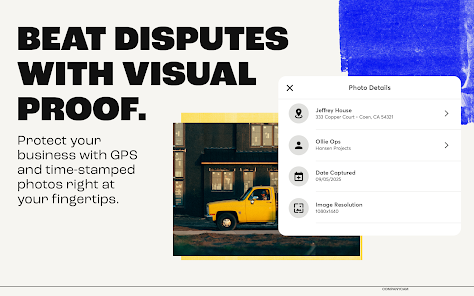
Generate tailored reports to showcase project progress and results with CompanyCam's customizable reporting feature. You can easily compile photos, notes, and project details into professional reports that can be shared with clients or stakeholders. This not only enhances transparency but also helps in building trust with your clients.

Photo Documentation

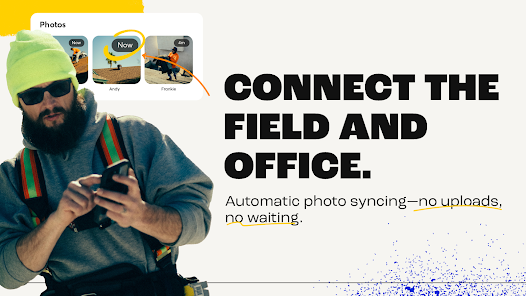
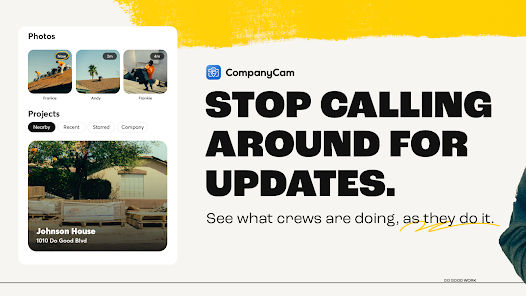
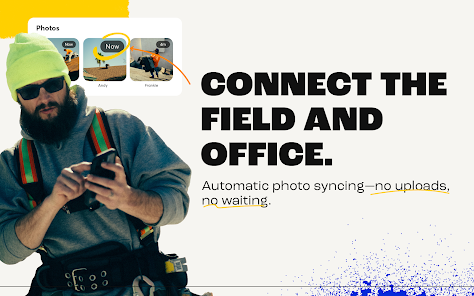
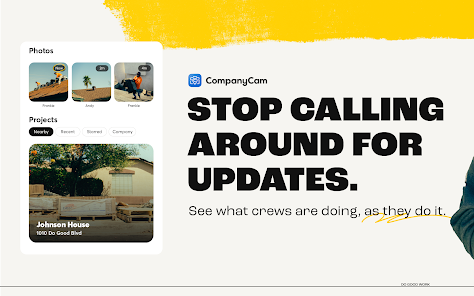
Easily capture and organize project photos in real-time with CompanyCam. This feature allows you to track progress and document changes, ensuring that every detail is preserved for future reference or client updates. The intuitive interface makes it simple to snap photos and attach them to specific projects.

Project Collaboration

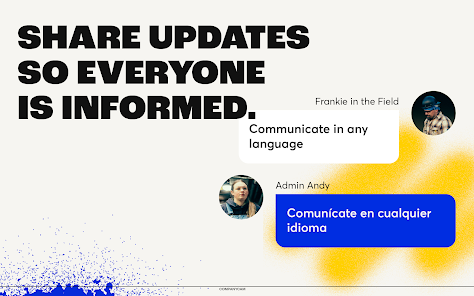
CompanyCam enhances teamwork by allowing multiple users to collaborate on projects seamlessly. Team members can share updates, comments, and images in one central location, keeping everyone in the loop and fostering better communication. This collaborative environment helps streamline workflows and increases overall efficiency.

Pros & Cons

Pros
  • Streamlines project documentation and communication.
  • Enhances team collaboration with real-time updates.
  • Provides secure cloud storage for easy access.
  • Facilitates visual documentation with photos and notes.
  • Improves client trust with transparent project tracking.
Cons
  • Limited features for advanced project management
  • High pricing for small businesses
  • Steeper learning curve for new users
  • Mobile app lacks some desktop functionalities

Real Experience Using CompanyCam

Application Scenarios

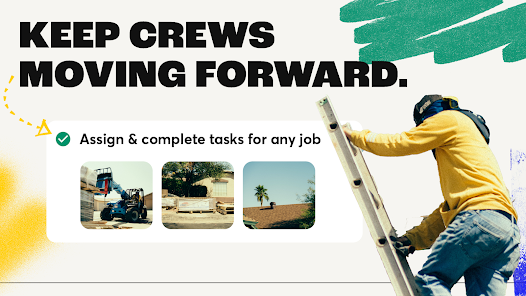
CompanyCam is tailored for professionals in the construction and home services industries, providing a visual documentation solution that simplifies project management. Users can capture and organize photos in real-time, making it ideal for contractors, roofers, landscapers, and remodeling businesses. Whether on-site or in the office, teams can easily share images and updates, enhancing communication and collaboration. For example, a roofing contractor can document each phase of a project, ensuring that clients are informed and satisfied with the progress. The app's ability to create time-lapse videos from photo sequences also allows users to showcase their work effectively, which can be a powerful marketing tool.

User Experience

The user experience of CompanyCam is designed with simplicity and functionality in mind. Upon launching the app, users are greeted with an intuitive interface that makes navigation a breeze. The photo capture feature is exceptionally user-friendly, allowing users to snap pictures and add notes or tags instantly. The automatic organization of images by project streamlines the workflow, making it easy to locate specific photos when needed. Users appreciate the ability to invite team members to projects, facilitating seamless collaboration. Feedback from users highlights the app's efficiency in reducing paperwork and enhancing communication, ultimately saving time and increasing productivity on job sites. Moreover, the ability to access the app both online and offline ensures that users can document their work without interruption, even in remote locations.

Pricing

CompanyCam offers various pricing tiers to accommodate different business sizes and needs. The basic plan is competitively priced, providing essential features that cater to small teams. As businesses grow, they can opt for higher-tier plans that include advanced functionalities, such as increased storage, team collaboration tools, and premium support. Many users find the pricing structure reasonable considering the time and effort saved through the app's features. Additionally, CompanyCam often offers a free trial period, allowing potential users to explore its capabilities before committing to a subscription.

Updates & Support

CompanyCam is committed to continuous improvement, regularly releasing updates to enhance functionality and user experience. The app’s developers actively seek user feedback, which informs new features and improvements. Support is readily available through various channels, including email, live chat, and comprehensive online resources. Users have reported positive experiences with the support team, noting quick response times and helpful assistance. Overall, the combination of regular updates and responsive support helps maintain user satisfaction and keeps the app aligned with industry needs.

verified Security & Privacy Review

CompanyCam prioritizes user security and privacy, implementing robust measures to protect sensitive information. The app utilizes end-to-end encryption, ensuring that all data transmitted between devices remains secure and inaccessible to unauthorized parties. This feature is crucial for users who handle confidential project details and client information. In terms of permissions, CompanyCam requires access to the device's camera and storage to enable seamless photo capturing and uploading. Users are informed about these permissions upfront, allowing them to make informed decisions regarding their data sharing. The app also provides granular control over project visibility, enabling users to limit access to specific team members or clients. CompanyCam’s privacy policy outlines its commitment to safeguarding user data, stating that personal information will not be sold or shared with third parties without consent. Regular updates are rolled out to address potential vulnerabilities, further enhancing the app's security posture. Overall, CompanyCam demonstrates a strong commitment to maintaining user trust through transparent privacy practices and reliable data protection measures.

Reviews

4.6

“Great for team collaboration and project organization”

“User-friendly interface with powerful features”

“Excellent photo documentation for construction projects”

“Reliable app for tracking job progress”

“Responsive customer support makes a difference”

FAQ

1

Does CompanyCam collect my personal data?

Yes, CompanyCam collects personal data necessary for account creation and usage, but it prioritizes user privacy and adheres to data protection regulations.

2

Does CompanyCam offer a free trial or free version?

CompanyCam offers a free trial for new users, allowing them to explore its features before committing to a subscription, but it does not offer a permanent free version.

3

Does CompanyCam require an internet connection?

While CompanyCam can be used offline to capture photos and notes, an internet connection is needed to sync data and access certain features, such as sharing with team members.

4

How can I contact support or send feedback for CompanyCam?

You can contact CompanyCam support via their website, where you can submit a request or find their support email, and they also encourage user feedback through in-app options.

5

How do I manage or cancel my CompanyCam subscription?

You can manage or cancel your CompanyCam subscription through your account settings in the app or by logging into the web application and accessing your subscription details.

How to use CompanyCam

1

How can I reach Customer Service for CompanyCam?

You can contact CompanyCam's Customer Service via their support email support

2

How do I log in to my CompanyCam account?

To log in, visit the CompanyCam website or app, enter your email and password, then click "Log In."

3

Is there an activation process for CompanyCam?

CompanyCam does not require a separate activation process; simply sign up and log in to start using the app.

4

What is the Customer Number for CompanyCam?

CompanyCam does not publicly list a customer number; for support, use their email or in-app chat.

Editor's Choice