This site uses cookies to enhance your user experience. By clicking any link on this site you are giving your consent to our cookie policy. Read more
Reject
Accept All

Advertiser and Editorial Disclosures

BILT: 3D Instructions

BILT: 3D Instructions

verified Verified App

Developer: BILT Inc.

  • category

    Category: Lifestyle

  • price

    Price: free

  • age rating

    Age Rating: Everyone

  • rating

    Rating: 3.6

  • download

    Downloads: 1,000,000+

  • version

    Version: 5.38.3

Screenshot 1
Screenshot 2
Screenshot 3
Screenshot 4
Screenshot 5
Screenshot 6
Screenshot 7
Screenshot 8
Screenshot 9
Screenshot 10
Screenshot 11
Screenshot 12
Screenshot 13
Screenshot 14
Screenshot 15
Screenshot 16
Screenshot 17
Screenshot 18
Screenshot 19
Screenshot 20
Screenshot 21
Screenshot 22
Screenshot 23
Screenshot 24

Features & Highlights

Interactive 3D Models

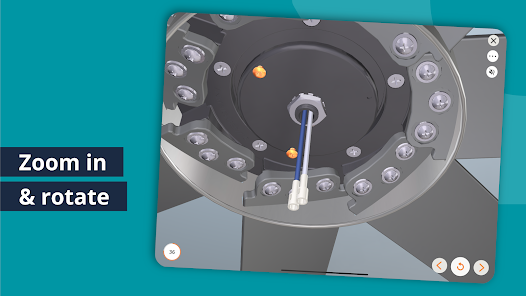
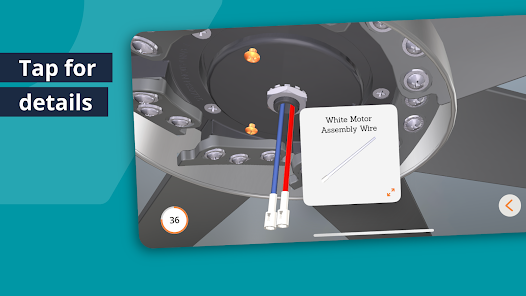
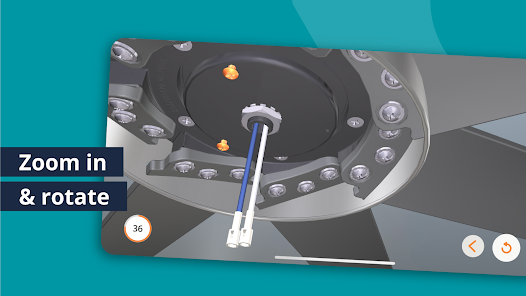
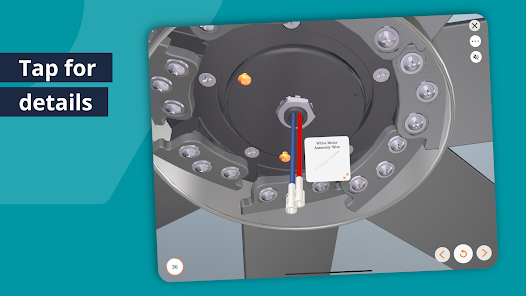
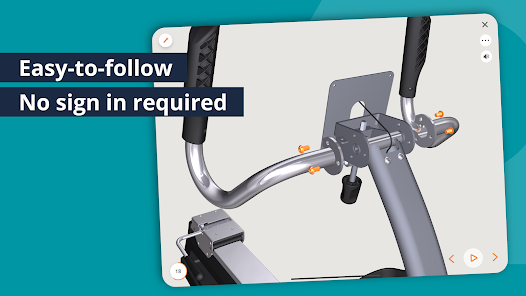
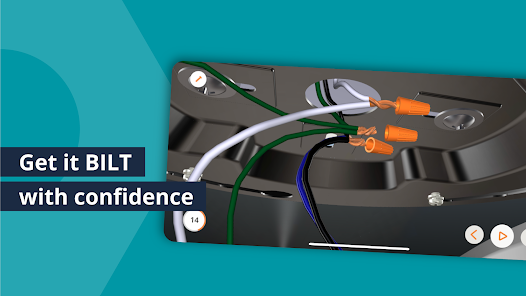
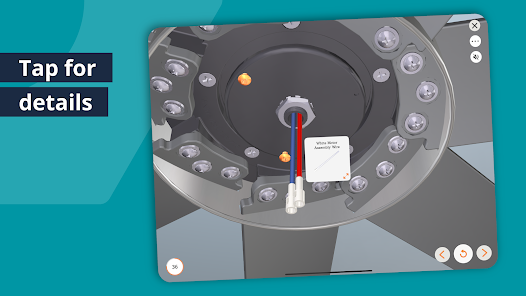
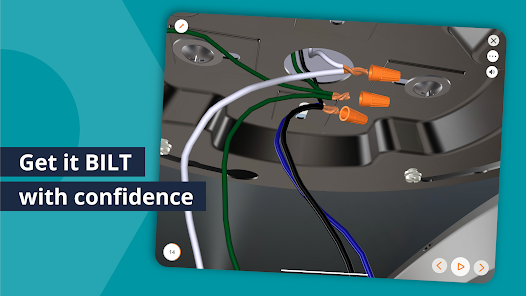
BILT offers immersive 3D models that allow users to visualize assembly steps from every angle. This interactive approach makes it easy to comprehend complex instructions, reducing the likelihood of mistakes and enhancing the overall assembly experience.

Step-by-Step Guidance

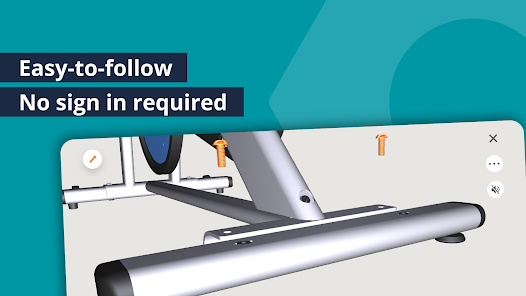
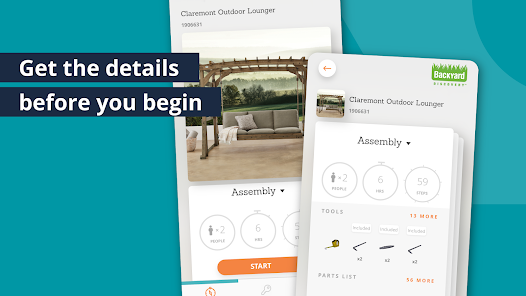
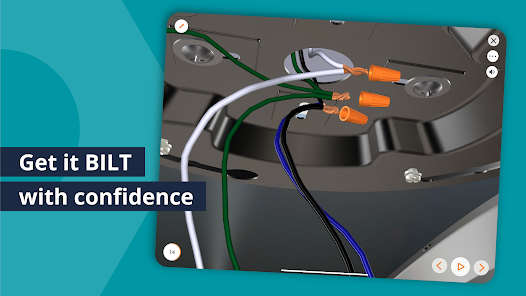
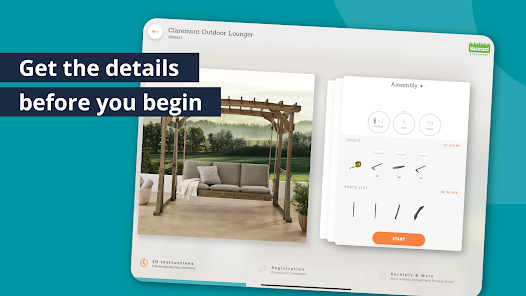
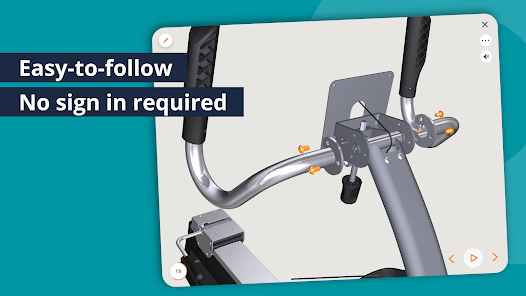
With detailed, step-by-step instructions, BILT ensures that users can follow along effortlessly. Each step is clearly marked and easy to understand, making it ideal for both novice and experienced DIY enthusiasts.

User-Friendly Interface

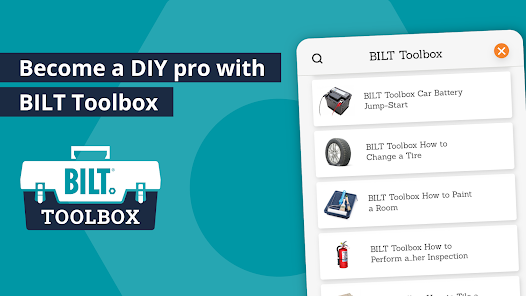
The app features a clean and intuitive interface that simplifies navigation through various projects. This user-friendly design allows users to quickly find what they need, helping them focus on building rather than searching for information.

Voice and Text Instructions

BILT provides the flexibility of voice and text instructions, catering to different learning preferences. Users can listen to the instructions or read them, ensuring that everyone can find the best way to engage with the assembly process.

Pros & Cons

Pros
  • BILT offers interactive 3D instructions for easy understanding.
  • Users can visualize assembly steps in real time.
  • The platform reduces confusion with clear, detailed graphics.
  • Step-by-step guidance enhances user confidence and efficiency.
  • BILT supports various devices for convenient access anywhere.
Cons
  • Limited compatibility with certain devices may restrict user access.
  • Some users may find 3D instructions overwhelming and confusing.
  • App updates can introduce bugs, disrupting the user experience.

Real Experience Using BILT: 3D Instructions

Application Scenarios

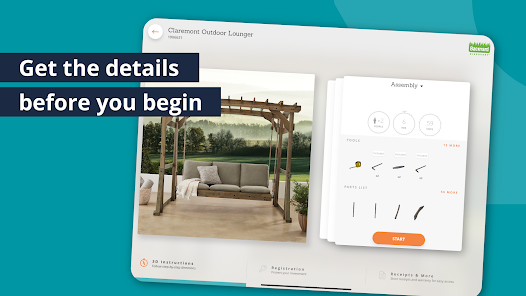
The BILT: 3D Instructions app is designed for a wide range of scenarios where assembly, installation, or setup is required. Whether you are putting together a new piece of furniture, setting up a complex electronic device, or even assembling outdoor equipment, BILT offers step-by-step 3D visual instructions that make the process straightforward and manageable. Users can benefit from the app in various environments, from home settings where DIY projects are common to professional settings, such as workshops or job sites, where efficiency and accuracy are paramount. The app is particularly useful for individuals who may struggle with traditional paper instructions, as the interactive 3D models provide a more intuitive and engaging way to understand assembly procedures.

User Experience

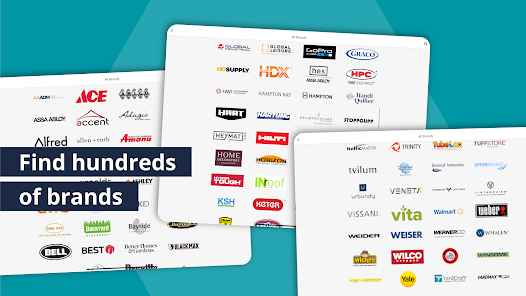
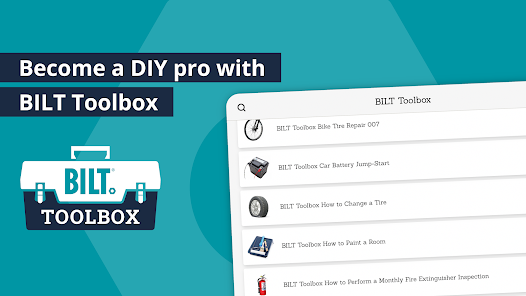
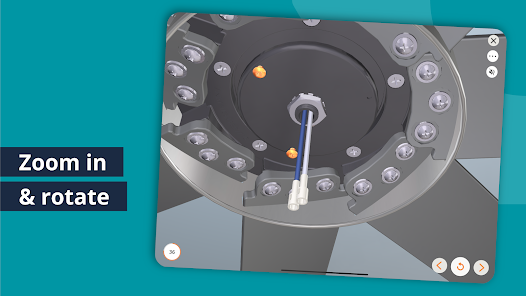
The user experience offered by BILT is nothing short of impressive. Upon downloading the app, users are greeted with a clean, user-friendly interface that is easy to navigate. The 3D instructions are highly interactive; users can rotate, zoom, and manipulate the models to get a better view of each component. This feature is particularly beneficial for visual learners who may find static diagrams confusing. Moreover, BILT includes voice instructions and text prompts, catering to different learning preferences. Users have reported that the app significantly reduces assembly time and frustration, as they can easily identify and locate pieces, ensuring a smoother assembly process. The ability to search for specific products and access a library of instructions further enhances the overall experience, allowing users to find what they need quickly.

Pricing

BILT: 3D Instructions is free to download and use, making it accessible to a broad audience. While the app does not charge users directly, it does offer premium features and additional content that may require in-app purchases. This pricing model allows users to enjoy the core functionalities without upfront costs while providing options for those who wish to enhance their experience. Users appreciate the value offered by the app, especially considering the time saved during assembly and the reduction of potential mistakes that could lead to costly errors.

Updates & Support

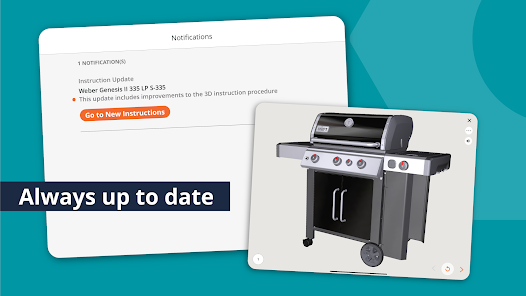
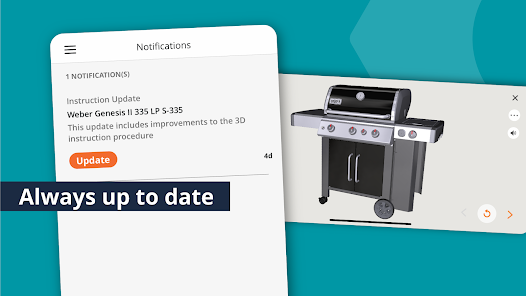
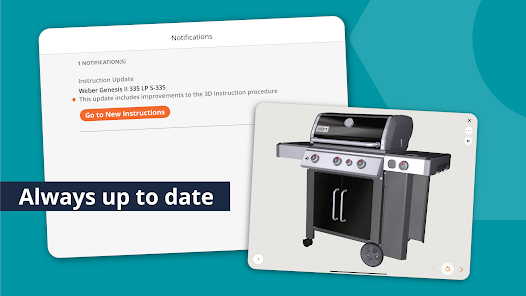
BILT is committed to keeping its app up to date with regular updates that improve performance, add new features, and expand the library of 3D instructions. Users can expect frequent enhancements based on feedback, ensuring that the app evolves to meet their needs. Additionally, BILT offers robust customer support through various channels, including a comprehensive FAQ section, email support, and a community forum where users can share tips and experiences. This commitment to customer satisfaction ensures that users have a reliable resource whenever they encounter issues or need assistance, further solidifying BILT’s reputation as a top-tier app for assembly instructions.

verified Security & Privacy Review

The BILT: 3D Instructions app prioritizes user security and privacy through robust data handling practices. The app employs encryption protocols to protect user data during transmission and storage, ensuring that sensitive information remains confidential. BILT requires minimal permissions, primarily focused on enhancing user experience. It asks for access to the device's camera and storage, which are essential for scanning codes and saving personalized instructions. Users are informed about these permissions and can control them through their device settings, promoting transparency. The app does not sell user data to third parties, aligning with best practices in data privacy. BILT is committed to compliance with relevant data protection regulations, which further reinforces its dedication to safeguarding user information. Regular updates and security patches are implemented to address potential vulnerabilities, ensuring a secure environment for users. Overall, BILT: 3D Instructions demonstrates a strong commitment to protecting user privacy while providing a valuable service, making it a trustworthy choice for those seeking interactive assembly assistance.

Reviews

3.6

“Easy to follow 3D instructions!”

“Great for assembling furniture.”

“User-friendly and intuitive interface.”

“Makes complicated builds simple and fun.”

“Highly recommend for DIY enthusiasts!”

FAQ

1

Can I submit suggestions or feedback to BILT: 3D Instructions?

Yes, users are encouraged to submit suggestions or feedback through the app's feedback feature or by contacting customer support directly.

2

Does BILT: 3D Instructions collect my personal data?

BILT: 3D Instructions may collect certain personal data as outlined in its privacy policy, primarily for account creation and user experience enhancement.

3

Does BILT: 3D Instructions support offline use?

Yes, BILT: 3D Instructions allows users to download specific instructions for offline use, ensuring access even without an internet connection.

4

How do I cancel my BILT: 3D Instructions subscription?

To cancel your BILT: 3D Instructions subscription, you can do so through your app store account settings or by following the cancellation instructions provided in the app.

5

How much does a subscription to BILT: 3D Instructions cost?

A subscription to BILT: 3D Instructions typically varies in price based on the level of access desired, and users can find the most current pricing information within the app or on the official website.

How to use BILT: 3D Instructions

1

Can I change my email address associated with my BILT account?

Yes, you can change your email address in your account settings after logging in.

2

Can I update my Customer Number after I've created my account?

No, your Customer Number is unique and cannot be changed. If you have issues, please contact Customer Service.

3

How can I contact Customer Service for help with my BILT account?

You can reach Customer Service through the app's support section or by visiting our website for additional contact options.

4

How do I activate my BILT account after signing up?

To activate your account, click the link in the confirmation email we sent you after registration.

5

How do I contact Customer Service if I have issues with my 3D instructions?

You can contact Customer Service via the help section in the app or through our support page online.

Editor's Choice