This site uses cookies to enhance your user experience. By clicking any link on this site you are giving your consent to our cookie policy. Read more
Reject
Accept All

Advertiser and Editorial Disclosures

AutoCAD - DWG Viewer & Editor

AutoCAD - DWG Viewer & Editor

verified Verified App

Developer: Autodesk Inc.

  • category

    Category: Productivity

  • price

    Price: free

  • age rating

    Age Rating: Everyone

  • rating

    Rating: 3.0

  • download

    Downloads: 10,000,000+

  • version

    Version: 6.20.1

Screenshot 1
Screenshot 2
Screenshot 3
Screenshot 4
Screenshot 5
Screenshot 6
Screenshot 7
Screenshot 8
Screenshot 9
Screenshot 10
Screenshot 11
Screenshot 12
Screenshot 13
Screenshot 14
Screenshot 15
Screenshot 16
Screenshot 17
Screenshot 18

Features & Highlights

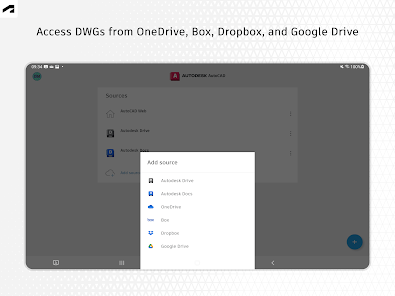
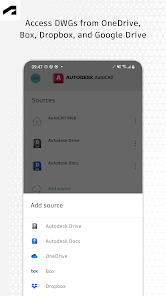
Cloud Storage Integration

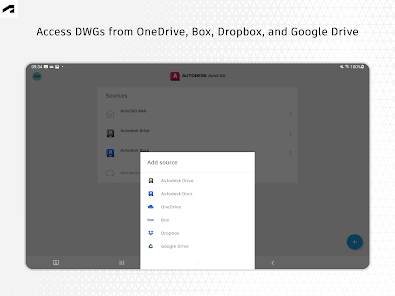
Keep your projects organized and accessible with seamless cloud storage integration. Save your work directly to popular cloud services, enabling you to retrieve your files from any device and collaborate effortlessly with others, no matter where you are.

Collaboration Features

Enhance teamwork with built-in collaboration capabilities that allow you to share and comment on designs in real time. With AutoCAD, you can easily gather feedback from colleagues and clients, ensuring everyone is on the same page throughout the design process.

Powerful Drawing Tools

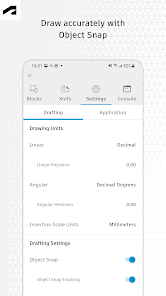
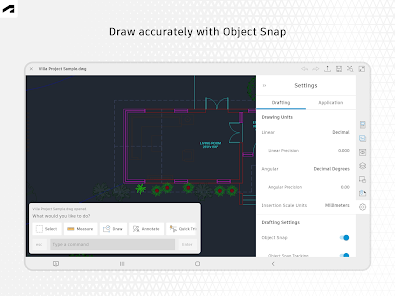
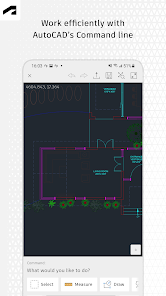
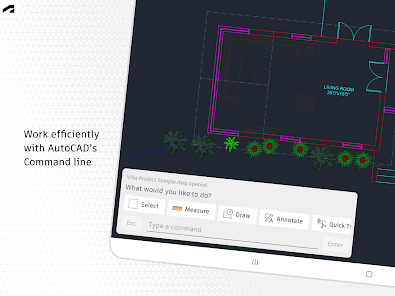
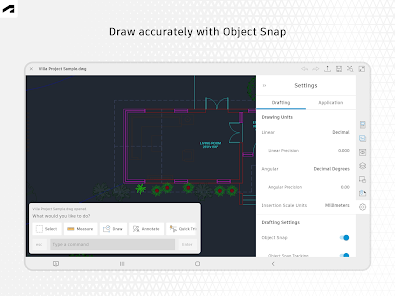
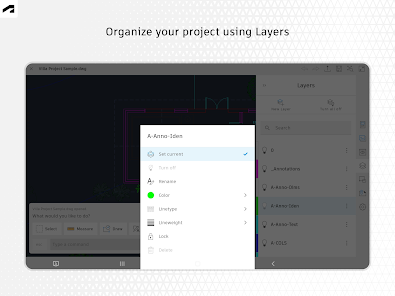
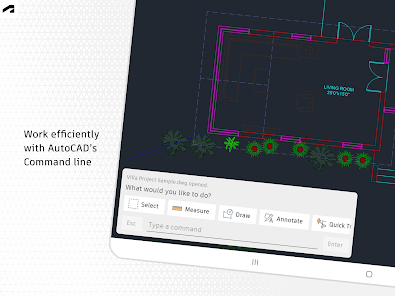
Unlock a range of advanced drawing and editing tools designed for precision and efficiency. From simple annotations to complex modifications, these tools empower you to make quick changes and enhancements to your designs, streamlining your workflow.

Seamless DWG Viewing

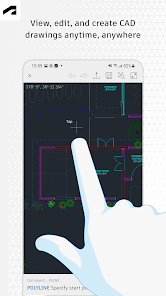
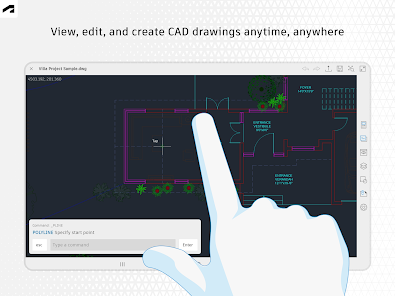
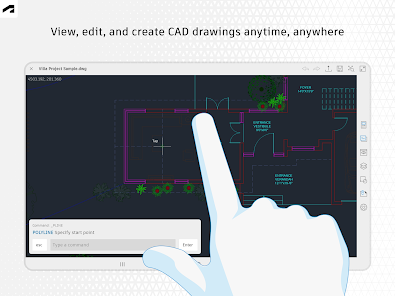
Experience effortless viewing of your DWG files with AutoCAD's intuitive interface. Whether you're on-site or in the office, access your drawings anytime, anywhere, ensuring you stay connected to your projects without any hassle.

Pros & Cons

Pros
  • Intuitive interface for easy navigation and use.
  • Supports multiple file formats for versatility.
  • Real-time collaboration enhances team productivity.
  • Advanced editing tools streamline design processes.
  • Cloud integration ensures access from anywhere.
Cons
  • High cost for full-featured software version
  • Steep learning curve for beginners
  • Limited support for non-DWG formats
  • Performance issues with large files

Real Experience Using AutoCAD - DWG Viewer & Editor

Application Scenarios

The AutoCAD - DWG Viewer & Editor app is a versatile tool that caters to a variety of professional and personal needs. Architects, engineers, and designers frequently utilize this app to view, edit, and annotate DWG files on the go. Whether you’re in a client meeting, on a construction site, or working remotely, this app allows you to access your designs without needing a full desktop setup. It is particularly useful for reviewing plans, making quick changes, and collaborating with team members in real-time. Additionally, students and hobbyists can benefit from this app as it provides a platform to learn CAD design and experiment with architectural concepts without needing expensive software licenses.

User Experience

The user experience of the AutoCAD app is intuitive and streamlined, making it accessible to both seasoned professionals and newcomers. The interface is well-organized, featuring essential tools readily available and easy to navigate. Users appreciate the ability to zoom, pan, and rotate drawings effortlessly, which enhances the overall workflow. The app supports various file formats, allowing for seamless integration with other design software. Furthermore, the annotation tools are robust, enabling users to add notes and markups directly onto their drawings, which is crucial for effective communication during collaborative projects. While some users have reported occasional lag with larger files, the overall performance remains commendable, especially given the app's capabilities.

Pricing

The AutoCAD - DWG Viewer & Editor app operates on a freemium model. Users can download the app for free and access basic features without any cost. However, to unlock advanced tools and functionalities, such as advanced editing options and cloud storage capabilities, users need to subscribe to a premium plan. The pricing is competitive when compared to similar applications, and many users find the investment worthwhile considering the app's ability to enhance productivity and facilitate remote work. Occasional promotional discounts also make it more accessible for new users looking to try out premium features.

Updates & Support

The development team behind AutoCAD is committed to providing regular updates, ensuring the app remains compatible with the latest DWG file formats and operating systems. Users can expect new features and improvements based on feedback, which demonstrates a strong focus on user satisfaction. The support system is robust, offering a comprehensive FAQ section, video tutorials, and direct customer support for troubleshooting issues. This level of support makes it easier for users to resolve any challenges they may encounter while using the app, thereby enhancing the overall user experience.

verified Security & Privacy Review

The AutoCAD - DWG Viewer & Editor app prioritizes user security and privacy through comprehensive data protection practices. The app employs industry-standard encryption protocols to safeguard sensitive information during file transfers and storage. Users can rest assured that their designs and personal data are protected from unauthorized access. In terms of permissions, the app requires access to device storage to facilitate opening and saving DWG files, but it ensures that no unnecessary permissions are requested. Users are informed about the specific permissions required, allowing them to make informed decisions regarding their data privacy. The app's privacy policy is transparent, detailing how user data is collected, used, and shared. AutoCAD commits to not selling user information to third parties, reinforcing its dedication to maintaining user trust. Additionally, users have the option to manage their data and privacy settings within the app, providing greater control over their personal information. Overall, AutoCAD - DWG Viewer & Editor demonstrates a strong commitment to security and privacy, making it a reliable choice for professionals needing a safe environment to work with their designs.

Reviews

3.0

“Intuitive interface for quick edits and viewing.”

“Great for on-the-go design work.”

“Powerful features, but can lag sometimes.”

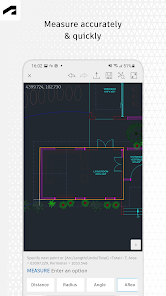
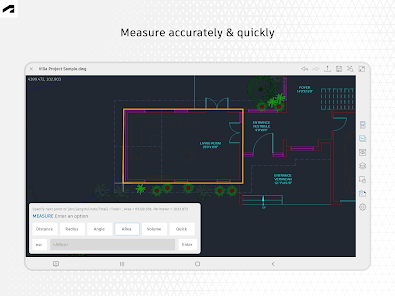
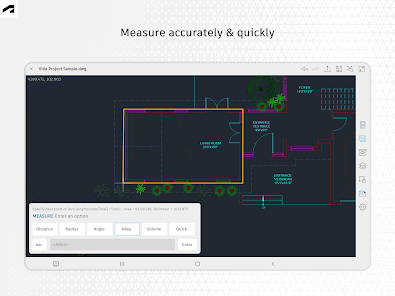
“Excellent precision in measurements and scaling.”

“User-friendly, perfect for beginners and pros alike.”

FAQ

1

Does AutoCAD - DWG Viewer & Editor collect my personal data?

Yes, AutoCAD - DWG Viewer & Editor may collect personal data as per its privacy policy, which outlines how your information is used and protected.

2

Does AutoCAD - DWG Viewer & Editor offer a free trial or free version?

AutoCAD - DWG Viewer & Editor typically offers a free trial for new users, allowing them to explore the app's features before committing to a subscription.

3

Does AutoCAD - DWG Viewer & Editor require an internet connection?

While some features may require an internet connection for full functionality, such as cloud storage access and collaboration tools, you can also work offline with locally saved files.

4

How can I contact support or send feedback for AutoCAD - DWG Viewer & Editor?

Users can contact support or send feedback through the app's help section, by visiting the Autodesk support website, or by reaching out via email for assistance.

5

How do I manage or cancel my AutoCAD - DWG Viewer & Editor subscription?

You can manage or cancel your subscription through your account settings within the app or by visiting the Autodesk website, where you can follow the prompts for subscription management.

How to use AutoCAD - DWG Viewer & Editor

1

How can I contact customer service for the AutoCAD - DWG Viewer & Editor app?

You can reach customer service through the app's support section or visit the official website for contact information.

2

How do I activate my AutoCAD - DWG Viewer & Editor app?

To activate, enter your license key or follow the in-app instructions after purchasing a subscription.

3

How do I log in to my account on the AutoCAD - DWG Viewer & Editor app?

Open the app and tap on "Log In." Enter your registered email and password to access your account.

4

Is activation necessary for the AutoCAD - DWG Viewer & Editor app?

Yes, activation may be required depending on your subscription plan. Follow the prompts in the app to activate your license.

5

What is the customer number for support inquiries regarding the AutoCAD app?

The customer number can typically be found in the app's settings under "Help" or on the official website.

Editor's Choice