This site uses cookies to enhance your user experience. By clicking any link on this site you are giving your consent to our cookie policy. Read more
Reject
Accept All
ApowerMirror- Screen Mirroring

ApowerMirror- Screen Mirroring

verified Verified App

Developer: WangxuTech

  • category

    Category: Tools

  • price

    Price: free

  • age rating

    Age Rating: Everyone

  • rating

    Rating: 2.6

  • download

    Downloads: 10,000,000+

  • version

    Version: 1.8.31

Screenshot 1
Screenshot 2
Screenshot 3
Screenshot 4
Screenshot 5
Screenshot 6
Screenshot 7
Screenshot 8
Screenshot 9
Screenshot 10
Screenshot 11
Screenshot 12
Screenshot 13
Screenshot 14
Screenshot 15
Screenshot 16

Features & Highlights

Cross-Platform Compatibility

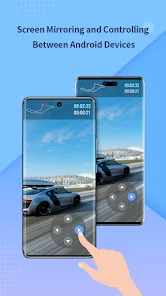
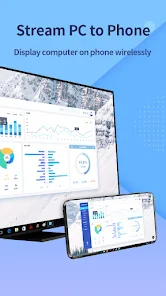
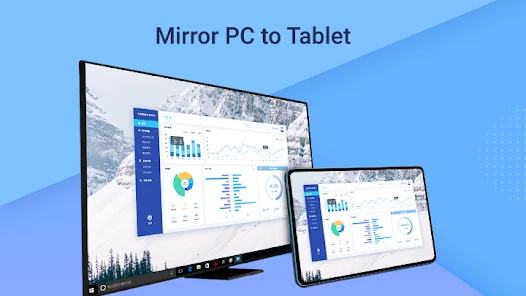
One of the standout features of ApowerMirror is its ability to support multiple platforms, including iOS, Android, Windows, and Mac. This versatility means you can easily connect devices regardless of their operating systems, making it a great tool for mixed-device environments.

High-Quality Streaming

Experience stunning visuals with ApowerMirror's high-definition streaming capability. The app ensures that your mirrored content maintains its quality, whether you’re watching movies, playing games, or conducting online classes, providing an enjoyable viewing experience for everyone involved.

Real-Time Screen Mirroring

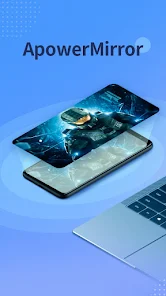
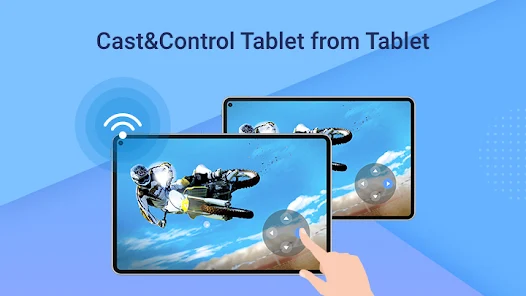
ApowerMirror allows you to mirror your device's screen in real-time, making it perfect for presentations, gaming, or sharing videos. With minimal latency, you can enjoy a seamless experience whether you’re showcasing content or engaging in interactive activities with friends or colleagues.

Remote Control Functionality

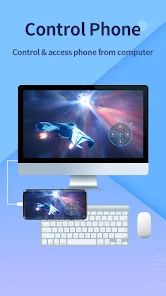
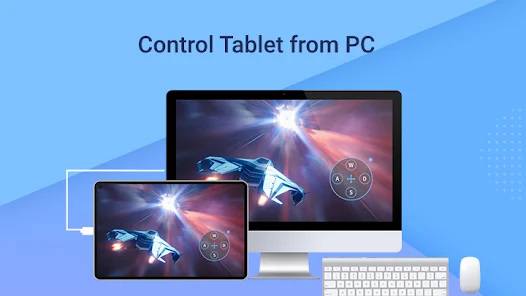
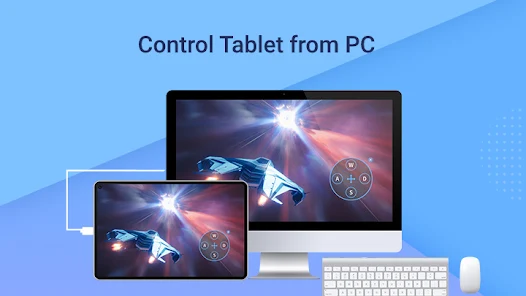
ApowerMirror offers a unique remote control feature that allows you to manage your mobile device directly from your PC. This means you can navigate apps, send messages, and even play games using your computer's keyboard and mouse, enhancing convenience and productivity.

Pros & Cons

Pros
  • Seamless screen sharing across multiple devices
  • Supports both Android and iOS platforms
  • High-quality video and audio transmission
  • User-friendly interface for easy navigation
  • Remote control features enhance user experience
Cons
  • Limited compatibility with some devices and operating systems
  • Performance can lag during high-resolution streaming
  • Requires a stable Wi-Fi connection for optimal use
  • Free version has significant feature restrictions

Real Experience Using ApowerMirror- Screen Mirroring

Application Scenarios

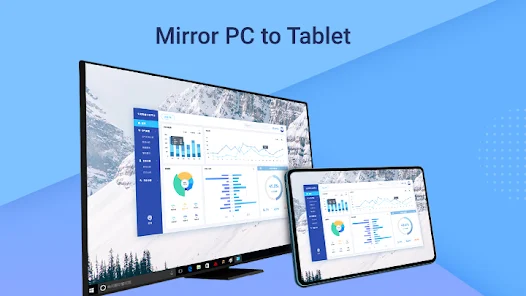
ApowerMirror is incredibly versatile, making it ideal for various scenarios. Whether you're a teacher showcasing educational content to students, a gamer streaming mobile gameplay to a larger screen, or a professional presenting key data during meetings, this app caters to all. For educators, the ability to mirror a smartphone or tablet to a computer or projector enhances engagement and facilitates interactive learning experiences. Gamers can enjoy a seamless transition from their mobile devices to larger displays, allowing for a more immersive experience. Additionally, for business professionals, presenting slides or documents becomes easier and more impactful when shared on a bigger screen. The app also supports mirroring between different operating systems, making it a perfect choice for users with mixed devices.

User Experience

The user experience of ApowerMirror is largely positive, characterized by a user-friendly interface and straightforward connectivity options. Upon launching the app, users are greeted with a clean design that makes navigation intuitive. Connecting devices is typically a hassle-free process, whether through USB or Wi-Fi. The mirroring quality is impressive, with minimal lag and high-resolution output, which is crucial for both gaming and presentations. Users have praised the app's ability to record screens and take screenshots, adding to its utility. However, some users have reported occasional connectivity issues, particularly when using Wi-Fi, which can slightly detract from the overall experience. Nevertheless, the app's consistent performance in most scenarios tends to outweigh these drawbacks.

Pricing

ApowerMirror offers a free version with basic features, which is suitable for casual users who need occasional mirroring. However, to unlock the full potential of the app, including advanced features like higher resolution output and additional device connections, users must opt for the premium version. The pricing is competitive compared to similar apps in the market, with subscription options available for monthly, yearly, or lifetime access. This flexibility allows users to choose a plan that best fits their needs and usage frequency. Many users find the investment worthwhile, particularly for professional use.

Updates & Support

Regular updates are a hallmark of ApowerMirror, with the development team consistently working to enhance user experience and fix any reported bugs. Users appreciate the promptness with which updates are rolled out, ensuring that the app remains compatible with the latest devices and operating systems. Support is readily available through various channels, including email and an online knowledge base. The responsive customer service team has received positive feedback for addressing user concerns effectively. Overall, the combination of regular updates and robust support contributes significantly to user satisfaction, making ApowerMirror a reliable choice for screen mirroring needs.

verified Security & Privacy Review

ApowerMirror prioritizes user security and privacy, implementing robust measures to protect sensitive information during screen mirroring sessions. The app employs end-to-end encryption to ensure that data transmitted between devices remains secure and inaccessible to unauthorized parties. The application requires several permissions to function optimally, including access to the device’s screen, microphone, and storage. Users are advised to review these permissions carefully, as granting them is essential for the app's core functionalities. ApowerMirror is transparent about its data handling practices, clearly stating that it does not collect personal information without user consent. Moreover, the app allows users to opt out of data collection features, providing an additional layer of control over their personal information. Regular updates and security patches further enhance the app's defenses against potential vulnerabilities. Overall, ApowerMirror demonstrates a commitment to maintaining user privacy and ensuring secure screen mirroring experiences.

Reviews

2.6

“Reliable and easy to use for screen sharing.”

“Great for gaming and presentations.”

“Connection drops occasionally but overall good.”

“User-friendly interface makes mirroring simple.”

“Excellent quality and fast performance.”

Editor's Choice