This site uses cookies to enhance your user experience. By clicking any link on this site you are giving your consent to our cookie policy. Read more
Reject
Accept All

Advertiser and Editorial Disclosures

Alarmy - Alarm Clock & Sleep

Alarmy - Alarm Clock & Sleep

verified Verified App

Developer: Sleep Tracker & Alarm Clock by Delightroom

  • category

    Category: Productivity

  • price

    Price: free

  • age rating

    Age Rating: Everyone

  • rating

    Rating: 4.6

  • download

    Downloads: 10,000,000+

  • version

    Version: 26.11.4

Screenshot 1
Screenshot 2
Screenshot 3
Screenshot 4
Screenshot 5
Screenshot 6
Screenshot 7
Screenshot 8
Screenshot 9
Screenshot 10
Screenshot 11
Screenshot 12
Screenshot 13
Screenshot 14
Screenshot 15
Screenshot 16
Screenshot 17
Screenshot 18
Screenshot 19
Screenshot 20
Screenshot 21
Screenshot 22
Screenshot 23
Screenshot 24

Features & Highlights

Customizable Alarm Options

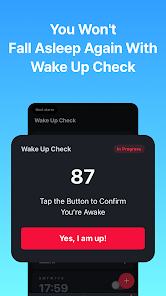
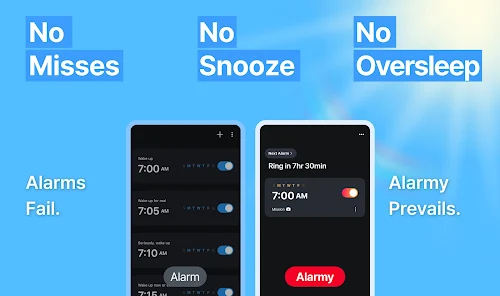
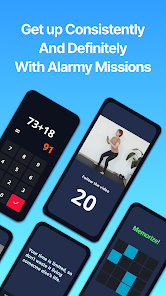
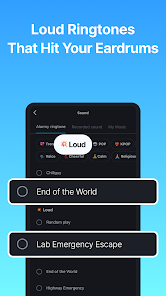
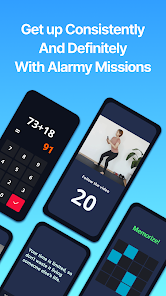
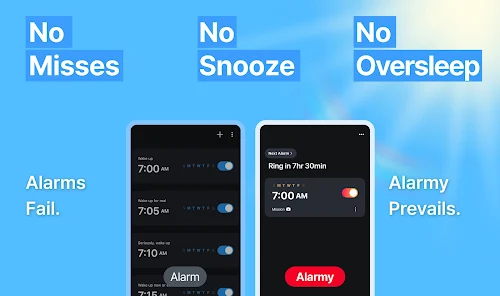
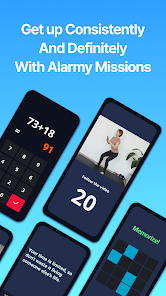
With Alarmy, you can choose from a variety of alarm types, including puzzles, math problems, and even photo challenges to turn off your alarm. This customization keeps you engaged and prevents the dreaded snooze button habit, making it easier to get out of bed.

Sleep Aid Features

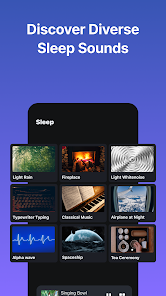
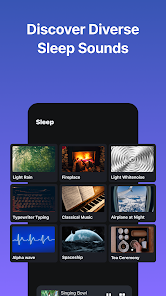
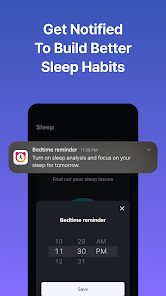
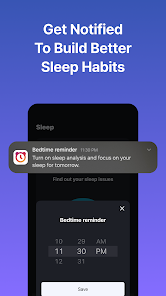
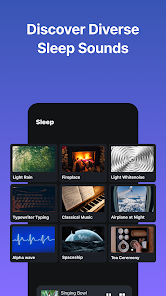
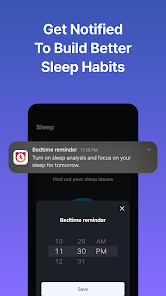
Alarmy isn’t just about waking up; it also offers soothing sounds and sleep meditation options to help you fall asleep faster. By creating a calming bedtime environment, you can enhance your sleep quality and wake up feeling more rested and energized.

Smart Wake-Up Function

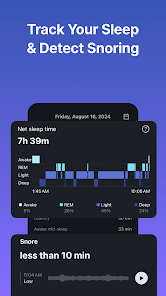
Alarmy’s Smart Wake-Up Function analyzes your sleep patterns and wakes you up during the lightest sleep phase, ensuring you feel refreshed instead of groggy. This feature helps you start your day on the right foot and can significantly improve your morning routine.

Snooze Challenges

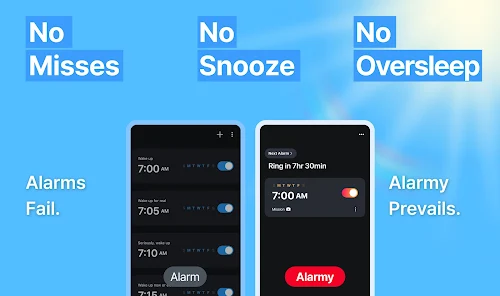
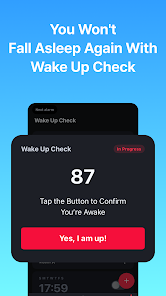
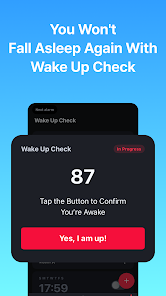
Say goodbye to oversleeping with Alarmy’s unique snooze challenges that require you to complete tasks before you can hit snooze. This feature encourages you to stay awake and makes it less tempting to go back to sleep, helping you build a healthier morning routine.

Pros & Cons

Pros
  • Alarmy helps you wake up more effectively every morning.
  • It offers customizable alarm settings for your unique routine.
  • Engaging tasks ensure you stay awake and alert.
  • The snooze option is eliminated for better habits.
  • User-friendly interface makes it easy to set and use.
Cons
  • Alarmy can be overly challenging, leading to frustration for users
  • Some features may require additional purchases for full functionality
  • It can disrupt sleep patterns if not used correctly

Real Experience Using Alarmy - Alarm Clock & Sleep

Application Scenarios

Alarmy is designed to cater to a variety of scenarios where waking up on time is crucial. Whether you are a heavy sleeper who struggles to get out of bed or someone with a busy schedule needing a reliable wake-up call, Alarmy offers tailored solutions. The app features various alarm types, such as puzzle-solving, photo-capturing, and shake-to-snooze, making it suitable for users who need a bit of motivation to rise in the morning. Additionally, Alarmy can be beneficial for students who have early classes or professionals with early meetings, ensuring they start their day on the right foot. Users can also set multiple alarms for different times, making it easier to manage daily routines.

User Experience

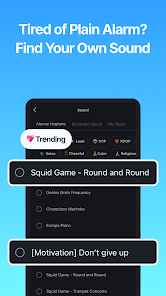
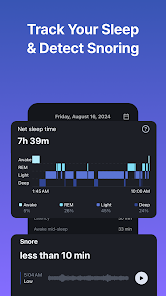
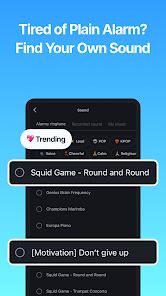
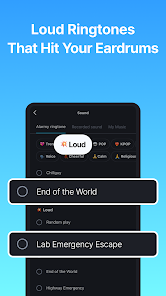
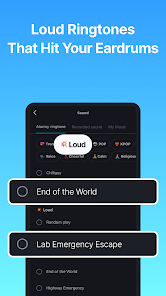
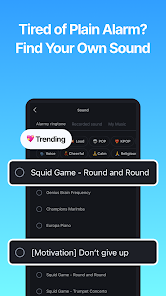
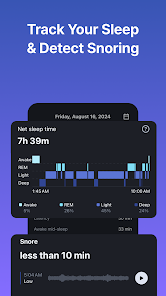
The user experience of Alarmy is thoughtfully designed to minimize the frustration often associated with waking up early. Upon launching the app, users are greeted with an intuitive interface that makes navigation simple and straightforward. The alarm customization options are extensive, allowing users to choose their preferred sound, volume levels, and snooze durations. The unique wake-up challenges, such as solving math problems or taking a photo of a designated object in their home, add an engaging twist to the morning routine. Many users report that these features not only help them wake up but also make the process more enjoyable. Additionally, the app’s ability to track sleep patterns is a bonus for those who want to improve their overall sleep quality.

Pricing

Alarmy operates on a freemium model, offering users both free and premium features. The free version is robust, providing essential alarm functionalities and several wake-up challenges. However, for those looking for an enhanced experience, the premium subscription unlocks additional features such as advanced sleep tracking, customizable alarm challenges, and an ad-free environment. The pricing is competitive, with options for monthly, yearly, or a one-time lifetime purchase, making it accessible for a wide range of users. This flexibility allows individuals to choose the plan that best suits their needs and preferences.

Updates & Support

Alarmy is consistently updated to improve user experience and introduce new features. The development team actively listens to user feedback, frequently rolling out updates that enhance functionality and fix bugs. Users can easily reach out to customer support through the app, with responsive service that addresses queries and concerns promptly. Additionally, the app’s official website and social media channels provide valuable resources, including updates and tips on optimizing the use of the app. This level of support reinforces users’ confidence in the app, knowing that they are backed by a dedicated team committed to their satisfaction.

verified Security & Privacy Review

The Alarmy app takes user privacy and data security seriously, implementing robust measures to safeguard personal information. The app's privacy policy clearly outlines how user data is collected, used, and stored, ensuring transparency. Alarmy requires minimal permissions to function effectively, primarily accessing the device's alarm features and, if chosen, location services to enhance user experience. Users can feel secure knowing the app does not request unnecessary permissions that could compromise their privacy. Data handling practices are in line with industry standards, and Alarmy employs encryption to protect sensitive information. Users have control over their data, with options to manage account settings and delete personal information if desired. Regular updates ensure that any potential vulnerabilities are addressed promptly, enhancing overall security. Overall, Alarmy prioritizes user privacy and data protection, making it a reliable choice for those seeking a secure alarm clock application.

Reviews

4.6

“Highly effective for heavy sleepers!”

“Unique features make waking up easier.”

“Customizable alarms are a game changer.”

“User-friendly interface is a plus.”

“Reliable and fun way to start the day!”

FAQ

1

Can I submit suggestions or feedback to Alarmy-The Wake up Solution?

Yes, users can submit suggestions or feedback through the app’s support section or by contacting customer service via their website.

2

Does Alarmy-The Wake up Solution collect my personal data?

The app's privacy policy outlines the types of data collected, which may include usage data and device information, but it emphasizes user privacy and data protection.

3

Does Alarmy-The Wake up Solution support offline use?

Yes, Alarmy-The Wake up Solution can be used offline, allowing users to wake up even without an internet connection.

4

How do I cancel my Alarmy-The Wake up Solution subscription?

Users can cancel their subscription directly through their app store account settings or within the app, depending on the platform used.

5

How much does a subscription to Alarmy-The Wake up Solution cost?

The subscription cost varies based on the plan chosen, with options for monthly or yearly subscriptions, often offering discounts for longer commitments.

How to use Alarmy - Alarm Clock & Sleep

1

Can I access my account from multiple devices?

Yes, you can log in to your account from multiple devices using the same customer number and password.

2

Can I change my customer number if needed?

Unfortunately, customer numbers cannot be changed. If you need help, please contact customer service.

3

How can I activate my Alarmy account after installation?

To activate your account, follow the instructions in the confirmation email sent to you during registration.

4

How can I contact customer service if I have an issue with my Alarmy account?

You can reach our customer service through the app's help section or visit our website for support options.

5

How do I log in to my Alarmy account?

To log in, open the app and enter your registered email and password in the login section.

Editor's Choice