This site uses cookies to enhance your user experience. By clicking any link on this site you are giving your consent to our cookie policy. Read more
Reject
Accept All
Alarm Clock for Me

Alarm Clock for Me

verified Verified App

Developer: Mosaic Srl

  • category

    Category: Productivity

  • price

    Price: free

  • age rating

    Age Rating: Everyone

  • rating

    Rating: 4.3

  • download

    Downloads: 50,000,000+

  • version

    Version: 2.85.3

Screenshot 1
Screenshot 2
Screenshot 3
Screenshot 4
Screenshot 5
Screenshot 6
Screenshot 7
Screenshot 8
Screenshot 9
Screenshot 10
Screenshot 11
Screenshot 12
Screenshot 13
Screenshot 14
Screenshot 15
Screenshot 16
Screenshot 17
Screenshot 18
Screenshot 19
Screenshot 20

Features & Highlights

Customizable Alarm Tones

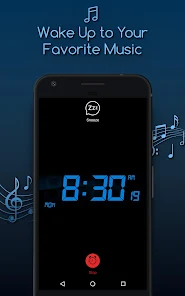
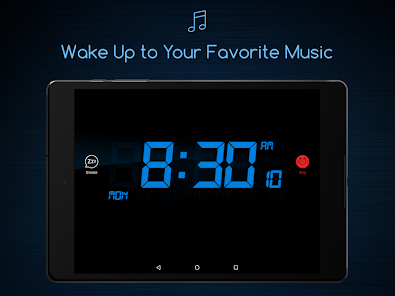
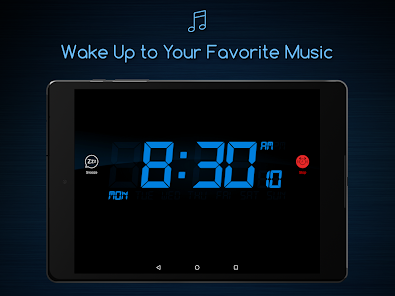
Choose from a wide selection of alarm tones or use your favorite songs to wake up. This feature allows you to personalize your morning experience, making it easier to rise and shine with a sound that motivates you. You can even set different tones for different alarms to suit your schedule.

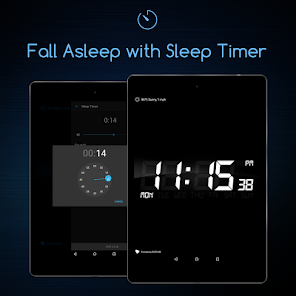
Sleep Timer Feature

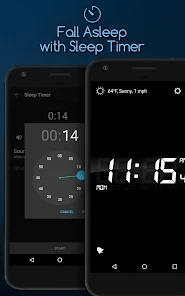
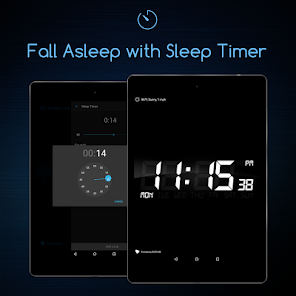
Easily fall asleep to your favorite music or sounds with the built-in sleep timer. This feature lets you set a specific duration for the audio to play, automatically turning off after the time you choose, allowing for a peaceful and uninterrupted night of sleep.

Snooze Functionality

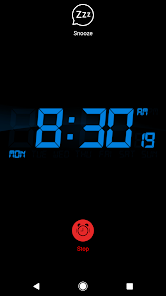
The snooze feature lets you catch a few extra minutes of sleep without resetting your alarm. With customizable snooze intervals, you can tailor how long you want to rest before the alarm goes off again, helping you ease into your day at your own pace.

User-Friendly Interface

The app boasts a simple and intuitive design that makes setting alarms a breeze. Even if you're not tech-savvy, you’ll find it easy to navigate through the various features, ensuring you can set up your alarms quickly and efficiently without any hassle.

Pros & Cons

Pros
  • Customizable alarm tones for a personal touch
  • Snooze feature for extra sleep when needed
  • User-friendly interface ensures easy setup
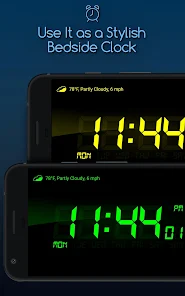
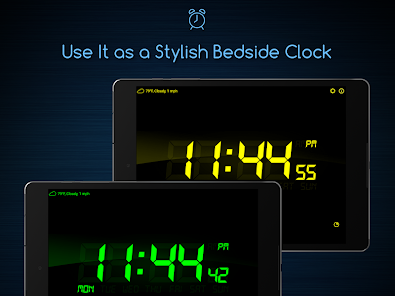
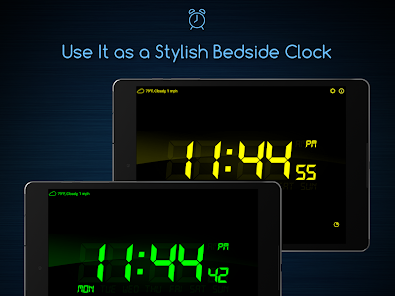
  • Vibrant clock display enhances visibility
  • Multiple alarms cater to varied schedules
Cons
  • Limited snooze options can disrupt sleep cycles
  • Frequent ads may interrupt user experience
  • Customization features can be confusing for some users
  • Alarm reliability varies across different devices

Real Experience Using Alarm Clock for Me

Application Scenarios

The Alarm Clock for Me app serves a variety of practical scenarios that cater to different user needs. Whether you're a heavy sleeper who struggles to wake up on time, a busy professional who needs reminders for important tasks, or a student balancing classes and study sessions, this app is designed to fit seamlessly into your daily routine. Users can set multiple alarms with customizable tones and snooze options, making it perfect for early risers and those who require a bit of extra time to get out of bed. Additionally, the app features a sleep timer that can play soothing sounds or music, which is ideal for winding down after a long day. This versatility makes the app suitable for anyone looking to enhance their time management and productivity.

User Experience

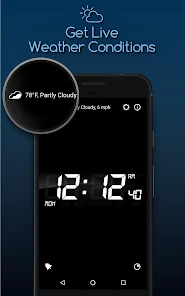
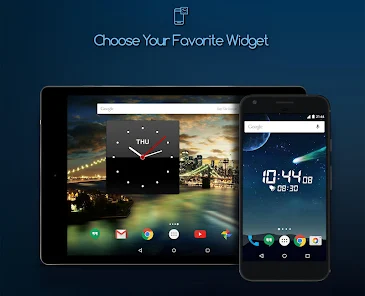
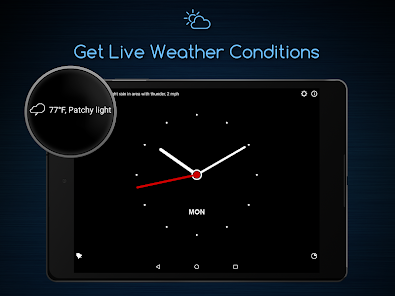
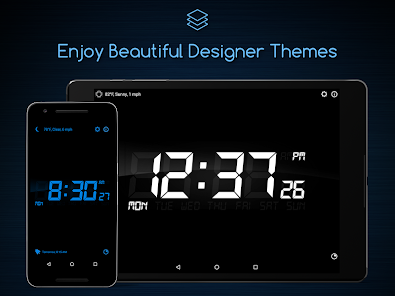
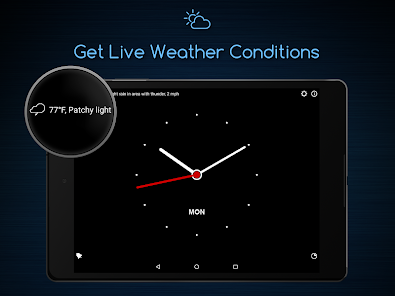
The user experience of Alarm Clock for Me is generally positive, with a clean and intuitive interface that makes navigation simple and efficient. Upon opening the app, users are greeted with a visually appealing dashboard that displays the current time, weather, and upcoming alarms. The customization options are a standout feature; users can select from a wide range of alarm tones or even upload their own music tracks. The ability to adjust volume levels, snooze duration, and vibration settings adds a personalized touch that many users appreciate. Furthermore, the app includes a sleep tracking feature that analyzes sleep patterns, providing insights into the quality of rest. However, some users have reported occasional glitches, such as alarms not going off as scheduled, which can be frustrating. Overall, the app strikes a good balance between functionality and aesthetic, making it a reliable choice for many.

Pricing

Alarm Clock for Me offers a freemium model, meaning that users can download and use the basic features without any charge. However, to unlock premium functionalities such as ad-free usage, advanced sleep tracking, and additional alarm sounds, users can opt for a subscription plan. The pricing is competitive compared to similar apps in the market, with options for monthly or yearly subscriptions. Many users find the premium features worth the investment, as they significantly enhance the overall experience. For those who prefer not to pay, the free version still provides sufficient capabilities to serve as a reliable alarm clock.

Updates & Support

The developers of Alarm Clock for Me are committed to providing regular updates to enhance the app's performance and user experience. Users can expect periodic improvements that address bugs, introduce new features, and refine existing functionalities. The support team is responsive, with a dedicated help section within the app that offers troubleshooting tips and FAQs. For more complex issues, users can reach out via email or through the app store, and many report receiving prompt assistance. The ongoing commitment to updates and user support reflects the developers' dedication to maintaining a high-quality application.

verified Security & Privacy Review

The Alarm Clock for Me app prioritizes user privacy and employs a range of practices to ensure data security. The app requests minimal permissions, primarily focusing on access to the device's alarm functionalities and notifications, which are essential for its core features. This approach reduces the potential exposure of user data to unnecessary risks. User data is handled with care, and the app does not require personal information such as email addresses or phone numbers for basic functionality. However, users should be aware that any data related to alarms, including settings and usage patterns, may be stored locally on the device. The app does not appear to share user data with third parties, which enhances its overall privacy profile. For enhanced security, it is advisable for users to regularly update the app, as developers often release patches addressing vulnerabilities. Overall, Alarm Clock for Me adopts a reasonable stance on privacy, making it a suitable choice for users concerned about data security in their daily routines.

Reviews

4.3

“User-friendly interface and customizable alarm options.”

“Loud alarms ensure I wake up on time.”

“Great snooze feature for extra sleep.”

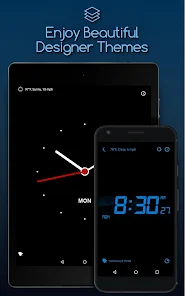
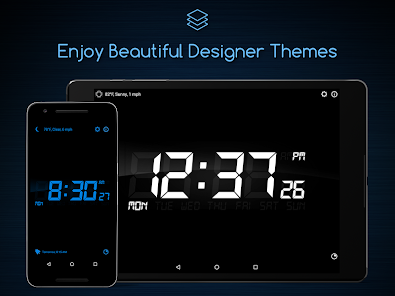
“Beautiful clock designs enhance my bedroom.”

“Reliable and easy to use every day.”

Editor's Choice