This site uses cookies to enhance your user experience. By clicking any link on this site you are giving your consent to our cookie policy. Read more
Reject
Accept All
AirDroid: File & Remote Access

AirDroid: File & Remote Access

verified Verified App

Developer: SAND STUDIO

  • category

    Category: Tools

  • price

    Price: free

  • age rating

    Age Rating: Everyone

  • rating

    Rating: 3.8

  • download

    Downloads: 50,000,000+

  • version

    Version: 4.3.11.0

Screenshot 1
Screenshot 2
Screenshot 3
Screenshot 4
Screenshot 5
Screenshot 6
Screenshot 7
Screenshot 8
Screenshot 9
Screenshot 10
Screenshot 11
Screenshot 12
Screenshot 13
Screenshot 14
Screenshot 15
Screenshot 16
Screenshot 17
Screenshot 18
Screenshot 19
Screenshot 20
Screenshot 21
Screenshot 22
Screenshot 23
Screenshot 24

Features & Highlights

Easy File Transfer

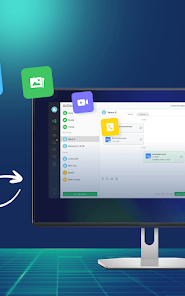
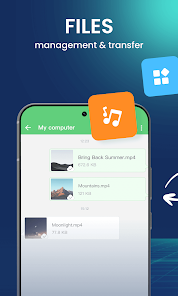
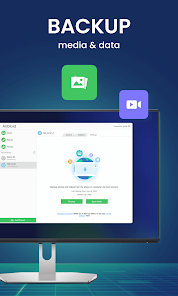
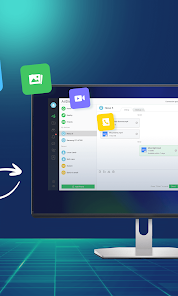
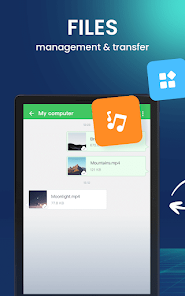
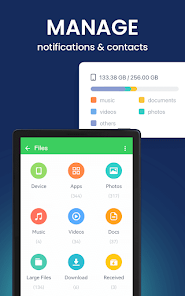
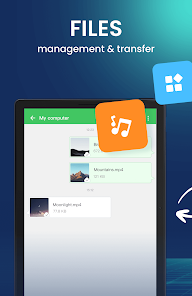
AirDroid simplifies the process of transferring files between your devices, enabling you to move photos, videos, and documents seamlessly. With just a few taps, you can share files across platforms, making it perfect for both personal and professional use without the hassle of cables or complicated setups.

Remote Access Control

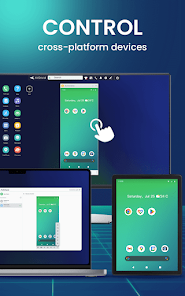
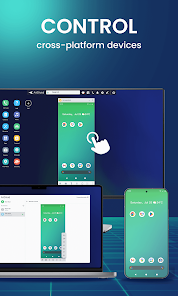
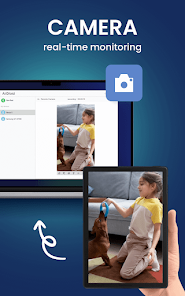
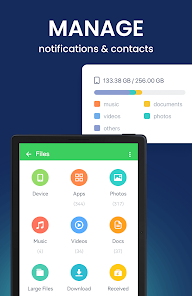
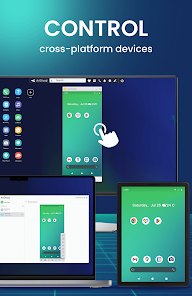
Take control of your Android device from anywhere with AirDroid's remote access feature. You can manage files, view notifications, and even control apps directly from your computer, making it an invaluable tool for multitasking and staying connected while on the go.

SMS & Notification Management

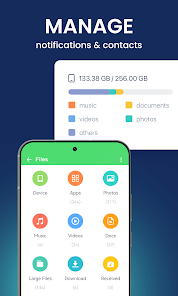
Stay connected without constantly reaching for your phone with AirDroid's SMS and notification management. You can send and receive text messages and manage notifications directly from your computer, ensuring you never miss an important message while you work.

Screen Mirroring

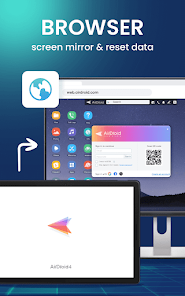
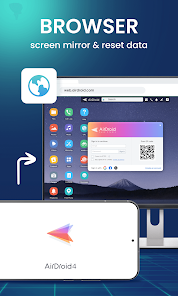
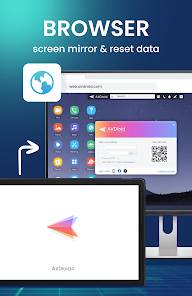
Experience the convenience of screen mirroring with AirDroid, allowing you to display your mobile device's screen on your computer. This feature is great for presentations, gaming, or simply using your apps on a larger display, enhancing your overall productivity and enjoyment.

Pros & Cons

Pros
  • Effortlessly transfer files between devices
  • Access your phone remotely from any computer
  • Manage notifications directly on your desktop
  • Control apps and files without a USB cable
  • Securely share files with friends and colleagues
Cons
  • Limited free version functionality impacts usability
  • Connection issues can disrupt file transfers
  • Privacy concerns regarding data security and access
  • Interface can be confusing for new users

Real Experience Using AirDroid: File & Remote Access

Application Scenarios

AirDroid: File & Remote Access is designed for a plethora of practical applications, making it an invaluable tool for anyone seeking to enhance their productivity and streamline their workflow. One of the most common scenarios involves file transfer between devices. Whether you need to send documents from your smartphone to your computer or vice versa, AirDroid simplifies this process without the need for cables. The app also shines in scenarios where remote access is required. For instance, if you are working on a project and need to access files on your home computer while at a coffee shop, AirDroid allows you to connect and retrieve those files seamlessly. Additionally, it serves as an excellent solution for managing notifications. Users can view and respond to messages from various applications on their desktop, minimizing the need to switch between devices constantly.

User Experience

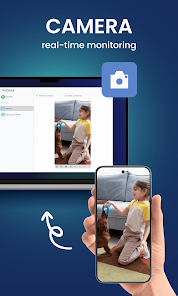
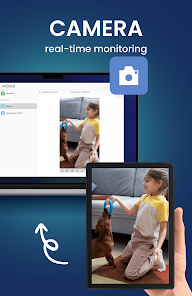
The user experience of AirDroid is commendable, characterized by its intuitive interface and responsive design. Upon launching the app, users are greeted with a clean layout that makes navigation straightforward. The drag-and-drop functionality for file transfers is particularly noteworthy, as it allows users to easily move files without complex steps. The app’s performance is generally smooth, with minimal lag during file transfers, even when handling large files. The integration of various features, such as screen mirroring and remote camera access, adds to the overall experience, empowering users to manage their devices efficiently. However, some users have reported occasional connectivity issues, particularly when using the app over varied network conditions. Nevertheless, the overall usability remains high, making it a popular choice among users.

Pricing

AirDroid operates on a freemium model, allowing users to enjoy basic features at no cost. The free version is quite functional, catering to the needs of casual users who require basic file transfer and remote access capabilities. However, for those seeking enhanced features, such as increased file transfer limits and additional security options, the premium subscription is available. The pricing is competitive, with monthly and annual plans that provide flexibility depending on user preferences. Many users find that the premium features justify the cost, especially for professionals who rely on the app for daily operations.

Updates & Support

AirDroid is committed to continuous improvement, frequently releasing updates to enhance functionality and address user feedback. These updates often include new features, bug fixes, and performance enhancements, ensuring that the app remains relevant and efficient. The support system is robust, with a comprehensive FAQ section and responsive customer service available through various channels. Users can reach out via email or through the app itself for assistance with issues or inquiries. The active community forums also provide an avenue for users to share their experiences and solutions, further enriching the support ecosystem surrounding AirDroid.

verified Security & Privacy Review

AirDroid: File & Remote Access prioritizes user security and privacy with its robust encryption mechanisms. The app employs end-to-end encryption for file transfers, ensuring that users' data remains private and secure during transit. Additionally, AirDroid offers two-factor authentication, providing an extra layer of security against unauthorized access. Regarding permissions, AirDroid requires access to specific device functionalities such as storage, contacts, and location to provide a seamless experience. Users are encouraged to review these permissions and grant only those necessary for their intended use. The app is transparent about its data handling practices, outlining the types of information collected and how it is used in its privacy policy. AirDroid commits to not selling user data to third parties, fostering trust among its user base. Users are also given control over their data, with options to manage, edit, or delete their information within the app. Overall, AirDroid demonstrates a solid commitment to maintaining user privacy and data security.

Reviews

3.8

“User-friendly interface makes file transfers a breeze”

“Great for remote access, very reliable”

“Excellent app for managing files across devices”

“Occasional connection issues, but overall very useful”

“Love the flexibility of accessing my phone remotely”

Editor's Choice