This site uses cookies to enhance your user experience. By clicking any link on this site you are giving your consent to our cookie policy. Read more
Reject
Accept All
Microsoft SwiftKey AI Keyboard

Microsoft SwiftKey AI Keyboard

verified Verified App

Developer: SwiftKey

  • category

    Category: Personalization

  • price

    Price: free

  • age rating

    Age Rating: Everyone

  • rating

    Rating: 4.4

  • download

    Downloads: 1,000,000,000+

  • version

    Version: 9.12.19.14

Screenshot 1
Screenshot 2
Screenshot 3
Screenshot 4
Screenshot 5
Screenshot 6
Screenshot 7
Screenshot 8

Features & Highlights

Custom Themes & Layouts

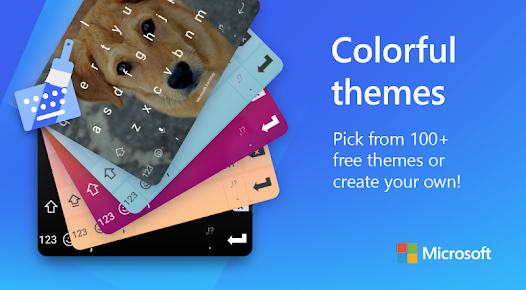
The keyboard offers a variety of customizable themes and layouts to suit your style and enhance your typing experience. You can easily choose colors, designs, and even resize the keyboard, making it visually appealing and tailored to your personal taste.

Multilingual Support

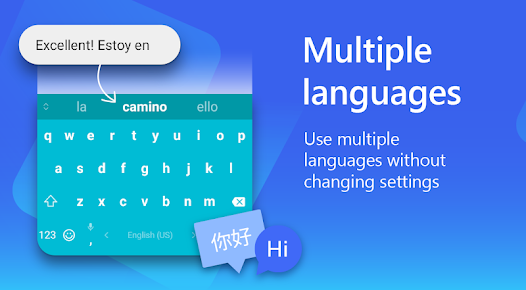
SwiftKey supports multiple languages simultaneously, allowing users to switch between languages effortlessly without changing settings. This feature is especially helpful for bilingual users, enabling them to type in different languages within the same conversation seamlessly.

Personalized Predictions

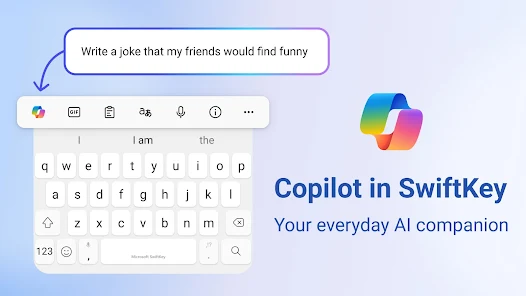
With personalized predictions, SwiftKey uses AI to analyze your writing style and suggest words and phrases that fit your unique voice. This means you can type faster and communicate more effectively, as the keyboard adapts to your preferences and commonly used terms over time.

Smart Autocorrect

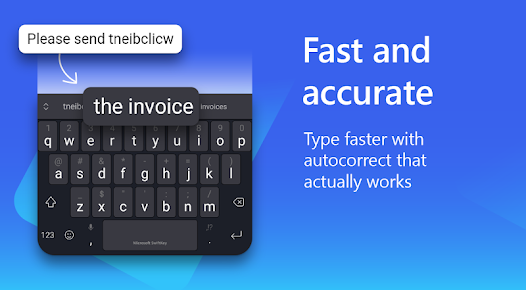
SwiftKey's smart autocorrect feature learns from your typing habits and improves over time, ensuring that your messages are not only accurate but also contextually appropriate. It anticipates common mistakes and corrects them seamlessly, allowing for a smoother typing experience without the frustration of constant errors.

Pros & Cons

Pros
  • Smart predictions for faster typing experience
  • Personalized suggestions adapt to your writing style
  • Multilingual support for seamless communication
  • Customizable themes for a personalized look
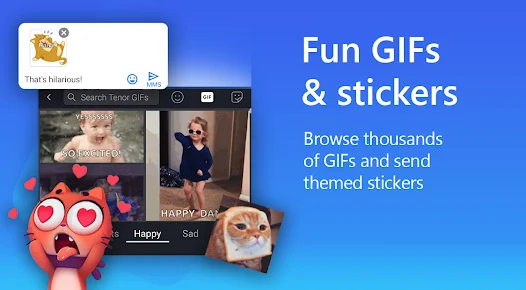
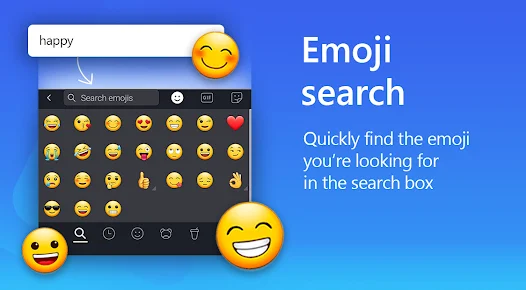
  • Easy access to emojis and GIFs for expression
Cons
  • Limited customization options for appearance and layout
  • Occasionally mispredicts user intent in typing
  • Slower performance on older devices compared to rivals
  • Privacy concerns regarding data collection practices

Real Experience Using Microsoft SwiftKey AI Keyboard

Application Scenarios

The Microsoft SwiftKey AI Keyboard excels in a variety of application scenarios, making it a versatile tool for both casual users and professionals. Whether you’re texting friends, composing emails, or engaging in social media, SwiftKey adapts to your writing style, offering personalized predictions and autocorrections. One of the standout features is its multi-language support, which allows seamless switching between languages, making it ideal for bilingual users or anyone working in a multilingual environment. Furthermore, its integration with popular apps like WhatsApp, Messenger, and email clients enhances productivity, ensuring that you can communicate efficiently without constantly switching keyboards.

User Experience

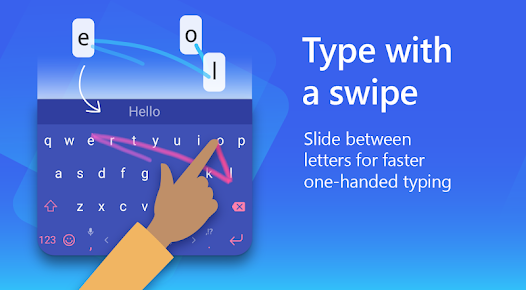
The user experience with Microsoft SwiftKey is generally positive, with its intuitive interface and smooth functionality being major highlights. Users appreciate the keyboard's ability to learn from their typing habits, resulting in increasingly accurate predictions over time. The customizable themes and layout options allow for a personalized touch, ensuring that users can create a keyboard that suits their aesthetic preferences. Additionally, the swipe typing feature is exceptionally responsive, making it easier to type quickly without sacrificing accuracy. However, some users have reported occasional glitches and lags, particularly when switching between apps or during intensive typing sessions. Overall, the combination of advanced AI-driven features and user-friendly design makes SwiftKey a compelling choice for anyone looking to enhance their typing experience.

Pricing

Microsoft SwiftKey is available as a free download on both Android and iOS platforms, which is a significant advantage compared to other premium keyboard apps. There are no hidden fees or subscription models, allowing users to access all features without financial commitment. This makes it a highly attractive option for users who want a robust keyboard solution without spending money. While the app does offer optional in-app purchases for additional themes and customization options, the core functionality remains entirely free, providing excellent value for users looking for a high-quality keyboard experience.

Updates & Support

The development team behind Microsoft SwiftKey is committed to regular updates, which not only enhance the app’s functionality but also address any bugs or performance issues reported by users. Users can expect frequent updates that introduce new features, improve existing ones, and adapt to changing user needs. Support is readily available through the app, offering a comprehensive help section and access to community forums, where users can share tips and troubleshoot issues. This proactive approach to updates and support ensures that SwiftKey remains a reliable and efficient tool for its user base, keeping pace with technological advancements and user expectations.

verified Security & Privacy Review

The Microsoft SwiftKey AI Keyboard prioritizes user security and privacy, implementing robust measures to protect personal information. The app processes data locally on the device, minimizing the need for sensitive information to be transmitted over the internet. Users have control over their data, with options to disable cloud services and personalized predictions, ensuring that typing habits remain private. SwiftKey requests permissions that are essential for its functionality, such as access to the device's keyboard and storage. However, it does not require access to more intrusive data, like location or contacts, unless explicitly needed for certain features. The app's privacy policy outlines how user data is collected, used, and shared, providing transparency regarding third-party involvement. Moreover, SwiftKey employs encryption protocols to safeguard data during transmission, further enhancing user privacy. Regular updates help address potential vulnerabilities, ensuring the app remains secure. Overall, SwiftKey demonstrates a commitment to protecting user privacy while delivering a personalized typing experience.

Reviews

4.4

“Intuitive and user-friendly interface enhances typing experience.”

“Predictive text is remarkably accurate and helpful.”

“Customizable themes make it visually appealing.”

“Swipe typing feature is fast and efficient.”

“Occasional glitches, but overall a solid keyboard.”

Editor's Choice