This site uses cookies to enhance your user experience. By clicking any link on this site you are giving your consent to our cookie policy. Read more
Reject
Accept All

Advertiser and Editorial Disclosures

e-Sword: Bible Study to Go

e-Sword: Bible Study to Go

verified Verified App

Developer: Rick Meyers

  • category

    Category: Books & Reference

  • price

    Price: $2.99

  • age rating

    Age Rating: Everyone

  • rating

    Rating: 4.6

  • download

    Downloads: 100,000+

  • version

    Version: 7.0.1

Screenshot 1
Screenshot 2
Screenshot 3
Screenshot 4
Screenshot 5
Screenshot 6
Screenshot 7
Screenshot 8
Screenshot 9
Screenshot 10
Screenshot 11
Screenshot 12
Screenshot 13
Screenshot 14
Screenshot 15
Screenshot 16
Screenshot 17
Screenshot 18
Screenshot 19
Screenshot 20

Features & Highlights

Comprehensive Resource Library

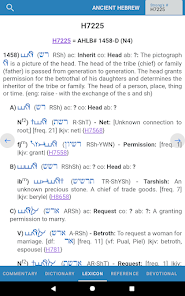
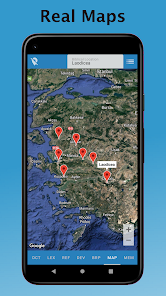
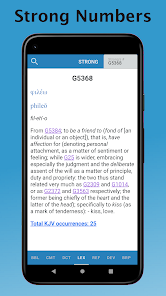
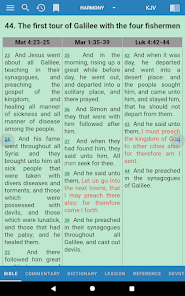
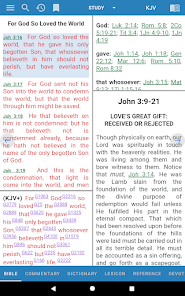
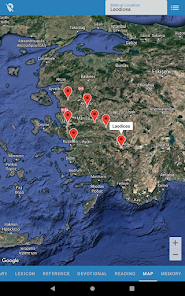
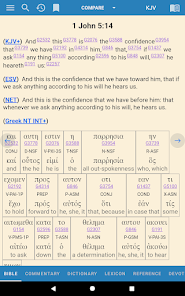
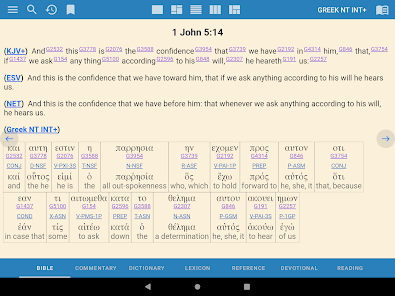
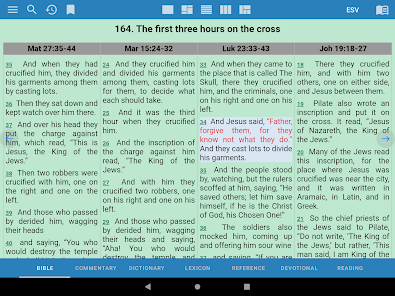
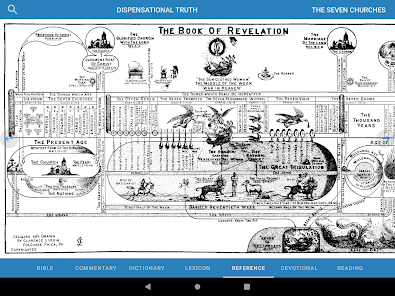
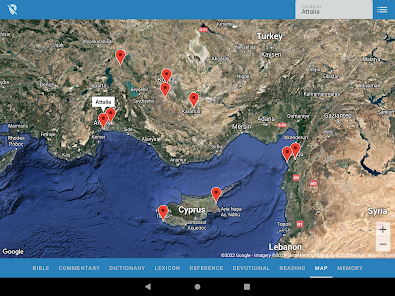
The app boasts an extensive library of commentaries, dictionaries, and maps, all designed to enhance your understanding of the Bible. With a few taps, you can dive deep into theological insights and historical context, enriching your study experience and providing a well-rounded perspective on the scriptures.

Customizable Study Plans

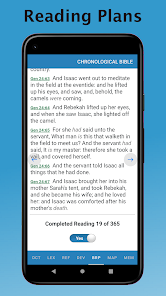
e-Sword allows you to create personalized study plans tailored to your spiritual goals. Whether you're focusing on a specific book of the Bible or exploring particular themes, you can easily organize your study sessions and track your progress, making your learning journey more structured and rewarding.

Offline Access

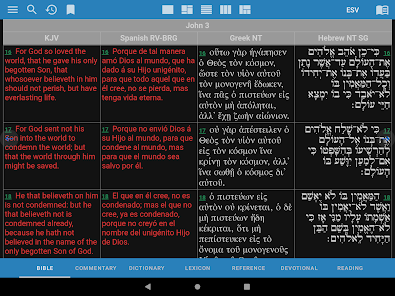
With e-Sword: Bible Study to Go, you can access a wealth of biblical resources without needing an internet connection. This feature allows you to study scriptures, notes, and various translations anytime, anywhere, making your spiritual journey uninterrupted and flexible for your daily life.

User-Friendly Interface

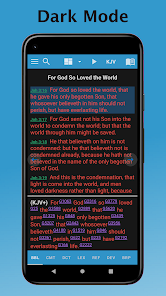
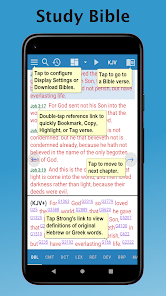
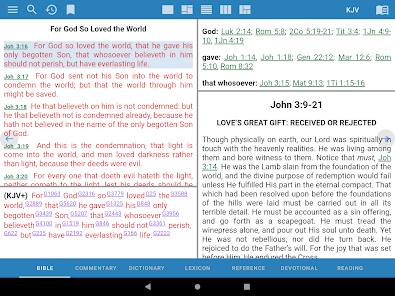
Designed with ease of use in mind, e-Sword features an intuitive interface that makes navigation a breeze. Whether you're a seasoned scholar or a newcomer to Bible study, you’ll appreciate the straightforward layout that helps you find what you need quickly, keeping your focus on the Word.

Pros & Cons

Pros
  • Access a vast library of Bible translations and resources anytime, anywhere.
  • User-friendly interface simplifies navigation and enhances your study experience.
  • Integrated tools like notes and bookmarks help organize your insights effectively.
  • Customizable features allow personalized study plans to fit your learning style.
  • Regular updates ensure you have the latest resources and features available.
Cons
  • Limited customization options may hinder personalized study experiences.
  • Some features require additional purchases, increasing overall costs.
  • The interface can be overwhelming for new users unfamiliar with digital tools.

Real Experience Using e-Sword: Bible Study to Go

Application Scenarios

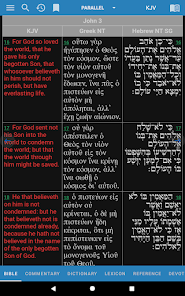
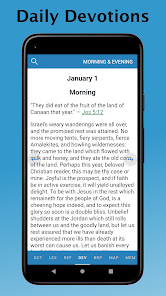
e-Sword: Bible Study to Go serves a multitude of scenarios for users seeking a deeper understanding of the Bible. Whether you are a student preparing for a sermon, a casual reader looking to explore scripture more thoroughly, or someone engaged in group Bible studies, this app is tailored to cater to your needs. The app provides easy access to various translations of the Bible, commentaries, dictionaries, and devotionals, making it a versatile tool for both personal and group study settings. You can use it during church services, at home, or even while commuting, as it allows for offline access to downloaded resources. The ability to highlight verses and take notes directly in the app also enhances its usability during discussions or personal reflections.

User Experience

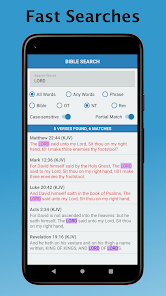
Users often rave about the clean and intuitive interface of e-Sword. The app’s layout is user-friendly, allowing for seamless navigation through different texts and resources. The search functionality is robust, enabling users to quickly locate specific verses or topics. Moreover, the app supports various customization options, such as font size adjustments and background themes, which enhance readability and comfort during prolonged use. Feedback from users indicates that the app’s performance is generally stable, with minimal crashes or slowdowns. The ability to sync notes across devices adds to the overall experience, ensuring that users can access their personalized content anytime, anywhere.

Pricing

e-Sword: Bible Study to Go operates on a freemium model, which means that the core app is free to download and use. This makes it accessible to a wide audience, including those who might be hesitant to invest in paid Bible study tools. While many valuable features and resources are available at no cost, users have the option to purchase additional modules and resources, such as specific commentaries, devotional books, and study guides. These paid options are reasonably priced, providing good value for those looking to expand their library and enhance their study experience. Overall, the pricing structure allows users to customize their experience based on their individual needs and budget.

Updates & Support

The developers of e-Sword are committed to providing regular updates to enhance the app’s functionality and user experience. These updates often include new features, bug fixes, and the addition of more resources. Users can easily access the latest version through their app store, ensuring they always have the most up-to-date tools at their disposal. Customer support is also a notable aspect of e-Sword; users can reach out for assistance via email or through the app’s support section. Many users report positive experiences with the support team, noting that they are responsive and helpful in addressing inquiries and concerns. This commitment to user satisfaction further solidifies e-Sword's reputation as a reliable and effective Bible study tool.

verified Security & Privacy Review

The e-Sword: Bible Study to Go app prioritizes user security and privacy through various measures. It does not require an account to access its features, minimizing the risk of unauthorized data collection. User data is primarily stored locally on the device, ensuring that personal notes and bookmarks remain private and are not transmitted to external servers. The app requests minimal permissions, focusing mainly on storage access for downloading additional resources and saving user preferences. This limited access reduces potential vulnerabilities associated with broader permissions that could compromise user data. e-Sword adheres to industry standards for data protection, utilizing encryption to safeguard any sensitive information. Furthermore, the absence of third-party advertising within the app means that user data is not shared or sold to advertisers, enhancing overall privacy. Users can feel confident that their biblical studies and personal notes are kept secure and confidential while using e-Sword.

Reviews

4.6

“Great resource for in-depth Bible study!”

“User-friendly interface, easy to navigate.”

“Excellent variety of translations and resources available.”

“Offline access is a game changer for studying.”

“Highly recommend for anyone serious about scripture.”

FAQ

1

Can I submit suggestions or feedback to e-Sword: Bible Study to Go?

Yes, users are encouraged to submit suggestions or feedback through the app's support section or via the official website, where the developers are open to user input.

2

Does e-Sword: Bible Study to Go collect my personal data?

e-Sword: Bible Study to Go respects user privacy and does not collect personal data unless explicitly provided for specific features or services.

3

Does e-Sword: Bible Study to Go support offline use?

Yes, e-Sword: Bible Study to Go allows users to download content for offline use, so you can study the Bible without needing an internet connection.

4

How do I cancel my e-Sword: Bible Study to Go subscription?

You can cancel your subscription to e-Sword: Bible Study to Go through your device's app store settings by following the cancellation instructions specific to that platform.

5

How much does a subscription to e-Sword: Bible Study to Go cost?

A subscription to e-Sword: Bible Study to Go typically varies in price depending on the features and resources selected, so users should check the app store for current pricing.

How to use e-Sword: Bible Study to Go

1

How can I contact Customer Service for e-Sword: Bible Study to Go?

You can contact Customer Service via their official website or through the app’s support section for assistance.

2

How do I find the Customer Number for e-Sword: Bible Study to Go?

The Customer Number can typically be found in the app settings or on your purchase receipt.

3

Is there a way to activate e-Sword: Bible Study to Go after purchase?

Activation is usually automatic upon purchase; ensure you are logged in with the same account used for the purchase.

4

What should I do if I forget my login information for e-Sword: Bible Study to Go?

Use the "Forgot Password" feature on the login screen to reset your credentials.

Editor's Choice