This site uses cookies to enhance your user experience. By clicking any link on this site you are giving your consent to our cookie policy. Read more
Reject
Accept All

Advertiser and Editorial Disclosures

Hoopla Digital

Hoopla Digital

verified Verified App

Developer: Midwest Tape LLC

  • category

    Category: Books & Reference

  • price

    Price: free

  • age rating

    Age Rating: Teen

  • rating

    Rating: 4.7

  • download

    Downloads: 5,000,000+

  • version

    Version: /

Screenshot 1
Screenshot 2
Screenshot 3
Screenshot 4
Screenshot 5
Screenshot 6
Screenshot 7
Screenshot 8
Screenshot 9
Screenshot 10
Screenshot 11
Screenshot 12
Screenshot 13
Screenshot 14
Screenshot 15
Screenshot 16
Screenshot 17
Screenshot 18
Screenshot 19
Screenshot 20
Screenshot 21
Screenshot 22
Screenshot 23
Screenshot 24
Screenshot 25
Screenshot 26
Screenshot 27
Screenshot 28
Screenshot 29

Features & Highlights

Diverse Content Selection

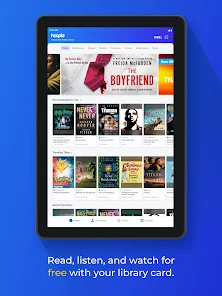
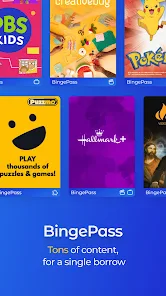
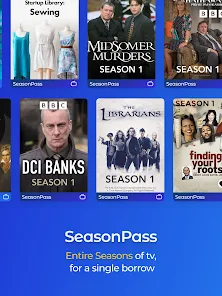
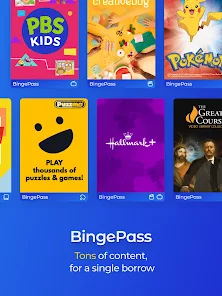
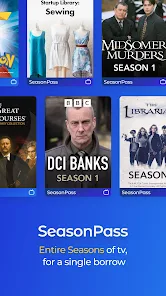
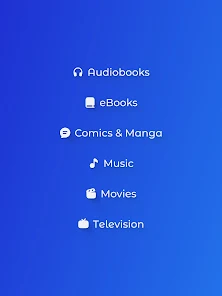
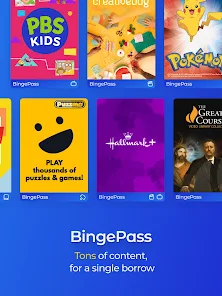
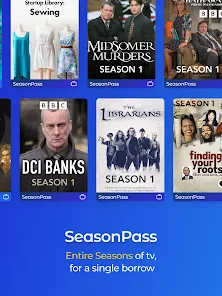
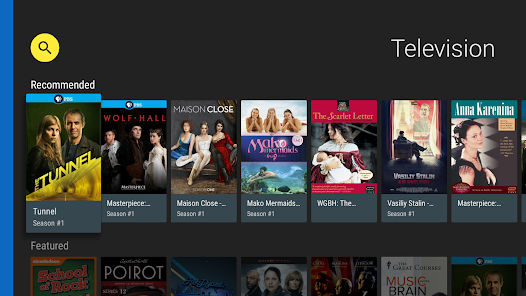
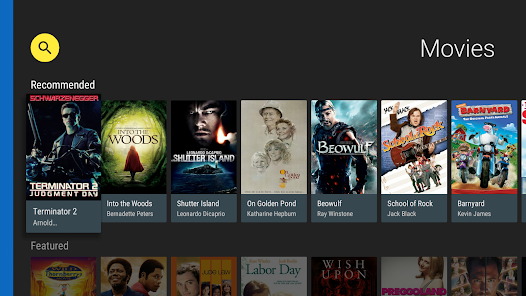
Hoopla Digital offers a rich and diverse selection of content, including popular titles across various genres. From best-selling novels to indie films and trending music, there's something for everyone, making it a fantastic resource for all types of media enthusiasts.
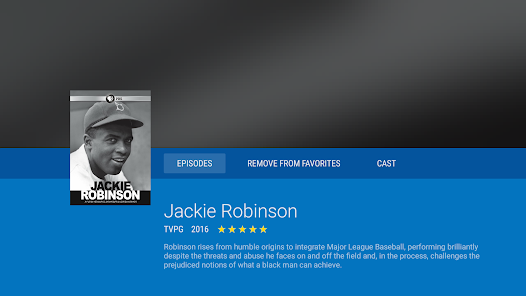
Instant Access

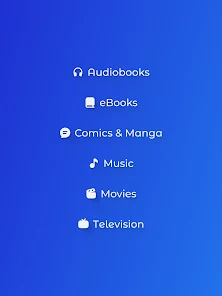
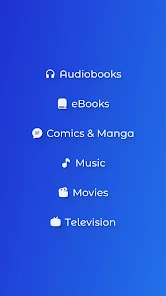
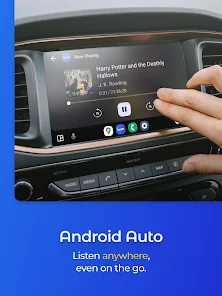
With Hoopla Digital, users can instantly borrow a wide array of eBooks, audiobooks, movies, and music, all from their favorite devices. Say goodbye to waiting lists; your next great read or listen is just a click away, available whenever you want it.

Offline Availability

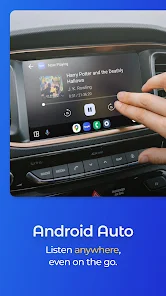
One of the standout features of Hoopla Digital is its offline access capability. Download your favorite titles to enjoy them anytime, anywhere, without needing an internet connection—perfect for travel or areas with spotty service.

User-Friendly Interface

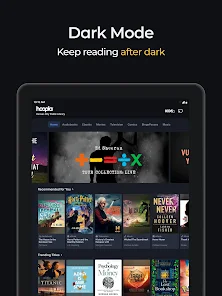
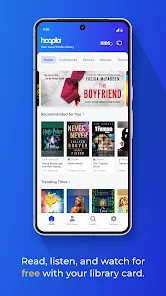
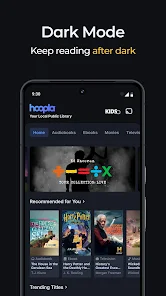
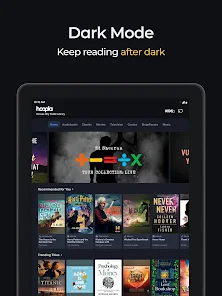
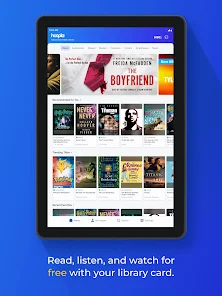
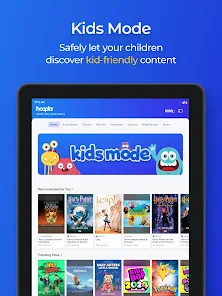
Hoopla Digital boasts an intuitive and easy-to-navigate interface that makes finding and borrowing content a breeze. Whether you're a tech novice or a seasoned pro, you'll appreciate how simple it is to explore your library's collection and enjoy your selections.

Pros & Cons

Pros
  • Access thousands of eBooks and audiobooks anytime.
  • Stream movies and music without extra fees.
  • User-friendly interface for easy navigation.
  • Available on multiple devices for convenience.
  • No waiting lists for instant access to content.
Cons
  • Limited selection compared to traditional libraries
  • Content availability can vary by region
  • Requires a library card for access
  • Streaming limits may frustrate frequent users

Real Experience Using Hoopla Digital

Application Scenarios

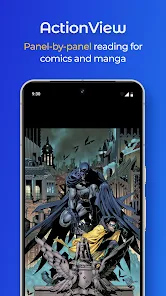
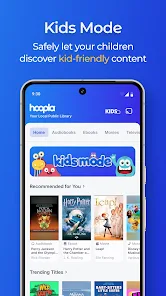
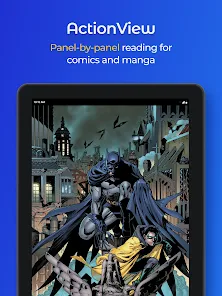
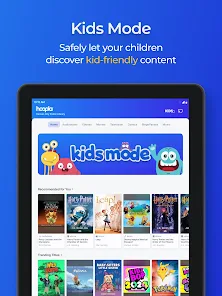
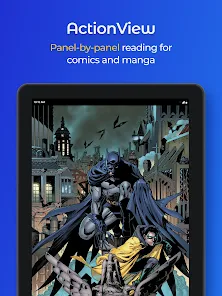
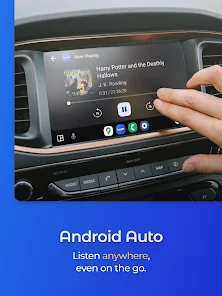
Hoopla Digital is a versatile app that caters to a wide range of users, making it an excellent choice for book lovers, podcast enthusiasts, and film buffs alike. Whether you are commuting to work, lounging at home, or seeking entertainment during your lunch break, Hoopla provides a seamless way to access digital content. Users can borrow eBooks, audiobooks, comics, movies, and music directly from their devices, making it convenient for those with busy lifestyles. The app is especially beneficial for students and professionals who need quick access to research materials or educational content, as well as families looking to entertain children with age-appropriate media. Moreover, the ability to download content for offline use enhances its practicality, allowing users to enjoy their favorite titles even without an internet connection.

User Experience

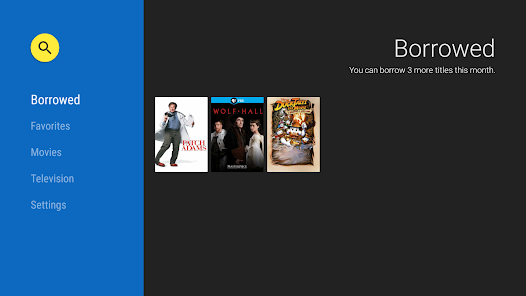
The user experience on Hoopla Digital is generally positive, characterized by a user-friendly interface that makes navigation easy for both tech-savvy individuals and those less familiar with digital platforms. The app’s design is clean and intuitive, allowing users to browse through categories, search for specific titles, and manage their borrowed items effortlessly. The borrowing process is straightforward, with instant access to titles without the need for waiting lists. Additionally, users can customize their reading or listening experience with adjustable playback speeds and font sizes, enhancing accessibility. However, some users have reported occasional glitches or slow loading times, which can detract from the overall experience. Despite these minor issues, the app's rich library and ease of use outweigh the drawbacks for many users.

Pricing

Hoopla Digital is free to use for library cardholders, which is one of its standout features. Users can access a vast collection of content without any subscription fees, provided their local library is a participating partner. Each month, users can borrow a set number of titles, which varies by library, making it an economical choice for consumers. This pricing model is particularly advantageous for families or individuals who enjoy consuming various forms of media but want to avoid the costs typically associated with subscription services. Moreover, there are no late fees, as all borrowed items automatically return themselves at the end of the borrowing period.

Updates & Support

Hoopla Digital regularly updates its app to enhance functionality and improve user experience. These updates often include bug fixes, performance enhancements, and the introduction of new features. The developers are attentive to user feedback, frequently incorporating suggestions into future releases. For support, the app provides a comprehensive help center where users can find FAQs, troubleshooting guides, and contact information for customer service. This commitment to support ensures that users can resolve any issues they encounter quickly, allowing for a smooth and enjoyable experience while using the app. Overall, Hoopla Digital stands out as an engaging and practical solution for accessing a wide variety of digital content.

verified Security & Privacy Review

Hoopla Digital prioritizes user security and privacy by implementing robust measures to safeguard personal data. The app encrypts sensitive information both in transit and at rest, ensuring that user data remains protected from unauthorized access. It adheres to industry-standard security protocols, which fosters a secure environment for borrowing and streaming digital content. In terms of privacy practices, Hoopla Digital is transparent about its data collection policies. The app collects minimal user information necessary for functionality, such as library card details and user preferences. Importantly, it does not sell or share personal data with third parties for marketing purposes. Users are encouraged to review the privacy policy to understand their rights and the data usage practices more comprehensively. Regarding permissions, Hoopla Digital requests access to specific device features, such as storage and network connectivity, to enhance user experience. Users have the ability to manage these permissions through their device settings, offering additional control over their data. Overall, Hoopla Digital demonstrates a commitment to maintaining user privacy and security throughout its platform.

Reviews

4.7

“Great selection of ebooks and audiobooks available!”

“User-friendly interface makes browsing easy.”

“Love the borrowing limits and no late fees!”

“Perfect for accessing library resources remotely.”

“Streaming movies is a fantastic bonus feature!”

FAQ

1

Does Hoopla Digital collect my personal data?

Yes, Hoopla Digital collects some personal data to provide services, such as your library card information and usage data, but it adheres to privacy policies to protect your information.

2

Does Hoopla Digital offer a free trial or free version?

Hoopla Digital does not offer a free trial, but it is free to use for library cardholders, as access to content is provided through participating libraries.

3

Does Hoopla Digital require an internet connection?

While an internet connection is required to initially borrow and download titles, many items can be accessed offline once they have been downloaded to your device.

4

How can I contact support or send feedback for Hoopla Digital?

You can contact Hoopla Digital support through their website, where you can find a help section with FAQs, or you can submit a support request for specific issues or feedback.

5

How do I manage or cancel my Hoopla Digital subscription?

Since Hoopla Digital is linked to your library account rather than a personal subscription, you manage your access through your library; if you wish to stop using the service, simply discontinue borrowing items.

How to use Hoopla Digital

1

Can I use hoopla Digital on multiple devices?

Yes, you can access hoopla Digital on multiple devices by logging in with the same account credentials.

2

Do I need to activate my hoopla Digital account?

Yes, after signing up, you need to activate your account via the confirmation email sent to you.

3

How can I contact customer service for the hoopla Digital app?

You can reach hoopla Digital customer service through their website or by emailing them directly at support

4

How do I activate my hoopla Digital account?

To activate, click the link in the confirmation email you received after signing up.

5

How do I log in to the hoopla Digital app?

Open the app, select "Log In," enter your email and password, then tap "Log In" to access your account.

Editor's Choice