This site uses cookies to enhance your user experience. By clicking any link on this site you are giving your consent to our cookie policy. Read more
Reject
Accept All

Advertiser and Editorial Disclosures

Soundtrap: Music Making Studio

Soundtrap: Music Making Studio

verified Verified App

Developer: Soundtrap

  • category

    Category: Music & Audio

  • price

    Price: free

  • age rating

    Age Rating: Everyone

  • rating

    Rating: 3.2

  • download

    Downloads: 1,000,000+

  • version

    Version: /

Screenshot 1
Screenshot 2
Screenshot 3
Screenshot 4
Screenshot 5
Screenshot 6
Screenshot 7
Screenshot 8
Screenshot 9
Screenshot 10
Screenshot 11
Screenshot 12
Screenshot 13
Screenshot 14
Screenshot 15
Screenshot 16
Screenshot 17

Features & Highlights

Collaborative Music Creation

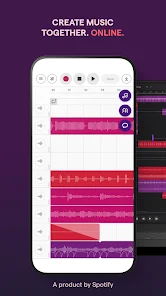
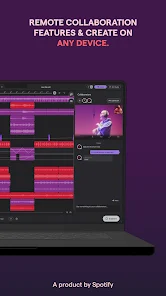
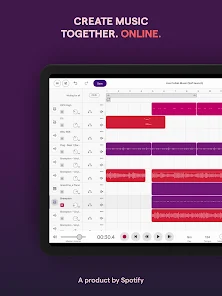
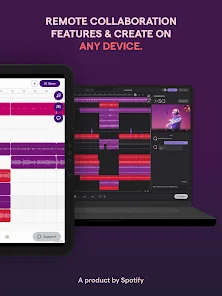
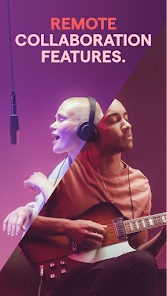
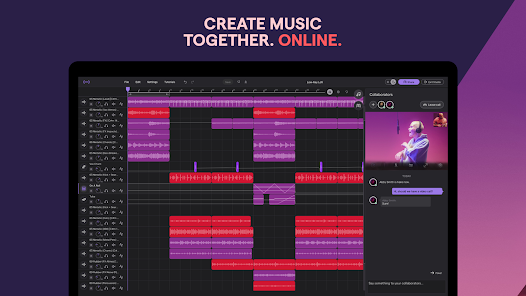
Soundtrap allows multiple users to work on a project simultaneously, making it perfect for teamwork. You can invite friends or fellow musicians to join your session, share ideas in real-time, and create music together, regardless of their physical location. Collaboration has never been easier or more fun!

Cross-Platform Accessibility

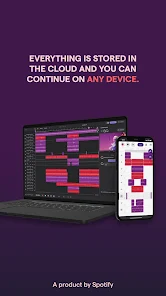
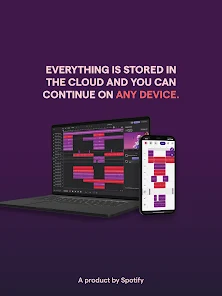
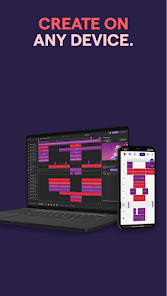
Soundtrap is available on various devices, including desktops and mobile phones, allowing you to create music anytime, anywhere. This cross-platform functionality means you can start a project on your laptop and continue working on it from your smartphone. Stay productive and inspired, no matter where you are!

Extensive Sound Library

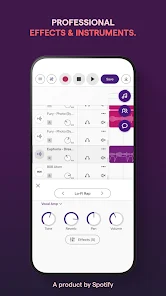
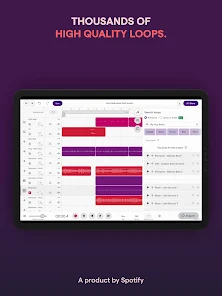
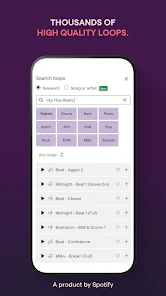
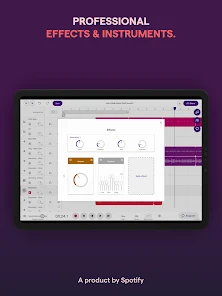
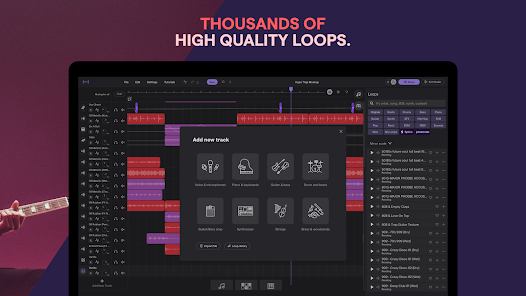
With an extensive collection of loops, samples, and virtual instruments, Soundtrap provides everything you need to spark your creativity. Whether you're into hip-hop, rock, or electronic music, you'll find the right sounds to elevate your tracks. This diverse sound library makes it simple to experiment and discover new musical styles.

User-Friendly Interface

Designed with simplicity in mind, Soundtrap features an intuitive interface that helps users of all skill levels navigate the music-making process. Whether you're a beginner or a seasoned pro, you'll appreciate how easy it is to record, edit, and mix your music. Creating great tracks has never been so accessible.

Pros & Cons

Pros
  • Create music collaboratively in real-time with friends or colleagues online.
  • Access a vast library of loops and samples for endless creativity.
  • Record high-quality audio directly from your browser without extra software.
  • User-friendly interface makes music production accessible for all skill levels.
  • Integrate with various tools and platforms for a seamless workflow.
Cons
  • Limited offline capabilities hinder collaboration and access when internet is unavailable
  • Subscription costs can accumulate, making it less budget-friendly for casual users
  • The interface may overwhelm beginners due to its extensive features and complexity

Real Experience Using Soundtrap: Music Making Studio

Application Scenarios

Soundtrap: Music Making Studio is designed for a variety of users, from budding musicians to seasoned producers. It's an ideal platform for anyone looking to create music on the go, whether you're in a coffee shop, at home, or in a studio with friends. The app excels in collaborative environments, allowing multiple users to work on a project simultaneously, regardless of their geographical locations. This makes it particularly appealing for bands and music groups who want to compose tracks together without the need for physical presence. Additionally, educators can utilize Soundtrap in classrooms to teach music production and songwriting techniques, making it an excellent tool for music educators looking to enhance their curriculum.

User Experience

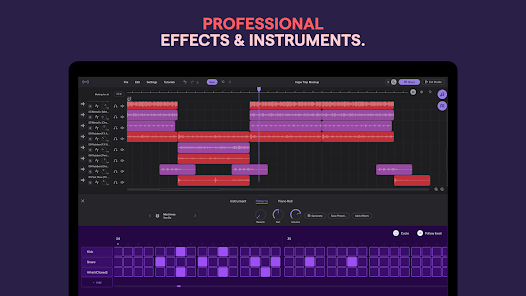
The user experience in Soundtrap is both intuitive and engaging. Upon opening the app, users are greeted with a clean and user-friendly interface that simplifies the music-making process. The drag-and-drop functionality allows for easy manipulation of audio clips, loops, and virtual instruments. Users can experiment with various sound options and effects, providing a creative playground for musical exploration. The built-in tutorials are a significant plus, guiding new users through the features while also inspiring seasoned musicians to explore advanced capabilities. Additionally, the app supports various audio formats, making it versatile for different types of projects, whether they involve recording vocals, playing instruments, or mixing tracks.

Pricing

Soundtrap operates on a freemium model, offering a free tier that provides access to basic features, enabling users to create and save their music. However, to unlock the full potential of the app, users can subscribe to one of the premium plans. These plans are competitively priced and offer advanced features such as unlimited projects, additional loops, and exclusive access to high-quality audio files. The subscription options are available on a monthly or annual basis, making it flexible for users depending on their commitment level. Overall, the pricing structure is reasonable, especially considering the breadth of tools and resources provided for music creation.

Updates & Support

Soundtrap is regularly updated with new features, improved functionalities, and bug fixes, ensuring that users have access to the latest tools for music production. The development team actively listens to user feedback, which is reflected in the continuous enhancements made to the app. For users seeking assistance, Soundtrap offers robust support resources, including an extensive FAQ section, tutorials, and community forums where users can connect with each other. Additionally, customer support is responsive, addressing inquiries and issues in a timely manner. This commitment to user satisfaction contributes significantly to a positive overall experience.

verified Security & Privacy Review

Soundtrap: Music Making Studio prioritizes user security and privacy, incorporating robust measures to protect personal information. The app employs encryption protocols to safeguard data during transmission, ensuring that sensitive information remains secure. Users are informed about the types of data collected, which include account details, usage statistics, and content created within the app. The app requests specific permissions to function effectively, such as access to the device's microphone and storage. Users have control over these permissions and can manage them through their device settings. Soundtrap adheres to stringent privacy policies, ensuring that user data is not sold to third parties and is only utilized for enhancing the user experience and service improvements. Additionally, the app provides users with options to manage their privacy settings, including the ability to delete accounts and associated data if desired. Overall, Soundtrap demonstrates a commitment to maintaining user privacy and fostering a secure environment for music creation.

Reviews

3.2

“User-friendly interface for beginners and pros alike”

“Great collaboration features with real-time editing”

“Wide range of sounds and instruments available”

“Excellent for remote music projects and teamwork”

“Affordable pricing with powerful functionality”

FAQ

1

Can I submit suggestions or feedback to Soundtrap: Music Making Studio?

Yes, users can submit suggestions or feedback through the support section of the app or website, where they can often find contact forms or community forums.

2

Does Soundtrap: Music Making Studio collect my personal data?

Yes, Soundtrap collects personal data as outlined in their privacy policy, which includes information such as your email address and usage data to enhance user experience.

3

Does Soundtrap: Music Making Studio support offline use?

Soundtrap primarily requires an internet connection for full functionality, and offline use is limited; however, some features may be available in offline mode on mobile apps.

4

How do I cancel my Soundtrap: Music Making Studio subscription?

You can cancel your subscription through your account settings on the Soundtrap website or app, following the prompts to manage your subscription.

5

How much does a subscription to Soundtrap: Music Making Studio cost?

Subscription prices vary based on the plan chosen, with options for individual, team, and education plans, typically ranging from a monthly or annual fee.

How to use Soundtrap: Music Making Studio

1

Can I access my Soundtrap account from multiple devices?

Yes, you can log in to your Soundtrap account from any device as long as you have your login credentials.

2

Can I log in with social media accounts?

Yes, you can log in to Soundtrap using your Google or Facebook account if you linked those during registration.

3

How can I contact Customer Service for Soundtrap?

You can reach Customer Service through the Help Center on our website or by emailing support

4

How do I activate my Soundtrap account after sign-up?

To activate your account, check your email for an activation link from Soundtrap and follow the instructions provided.

5

How do I update my account information after logging in?

After logging in, go to your account settings to update your profile and other information as needed.

Editor's Choice