This site uses cookies to enhance your user experience. By clicking any link on this site you are giving your consent to our cookie policy. Read more
Reject
Accept All

Advertiser and Editorial Disclosures

Spotify: Music and Podcasts

Spotify: Music and Podcasts

verified Verified App

Developer: Spotify AB

  • category

    Category: Music & Audio

  • price

    Price: free

  • age rating

    Age Rating: Teen

  • rating

    Rating: 4.3

  • download

    Downloads: 1,000,000,000+

  • version

    Version: /

Screenshot 1
Screenshot 2
Screenshot 3
Screenshot 4
Screenshot 5
Screenshot 6
Screenshot 7
Screenshot 8
Screenshot 9
Screenshot 10
Screenshot 11
Screenshot 12
Screenshot 13
Screenshot 14
Screenshot 15
Screenshot 16
Screenshot 17
Screenshot 18
Screenshot 19
Screenshot 20
Screenshot 21
Screenshot 22
Screenshot 23
Screenshot 24
Screenshot 25
Screenshot 26
Screenshot 27
Screenshot 28
Screenshot 29
Screenshot 30
Screenshot 31
Screenshot 32
Screenshot 33
Screenshot 34
Screenshot 35
Screenshot 36
Screenshot 37
Screenshot 38
Screenshot 39
Screenshot 40

Features & Highlights

Cross-Platform Sync

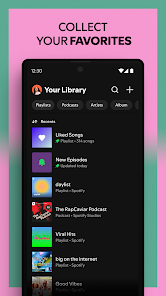
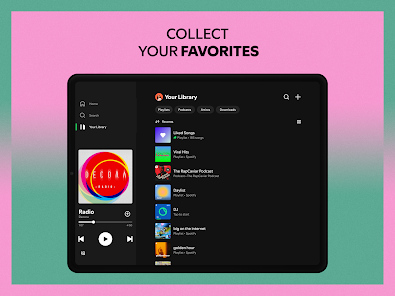
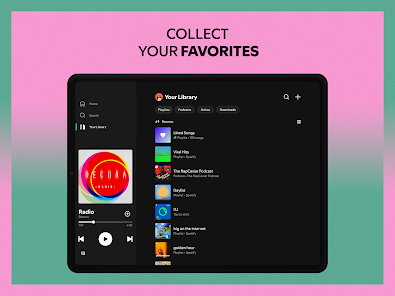
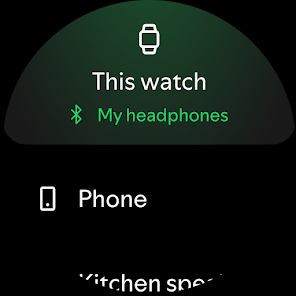
Spotify allows you to sync your music and podcast preferences across all your devices effortlessly. Whether you're on your phone, tablet, or computer, you can pick up right where you left off, making it easy to enjoy your content anywhere, anytime.

Offline Listening

With Spotify's offline listening feature, you can download your favorite songs and podcasts to enjoy them without an internet connection. This is perfect for on-the-go situations, like commuting or traveling, ensuring your entertainment is always accessible, no matter where you are.

Personalized Playlists

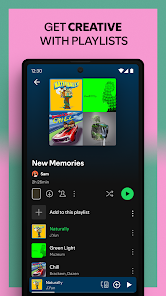
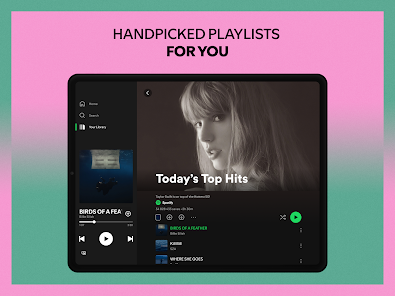
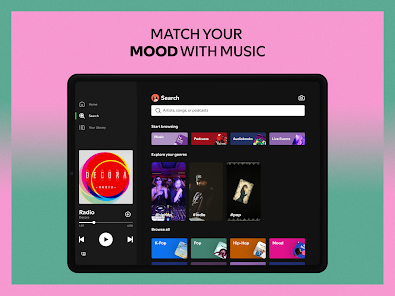
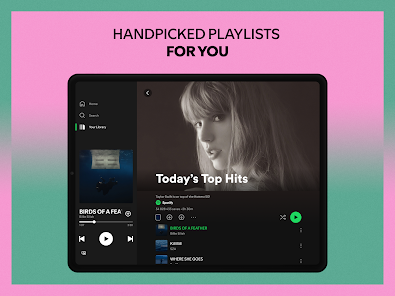
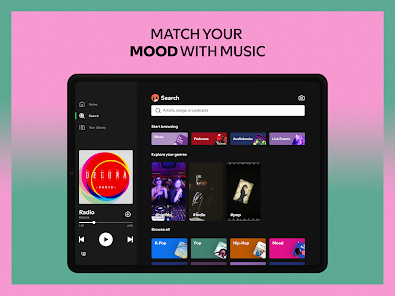
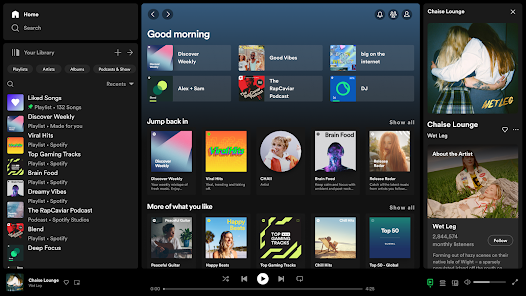
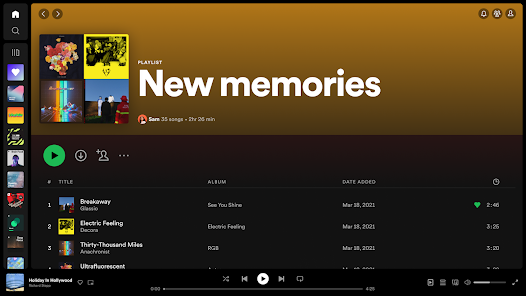
Spotify offers expertly curated playlists tailored to your taste, ensuring you discover new music and enjoy your favorites. With features like Daily Mix and Discover Weekly, you'll always have fresh tunes that resonate with your mood and preferences, making every listening experience unique and enjoyable.

Podcast Integration

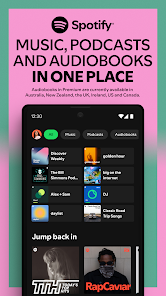
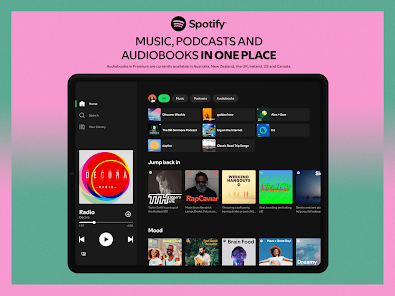
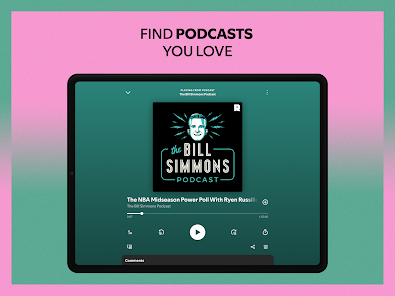
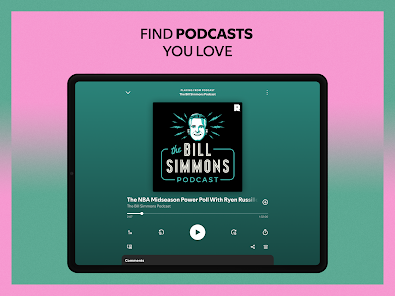
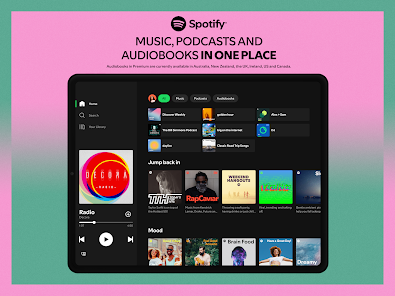
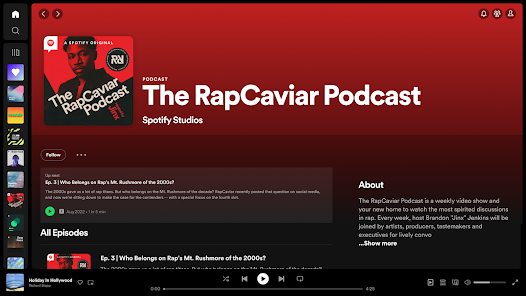
Dive into an extensive library of podcasts across various genres seamlessly integrated within the Spotify app. Whether you’re into true crime, comedy, or self-improvement, you can easily find and follow your favorite shows, allowing you to enjoy both music and podcasts in one convenient platform.
Pros & Cons

Pros
  • Vast library of songs and podcasts available anytime.
  • Personalized playlists tailored to your listening habits.
  • Discover new artists and genres easily with recommendations.
  • Offline listening allows music access without internet.
  • User-friendly interface enhances your overall experience.
Cons
  • Limited offline listening options for free users
  • Ad-supported version interrupts music with ads
  • Music catalog may lack some popular titles
  • Algorithmic recommendations can feel repetitive

Real Experience Using Spotify: Music and Podcasts

Application Scenarios

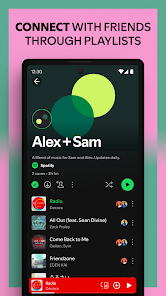
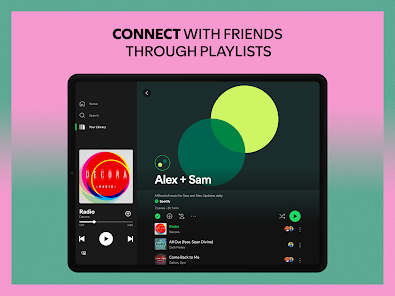
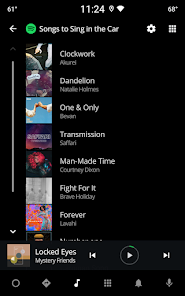
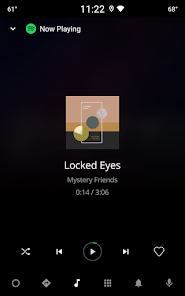
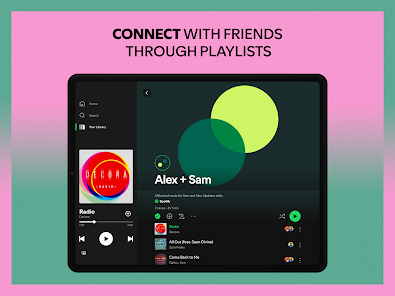
Spotify is an incredibly versatile app that caters to a wide range of listening scenarios. Whether you are commuting to work, exercising at the gym, or relaxing at home, Spotify provides a seamless music and podcast experience. The app allows users to create personalized playlists, explore curated content, and discover new artists based on their listening habits. For students studying late at night, Spotify offers a variety of ambient and focus playlists designed to enhance concentration. Additionally, for social gatherings, users can create collaborative playlists, enabling friends to contribute their favorite tracks. The ability to download music for offline listening is particularly beneficial for users who want to save data or enjoy music where internet access is limited.

User Experience

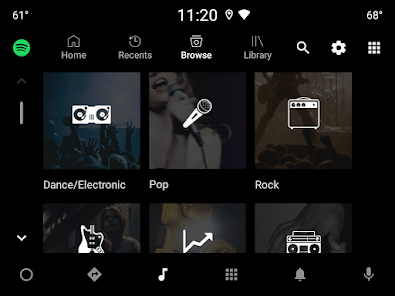
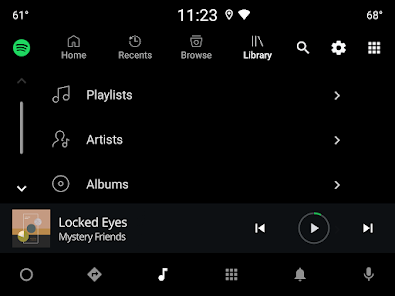
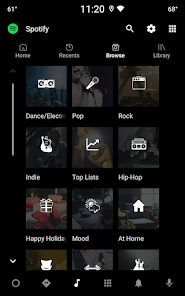
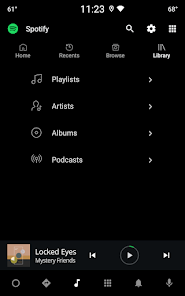
The user experience on Spotify is generally smooth and intuitive. The app's interface is sleek and modern, making it easy to navigate through its vast library of songs, albums, and podcasts. Users can quickly search for specific tracks or browse through suggested playlists tailored to their tastes. The integration of algorithms that generate personalized recommendations enhances the experience, as listeners are frequently introduced to new music that aligns with their preferences. Additionally, Spotify’s social features allow users to follow friends and see what they are listening to, creating a sense of community. However, some users may find that the frequent advertisements in the free version can disrupt their listening experience, leading them to consider upgrading to a premium account.

Pricing

Spotify offers several pricing tiers to accommodate different user needs. The free version provides access to a limited selection of music and includes ads, making it a good option for casual listeners. For those seeking an ad-free experience, Spotify Premium is available at a monthly fee, which also allows for offline listening and unlimited skips. Students can benefit from a discounted rate on Premium subscriptions, making it an attractive option for young users. Additionally, Spotify offers a family plan that allows multiple users to share a single account at a reduced rate, which is ideal for households that enjoy music together.

Updates & Support

Spotify is committed to enhancing its platform with regular updates that introduce new features and improve user experience. Recent updates have focused on refining the podcast interface, adding more personalized playlists, and integrating social sharing options. The app also provides a robust support system, with a detailed help center available online, addressing common inquiries and technical issues. Users can also reach out via social media channels or through the app for support, ensuring that assistance is readily available. Overall, Spotify continues to evolve, keeping pace with user demands and industry trends.

verified Security & Privacy Review

Spotify takes user security and privacy seriously, implementing various measures to protect personal information. The app employs encryption protocols to secure data transmission between users and its servers, minimizing the risk of unauthorized access. Additionally, Spotify's privacy policy outlines how user data is collected, used, and shared, providing transparency regarding its data handling practices. Users are required to grant specific permissions for the app to function optimally, including access to device storage, microphone, and location services. While these permissions enhance user experience, they may raise privacy concerns for some. Spotify allows users to manage these permissions through their device settings, giving them control over what data is shared. Spotify also offers privacy settings that enable users to limit the visibility of their activity and manage data sharing with third parties. Despite these measures, users should remain vigilant about the information they share and regularly review their privacy settings to ensure their data is adequately protected. Overall, Spotify demonstrates a commitment to safeguarding user privacy while providing a dynamic music and podcast experience.

Reviews

4.3

“Great music selection and easy to navigate!”

“Podcasts are fantastic and diverse.”

“Love the personalized playlists and recommendations.”

“Offline listening feature is a game changer.”

“Occasional ads disrupt the experience.”

FAQ

1

Does Spotify: Music and Podcasts collect my personal data?

Yes, Spotify: Music and Podcasts collects personal data, including user preferences and listening habits, to enhance the user experience and provide personalized recommendations. Users can review and manage their data privacy settings within the app.

2

Does Spotify: Music and Podcasts offer a free trial or free version?

Yes, Spotify: Music and Podcasts offers a free version with ads and limited features, as well as a free trial for its premium subscription that allows users to experience the full range of features without ads.

3

Does Spotify: Music and Podcasts require an internet connection?

While Spotify: Music and Podcasts primarily requires an internet connection for streaming, users can download songs and podcasts for offline listening with a premium subscription.

4

How can I contact support or send feedback for Spotify: Music and Podcasts?

You can contact Spotify support through their official website, where you can access help articles, submit a support request, or use community forums to share feedback and ask questions.

5

How do I manage or cancel my Spotify: Music and Podcasts subscription?

You can manage or cancel your Spotify: Music and Podcasts subscription through your account settings on the Spotify app or website, where you can follow the prompts to make changes to your subscription.

How to use Spotify: Music and Podcasts

1

How can I contact Spotify customer service?

You can reach Spotify customer service through their official website, in the app, or via social media. Look for the "Help" section for more options.

2

How can I reset my Spotify password?

Go to the Spotify login page, click "Forgot your password?" and follow the instructions to reset it via email.

3

How do I activate my Spotify account?

If you have a Spotify Premium code, log in, go to "Account," and select "Redeem." Enter the code to activate your subscription.

4

How do I log into my Spotify account?

Open the Spotify app or website, click "Log In," and enter your email or username and password.

5

Is there a way to contact Spotify support via chat?

Yes, Spotify offers a chat support option on their website under the "Help" section for immediate assistance.

Editor's Choice