This site uses cookies to enhance your user experience. By clicking any link on this site you are giving your consent to our cookie policy. Read more
Reject
Accept All
BandLab

BandLab

verified Verified App

Developer: BandLab Technologies

  • category

    Category: Music & Audio

  • price

    Price: free

  • age rating

    Age Rating: Teen

  • rating

    Rating: 4.6

  • download

    Downloads: 100,000,000+

  • version

    Version: 11.15.4

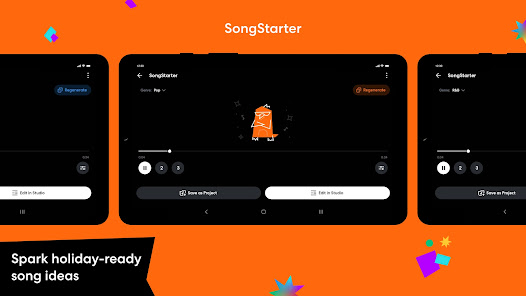
Screenshot 1
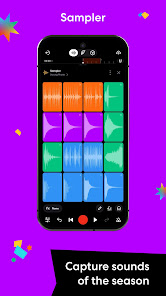
Screenshot 2
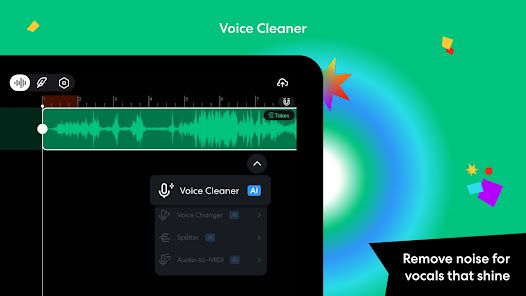
Screenshot 3
Screenshot 4
Screenshot 5
Screenshot 6
Screenshot 7
Screenshot 8
Screenshot 9
Screenshot 10
Screenshot 11
Screenshot 12
Screenshot 13
Screenshot 14
Screenshot 15
Screenshot 16
Screenshot 17
Screenshot 18
Screenshot 19
Screenshot 20
Screenshot 21
Screenshot 22
Screenshot 23
Screenshot 24

Features & Highlights

Built-In Loops and Samples

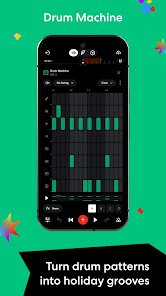
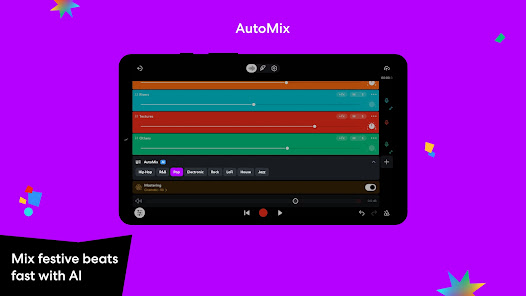
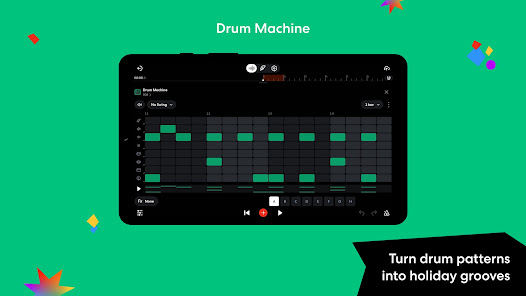
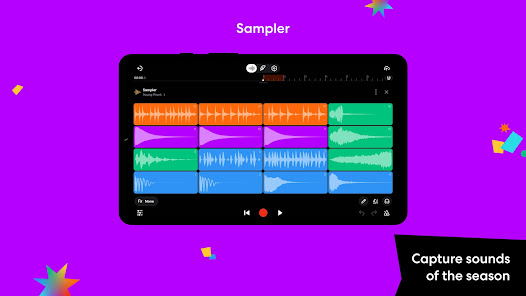
The app comes with an extensive library of loops and samples, making it easy to find the perfect sound to complement your compositions. Whether you're looking for beats, melodies, or sound effects, BandLab has you covered, allowing for endless creative possibilities.

Cloud-Based Storage

With BandLab's cloud-based storage, your projects are accessible anytime and anywhere. This means you can collaborate with fellow musicians in real-time, ensuring that your creative process is always in sync, regardless of where you are or what device you're using.

Multi-Track Recording

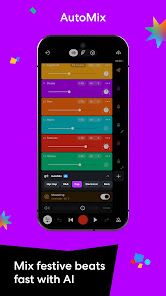
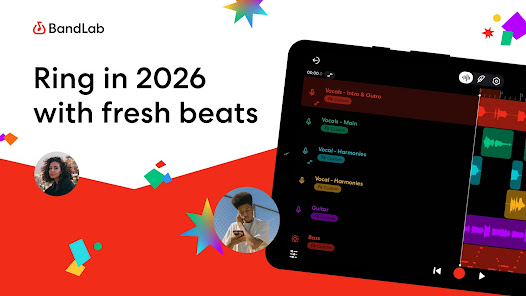
BandLab allows users to create complex soundscapes with its multi-track recording feature. You can layer different instruments, vocals, and sounds seamlessly, giving you the flexibility to experiment with your music and produce professional-quality tracks right from your device.

User-Friendly Interface

BandLab features an intuitive user interface designed for both beginners and experienced musicians. Navigating through various tools and options is a breeze, enabling you to focus more on your music creation rather than getting bogged down by complex settings.

Pros & Cons

Pros
  • User-friendly interface for easy music creation
  • Collaborative features for real-time teamwork
  • Extensive library of loops and samples available
  • Cloud storage for access anytime, anywhere
  • Cross-platform compatibility for seamless use
Cons
  • Limited advanced editing features for professionals
  • Audio quality may not match paid software
  • Requires stable internet for optimal use
  • Collaboration can be challenging with large teams

Real Experience Using BandLab

Application Scenarios

BandLab is a versatile platform that caters to musicians, podcasters, and audio enthusiasts alike. Whether you’re a solo artist looking to create your next hit or a band collaborating remotely, BandLab provides a seamless environment for music production. The application is particularly beneficial for those who wish to record and edit tracks on-the-go, as it is available on both mobile and desktop devices. Users can take advantage of its multi-track editor to layer sounds and mix music effectively. Additionally, podcasters can utilize BandLab's user-friendly interface to record high-quality audio, incorporate sound effects, and publish their episodes directly to various platforms. This flexibility allows for a wide range of creative expressions, making it an invaluable tool for anyone involved in audio production.

User Experience

One of the standout features of BandLab is its intuitive user interface, which makes it accessible for both beginners and experienced musicians. The drag-and-drop functionality simplifies the process of importing samples, while the built-in metronome and tuner help ensure that tracks stay in time and in tune. Users appreciate the extensive library of loops and samples, which can be easily integrated into projects. Collaboration is another strong point, as BandLab allows users to invite others to join in real-time on their projects, fostering a community-driven approach to music creation. The social features—such as sharing tracks and connecting with other artists—add an element of engagement, allowing users to showcase their work and receive feedback from peers.

Pricing

BandLab operates on a freemium model, offering users a comprehensive suite of tools at no cost. This is particularly appealing for aspiring musicians and podcasters who may not have the budget for expensive software. While the free version includes a robust set of features, there are optional upgrades available that provide additional storage and premium features. Overall, the pricing structure is designed to accommodate a wide range of users, making high-quality music production accessible to everyone.

Updates & Support

BandLab is committed to evolving its platform through regular updates, often incorporating user feedback to enhance the overall experience. The app frequently introduces new features, sound packs, and improvements that keep the software fresh and engaging. Customer support is readily available through various channels, including a comprehensive help center, community forums, and direct support options. This level of support ensures that users can find solutions to any issues they encounter, making the overall experience more enjoyable and productive.

verified Security & Privacy Review

BandLab takes user security and privacy seriously, implementing a range of measures to protect user data. The app employs encryption to safeguard data during transmission, ensuring that audio files and personal information remain secure from unauthorized access. Users can manage their privacy settings, granting or revoking permissions for microphone and camera access, which helps maintain control over what information is shared. Moreover, BandLab has a clear privacy policy that outlines how user data is collected, used, and shared. The app collects minimal personal information, primarily to enhance the user experience and provide tailored recommendations. Users are informed about data usage, and there are options to delete accounts and associated data if desired. Overall, BandLab demonstrates a commitment to user privacy with transparent practices and secure handling of data. While the app does request certain permissions, it is essential that users review these settings to ensure their comfort with the information being shared.

Reviews

4.6

“User-friendly interface makes music creation easy and fun”

“Great collaboration features for musicians”

“Regular updates enhance functionality and fix bugs”

“Sound quality is impressive for a mobile app”

“Community support is fantastic and encouraging”

Editor's Choice