This site uses cookies to enhance your user experience. By clicking any link on this site you are giving your consent to our cookie policy. Read more
Reject
Accept All

Advertiser and Editorial Disclosures

Pearson+ | Study help & eTexts

Pearson+ | Study help & eTexts

verified

Pearson Education, Inc.

4.7
Rating
500,000+ Downloads
1.2.122 Version
  • category

    Category: Education

  • price

    Price: free

  • age rating

    Age Rating: 10+

  • rating

    Rating: 4.7

  • available on

    Available on: /

  • updated on

    Updated on: Jun 29, 2026

Screenshot 1
Screenshot 2
Screenshot 3
Screenshot 4
Screenshot 5
Screenshot 6
Screenshot 7
Screenshot 8
Screenshot 9
Screenshot 10
Screenshot 11
Screenshot 12
Screenshot 13
Screenshot 14
Screenshot 15
Screenshot 16
Screenshot 17
Screenshot 18
Screenshot 19
Screenshot 20
Screenshot 21
Screenshot 22
Screenshot 23
Screenshot 24

Features & Highlights

Interactive eTextbooks

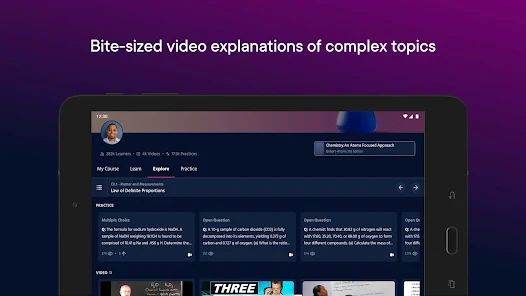
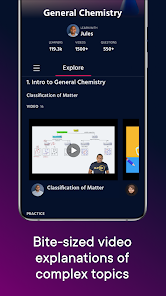
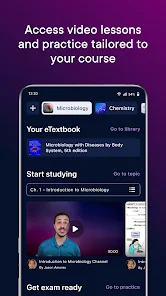
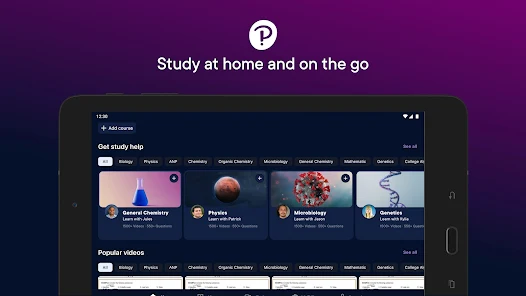
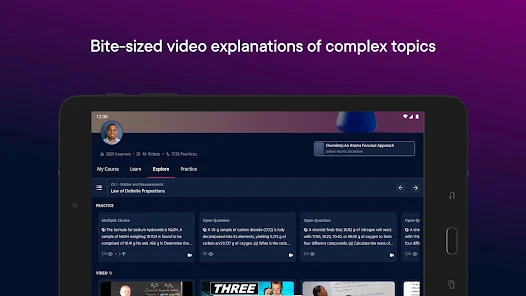
Pearson+ offers a vast library of interactive eTextbooks that enhance the learning experience. With features like embedded quizzes and multimedia resources, students can engage more deeply with the material, making study sessions more productive and enjoyable.

Offline Access

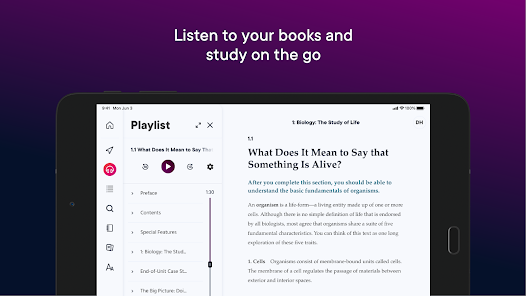
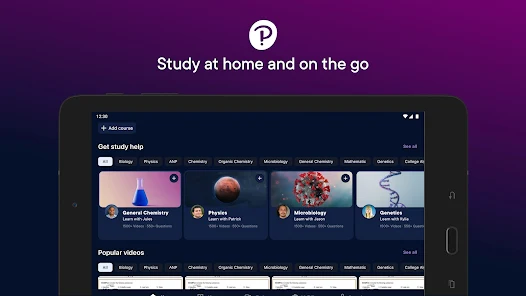
With Pearson+, users can download their eTexts for offline access, allowing for uninterrupted study sessions anywhere, anytime. This feature is especially beneficial for students on the go, ensuring they have their materials accessible without relying on a constant internet connection.

Personalized Learning Paths

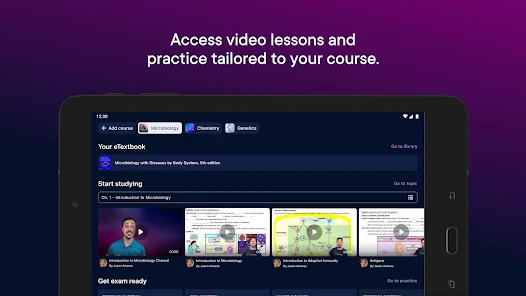
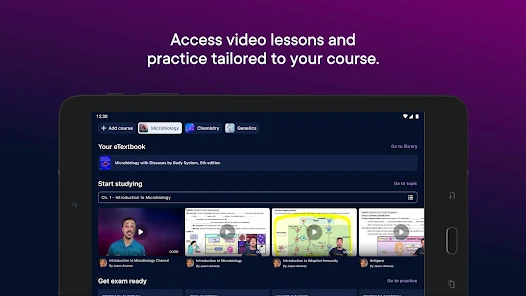
Pearson+ tailors the learning experience by offering personalized study paths based on individual progress and preferences. This adaptive approach ensures that users can focus on areas that need improvement while moving at their own pace, enhancing overall comprehension.

Study Aids & Tools

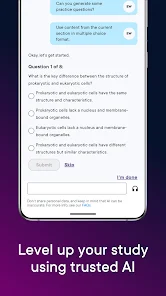
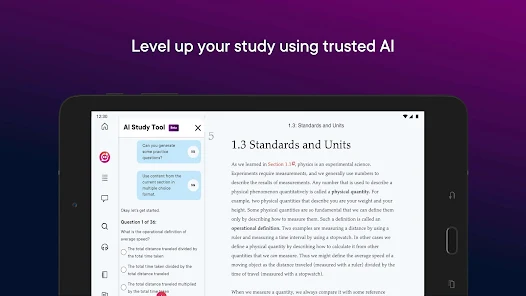
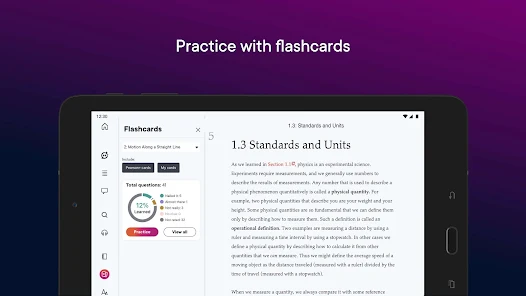
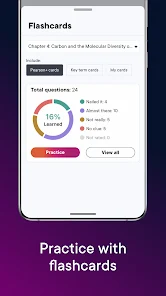
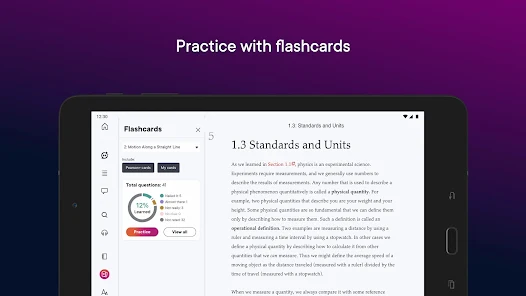
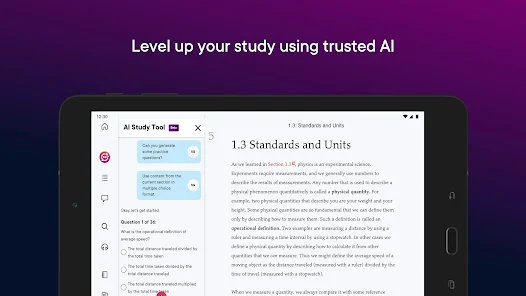
The app provides an array of study aids, including flashcards, summaries, and practice quizzes. These tools are designed to reinforce learning, helping students retain information and prepare effectively for exams, all within a user-friendly interface.

Pros & Cons

Pros
  • Access a vast library of eTexts for all your courses anytime, anywhere.
  • Enjoy interactive study tools that enhance comprehension and retention of material.
  • Benefit from personalized learning paths tailored to your unique study needs.
  • Collaborate easily with classmates through shared notes and resources.
  • Save money with affordable subscription options compared to traditional textbooks.
Cons
  • Limited access to physical textbooks may hinder comprehensive learning experiences.
  • Subscription costs can accumulate, making it less economical over time.
  • Technical issues can disrupt study sessions and hinder productivity.

Real Experience Using Pearson+ | Study help & eTexts

Application Scenarios

Pearson+ is designed to cater to a variety of educational needs, making it a versatile tool for students across different disciplines. Whether you're in high school, college, or pursuing advanced studies, Pearson+ provides a comprehensive platform for accessing a multitude of academic resources. Students can utilize the app to read eTexts for their courses, engage with interactive assignments, and prepare for exams effectively. For instance, a college student enrolled in a literature course can access required readings directly through the app, eliminating the need for bulky textbooks. Additionally, it serves as an invaluable resource for those studying for standardized tests, offering practice questions and study guides tailored to specific exams.

User Experience

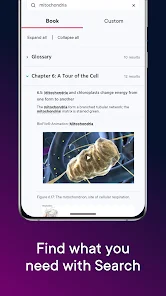
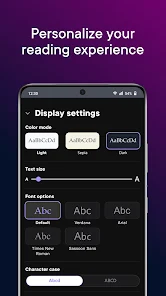
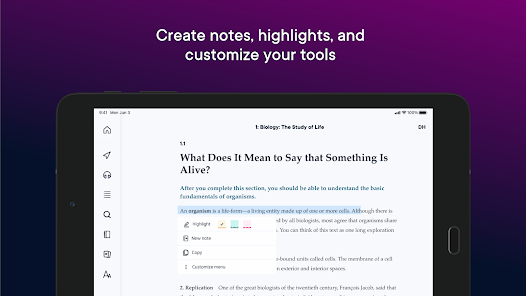
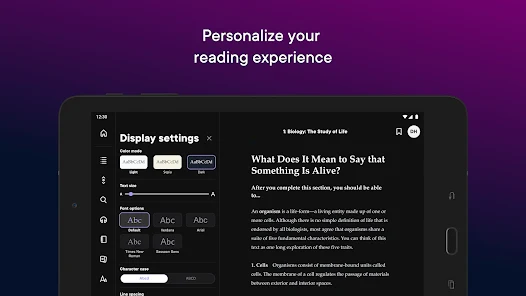
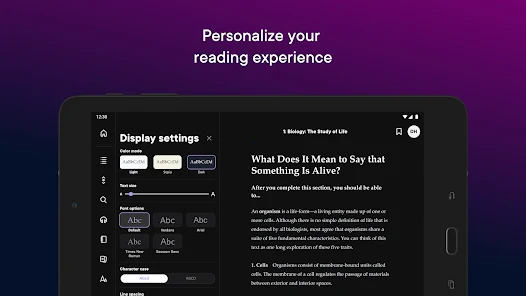
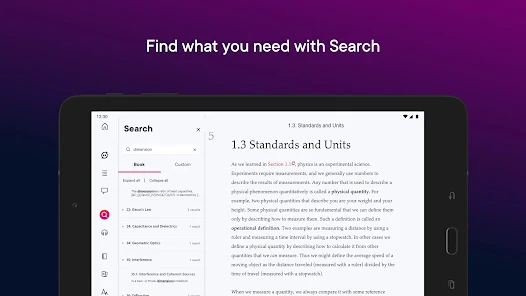
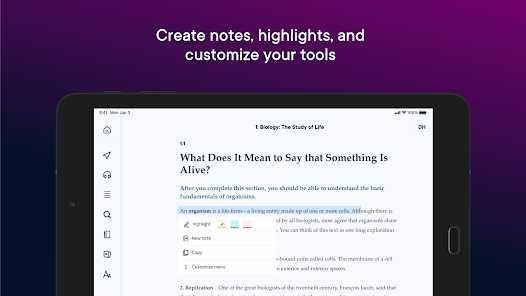
The user experience on Pearson+ is generally positive, with an intuitive interface that allows for easy navigation. Users can quickly find their courses and materials, with a search function that simplifies locating specific topics or chapters. The app supports various reading modes, including a night mode for comfortable reading in low-light conditions. Many users appreciate the interactive features, such as highlighting text, adding notes, and bookmarking pages, which enhance the studying process. The ability to customize font sizes and backgrounds also contributes to a more personalized reading experience. However, some users have noted occasional glitches or slow loading times, particularly when accessing larger texts, which can disrupt the study flow.

Pricing

Pearson+ offers a subscription-based pricing model, which can be a significant factor for students budgeting their educational expenses. The app provides various subscription tiers, allowing users to choose between accessing a limited selection of titles or an expansive library of eTexts. While the base subscription may be affordable for many, users should consider the long-term costs associated with a subscription compared to purchasing individual textbooks. Pearson+ also offers a free trial for new users, allowing them to explore the app's features and content before committing to a subscription, which is a great incentive for those unsure about the service.

Updates & Support

The development team behind Pearson+ is committed to enhancing the app based on user feedback, with regular updates that aim to improve functionality and user experience. Users can expect periodic updates that address bugs, enhance features, and expand the content library. Customer support is readily available through the app, with a dedicated help section that provides FAQs and troubleshooting tips. Additionally, users can contact support directly for more complex issues, ensuring that assistance is accessible when needed. Overall, the combination of continuous updates and responsive support makes Pearson+ a reliable companion for any student's academic journey.

verified Security & Privacy Review

The Pearson+ app takes user security and privacy seriously, implementing robust measures to protect personal information. The app employs encryption protocols to secure data transmission, ensuring that sensitive information remains confidential during use. Additionally, Pearson+ adheres to stringent privacy policies that outline how user data is collected, used, and shared. Users are informed about the types of data collected, which may include account details, usage statistics, and academic progress. The app requires certain permissions, such as access to the device's storage, to facilitate the download and management of eTexts. However, it is designed to limit access to only what is necessary, minimizing potential risks. Moreover, Pearson+ provides options for users to manage their privacy settings, offering control over data visibility and sharing preferences. Regular updates reinforce security features, addressing potential vulnerabilities. Overall, Pearson+ demonstrates a commitment to safeguarding user data while providing a valuable educational resource.

User Reviews

  • Nicholas Rowe (Nick)
    2026/02/10

    I had a frustrating experience with both customer service and the pricing structure. Being required to pay for a longer subscription than you actually need feels unfair, especially when you only need access for about three months. Many students rely on this platform for ebooks because buying physical copies is often more expensive, so forcing extended commitments can create unnecessary financial strain.

  • Sam Rocco
    2024/10/27

    Pick your poison, I guess. Either use a web browser and be able to highlight numbers and bolded text (which the mobile app can't do), or use the mobile app and have easy access on the go. Do NOT, for any reason, try to go back and forth between both. Highlighting something in the mobile app will cause the internet client to freak out and highlight everything in the entire section, delete your existing highlights, and sometimes make text on the page unreadable. I would not recommend it.

  • Rich Helzerman
    2024/12/31

    The audio feature is a frustrating experience on the phone. Very hard to skip around to listen to specific content unless you know the timecode. It's easy to skip to a new section but, if you stop listening in the middle of a section, you have to start all over or hunt for where it left off. And the AI voice is rudimentary when compared to other voice services.

  • Just Miscellaneous
    2024/02/29

    The audiobook is robotic so it makes no sense. You can slow it down, but the pronunciation and timing is all off. So it's not useful to get school reading in when driving, exercising, cooking etc. Unable to zoom in on photos, diagrams I need to memorize are too small to read. The audiobook usually doesn't work unless I Force Stop in the app.

  • Kerry
    2025/01/20

    The app is fine and helps. But if you aren't able to log in and try to request a reset link, you'll never get one. I have been trying for over a week, requested a password reset link multiple times, and nothing ever comes. I finished my class and need to cancel my subscription. Chat support was worthless and kept passing me to someone else. I will have to try to block the charges from my bank. Will never use this app again.

Review Source: Google Play store public user reviews.

FAQ

1

Can I submit suggestions or feedback to Pearson+ | Study help & eTexts?

Yes, users are encouraged to submit suggestions or feedback through the app's feedback feature or by contacting customer support for assistance.

2

Does Pearson+ | Study help & eTexts collect my personal data?

Pearson+ may collect personal data as part of the user registration process and for improving user experience, but this information is handled in accordance with privacy policies.

3

Does Pearson+ | Study help & eTexts support offline use?

Yes, Pearson+ allows users to download eTexts for offline access, enabling students to study without an internet connection.

4

How do I cancel my Pearson+ | Study help & eTexts subscription?

Users can cancel their subscription through their account settings within the app or by following the cancellation process outlined on the Pearson website.

5

How much does a subscription to Pearson+ | Study help & eTexts cost?

Subscription costs can vary depending on the plan selected, with options for monthly or annual subscriptions available. It's best to check the app for the most current pricing details.

How to use Pearson+ | Study help & eTexts

1

Can I log in to my Pearson+ account from any device?

Yes, you can log in to your Pearson+ account from any device with internet access by using your email and password.

2

How can I activate my Pearson+ account after purchase?

To activate your account, log in using your email and password, then follow the on-screen instructions to enter your activation code.

3

How do I reach customer service for help with my Pearson+ account?

You can contact customer service through the help section on the Pearson+ website or by calling the support number provided in your account settings.

4

How do I reset my password if I can't log in?

If you can’t log in, click on "Forgot Password?" on the login page and follow the instructions to reset it.

5

How do I update my customer information in Pearson+?

To update your customer information, log in to your account and navigate to the account settings section to make the necessary changes.

What's New

Usability improvements and bug fixes

Editor's Choice