This site uses cookies to enhance your user experience. By clicking any link on this site you are giving your consent to our cookie policy. Read more
Reject
Accept All

Advertiser and Editorial Disclosures

Elevate - Brain Training Games

Elevate - Brain Training Games

verified Verified App

Developer: The Mind Company

  • category

    Category: Education

  • price

    Price: free

  • age rating

    Age Rating: Everyone

  • rating

    Rating: 4.6

  • download

    Downloads: 10,000,000+

  • version

    Version: 5.224.0

Screenshot 1
Screenshot 2
Screenshot 3
Screenshot 4
Screenshot 5
Screenshot 6
Screenshot 7
Screenshot 8
Screenshot 9
Screenshot 10
Screenshot 11
Screenshot 12
Screenshot 13
Screenshot 14
Screenshot 15
Screenshot 16
Screenshot 17
Screenshot 18
Screenshot 19
Screenshot 20
Screenshot 21
Screenshot 22
Screenshot 23
Screenshot 24

Features & Highlights

Daily Challenges

To keep you engaged, Elevate offers daily challenges that push your limits and encourage consistent practice. These bite-sized tasks are designed to fit into your busy schedule, making it simple to integrate brain training into your daily routine.

Diverse Game Library

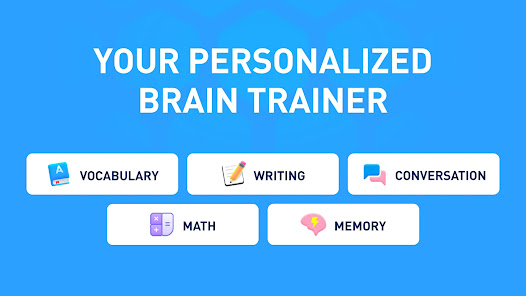
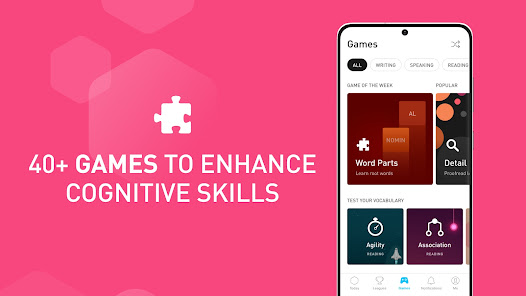
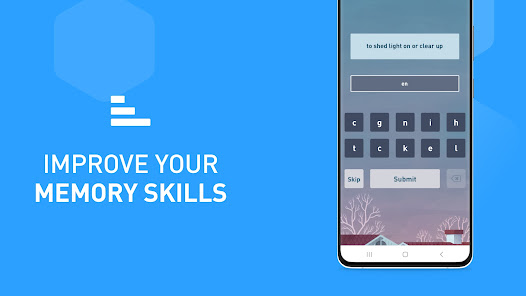
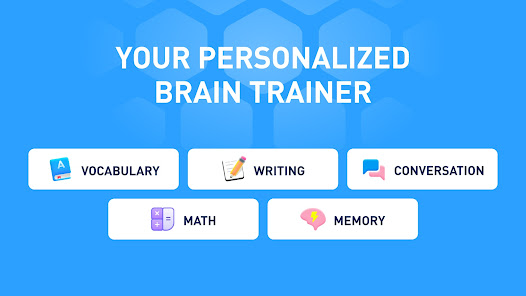
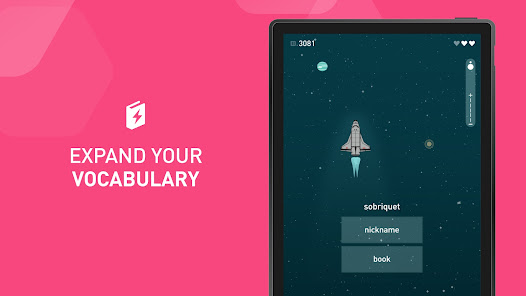
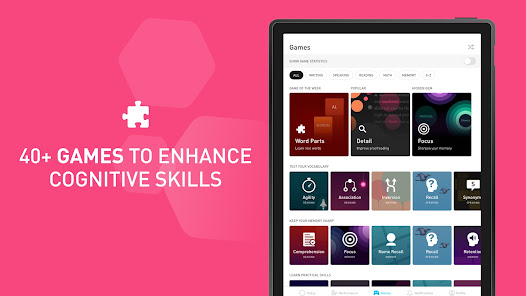
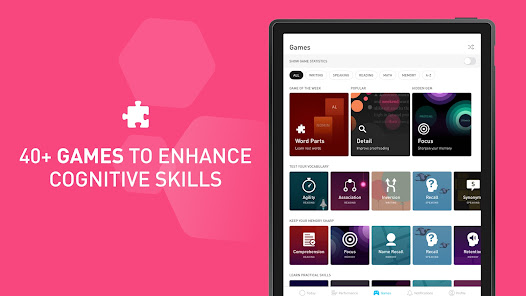
With a rich collection of over 40 unique games, Elevate covers various cognitive skills, including reading, writing, math, and more. This variety not only keeps the training fresh and exciting but also allows you to focus on the areas you want to enhance most.

Personalized Training

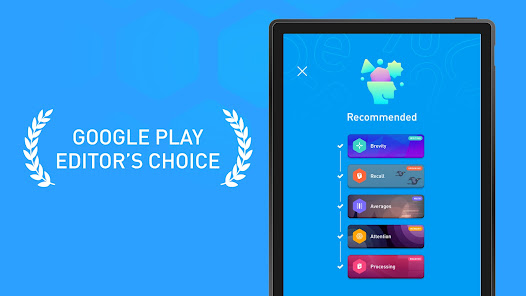
Elevate tailors your brain training experience by assessing your skills and preferences, creating customized workouts that adapt over time. This ensures that you’re always challenged at the right level, helping you improve effectively while keeping your sessions engaging and fun.

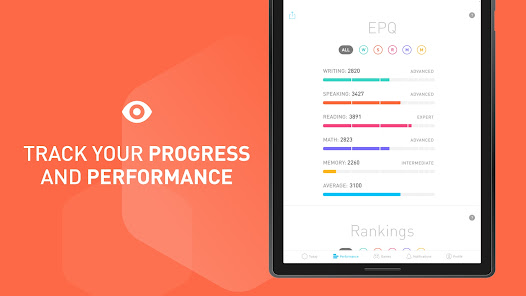
Progress Tracking

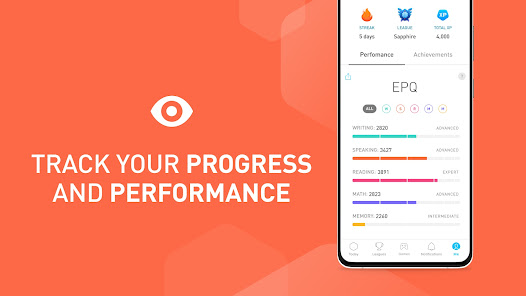
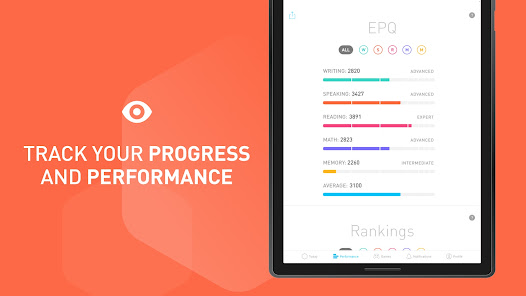
Elevate features robust progress tracking tools that let you monitor your improvement over time. By visualizing your growth and achievements, you stay motivated to continue your brain training journey, making it easier to set and reach your personal goals.

Pros & Cons

Pros
  • Enhances memory and recall abilities for daily tasks
  • Improves focus and attention for increased productivity
  • Boosts problem-solving skills through engaging challenges
  • Offers personalized training tailored to individual needs
  • Tracks progress with detailed insights and feedback
Cons
  • Limited variety in game types available
  • Subscription model can be costly
  • May not significantly improve cognitive skills
  • User experience can be repetitive over time

Real Experience Using Elevate - Brain Training Games

Application Scenarios

Elevate - Brain Training Games is designed for a diverse range of users who seek to enhance their cognitive skills in an engaging manner. Whether you are a student looking to improve your focus and memory for better academic performance, a professional aiming to sharpen your analytical and problem-solving abilities, or an older adult wanting to maintain mental agility, Elevate caters to all. The app features a variety of games and exercises that can be tailored to suit individual needs, making it versatile for different scenarios. Users can practice during short breaks at work, while commuting, or even during leisure time at home. The easy-to-use interface allows for quick access to training sessions, making it convenient to integrate brain training into daily routines.

User Experience

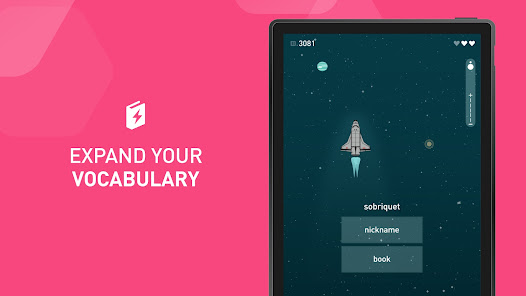
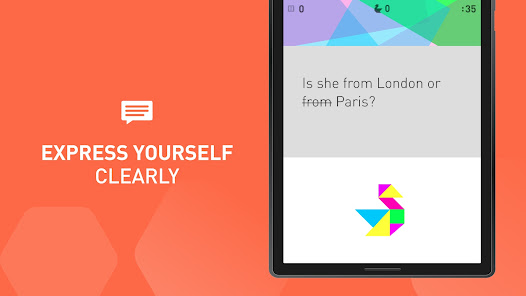
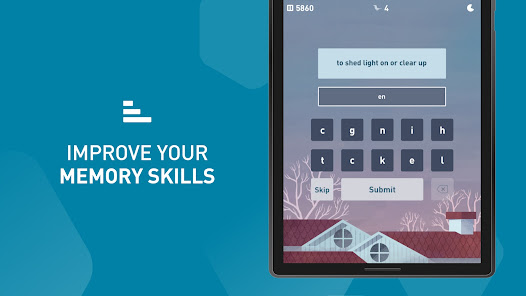
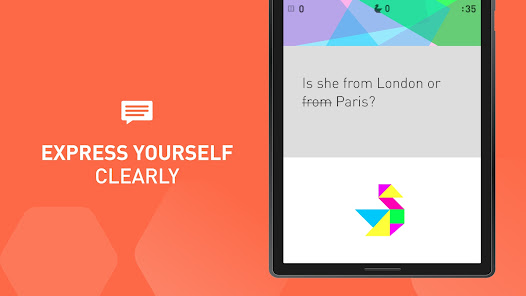
The user experience of Elevate is a highlight, with its sleek design and intuitive navigation. Upon first launch, users are greeted with a friendly onboarding process that assesses their current skills and personal goals. This personalized approach enhances engagement and motivation. The app offers a wide range of games that challenge different cognitive abilities, including reading comprehension, math skills, and vocabulary, all while keeping the experience fun and interactive. Additionally, users receive immediate feedback on their performance, which is encouraging and helps track progress over time. Social features, such as competing with friends or family, add a layer of excitement and motivation to the training experience. Overall, users report feeling mentally sharper and more confident after consistent use of the app.

Pricing

Elevate operates on a freemium model, offering a selection of games and exercises for free, while charging for premium features. The free version provides a solid introduction to the app, allowing users to experience a variety of brain training games. However, to unlock the full potential of Elevate, including personalized training plans and an extensive library of games, users can opt for a subscription. The pricing is competitive, with monthly, annual, and lifetime options available, making it accessible for various budgets. Many users find that the benefits gained from improved cognitive skills justify the investment in a premium subscription.

Updates & Support

Elevate is committed to providing an evolving experience for its users, with regular updates that introduce new games, features, and improvements based on user feedback. The app's developers actively engage with the community, making changes that enhance usability and functionality. Support is readily available through the app, with a comprehensive FAQ section addressing common queries and issues. Users can also reach out for assistance via email or social media, ensuring that help is close at hand. This commitment to ongoing development and support contributes to a positive overall experience, fostering user loyalty and satisfaction.

verified Security & Privacy Review

The Elevate - Brain Training Games app prioritizes user security and privacy through a robust framework that protects personal data. The app employs encryption protocols to safeguard information transmitted between users and its servers, ensuring that sensitive data remains secure from unauthorized access. In terms of permissions, Elevate requests access to certain device features, such as storage and internet connectivity, which are necessary for optimal functionality. Users are informed about these permissions at the time of installation, allowing them to make informed decisions regarding their data sharing. The app adheres to industry standards for data handling, ensuring that user information is not sold or shared with third parties without explicit consent. Furthermore, Elevate provides users with clear privacy settings, allowing them to manage their data preferences easily. Regular updates to the app include enhancements to security features, reflecting the developers' commitment to maintaining user trust and safeguarding privacy. Overall, Elevate demonstrates a responsible approach to data protection, making it a reliable choice for users concerned about their privacy.

Reviews

4.6

“Engaging games that improve my cognitive skills.”

“Variety keeps me motivated every day.”

“User-friendly interface enhances the experience.”

“Great for quick brain workouts on the go.”

“Progress tracking is incredibly helpful and satisfying.”

FAQ

1

Does Elevate - Brain Training Games collect my personal data?

Elevate may collect personal data as outlined in their privacy policy, primarily to enhance user experience and improve app functionality, but they take privacy seriously and implement measures to protect your information.

2

Does Elevate - Brain Training Games offer a free trial or free version?

Elevate offers a free version with limited access to games and features, and they also provide a free trial for the premium subscription, allowing users to explore the full range of content before committing.

3

Does Elevate - Brain Training Games require an internet connection?

While some features of Elevate may require an internet connection for updates and syncing progress, many games can be played offline once downloaded.

4

How can I contact support or send feedback for Elevate - Brain Training Games?

You can contact Elevate's support team via the app's settings menu or visit their official website, where you can find options for submitting feedback or seeking assistance.

5

How do I manage or cancel my Elevate - Brain Training Games subscription?

You can manage or cancel your subscription through the app store where you originally purchased it, either in the App Store for iOS devices or Google Play for Android devices.

How to use Elevate - Brain Training Games

1

How can I contact customer service for the Elevate app?

You can reach Elevate's customer service through the in-app support feature or by emailing support

2

How do I activate my Elevate subscription?

If you purchased a subscription, it activates automatically upon payment. If you need to restore a previous subscription, go to Settings and select "Restore Purchases."

3

How do I log in to my Elevate account?

Open the app, tap "Log In," enter your email and password, then tap "Login" to access your account.

4

What is the customer number for Elevate support?

Elevate does not provide a direct customer number; use their in-app support or email for assistance.

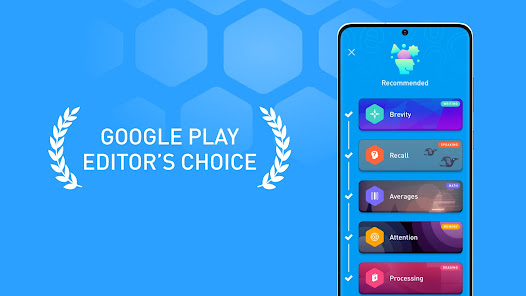
Editor's Choice